ScreenPal is a screen recording and video editing program that aims to make things as simple as possible while offering a good selection of tools. It’s interesting for people who want to explain, teach, demonstrate, or simply record something on their screen, such as tutorials, product walkthroughs, or casual recordings.
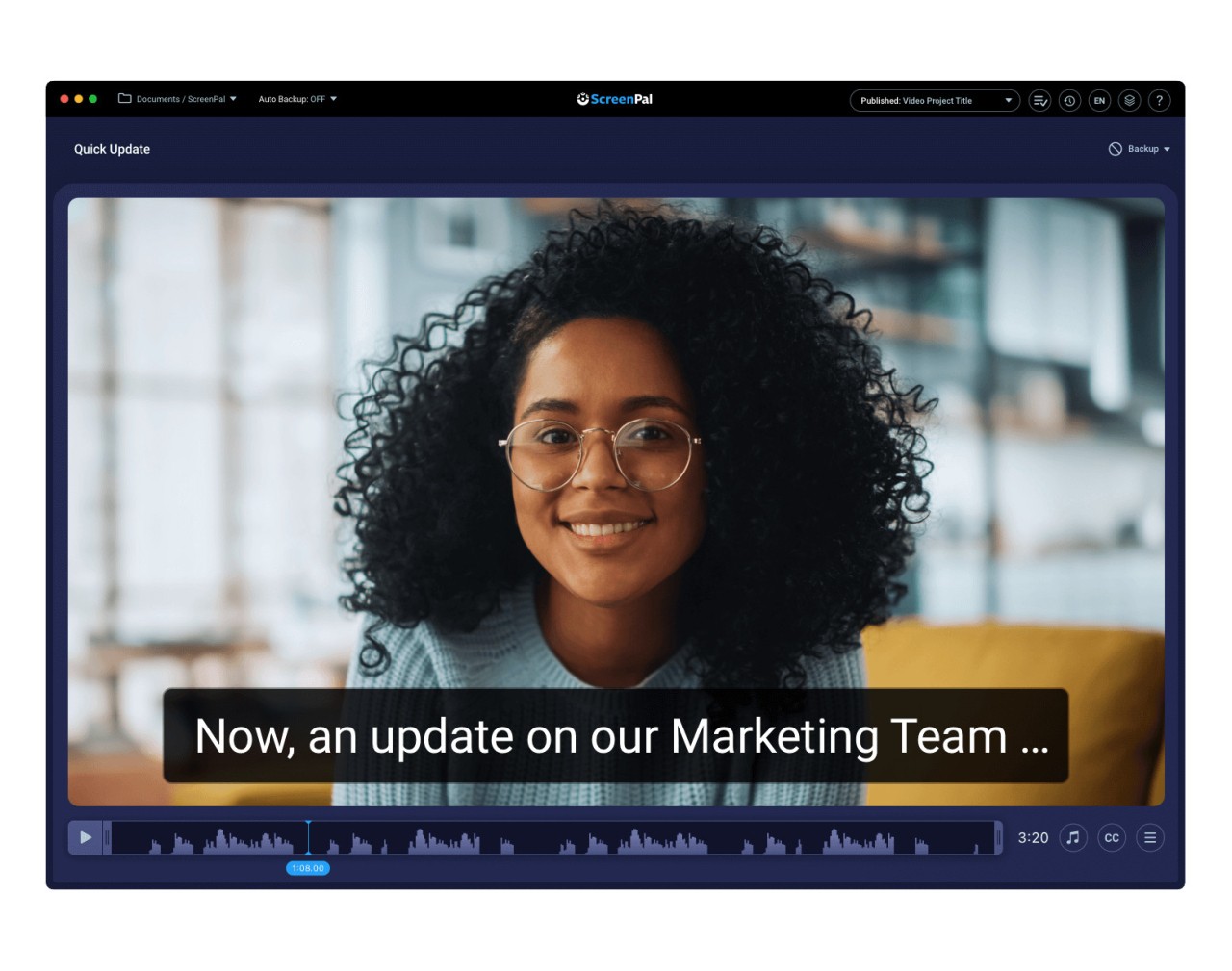
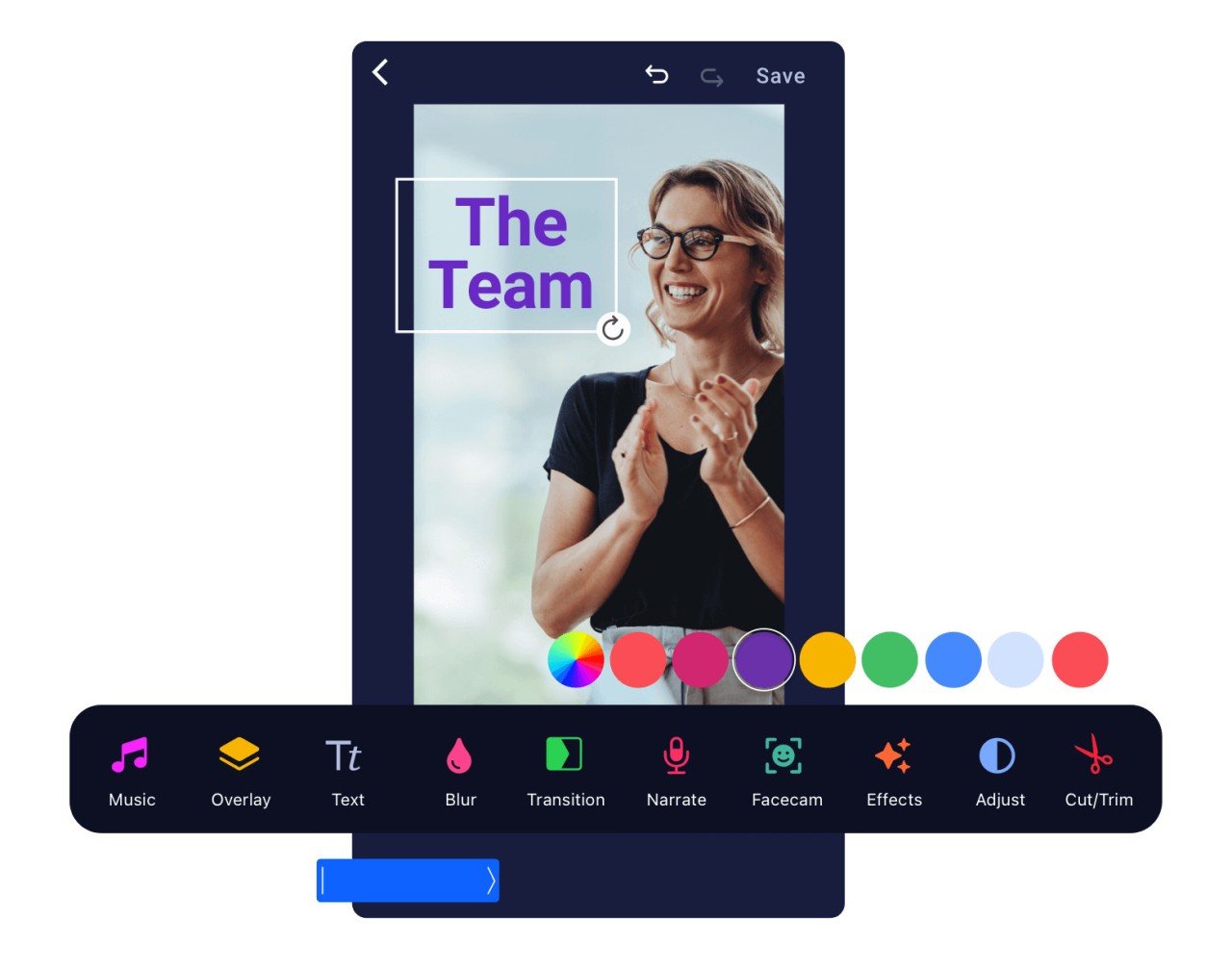
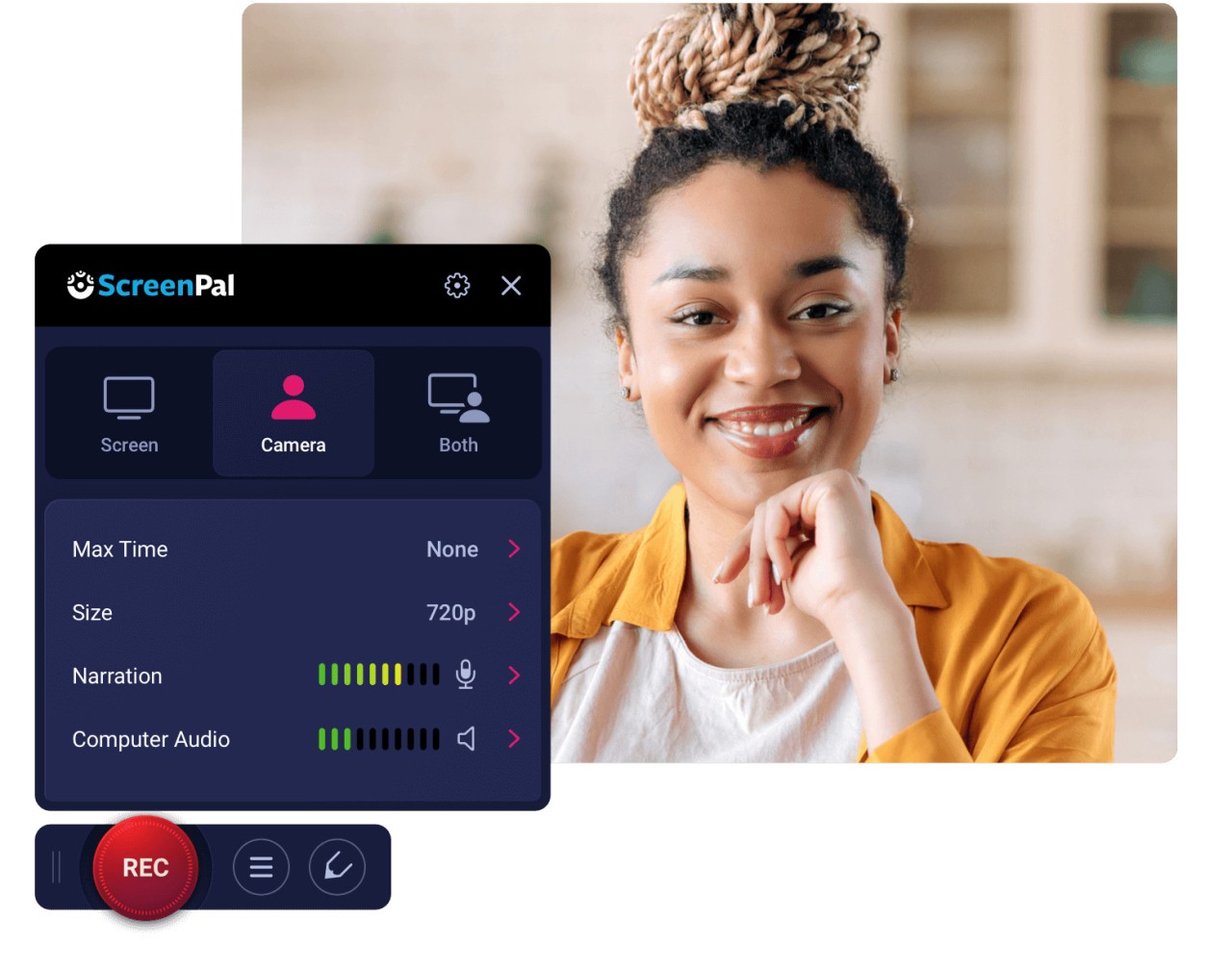
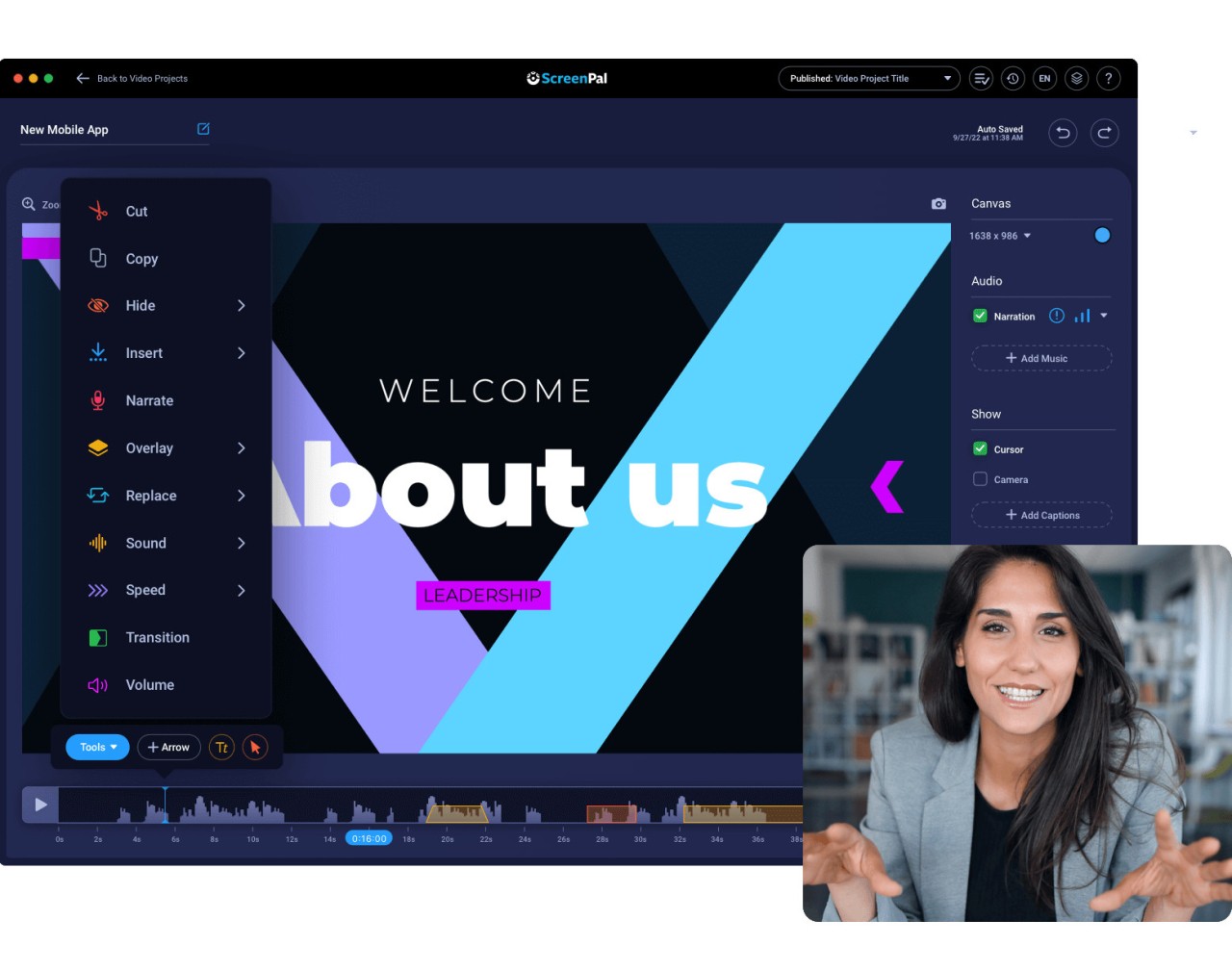
One of the reasons why ScreenPal gets the attention of the people is the fact that it does not dress itself up in a set of jargon and design complications. You open it, and you are already ready to record in seconds. It records what’s happening on your screen and/or webcam, and then gives you an editor where you may trim, cut, or narrate over your video. That is basically where it is at. It’s for making lessons for teachers, and tips for creators, processes for remote teams, who have something to tell and want to demonstrate it with pictures.
You do not even need to be an editor, tech-savvy, or go through hours of training. It’s not an extremely flashy tool, but it knows what it is doing, and that's, in most cases, even more than enough. It’s reliable. It shows up. And it attempts to assist you to get your work done, while at the same time not forcing you to turn your attention to it.
Why Should I Download ScreenPal?
ScreenPal is among the apps that offer a proper interface and allow for creating. And that is worth way more than it sounds. If you have ever tried screen sharing and ended up groping in one menu after another, or if you have tried cutting up a little clip and been crushed by the features you never needed to see, then ScreenPal may feel like a breeze of relief. It is not trying to win design awards. It is trying to assist you in going from idea to output with minimum friction involved.
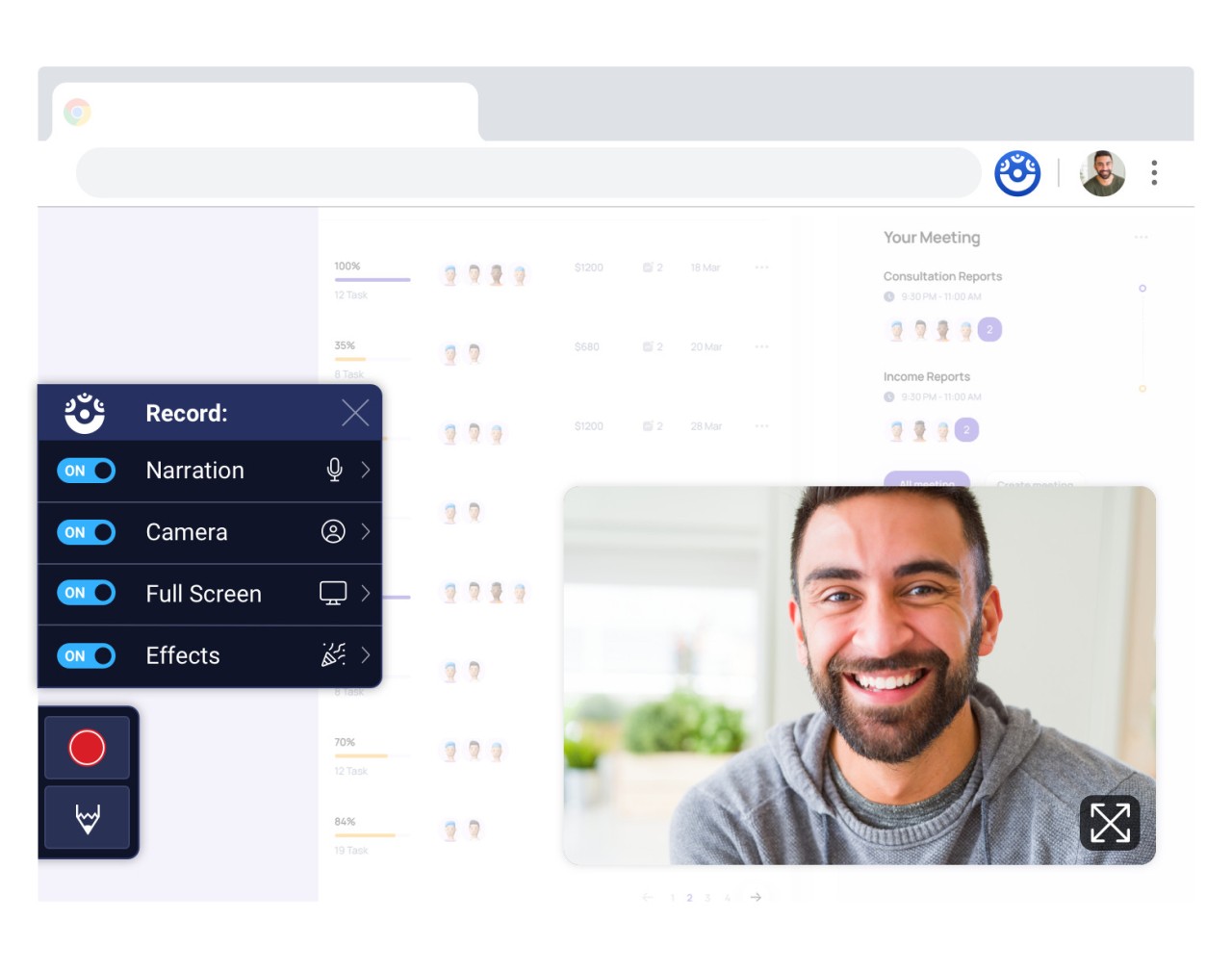
For a person doing a job in education or other online materials, it eliminates the uncomfortable pauses between the thought and the explanation. You record. You talk. You trim. You share. That’s the pattern it offers. It deals with the webcam overlays with little configuration. It enables voice-over jobs in the same timeline. And it doesn’t come in the way. That’s rare. Especially when tools regularly think that you want more when, actually, you prefer less.
Another of its attractions is the lightweight feeling it has. It does not require a great device to run it smoothly. It does not gobble up memory or slow down your system. And it’s good both for an absolute beginner and a person who knows something about video. The interface is old school, if not even boring – none of this is a flaw in this tool. That’s what makes it work. And the videos it exports? They’re clean. Clear. Shareable. Regardless of whether it’s a classroom, a team Slack group, a YouTube channel, or the page for training, ScreenPal does not make a noise but populates what it was created for.
There is also an assurance in its low learning curve. You open it, and you do not have the impression as if you are going to take a course. It allows you to be able to get to work almost immediately. The fact that it is immediate is where it scores. It respects your time. It provides tools to you only when you ask for them.
If you are the type of one who has to present a process, explain a workflow, teach a tool, or review something visually most of the time, ScreenPal makes it something where you are less tasking yourself and more doing it in a rhythm. You talk, you point, you clip, and it is ready. Such a design is not an eye catcher. It builds trust over time. Quietly.
Is ScreenPal Free?
The free version on offer at ScreenPal is good for general screen recordings. For the more advanced, such as full editing, cloud backup, or scripted recording, you’ll have to check their paid plans. Well, yes, it is possible to use it free of charge.
What Operating Systems Are Compatible with ScreenPal?
ScreenPal is a cross-platform application that can be found on such major platforms as Windows, macOS, iOS, and Android. That’s to say, whether you are on a desktop doing a software demo or on a tablet demonstrating a visual thing, it’s there. It also provides a web-based version, which is an addition of the flexible factor, in the case of shared or public devices. Installation is light and straightforward.
What are the Alternatives to ScreenPal?
One of the names that is commonly mentioned as an alternative is Wondershare DemoCreator. It’s a sleek and modern-looking application that has animation possibilities and more high-level editing tools. It inclines a little bit more towards the professional side of the software, which is good for those who intend to have motion elements or layers to their recordings. That also means that it is heavier, both in terms of interface and system requirements. It is not as easy to jump into it, but if you are someone who would like to spice up your video a bit, this can be a good option.
CleanShot X, on the other hand, takes simplicity to a new height, but only for macOS users. It's lightweight, it is almost an invisible working tool. It is more on still captures, but it also has video screen recording with a clean interface. It doesn’t make an attempt to become a full-fledged video editor. It does a stunning job of dealing with short explainer clips and annotations. Superb for people who are looking for minimal things and Mac-optimized. It is not cross-platform, but for the audience that it is designed for, it is almost perfect.
Then there is the heavyweight of the space – Camtasia Studio. It’s a heavy-duty one, there is no question about it – used across corporate training, e-learning, and production of content. It is not easy to master, though. You have to play along with it for some period of time, get accustomed to the timeline, learn transitions, layering, annotations, and other pro features. But the output? It’s polished. Broadcast-ready. Camtasia may be the ascent that you’re looking for if you’re looking to create full video courses or branded tutorial content. It is the type of software that would make sense if your project outgrows the basics.