Wondershare DemoCreator is a comprehensive solution that you can use to record your screen as well as system and microphone audio or camera stream. Targeted at various content creators and educators, you should download Wondershare DemoCreator if you regularly make tutorials, presentations, or e-learning content.
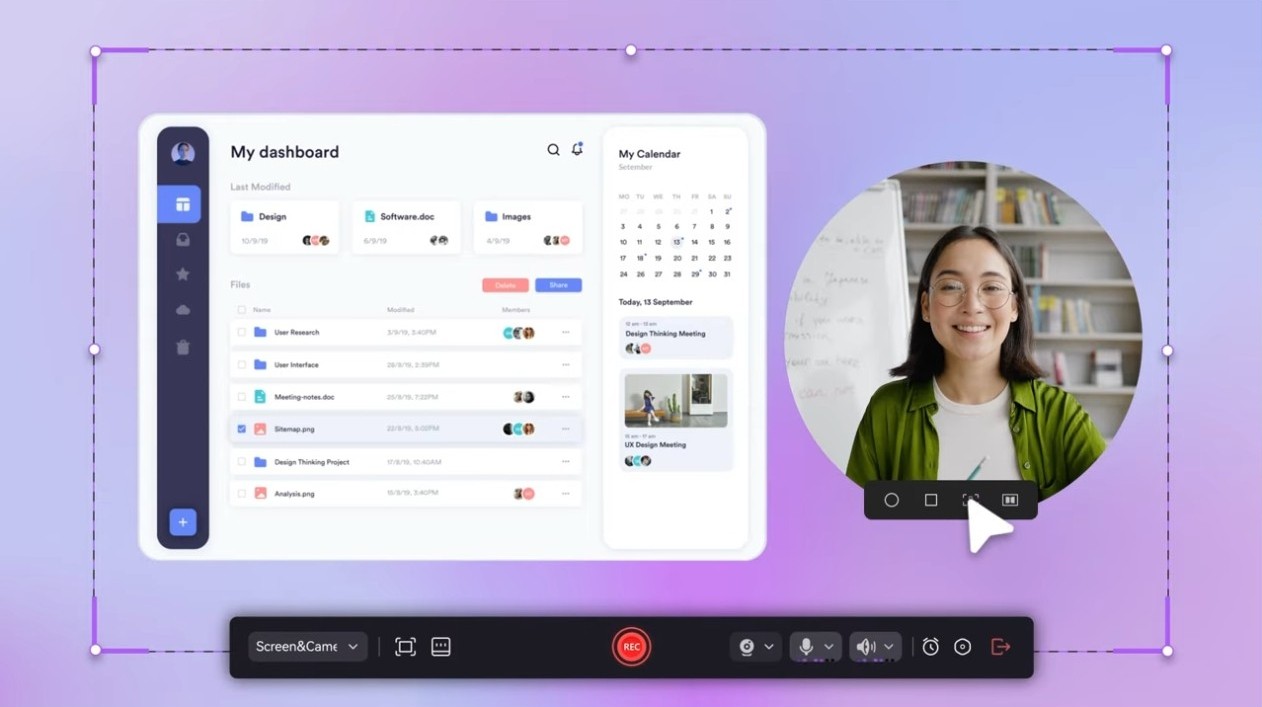
Wondershare DemoCreator can capture your whole screen, specific windows, or only selected areas at up to 120 frames per second. You can also simultaneously record audio and webcam input and clip them together when editing the outcome. With Wondershare DemoCreator, you can also capture the cursor, keystrokes, and even freehand drawings to bring attention to specific actions.
The app also supports green screen, picture-in-picture mode, and recording voiceovers, and you can choose from a library of different templates and free music tracks. Wondershare DemoCreator works on macOS and Windows computers, and you can publish your video directly to YouTube or Vimeo or export it into various formats.
Why should I download Wondershare DemoCreator?
Wondershare DemoCreator is a utility that simplifies video content creation by merging screen capture capabilities with video editing. It’s the perfect option if you’d like to create an app demo, create an educational YouTube video, or record a lecture.
When you download Wondershare DemoCreator, you’ll notice it has robust screen recording options. You can select part or the whole screen to record, and you can also turn on a webcam overlay and capture system and microphone audio simultaneously. Your video can be saved in MP4, MOV, AVI, etc., with support for up to 120 fps. This also makes it an excellent choice for recording games, as there’s almost no lag.
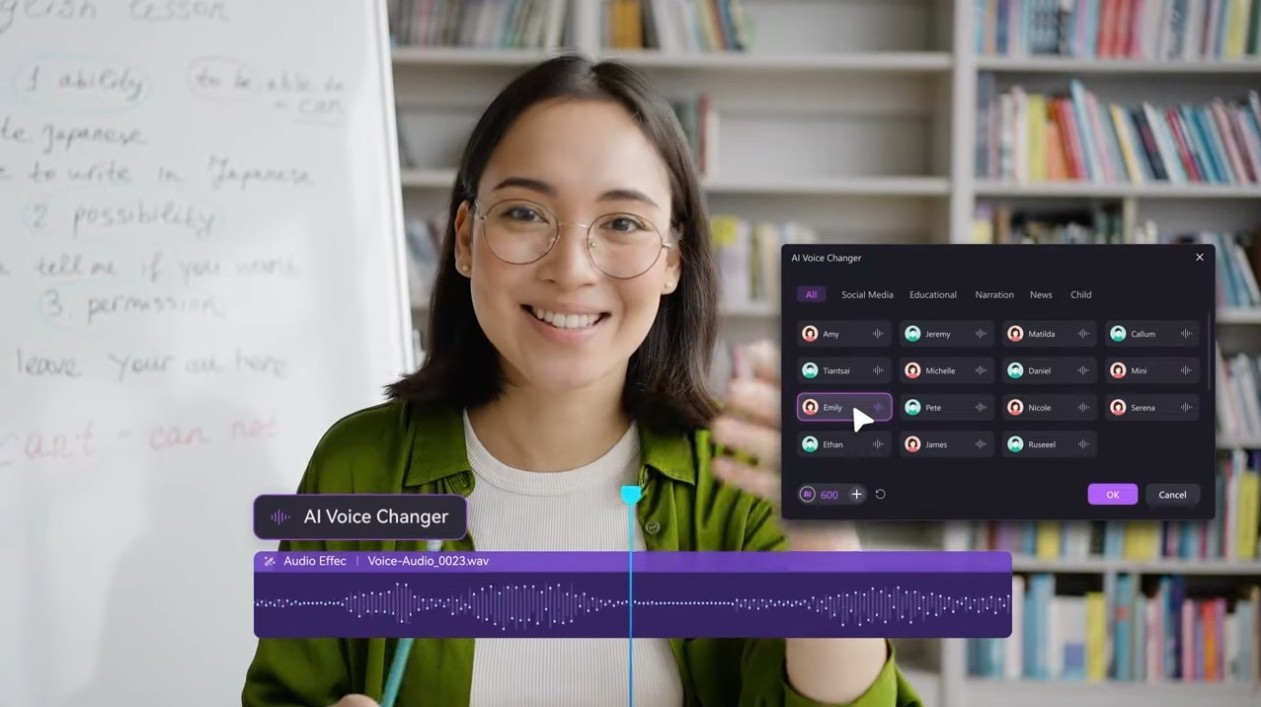
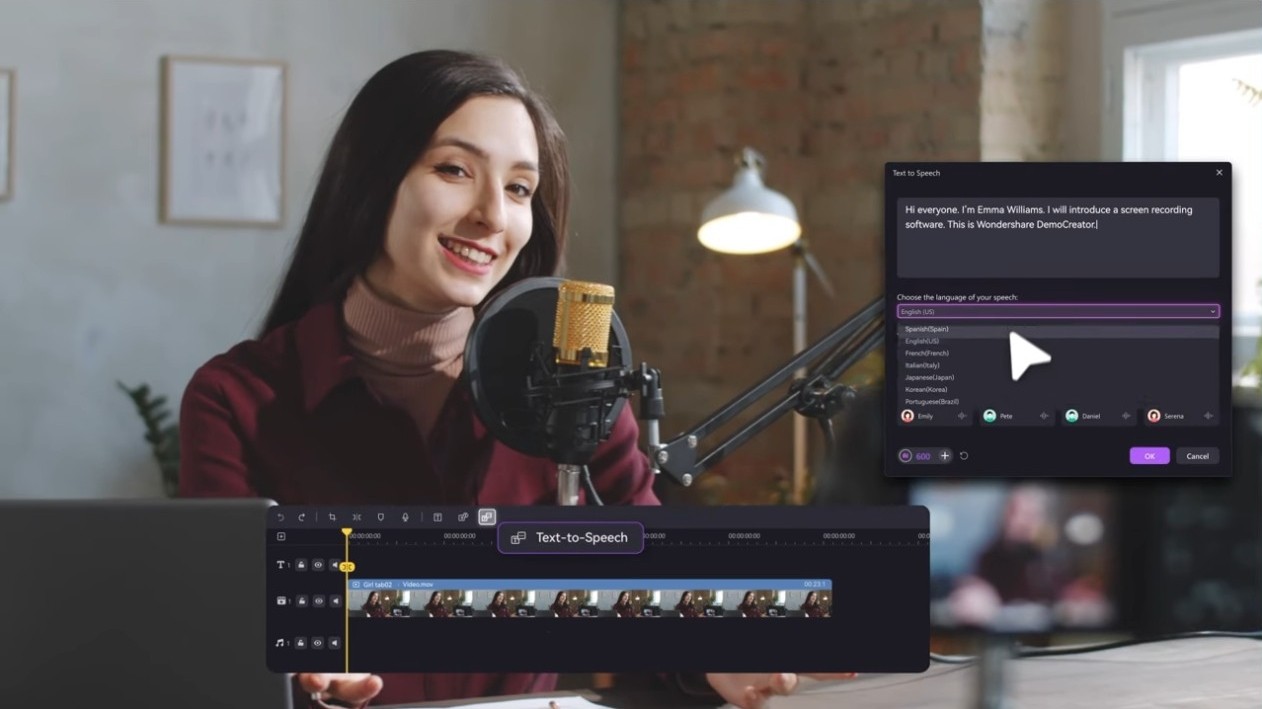
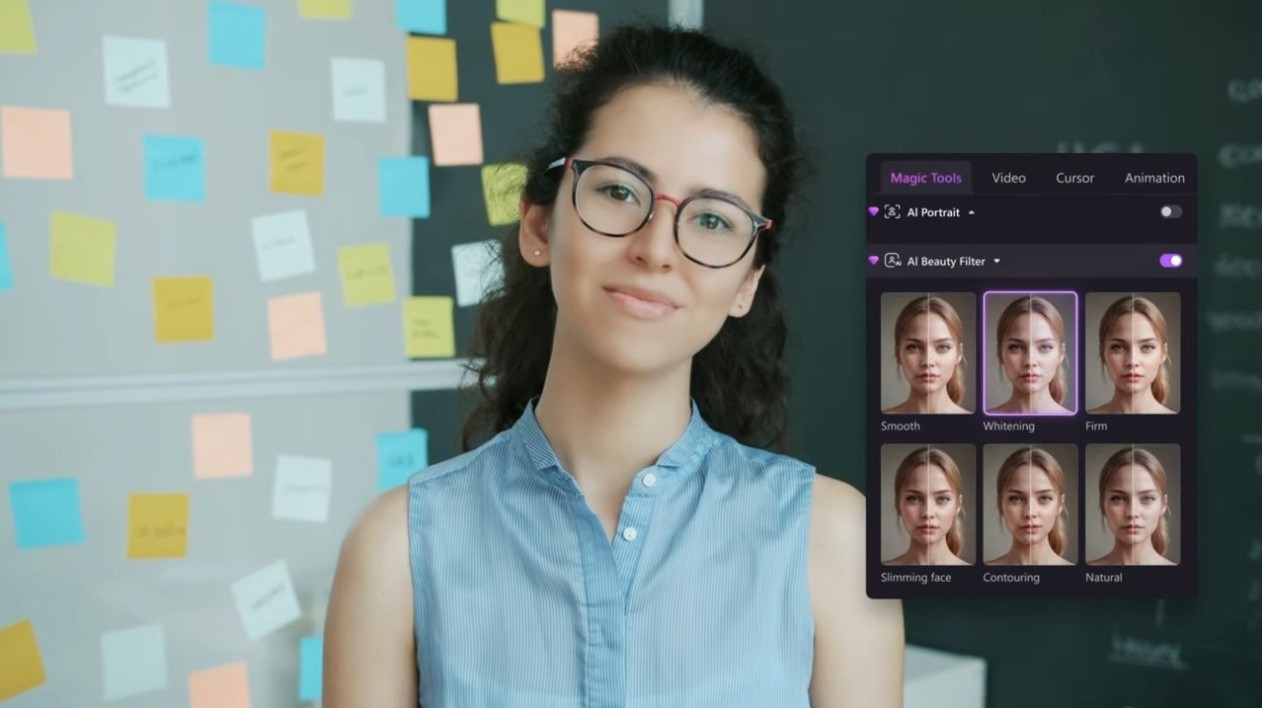
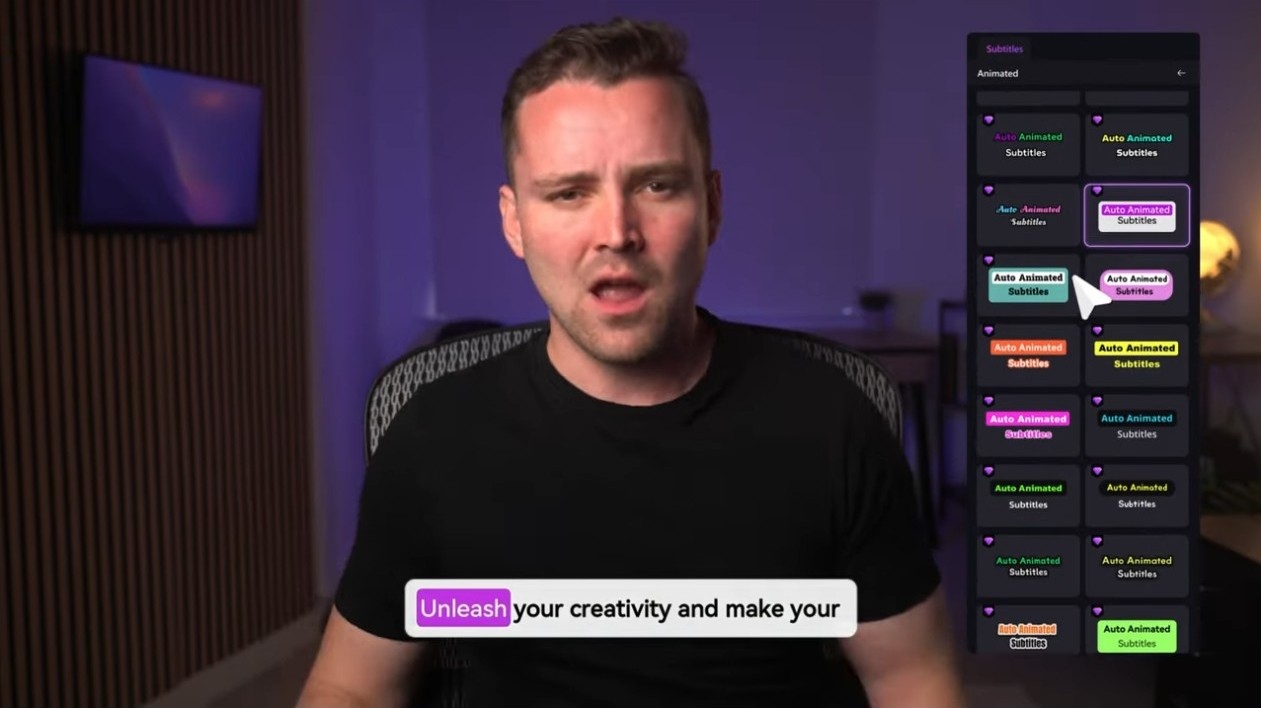
With Wondershare DemoCreator, you also get a selection of AI-powered tools for actions such as background removal, green screen replacement, or generating subtitles in various languages. The tool also offers facial recognition that enables you to track your face and apply different filters based on your expressions.
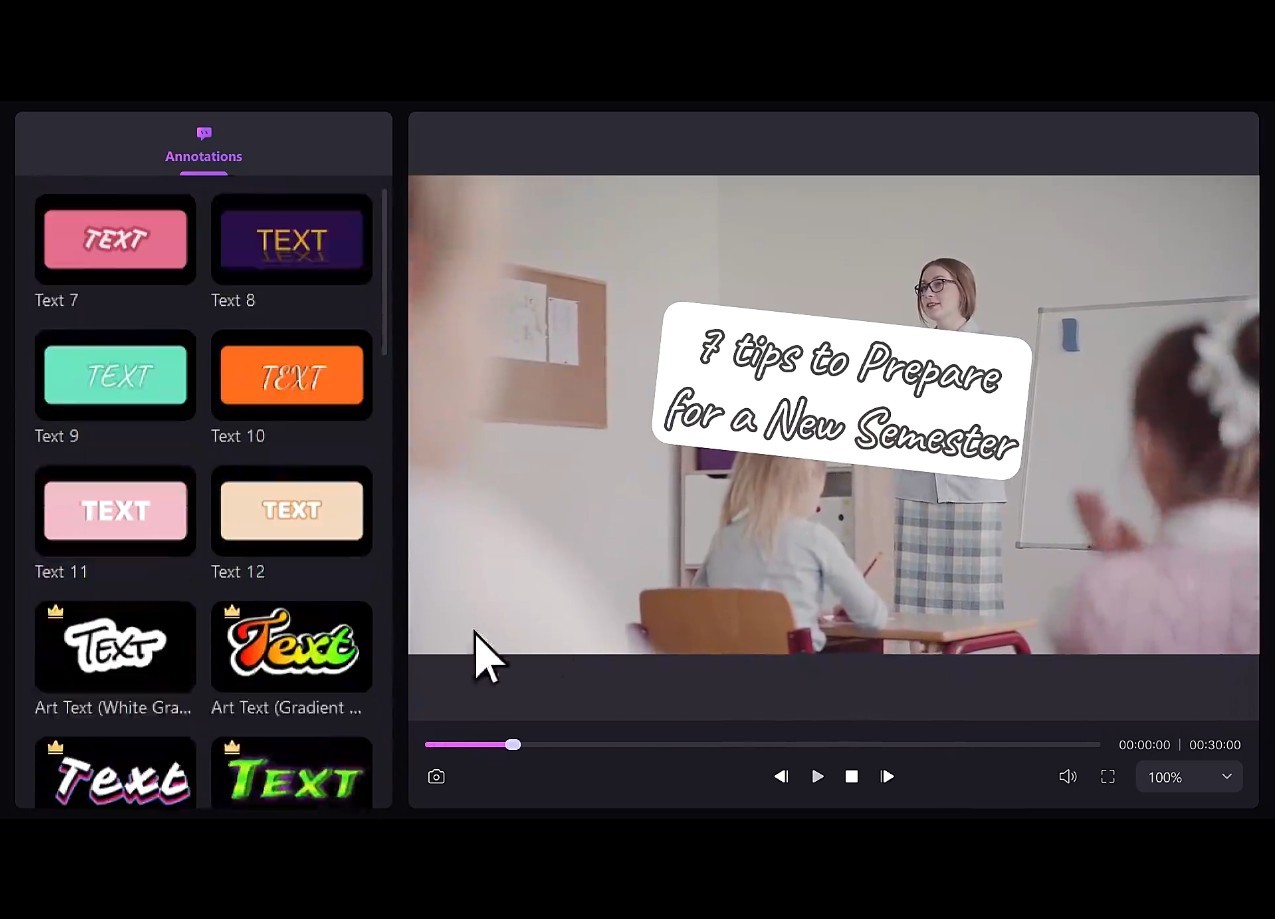
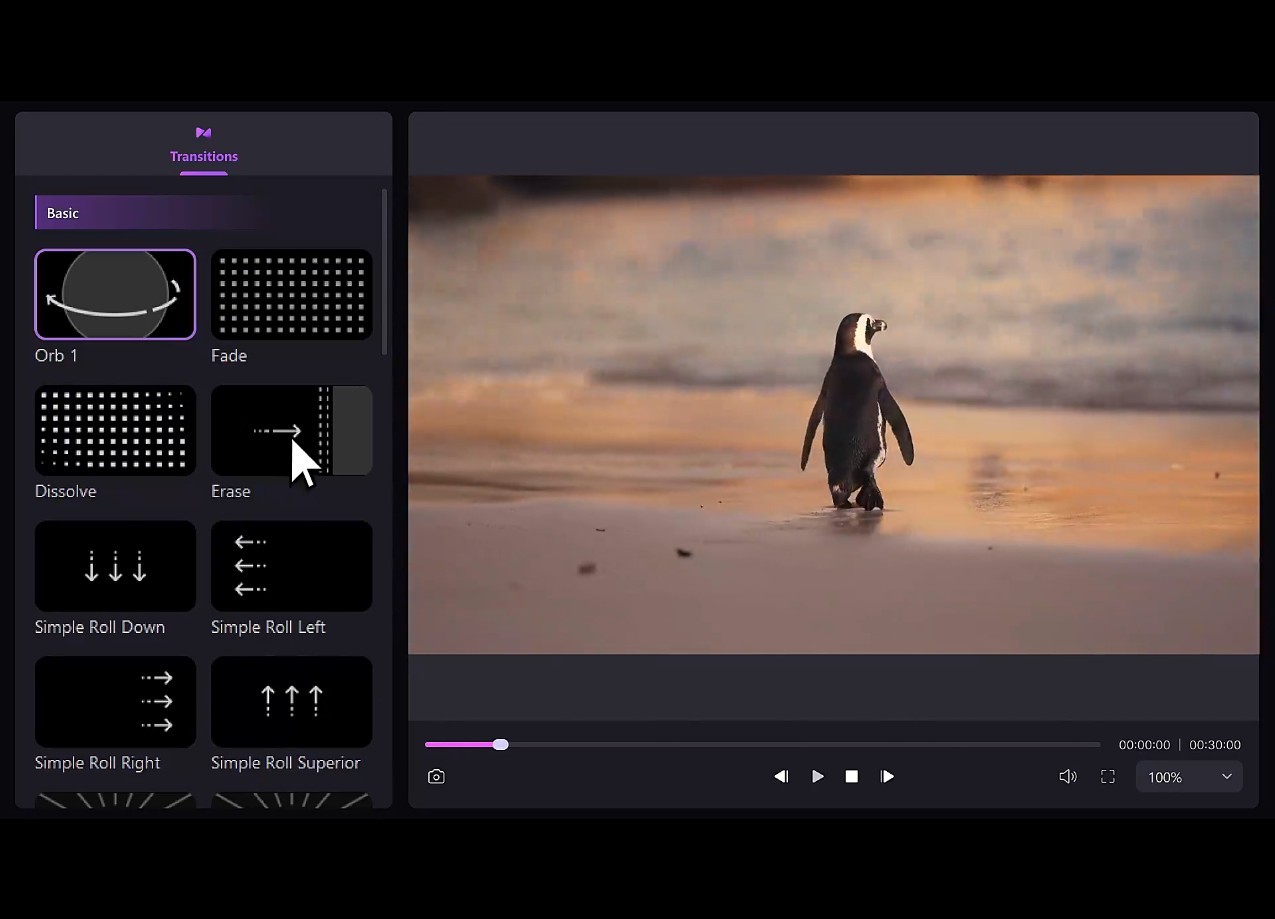
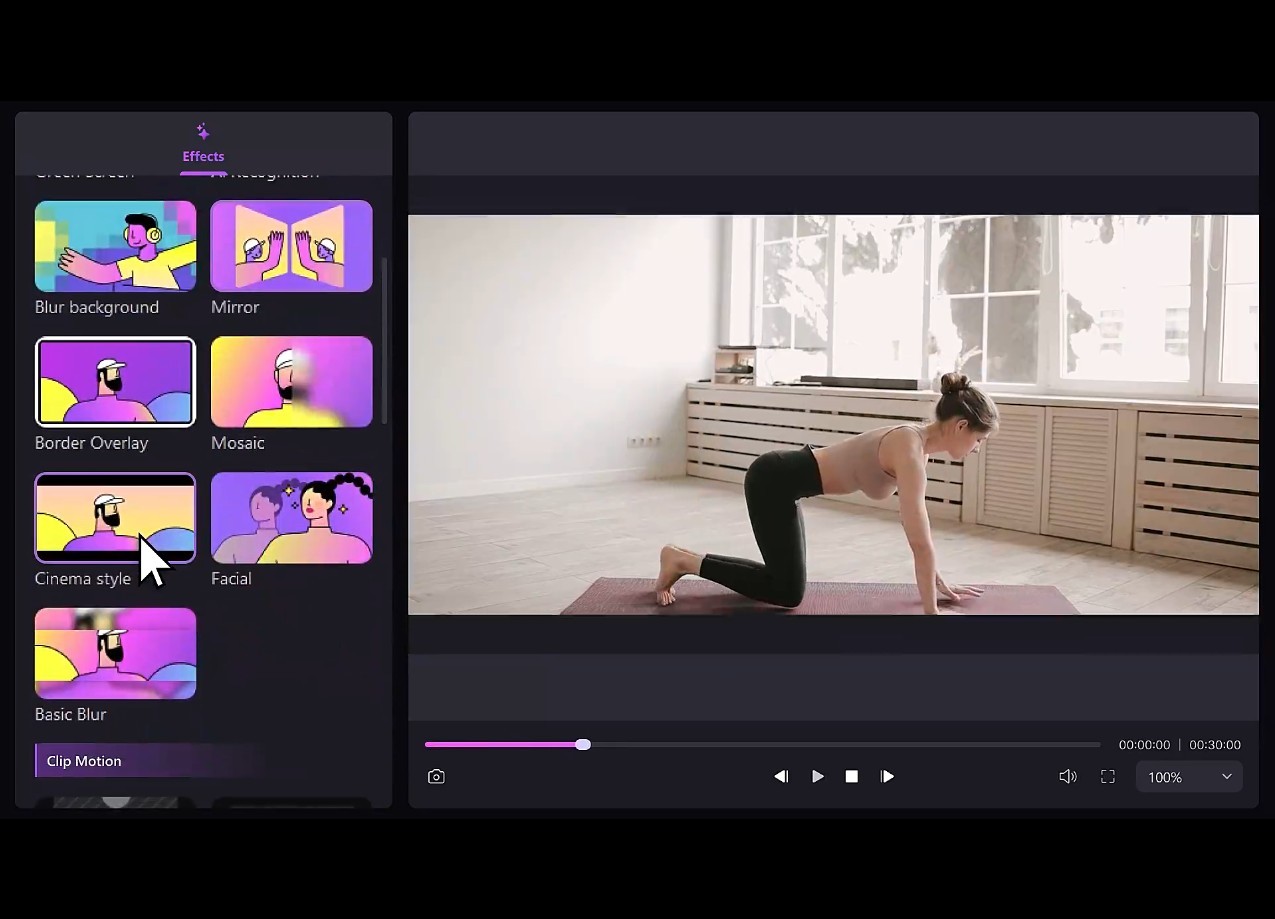
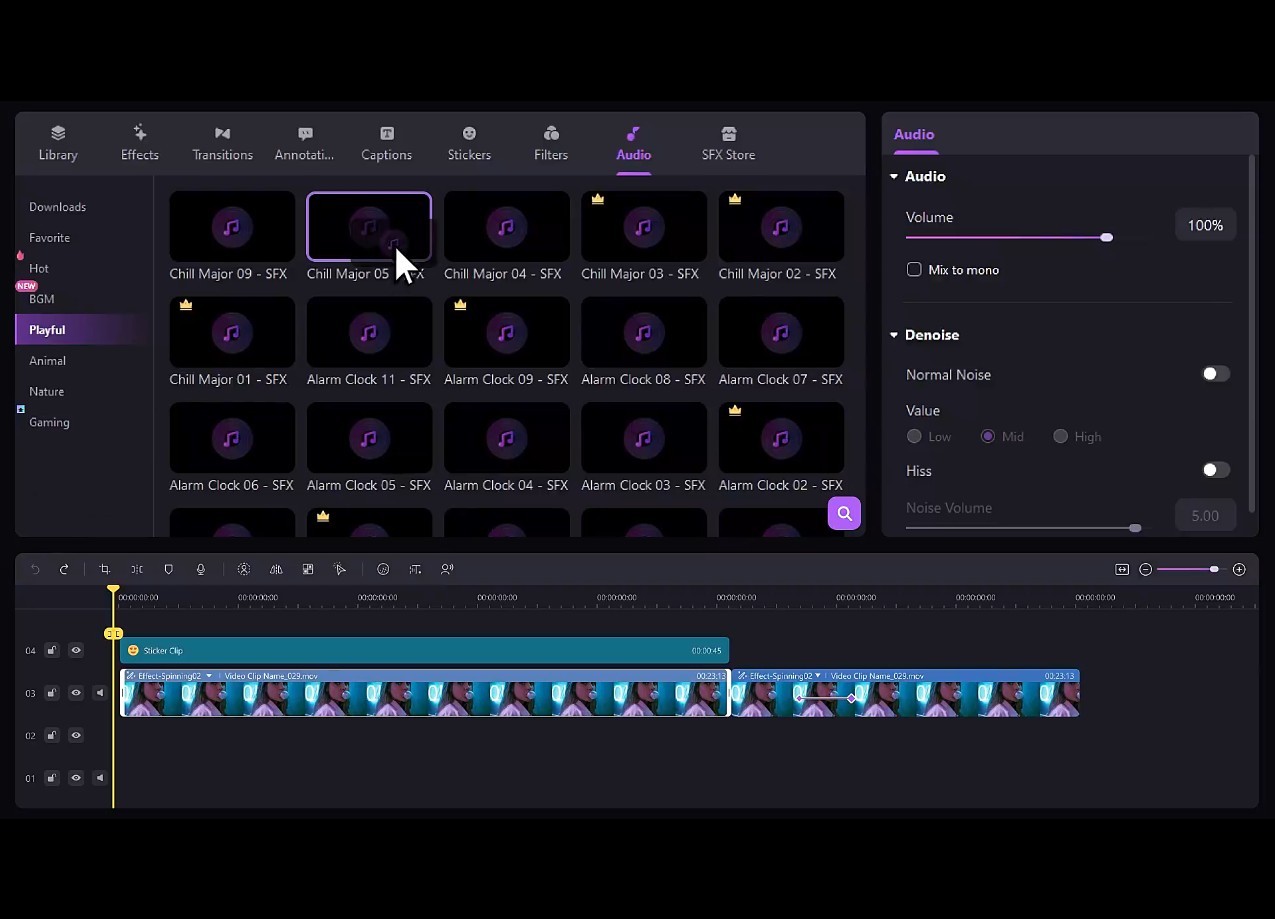
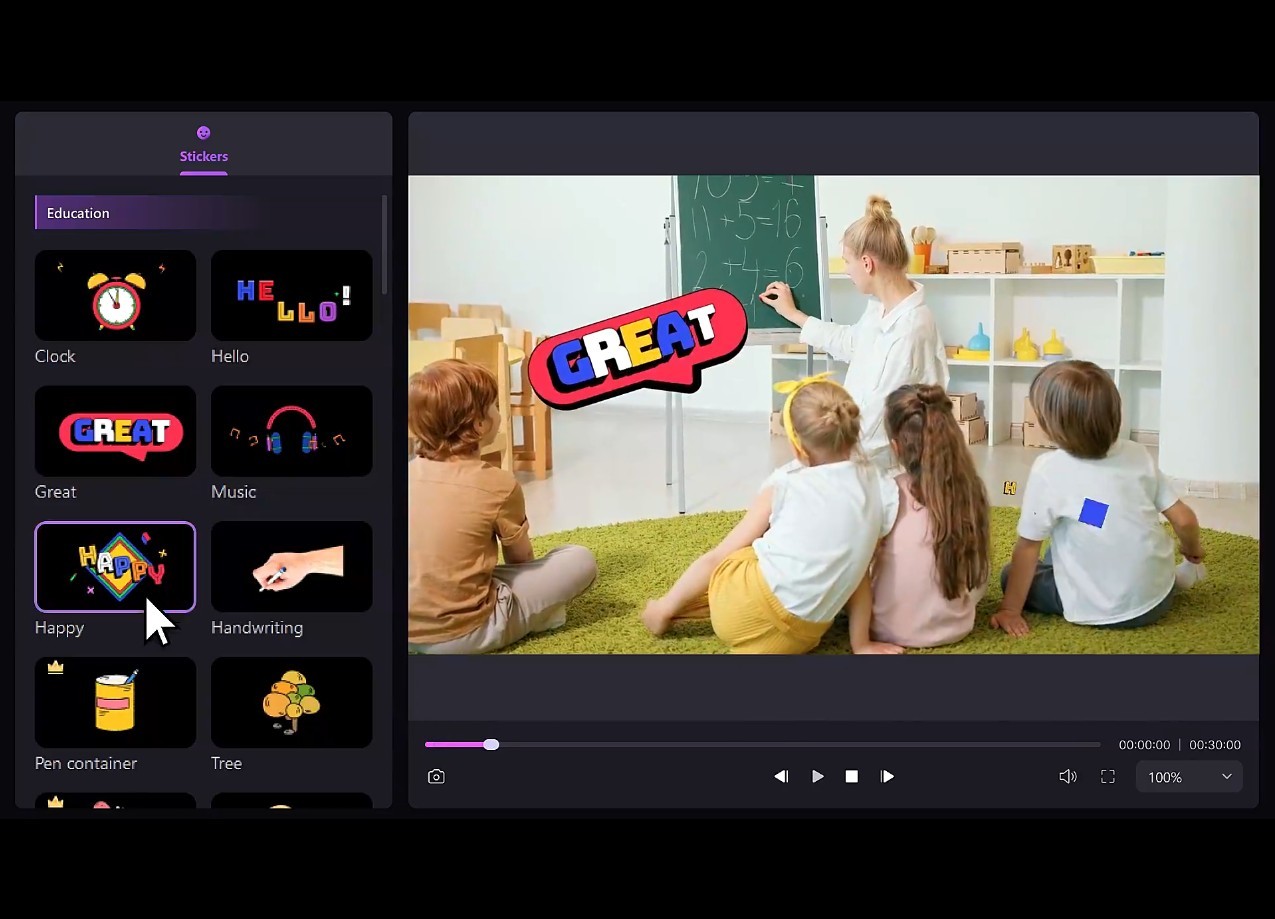
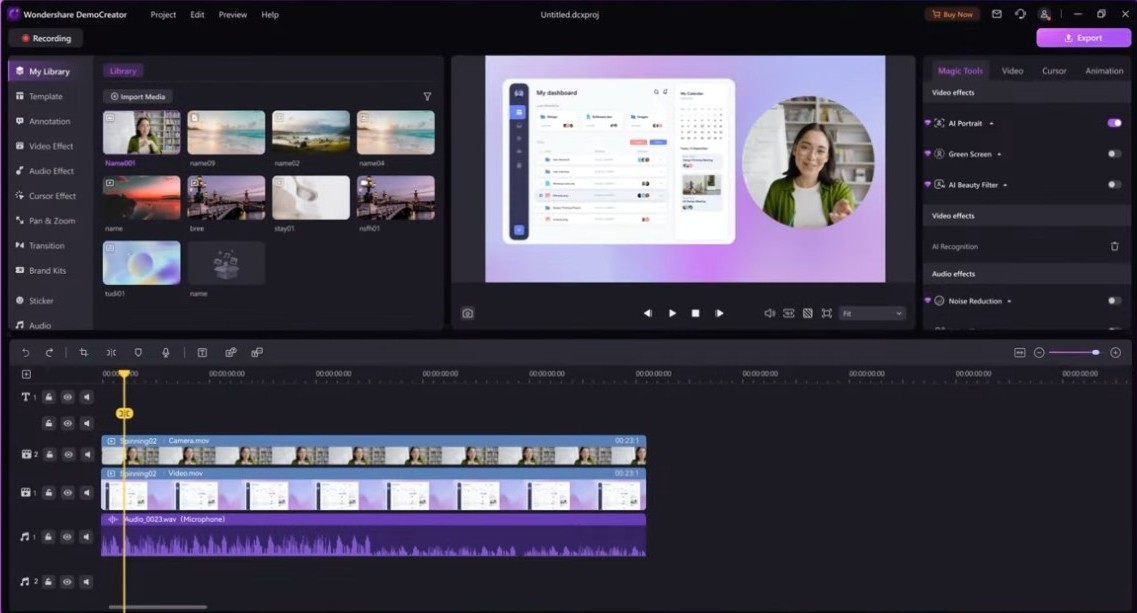
Once everything is recorded, you can open the timeline editor to work on multiple tracks, edit audio, add text, effects, and transitions. All you need to do is drag-and-drop certain parts of the recording or edit it with tools like trim, cut, split, crop, add screen drawings, titles, stickers, or a layer with annotations. In the editor, you can adjust the pan/zoom effect, add your own transitions, highlight or magnify your cursor, and record a voiceover. You can also choose to work with templates and various presets that will add a professional look to your creation.
Wondershare DemoCreator also offers features for recording online presentations or live streams to platforms such as Zoom, Google Meet, or Microsoft Teams. There are also dedicated modes to record games that give you a more optimized experience for recording games or facecam recognition. You can also add logos or custom intro/outro as well as watermarks to brand your videos, and Wondershare DemoCreator works on Windows and macOS PCs.
Is Wondershare DemoCreator free?
You can stay by using Wondershare DemoCreator on its free trial version, where your recordings are limited to 5 minutes and 30FPS, and you get a watermark on the software by default. There are also various paid plans divided into solutions for individual users, businesses, and educational institutions.
Paid versions can either be purchased via an auto-renewing subscription, or you can get a perpetual plan. With each plan, you get a certain number of AI credits, and they give you access to the full range of features Wondershare DemoCreator has.
What operating systems are compatible with Wondershare DemoCreator?
You can download Wondershare DemoCreator on Windows and macOS computers, but there are specific system requirements you need to meet to use the tool.
You need Windows 7, 10, or 11 in 64-bit and a 7th Generation Intel® Core™ i3-7100U Processor or above. The app requires at least 3GB of RAM (8GB required for HD and 4K videos), and for graphics, you need Intel HD Graphics 5000 or later, NVIDIA GeForce GTX 700 or later, or AMD Radeon R5 or later. 2 For HD and 4K videos, it’s also best to use an SSD disk.
If you’re using a Mac, then you’d need to have macOS 10.15 and above and an Intel i5 or a better multi-core processor, with 2GHz or higher. Your computer requires at least 8GB of RAM (16GB recommended for 4K and HD), and Intel HD Graphics 5000 or later, NVIDIA GeForce GTX 700 or later, or AMD Radeon R5 or later.
What are the alternatives to Wondershare DemoCreator?
ScreenPal (formerly known as Screencast-O-Matic) is another great solution for recording and editing videos on your computer screen. You can use a camera overlay with it, add freehand drawings to your recordings, and it comes in both free and paid versions. The freemium option gives you a 15-minute limit on recording time with watermarks, so to unlock all features, you’d need to buy a subscription. The paid plans offer auto-generated captions, cloud storage, and tools to collaborate with others. You can download and use ScreenPal on Windows, macOS, and mobile devices.
A bit more complex and comprehensive solution is called OBS Studio, and it’s an open-source tool for live broadcasting and recording. You get features such as audio mixing, scene composition, live streaming, and the app is entirely free. While it has a steeper learning curve, it’s a great choice if you’re a professional podcaster or YouTuber and you can download the tool on Windows, macOS, and Linux.
Wirecast is a professional utility for producing videos and hosting live streams and broadcasts. It can be used with multiple cameras at the same time, create virtual sets, and access many other advanced features. There are also many extensions for Wirecast, and it’s a tool built for commercial users on Windows and macOS computers.