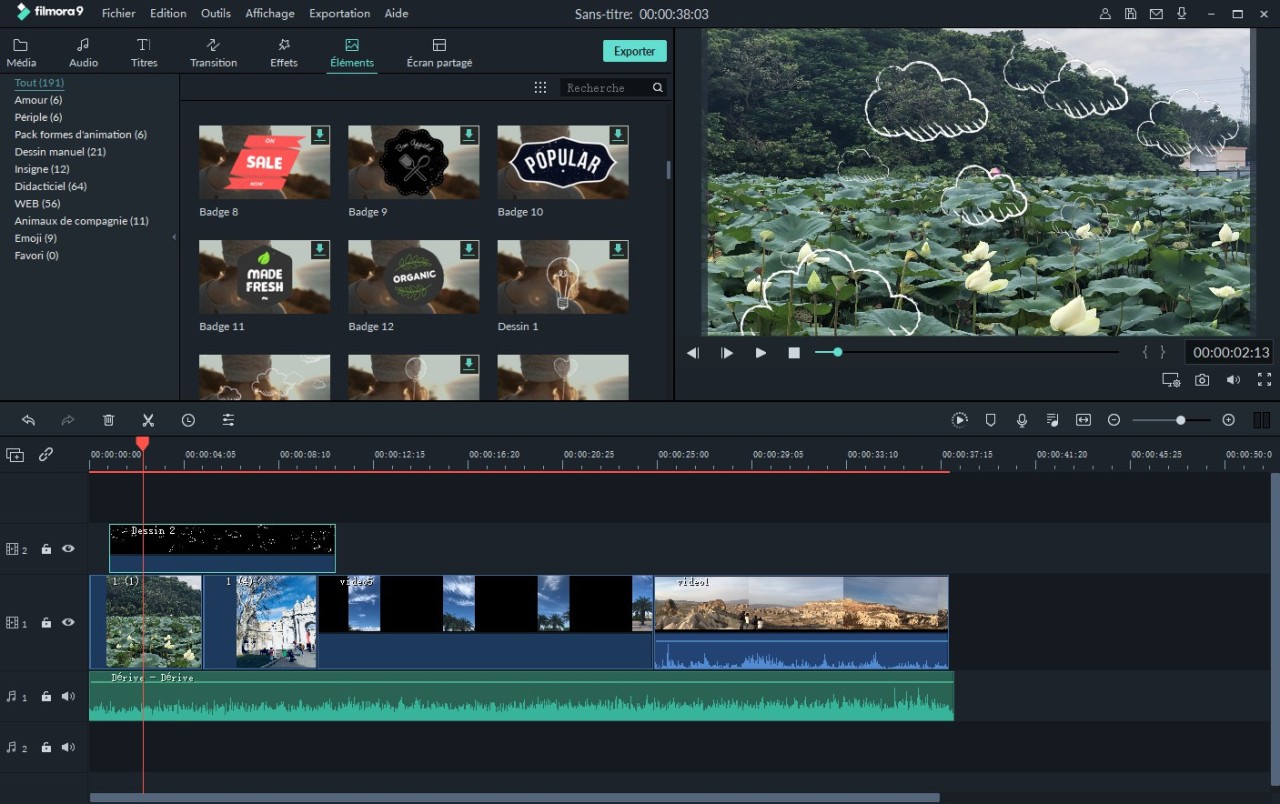
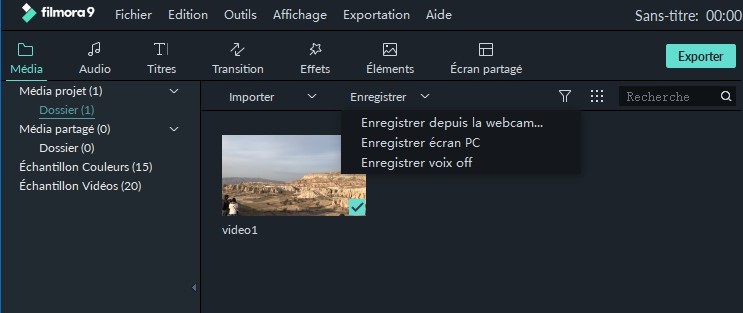
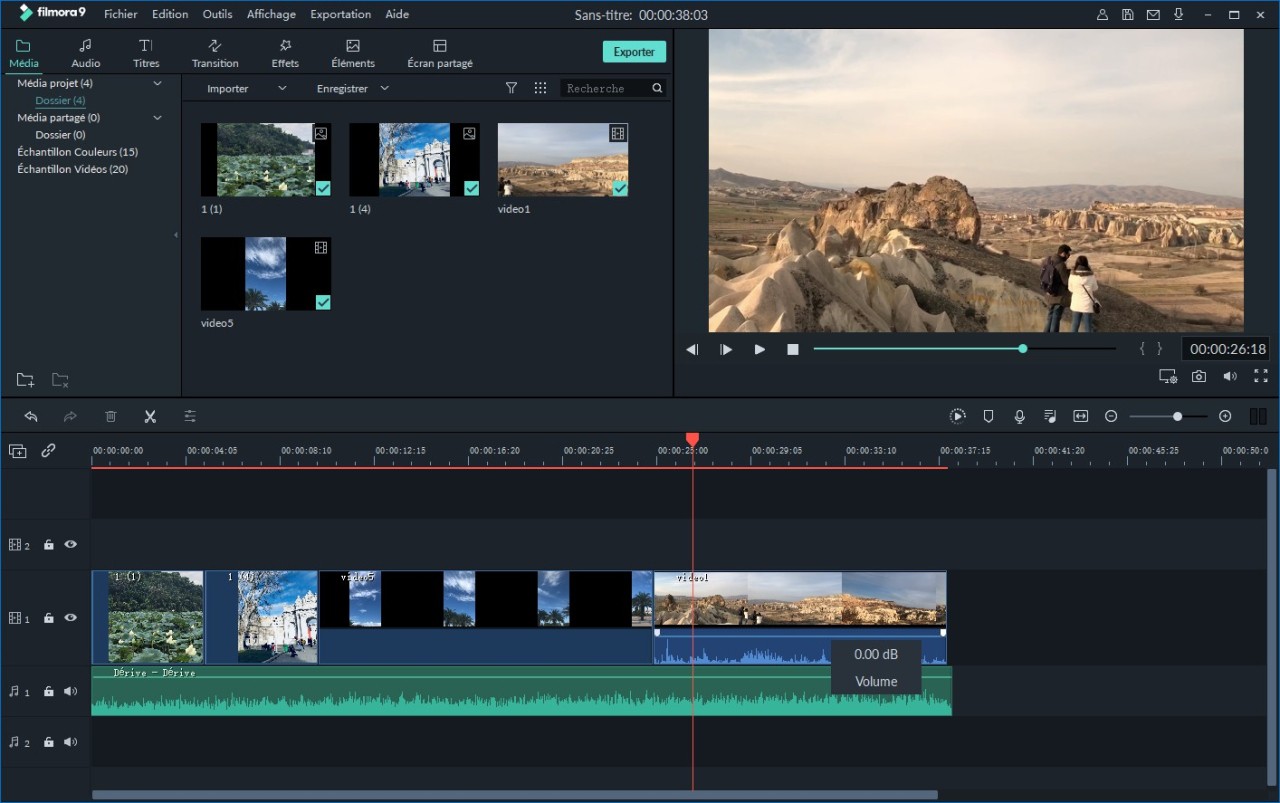
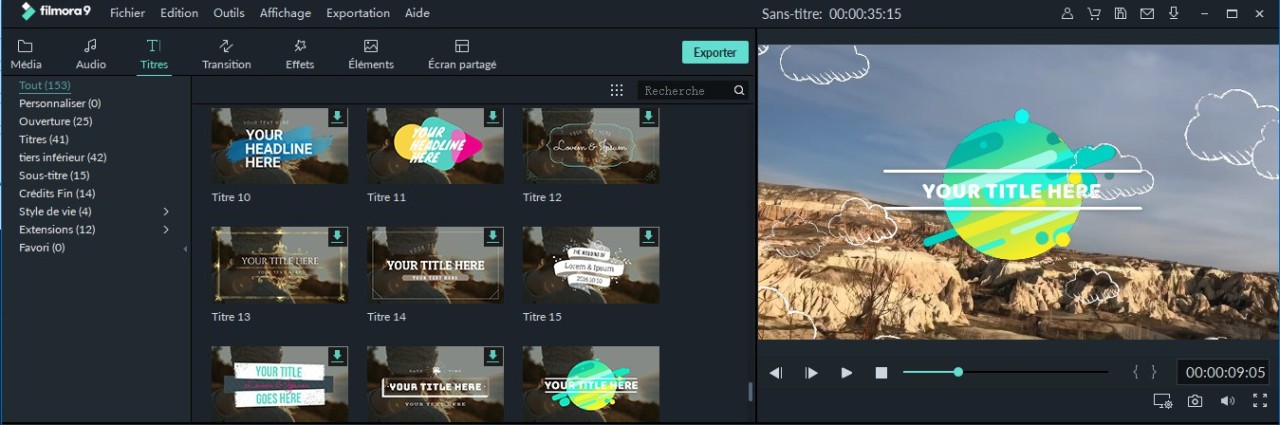
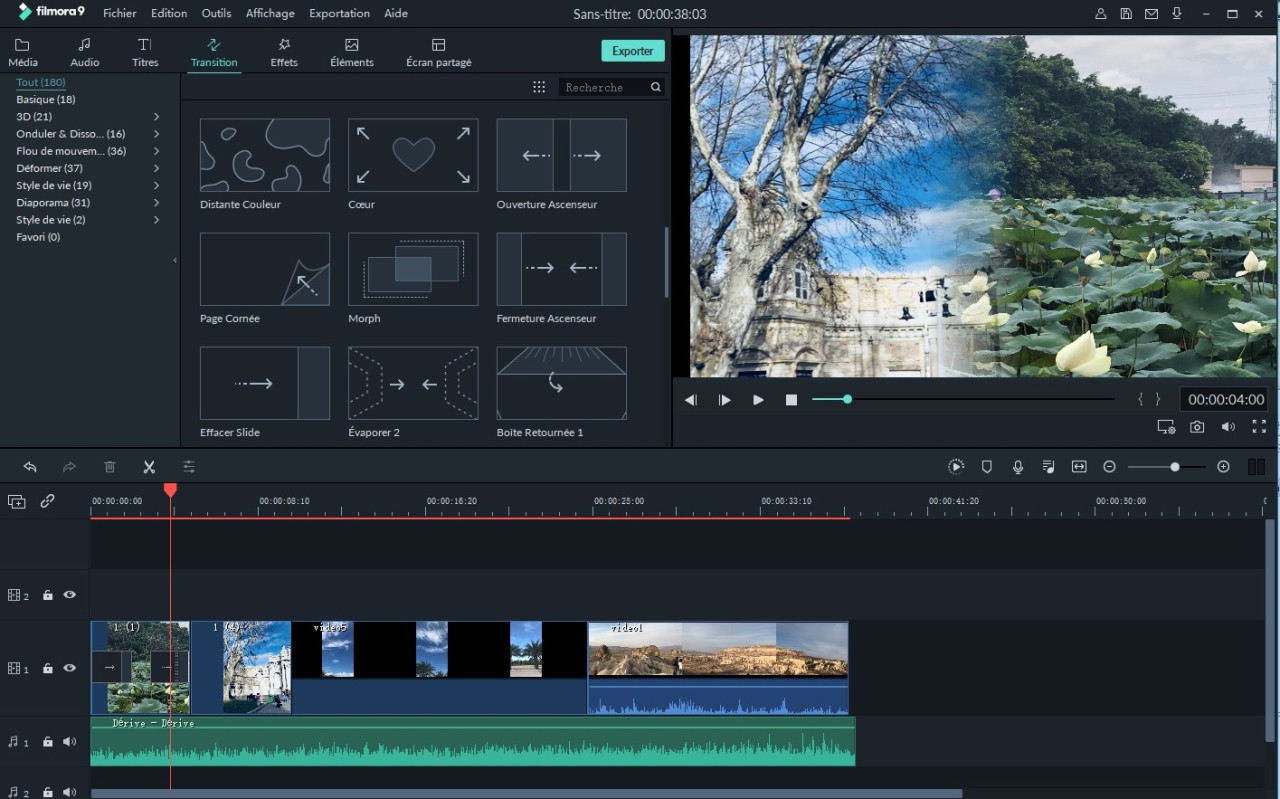
Wondershare Filmora is a video-editing software that keeps the barrier to the learning curve low in case a beginner wants to use it, and yet provides enough capabilities to individuals who desire their video to look better. It is placed between an easy-to-use application and a professional suite. Users can cut clips and add effects, apply transitions, mix audio, drop in templates, and prove their visual styles all without in-depth technical knowledge. The software is now centered on AI elements, such as text-to-video, auto-captions, AI cutout, and intelligent templates, making routine operations quicker.
Filmora also keeps settings tidy for individuals who prefer a clean workplace. It does not clog the screen with panels, color wheels, or background options. Rather, the interface shows you the way through clear buttons, filters, and preset tools. Small businesses, vloggers, students, and casual creators love the convenience of the editing tools that do not require training to use. Speed, automation, and convenience are what allow Filmora to help users create YouTube, social media, short-form, or personal project videos in fewer clicks.
Why Should I Download Wondershare Filmora?
Users download Filmora because they require software that can be learned in a short period, but is easy enough to produce decent videos. Filmora makes the experience easier than when using numerous panels and controls of professional editors. Its drag-and-drop design allows you to begin editing immediately, with no concern for timelines, markers, or even complicated rules. Recent AI functions accelerate what used to be time-consuming in other applications, such as captioning, background removal, and creating templates.
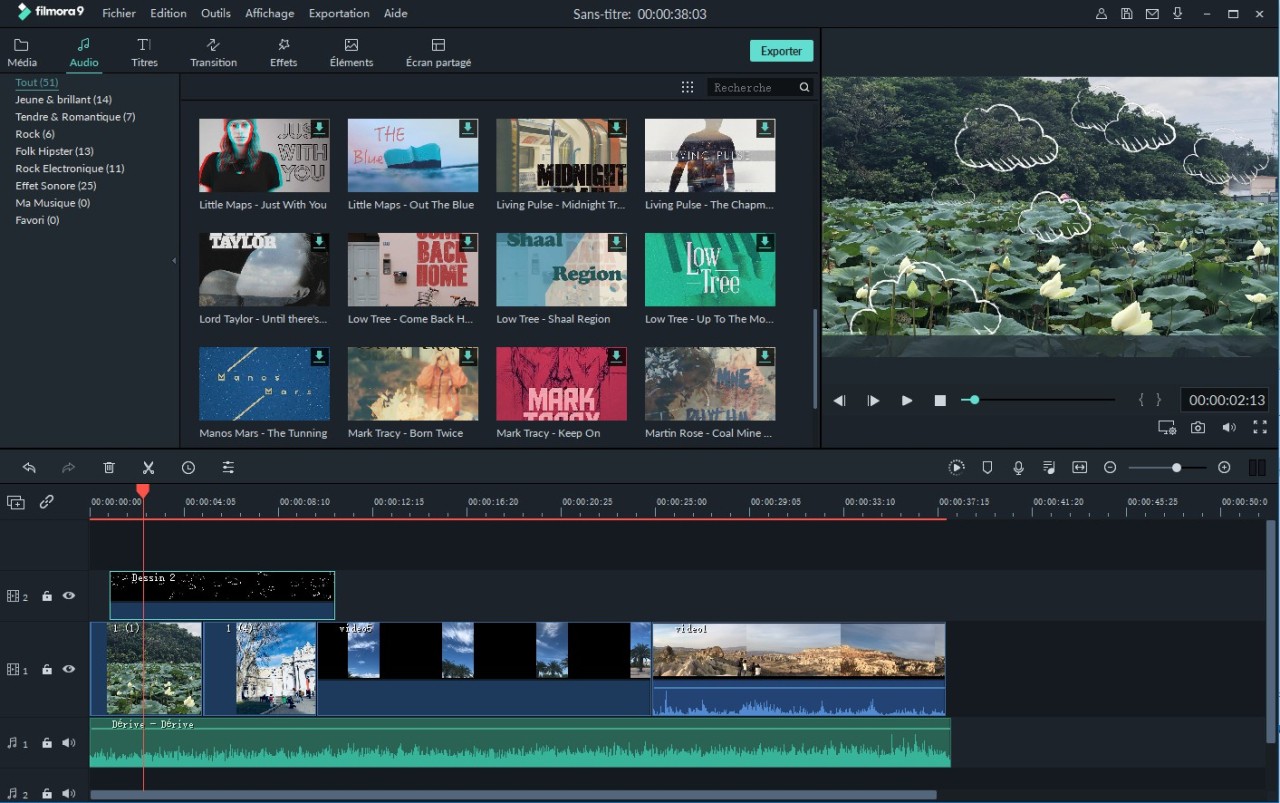
The other reason why users prefer Filmora is the wide range of templates, effects, and transitions. Even in case you do not have any experience in editing, these processed materials enable you to complete videos in a short time. Just a few tweaks will turn you into a reel maker, short video maker, vlogger, school project maker, or product clip maker. The built-in music library is also used to prevent copyright matters since it offers royalty-free music and sound effects.
Filmora can be applied to ordinary creators who do not have to be burdened with a professional tool. Such characteristics as chroma key, multi-layer editing, masking, picture-in-picture, and keyframing provide enough space to do more advanced projects without moving to software such as Premiere Pro. The AI tools, text-to-speech, speech-to-text, image-to-video, and AI cutout can cope with activities that previously took time.
One-click templates and auto-generation options of Filmora save time on the side of mobile content producers. This ease is what has made it widely used by many users, even after trying the other editors. Filmora is easy to use, but with sufficient functionality to allow anyone more than basic editing.
Is Wondershare Filmora Free?
Filmora is also available in a free version and includes the majority of editing features, templates, and AI tools. The free version, however, imposes a watermark on exported videos. To eliminate the watermark and gain access to premium content, effects, and advanced features, you must subscribe to it. Filmora offers an option of monthly, annual, and one-time purchasing; thus, the software can be free to use, though a proper export without a watermark will cost money.
What Operating Systems Are Compatible With Wondershare Filmora?
Filmora is compatible with various platforms, which allows desktop and mobile editors. On desktop, it works with Windows and with macOS and provides a similar feature in all. It does not demand expensive computers, and this is advantageous to novices and amateur editors with modest hardware. The software is compatible with mid-range laptops.
Filmora also has an Android and iOS mobile version. The mobile application has most of the desktop features and mobile features, such as one-tap templates, stickers, and mobile-friendly export formats for social media. It also offers AI features, including auto-captions, cutout tools, and voice effects.
Filmora therefore supports Windows PCs, Macintosh computers, Android phones, and iPhones/iPads. Some of the more expensive subscriptions are available on several platforms, whereas others are limited to a single device, depending on your subscription. Generally, Filmora has substantial compatibility, either on a phone or a computer.
What Are the Alternatives to Wondershare Filmora?
DaVinci Resolve is a professional-level editor that has color correction and heavy processing. It is more complicated than Filmora and slow to master, but it is highly powerful once mastered in its workflow. Resolve is perfect for cinema editing, detailed color, advanced audio mixing, and a full studio-like experience. It has a free version that has many unlocked features, and hence it is appealing to non-subscriber users. Relative to Filmora, Resolve requires more time, superior hardware, and more technical knowledge. It is not user-friendly, yet it will be a lifelong tool to those who expect to have more control. Many creators still download Resolve when they want long-term control over every detail of their edits.
OpenShot is an open-source, free editor aimed at simple editing without cost restrictions. It is not as sophisticated and refined as Filmora, and it is generally aimed at audiences who require an uncomplicated, no-subscription editor. OpenShot is a simple tool that supports basic trimming, effects, and transitions, but not heavy or complex projects. It is based on Windows, Mac, and Linux and thus has a wide coverage. Nevertheless, it offers fewer features and less functionality than Filmora in terms of its up-to-date features and design. People often download OpenShot when they want something lightweight and free without commitments.
Premiere Pro is a professional application that is used in studios, marketing departments, and film production sites. It has a thorough command over schedules, movement graphics, audio blending, color correction, and workflow organization. However, it is also difficult to learn, and its sub-model can scare away light creators. Premiere Pro is more appropriate for those professionals who require accuracy and finer customization. Premiere is more powerful than Filmora, but much more difficult to use for a beginner. Depending on the requirements of the user, Filmora is simpler, and Premiere is more advanced. Professionals download Premiere Pro when they need precise control and industry-standard tools.
If you prefer mobile-based editors, you can go to alternatives such as CapCut, InShot, and YouCut. CapCut is very dependent on templates and has good AI capabilities, particularly among social media creators. InShot is more concentrated on simplicity as a way of making fast changes to short videos. YouCut is not heavy and is suitable for trimming, merging, and quick editing. They are quick to use on the go, though the editing capability of these mobile apps lacks the array of desktop editing capabilities provided by Filmora. They are still useful among creators who primarily make reels, TikToks, or other short-form content. Most users download these mobile apps when they want fast edits directly from their phone.