CapCut is a free, easy-to-use video editing app that offers tools like filters, effects, and text to help users create videos for social media on mobile and desktop. The app lets you create and edit videos easily on your phone, tablet, or computer.
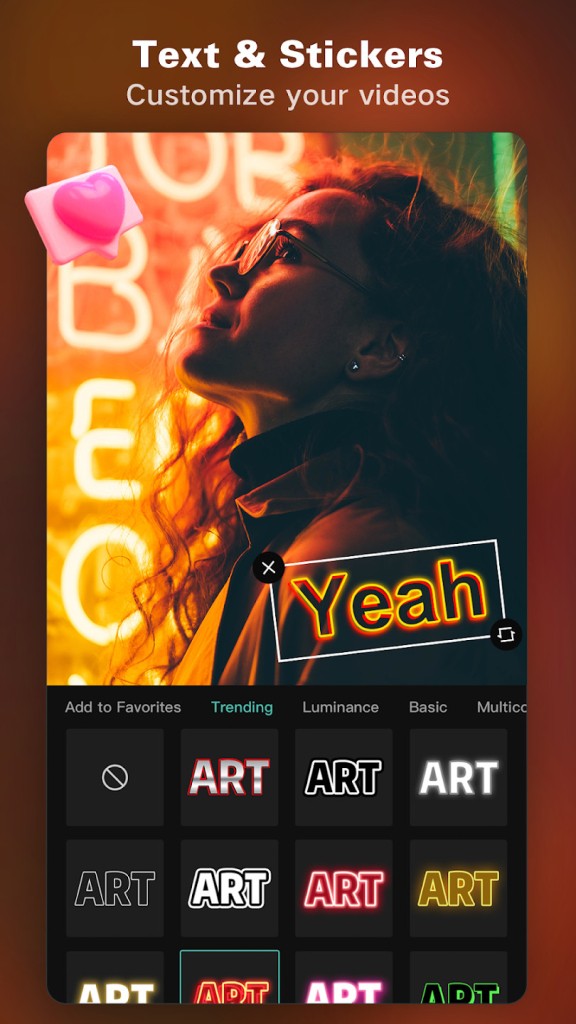
CapCut (previously known as Viamaker) is a free video editing app packed with tools like filters, effects, and text overlays that help you create polished videos for social media on both mobile and desktop. You can add text, stickers, and animations to your projects, and the app includes editing essentials like background removal, sound extraction, and cropping. A large library of transitions and visual objects rounds out the basics.
Beyond those foundational tools, CapCut offers more advanced features for users who want professional-level control. Keyframe animation, smooth slow-motion, Chroma Key for green screen work, Picture-in-Picture (PIP), and video stabilization are all available. Additional features include trendy styles, automatic captions, text-to-speech, motion tracking, and one-tap background removal.
CapCut is the official music-based video editing app for TikTok, but it works just as well for creating content for YouTube, Instagram, WhatsApp, and Facebook. The interface is approachable enough that beginners can start producing engaging, high-quality videos without a steep learning curve.
The app is available for iOS and Android phones and tablets, on desktop computers, and through an online browser-based service.
Why Should I Download CapCut?
CapCut supports multiple languages and makes getting started with video editing simple. It is a free app with no ads, though a paid Pro subscription unlocks certain advanced features after a 7-day trial period.
You can import existing videos or record new ones directly in the app, then edit them with effects, styles, and animations. Every change you make is previewed in real time, so you always see exactly how your video will look before exporting. Testing different edits is quick, and undoing changes takes a single tap.
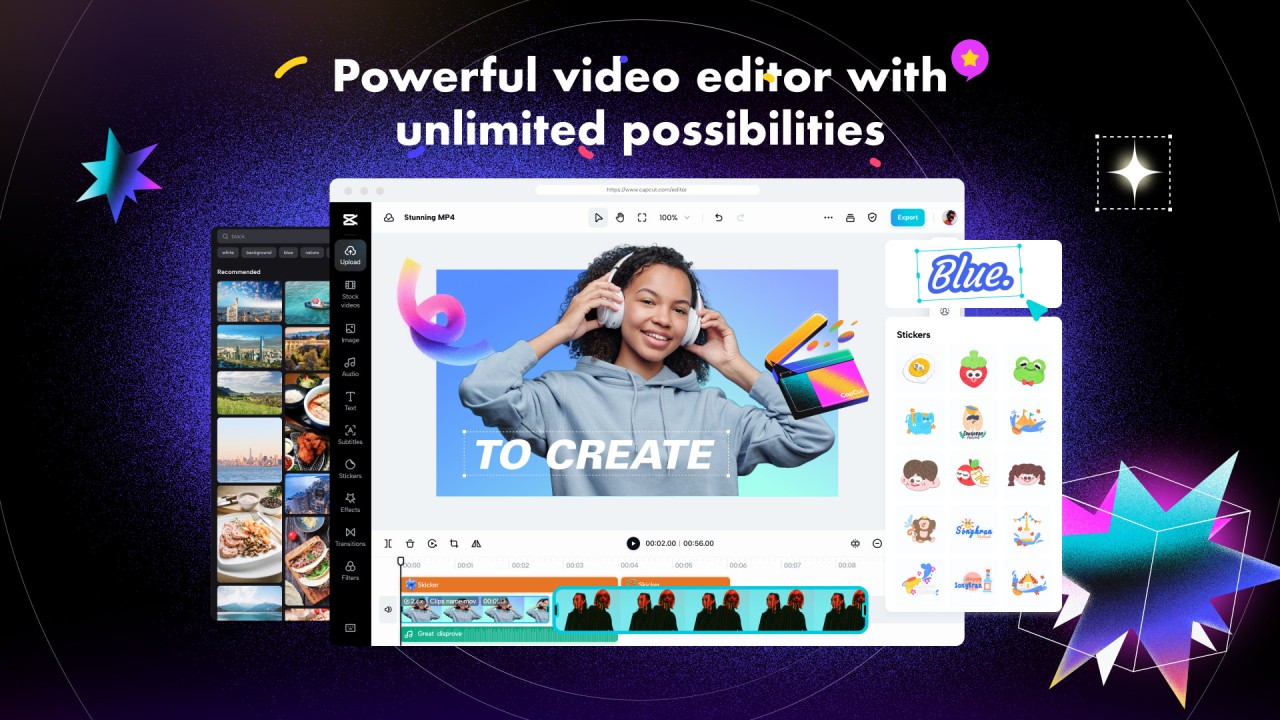
CapCut lets you combine multiple clips into one project or focus on a single video. The editing workspace displays a video preview at the top, a timeline below it, and editing menus along the bottom. From those menus you can access trimming and cutting, background removal, frame rate adjustment, speed controls, color filters, sound settings, transitions, and stickers.
Each edit appears as a separate item on the timeline, which makes it easy to reorder elements and adjust their duration relative to the rest of your video. When you leave an editing menu, only the main timeline is visible, so you will need to reopen the relevant menu to fine-tune specific elements. You can also delete items directly from the timeline view.
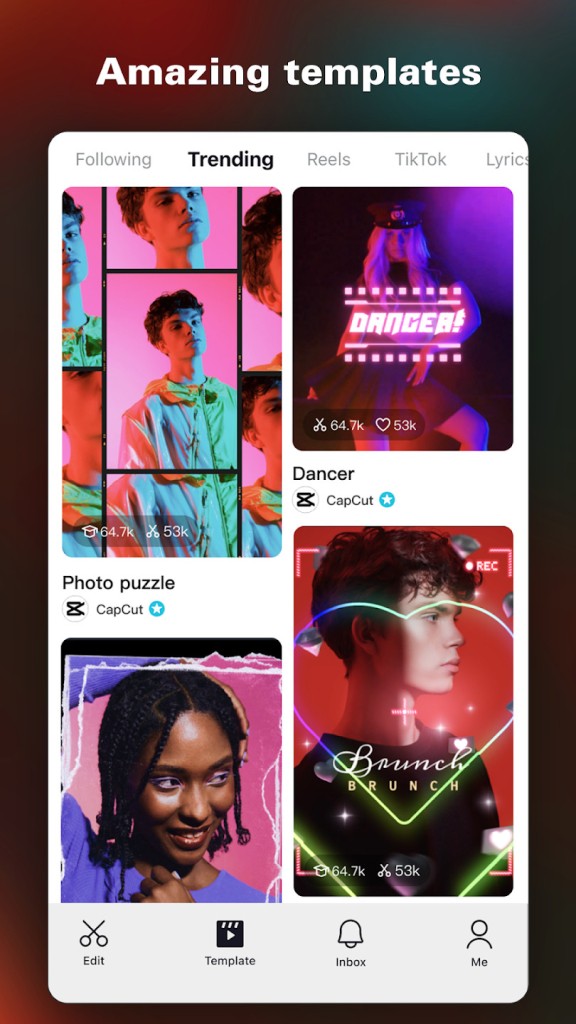
With over 1,000 animations, objects, and effects in its library, CapCut gives you a huge range of customization options. Transitions, color filters, sounds, animated text, stickers, GIFs, and auto-generated captions are all available. The library receives regular updates, and seasonal content is added throughout the year for holidays like Christmas, Valentine's Day, and Mother's Day. You can also trim unwanted footage from the beginning or end of a clip, remove the background, and rotate or mirror the video.
The speed controls are especially flexible. You can adjust playback from 0.1x to 100x, apply speed curves for more natural acceleration and deceleration, and add zoom-in or zoom-out effects. A freeze feature lets you pause on a specific moment, and transitions smooth the cuts between clips.
For more advanced work, keyframe animation gives you precise control over motion, and the optical flow tool creates smooth slow-motion effects. Chroma Key lets you remove specific colors from your footage, and the stabilization tool steadies shaky recordings.
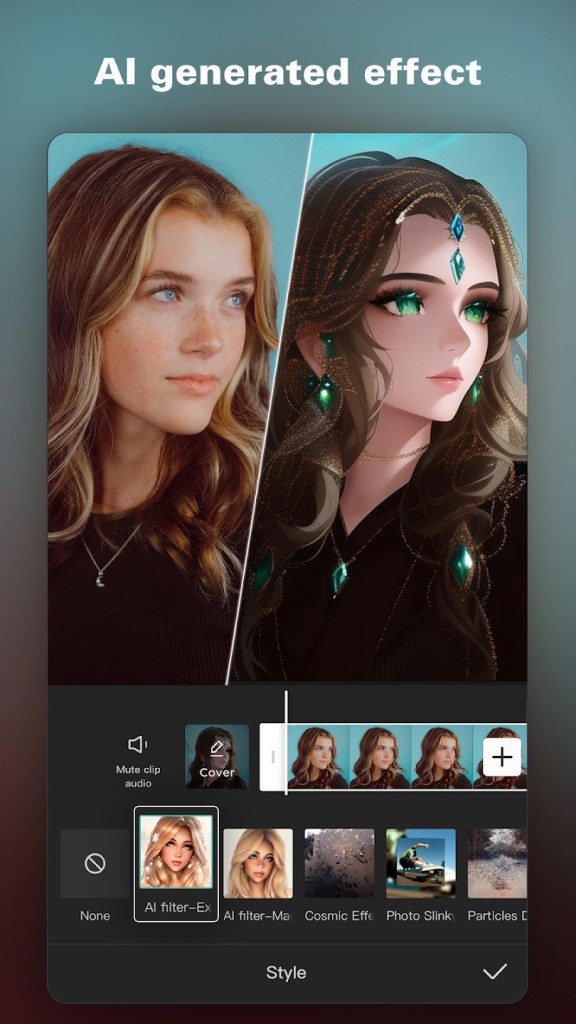
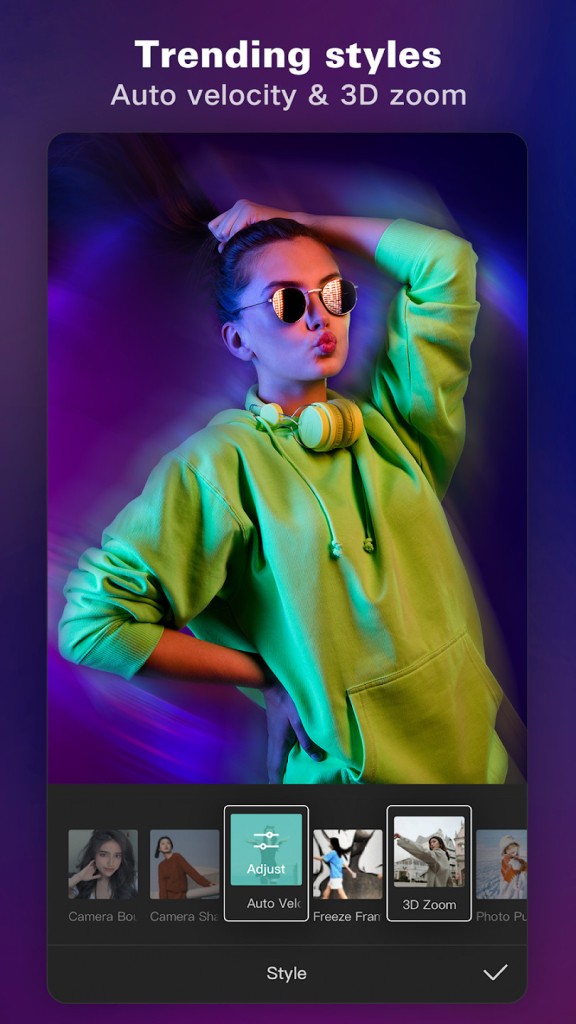
CapCut's smart features simplify several tasks that would otherwise take much longer. Auto captions recognize speech and generate subtitles automatically, text-to-speech works in many languages, and background removal runs with a single tap. You can add text with a variety of fonts, import custom fonts, and place subtitles directly on the timeline. Trending filters and effects, including Glitch, Blur, and 3D styles, are available alongside brightness and contrast adjustments. Millions of music clips and sound effects are built into the app, and you can also extract audio from videos or recordings.
CapCut includes a free music library you can browse and apply to your projects, and importing your own audio files is just as easy. Once you are satisfied with the result, you can save the finished video in 720p, 1080p, or 4K resolution, or publish it directly to Instagram, Facebook, or TikTok.
What is Capcut Pad?
If you were used to the Capcut Android app for smartphones and tablets, and used it on a tablet, then Capcut Pad will be of interest to you. Released at the end of May, 2026, this new app offers exactly the same features as the Capcut app, but with an interface built for the tablet's wider screen.
With Capcut Pad, editing your videos on the large screen of your tablet will become more interesting. The menus are now dispatched around the screen, making it easier to find what you are looking for, and taking advantage of the wider screen.
Visually, this version is more related to the desktop app than to the smartphone app. The video is at the center, with the timeline below. Filters and effects appear on the left-hand side of the video, and you just have to select them to add them. And you can edit each effect thanks to the editing screen on the right-hand side of the video.
For iPad users, the Capcut App for iOS already offers this large interface with all the features available in many menus around the screen, without having to download a separate app.
Is CapCut free?
CapCut is free to download and use on desktops, phones, and tablets. There are no ads, and the majority of features are available without paying anything. Some advanced tools fall under CapCut Pro, which requires a paid subscription after a trial period. Even without Pro, you have access to a wide selection of effects, filters, text options, stickers, music, and animations for your editing projects.
What Operating Systems Are Compatible With CapCut?
CapCut runs on Android for smartphones, and, since the end of May 2026, a version named CapCut Pad has also been available specifically for tablets. Of course, iOS users can download the app for iPhone or iPad (with the specific large interface here too). This version is also compatible with new Macs equipped with Apple Silicon chips.
You can also download CapCut for desktop use. The desktop app supports Windows 7 or higher, with Windows 10 recommended, and macOS 10.14 or later. Finally, an online version of CapCut is also available through any modern web browser, so you can edit without installing software at all.
What are the Alternatives to CapCut?
CapCut is far from the only video editing app available, and several alternatives are worth a look depending on your platform and editing needs.
VN Video Editor is a beginner-friendly, free video editor with professional-grade features that make it a strong CapCut replacement. It covers all the fundamental editing options without adding a watermark and includes extras like resolution upscaling, auto-generated captions, animated text and stickers, and a built-in music library. VN Video Editor is available on Windows, Mac, Android, and iOS.
InShot is one of the most popular mobile video editing apps. Free to download on Android and iOS, it offers a wide variety of editing tools for both videos and photos, including effects, animations, and overlay objects. Some features are locked behind the premium version, but the free tier includes enough to handle most casual and social media editing projects without feeling limited.
YouCut, also called Video Editor and Video Maker, has been available for a long time and has built a loyal following. Available on Android and iOS, it features a clean, intuitive interface that makes adding text, music, photos, and other elements fast and simple.
DaVinci Resolve is a desktop-focused alternative worth considering if you want significantly more editing power than a mobile app can offer. Available on Windows, macOS, Linux, and iPad, it is widely used by professionals in the film industry for its capabilities in color correction, visual effects, audio post-production, motion graphics, and multi-camera editing. Despite its professional pedigree, the interface is accessible enough for beginners. The base version is free, with a premium DaVinci Resolve Studio edition available for users who need additional features.