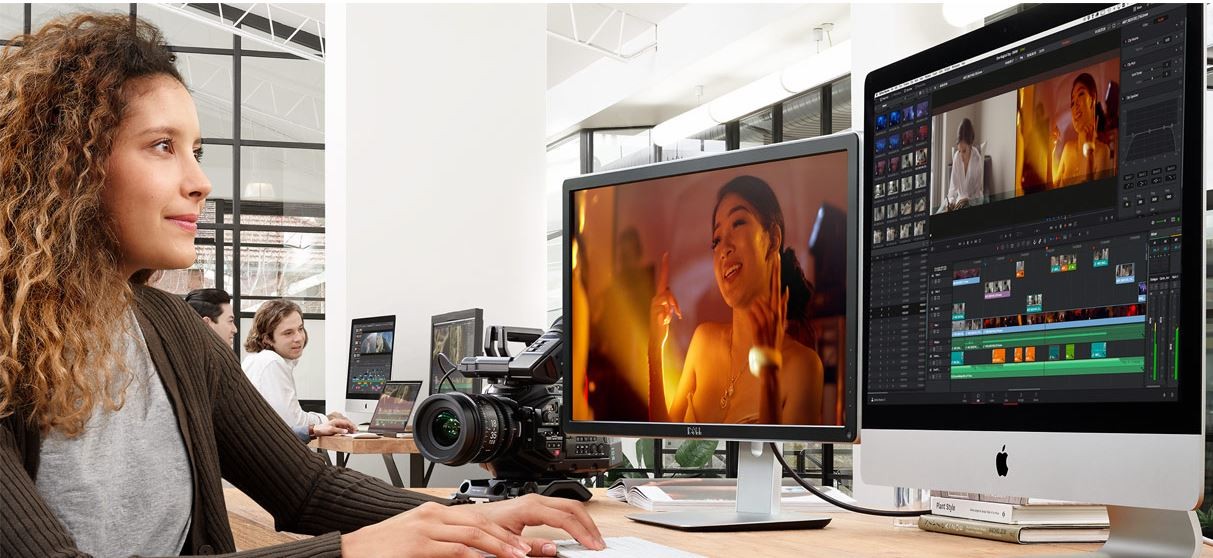
DaVinci Resolve is a complete audiovisual production and video development application. It includes everything you need to process a video from raw footage to final export, covering trimming and cutting, advanced color grading, multi-source soundtrack creation, special effects, 3D motion graphics, and transition effects. When you are done editing, you can export the final version to whatever format or platform you need, with encoding presets optimized for different delivery targets.
Despite that wide range of capabilities, DaVinci Resolve keeps its interface organized and approachable, so even novice users can produce high-quality films on the operating system of their choice. The learning curve is real, but the payoff is access to the same tools that Hollywood colorists and editors rely on every day.
Developed by Blackmagic Design, DaVinci Resolve has become an industry standard, particularly for its color grading tools. It is widely used in film and television production, and offers both a free version with an impressive feature set and a paid Studio version for access to the most advanced capabilities.
Why should I download DaVinci Resolve?
If you are looking for a tool that covers every stage of video editing, DaVinci Resolve is a top-tier option. Professionals in the film industry use it for movies, TV shows, and other high-profile projects, but it works just as well for content creators producing material for YouTube, Vimeo, Instagram, or other social media platforms. When you download DaVinci Resolve, you get control over every element of your video to achieve exactly the result you want.
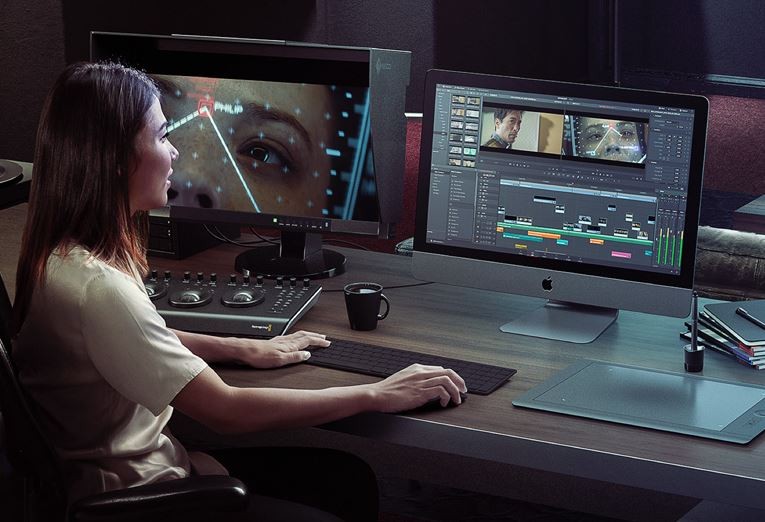
The interface is divided into dedicated pages so you can focus on one stage of your project at a time and move between stages easily. You do not need separate programs to finalize your production. The Cut page handles trimming, stitching clips together on a timeline, and rearranging footage with drag-and-drop controls. DaVinci Resolve also supports keyboard shortcuts and multicam editing for working with video from multiple sources.
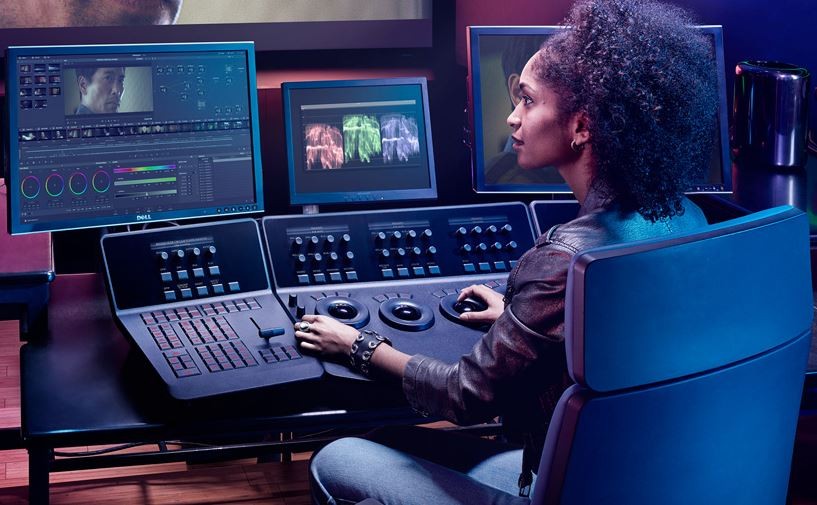
Color editing is where DaVinci Resolve truly excels. Many industry professionals download DaVinci Resolve specifically because it offers the most complete color grading toolset on the market. You can define and adjust primary and secondary colors, use automatic color matching or white balance optimization, work across multiple color spaces, including HDR, and fine-tune your footage through color curves. All of these options exist to help you nail the visual mood you are going for.
Through its Fusion feature, DaVinci Resolve supports advanced visual effects, 3D animations, and post-production compositing. Fusion uses a node-based workflow rather than layers, which makes complex effects faster and more intuitive to assemble. You can add motion graphics, 2D and 3D effects, camera tracking, and other special effects to create polished, professional-quality output.
Sound editing is handled by Fairlight, the application's built-in audio production suite. You can record, mix, and master audio from multiple sources simultaneously, sync sound clips to the video timeline, and equalize tracks to build a custom soundtrack. A large library of built-in audio effects rounds out the toolkit.
When your project is ready for export, you can add metadata, organize your clips, prepare the video flow, and choose a thumbnail. Exporting supports formats optimized for the web and social media platforms without sacrificing quality.
Is DaVinci Resolve free?
You can download DaVinci Resolve and use the free version, which covers the vast majority of its video editing capabilities. The free tier includes full editing, color grading, Fusion, and Fairlight pages, so most users will find it more than sufficient for their projects. For full access to all advanced features, including some Fusion tools, advanced HDR grading, neural engine effects, and multi-GPU support, you will need to purchase the Studio version. The Studio license is a one-time purchase rather than a subscription, which makes it an attractive option for professionals who want to avoid recurring costs.
What operating systems are compatible with DaVinci Resolve?
You can download DaVinci Resolve on Windows, macOS, and Linux. Because of its professional-grade feature set, the hardware requirements are more demanding than what casual video editors need. You will need an SSD with at least 512 GB of storage, 16 GB of RAM minimum, an i7 processor or equivalent, and a dedicated graphics card with 4 GB of VRAM or more. On macOS, Apple Silicon chips handle DaVinci Resolve well, and Blackmagic Design has optimized the software to take advantage of the M-series processors.
What are the alternatives to DaVinci Resolve?
DaVinci Resolve leads its class, but it is not the only serious option for professional video editing and post-production.
Adobe Premiere Pro is another widely used editing suite in the film industry, and you can try it during a free trial period. It covers all the features required for high-quality video production, including visual effects, advanced color management, clip editing, trimming, stitching, and audio design for soundtrack creation. A major advantage of Premiere Pro is its native integration with other Adobe products like After Effects, Illustrator, Photoshop, and the rest of the Creative Cloud bundle.
For something lighter weight, ShotCut is an open-source and completely free video editing tool available on Windows, macOS, and Linux. It offers a real-time preview and multiple options for editing, including cutting and trimming clips, adjusting white balance, contrast, saturation, and other color settings. Audio editing covers essentials like volume, compression, gain, and equalization, and you can cut audio independently of the visual layer. ShotCut supports a wide range of input formats thanks to FFmpeg, so compatibility is rarely an issue. Once finished, you can optimize and export your files for whichever platform they are intended for.
OpenShot Video Editor is another free, open-source alternative that runs on Linux, macOS, and Windows. With OpenShot, you can cut and trim clips, adjust audio, add text, transitions, images, and effects, and create simple animations. It supports popular formats like MP4, AVI, and MOV, as well as audio formats such as MP3 and WAV, and handles high-definition export. For users who want more depth, OpenShot includes keyframing, compositing, and 3D animation features.