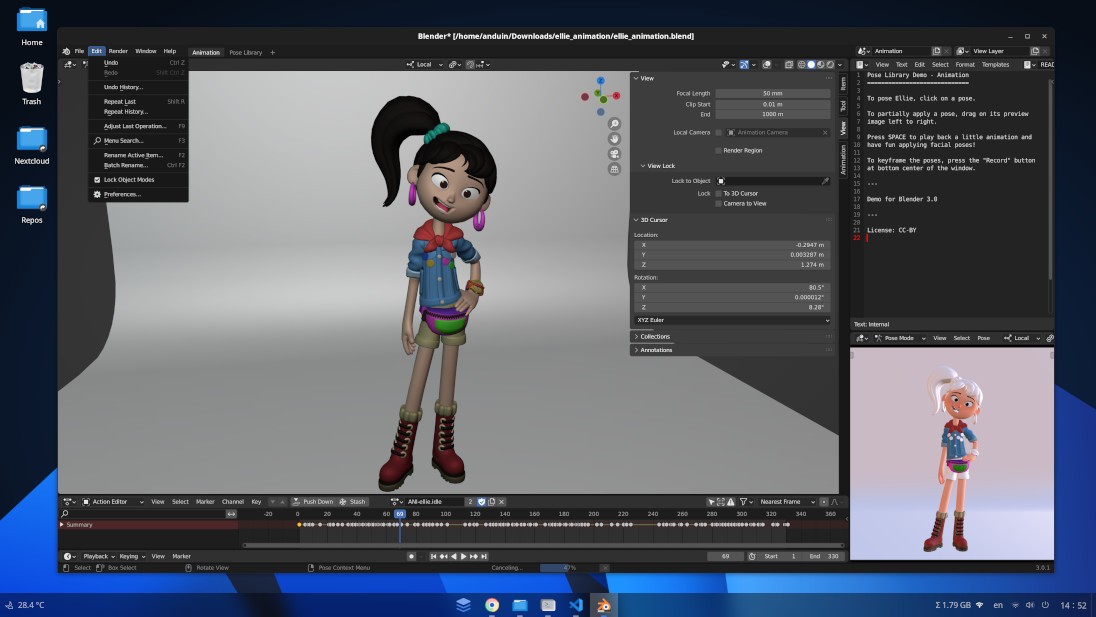
AnduinOS is a free Linux distribution based on Ubuntu, with a desktop interface inspired by Windows 11. Its goal is to make switching to Linux easier by offering a familiar desktop, built-in tools, and a customizable environment.
Originally developed by Anduin Xue, a software engineer who was working at Microsoft at the time, the project launched in September 2024 to meet his own needs for a comfortable, well-organized work environment. Since then, AnduinOS has grown into a full-fledged Linux distribution designed for everyone from Linux newcomers to experienced users.
AnduinOS offers a desktop interface translated into numerous languages, along with detailed documentation. The project also emphasizes privacy. The system does not include advertising trackers, profiling, or built-in telemetry. These commitments apply to the operating system itself and do not guarantee that every third-party application you install follows the same practices.
Why Should I Download AnduinOS?
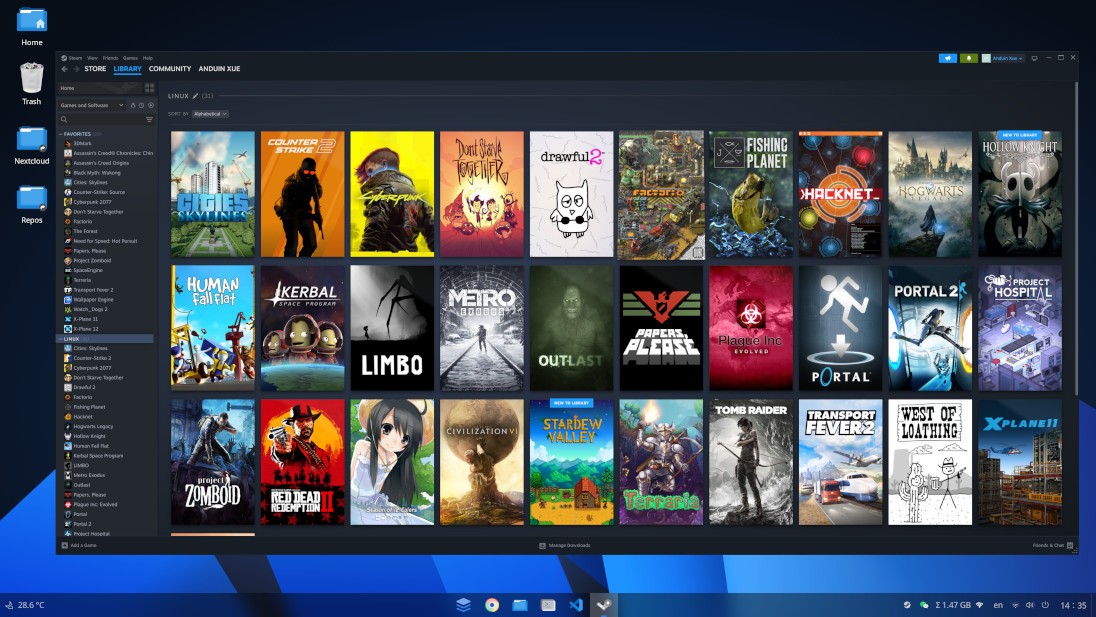
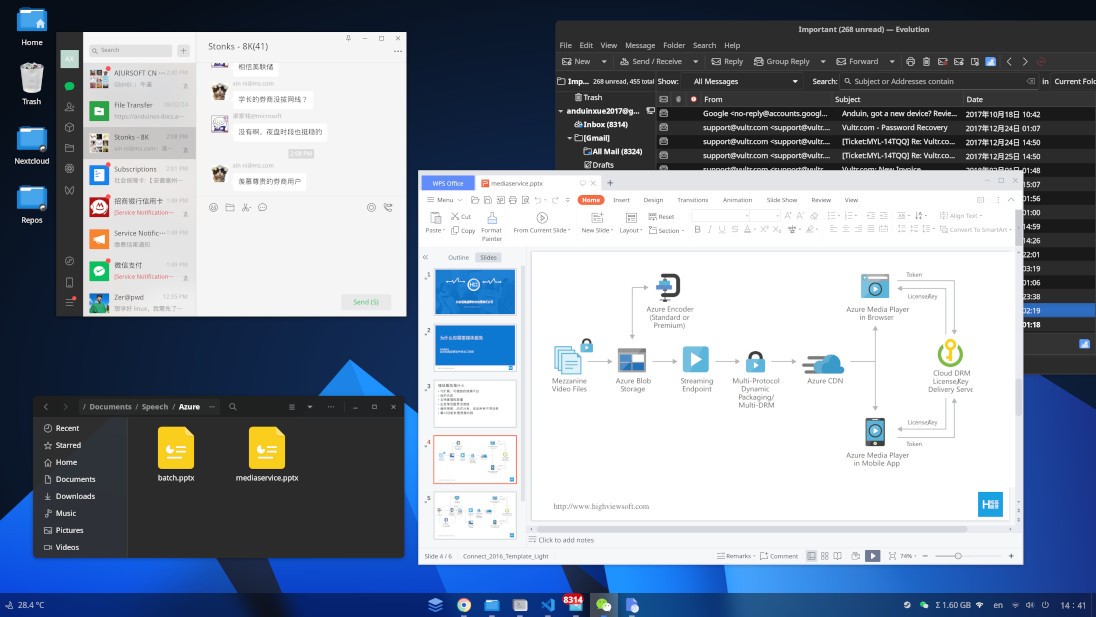
AnduinOS is based on Ubuntu, a popular Linux operating system known for its wide range of available software. You can install and update applications using built-in tools, giving you access to everything from web browsers and office apps to media players and development software.
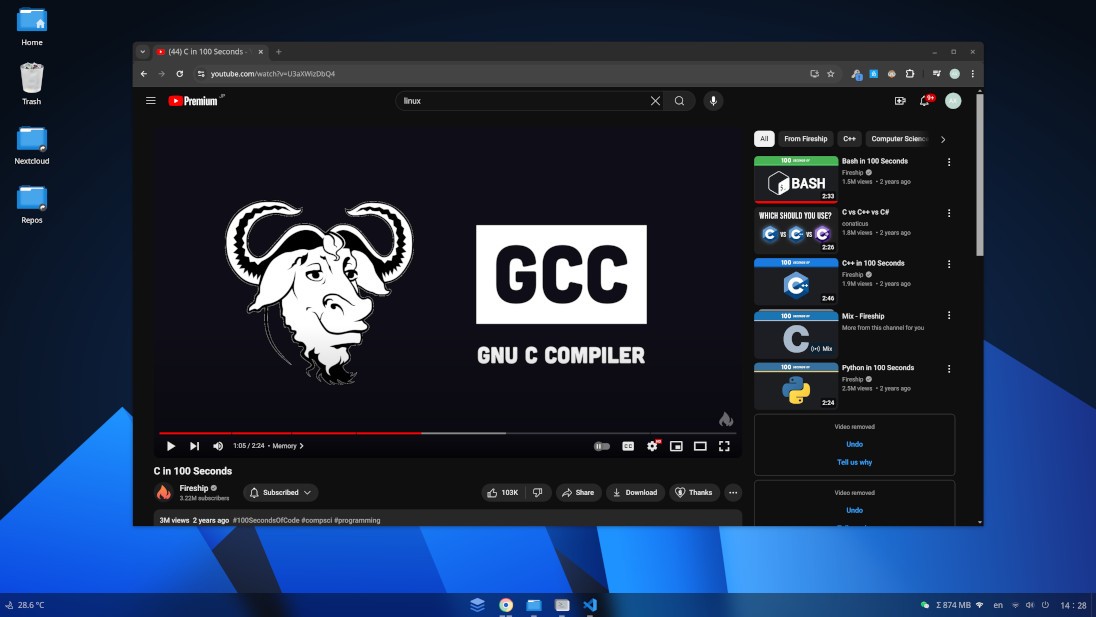
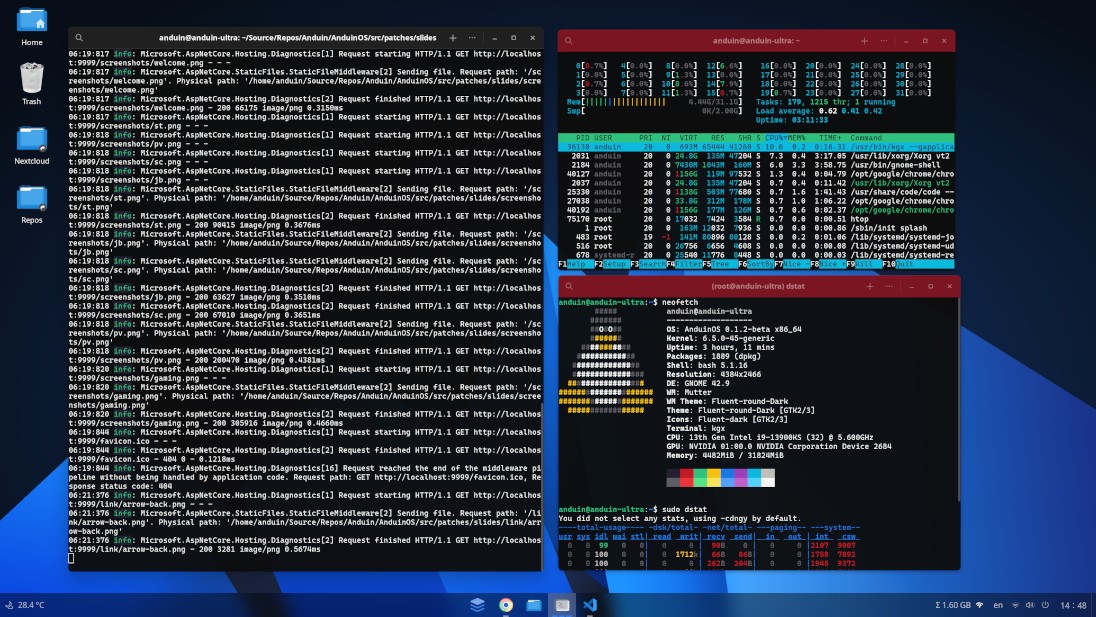
The desktop looks and feels similar to Windows 11, making it easier to get started. You'll find a familiar taskbar, an app menu, and plenty of settings to customize the look and feel of your desktop. AnduinOS also supports modern display features, including HDR on compatible monitors.
Installing software is straightforward, too. AnduinOS supports several ways to install applications, including Flatpak, which helps keep many apps separate from the rest of your system. You can also manage software through APT, a built-in tool for installing and updating programs. As with any operating system, it's a good idea to download apps from trusted sources and check the permissions they request.
AnduinOS offers two release options. The LTS version is designed for users who want long-term support and fewer major changes, making it a good choice for a computer you use every day. The Standard version is aimed at those who prefer to try newer features sooner.
You can also try AnduinOS from a USB drive before installing it on your computer. Built-in recovery tools can help you troubleshoot certain startup problems and recover files if something goes wrong. As with any operating system, regular backups are still important.
If you're looking for a free alternative to Windows that feels familiar, offers plenty of software, and gives you more control over your desktop, AnduinOS is worth a look.
Is AnduinOS free?
AnduinOS is free for personal use. You can download and use the distribution without a paid subscription or activation key. The project is released under the GPL v3 license, which allows you to access, modify, and redistribute the source code under the terms of that license.
The project states that the distribution will remain free. Development is supported by community contributions and separate commercial services. AnduinOS Enterprise is available to organizations that need to customize the system's appearance, deploy it across large numbers of computers, manage devices, or receive professional support. This offering is separate from personal use and does not mean that essential system features are reserved for businesses.
Users can browse the documentation, report bugs, and contribute to the project. Security updates and system improvements are provided according to the support policy of the selected release track.
What Operating Systems Are Compatible with AnduinOS?
AnduinOS works on most computers with 64-bit Intel or AMD processors. It also offers an ARM64 version for compatible devices, including some ARM-based laptops. However, not every ARM device is supported, so check compatibility before installing. Most traditional PCs can boot using BIOS or UEFI, while ARM devices require a compatible UEFI setup. Secure Boot support also depends on your hardware and configuration.
The minimum system requirements are a 64-bit processor running at 2 GHz, 4 GB of RAM, 25 GB of storage, and a screen resolution of at least 1,024 × 768 pixels. For better performance, a quad-core processor running at 2.5 GHz, 8 GB of RAM, and 50 GB of storage are recommended. If you plan to play games, run virtual machines, or use demanding applications, you may need more powerful hardware.
Getting started is easy. Download AnduinOS from the official website and copy it to a USB drive. You can then boot from the USB drive and try the system before installing it on your computer. This lets you check that your Wi-Fi, sound, graphics, and other hardware work properly before making any changes to your existing setup.
You can install AnduinOS alongside Windows, allowing you to choose which operating system to use whenever you start your computer. Just make sure to back up your important files before changing your disk partitions or installing a new operating system. An internet connection is recommended for downloading updates and installing additional software.
What Are the Alternatives to AnduinOS?
If you're considering AnduinOS but want to explore other options, several Linux distributions offer a familiar desktop experience and tools that make it easier to move away from Windows.
Winux is a Linux distribution designed to make the switch from Windows easier by offering a familiar-looking interface. Its Windows-inspired design can help new users feel more comfortable when navigating the desktop, opening applications, and managing files. Winux may be worth considering if you want a Linux system that looks familiar from the start. Before installing it, check the hardware requirements, available editions, and licensing terms, as these details may change over time.
Zorin OS is an Ubuntu-based distribution known for its polished interface and beginner-friendly approach. It offers customizable desktop layouts, allowing you to choose an appearance that better matches the way you use your computer. It also includes a software store that makes it easier to find and install applications without relying entirely on command-line tools. The Core edition is free, while the Pro edition adds extra desktop layouts and other features. Zorin OS is a good option if you want a refined desktop experience with plenty of customization options.
Linux Mint is another popular choice, especially for people who prefer a straightforward, traditional desktop. Its Cinnamon edition features a familiar layout with a panel, application menu, and system tray, making it easy to navigate for users coming from Windows. Linux Mint is free to use and includes a live environment, so you can test it from a USB drive before installing it. It also provides graphical tools for managing software and system updates, helping you handle everyday tasks without needing to use the terminal. Different editions offer different desktop environments, so it's worth checking which one best suits your needs.
Each distribution has its own strengths. AnduinOS focuses on a Windows-inspired appearance built around a customized GNOME desktop, while Zorin OS emphasizes polished design and flexible layouts. Linux Mint favors a more traditional desktop experience, and Winux aims to make the transition from Windows feel familiar. All four can be worth exploring, depending on your preferences and hardware.
If you're unsure which one to choose, consider trying a live USB session where available. This lets you test the desktop and check whether essential features—such as Wi-Fi, sound, graphics, and Bluetooth—work properly before installing anything. Back up your important files before making changes to your computer.
Overall, AnduinOS is worth considering if you want a Windows-inspired Linux desktop with an Ubuntu foundation and recovery features. If you prefer more established alternatives, Zorin OS and Linux Mint are also strong starting points for exploring Linux.