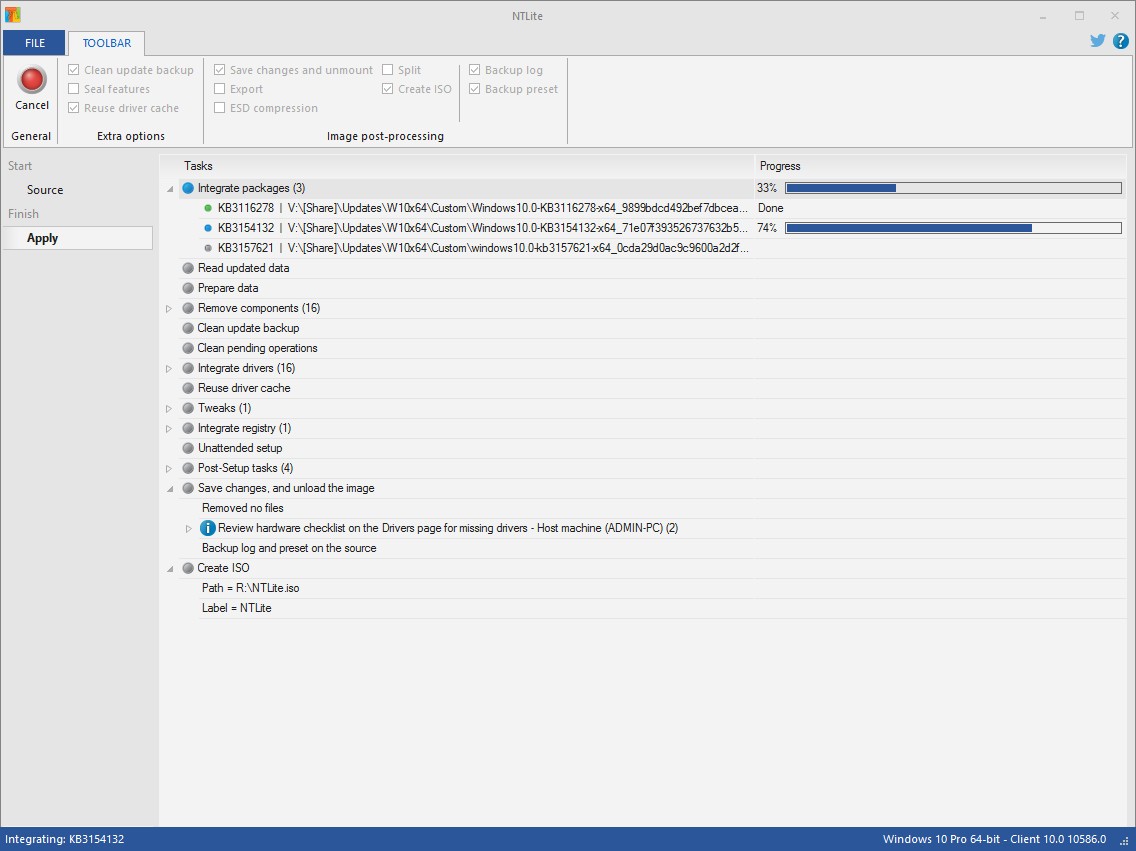
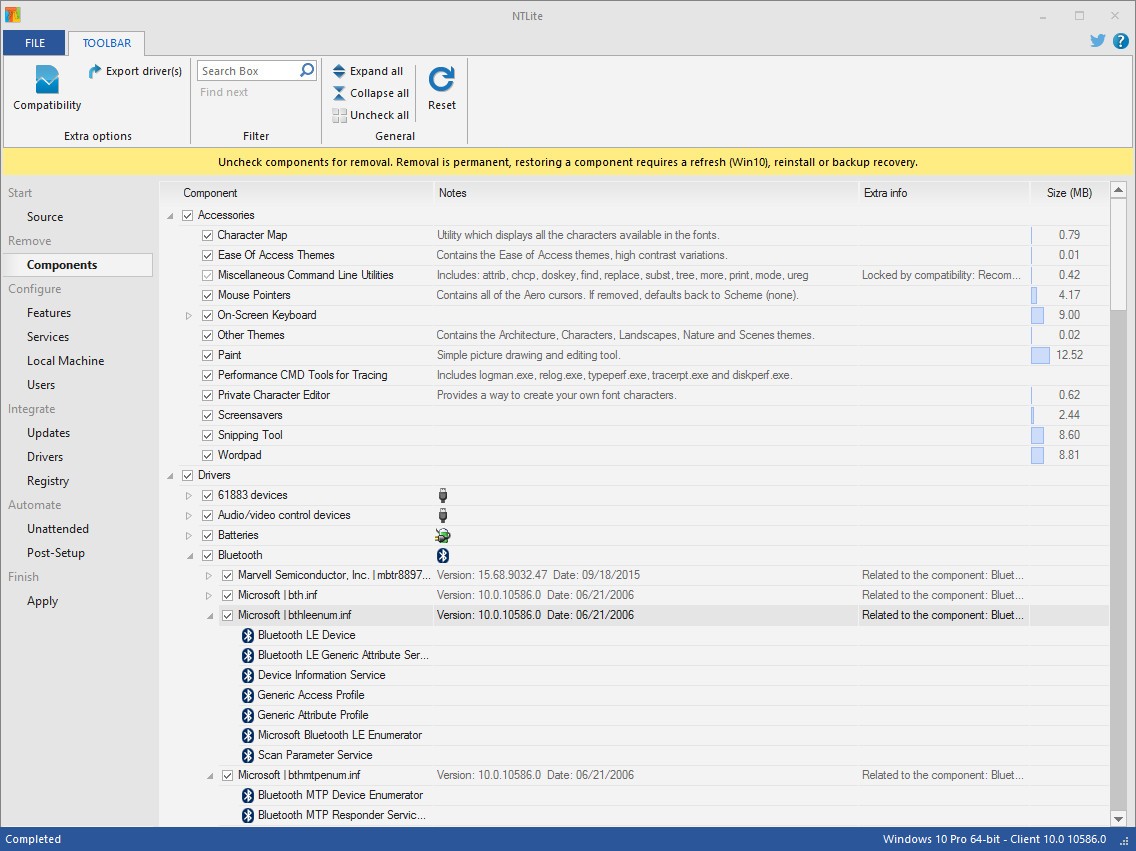
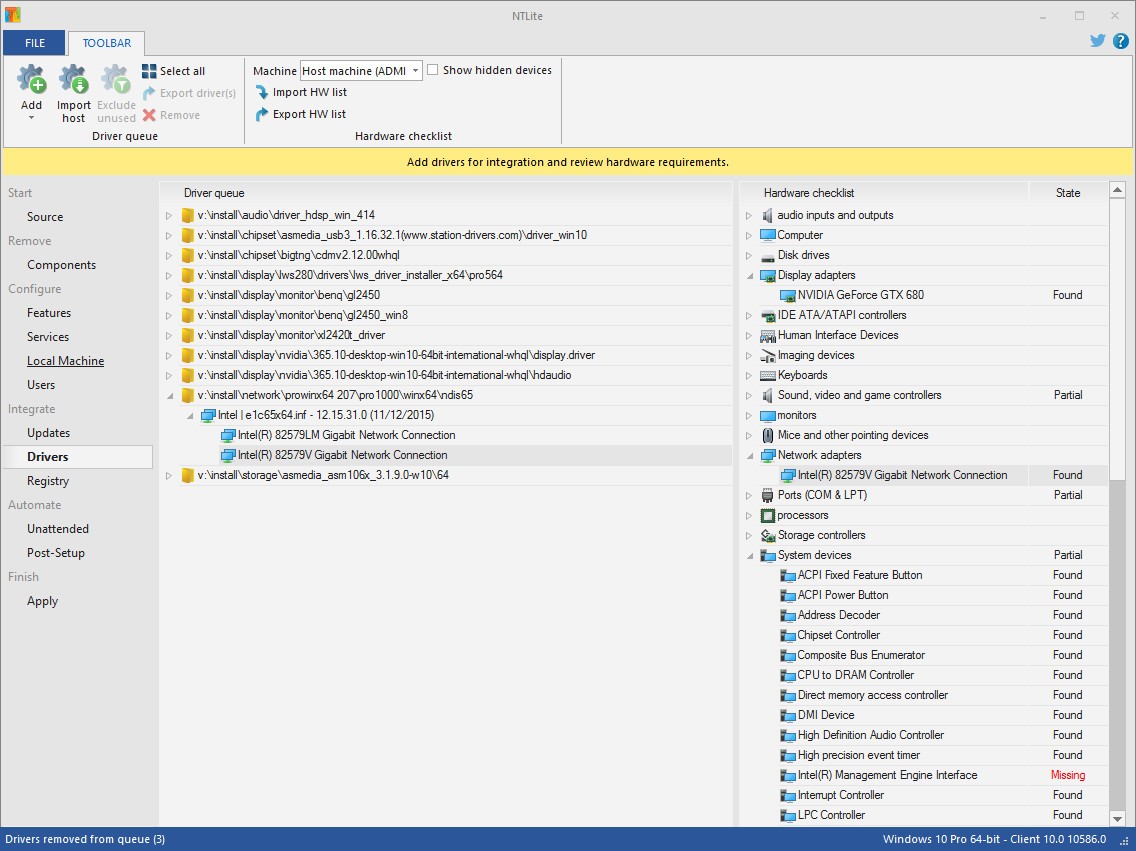
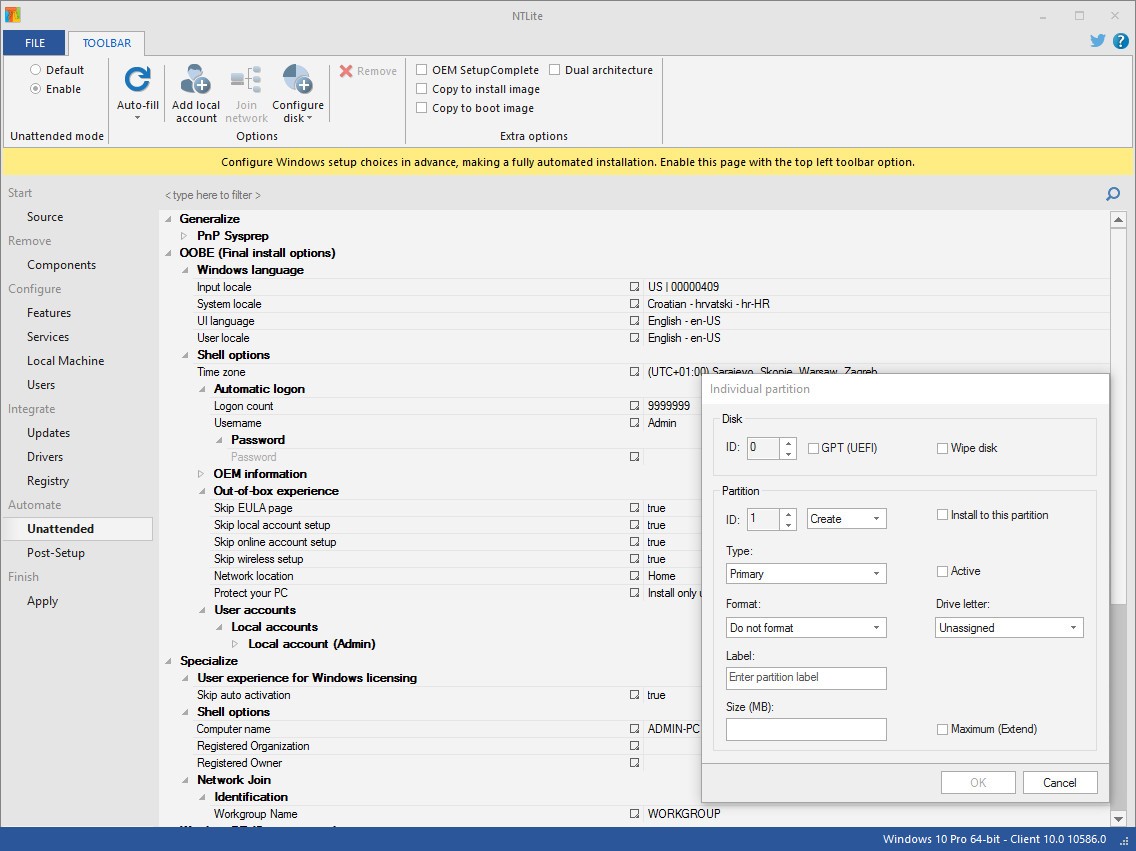
NTLite is a configuration and customization tool for Windows images designed for IT professionals, system administrators, and advanced users who want precise control over how Windows is installed and deployed. It focuses on giving local control over updating, removing, and integrating Windows components before deployment, making the installation cleaner and more efficient. Its core function revolves around integrating updates, drivers, applications, and registry files, while also providing options to automate Windows setup and remove unnecessary parts of the operating system to reduce its size and improve performance.
It works with standard image formats, including ISO, WIM, decrypted ESD, and SWM, which makes it flexible for different deployment workflows. You can use it not only on offline images but also directly on live installations. This in-place editing option allows you to configure an existing Windows installation without reinstalling, something that makes it stand apart from most image editing tools. By applying changes directly to the current system or a mounted VHD, you can adjust and fine-tune the operating system in a way that would normally require a full reinstall.
Its built-in tools handle many common deployment tasks in one place. You can download updates locally, integrate them in the correct order, and analyze dependencies to avoid common issues during setup. It provides registry integration for applying tweaks directly to the image, mapping changes to the default user so that settings apply before accounts are even created. Drivers can be pulled from the host machine, added manually, or targeted for specific hardware lists. You can include boot image drivers for better compatibility during USB or ISO boot, especially when dealing with storage controllers or USB drivers that are not natively supported by older Windows versions.
Why Should I Download NTLite?
NTLite helps remove repetitive work from the deployment process and turns it into a more structured and efficient task. Instead of manually installing updates, drivers, and applications after Windows setup, you can integrate everything into the image ahead of time. That means once the system is deployed, everything is already in place. You can also remove unwanted Windows components before installation, making the system lighter and leaving out anything that isn’t needed. For IT environments where consistency matters, this saves a lot of time.
Another strong reason is the flexibility of how it applies changes. You can work on an image stored on a drive or edit a running Windows installation directly. That means no full reinstallation is needed when you want to configure or strip down the system. This feature is particularly useful when maintaining multiple systems or optimizing existing setups. It works across supported host combinations, so you can edit a Windows 10 image from a Windows 7 machine, for example, without limitations.
It also has a detailed pending change overview, giving a clear picture of what modifications are about to be applied. This helps avoid mistakes and lets you double-check your configuration before committing. Combined with its post-process automation tools, you can finish your customization and generate a new bootable ISO without relying on additional software. These capabilities make it a strong solution for those who want to handle every part of Windows customization in one place.
For system builders, IT admins, and advanced users, the ability to control features, settings, drivers, and updates in one structured workflow can make deployment more reliable and faster. It removes clutter, reduces the system footprint, and cuts down installation time significantly.
Is NTLite Free?
NTLite offers both a free and a premium version. The free version includes essential features that let you work with images, integrate updates, drivers, and make adjustments to a Windows installation. This already covers many basic customization and deployment needs. A paid license unlocks advanced features like expanded component removal and automation, but the free version already covers the main functions.
The software runs without the need for extra frameworks, which makes it simple to install and start using immediately. You can edit images, apply basic tweaks, and generate installation media without restrictions on core usage. It does not rely on internet connectivity for its primary functions, as updates and packages can be downloaded and integrated locally. The fact that it can function fully offline gives it an advantage for secure or isolated environments where external dependencies are not allowed.
What Operating Systems Are Compatible with NTLite?
NTLite is compatible with a wide range of Windows versions for both 32-bit and 64-bit architectures. It can be installed and run on supported versions of Windows as a host and can work with Windows images across different versions. This includes support for live installations as well as offline editing of image formats like WIM, SWM, ISO, and decrypted ESD. Both 32-bit and 64-bit tool versions can edit 32-bit and 64-bit images.
This flexibility means you can use NTLite across Windows 7, 8, 8.1, 10, and 11 without being tied to a single OS version. You can edit Windows 10 images from Windows 7 or 11, making it easy to manage different systems from one host machine. The tool doesn’t require external frameworks such as .NET to run, which makes it lightweight and more portable. This kind of compatibility is useful for organizations or advanced users who maintain multiple systems and need one tool that works reliably across them.
What Are the Alternatives to NTLite?
Tiny11 is one alternative. It is a lightweight edition of Windows 11 that has been made up of image-cutting technologies to eliminate unwanted factors. Although it is not an image editing program since it is not comparable to NTLite, it provides a pre-optimized install of Windows with reduced bloat. The key point is that it aims to provide the basics of Windows 11 and maintain the size to ensure that it is attractive to users who like to keep it lean and do not need to have the flexibility to build it themselves.
Another version of Windows is Nano11, which is also based on the idea of cutting unnecessary components of the operating system and producing a fast and lightweight install. It only features the essential elements and is intended for individuals who prefer a smaller system with fewer services that run in the background. It is a different method than that of NTLite in that its customization is in-built, and not by the user.
Windows X-Lite Optimum 11 is also concerned with providing a more optimized and smaller version of Windows 11. It eliminates additional elements, has a smaller footprint in the system, and is frequently applied in systems that are performance-oriented. It is aimed at users who desire lean systems without having to go through manual image editing.