This product is not maintained anymore, but the developer now offers a new one called FlyOOBE (ex-Flyby11) which is an assistant to help you set up a new Windows 11 install. Pretty handy. And if you want to de-slop your existing Windows 11 install, you can also use Winslop (still same dev).
________________________________________________
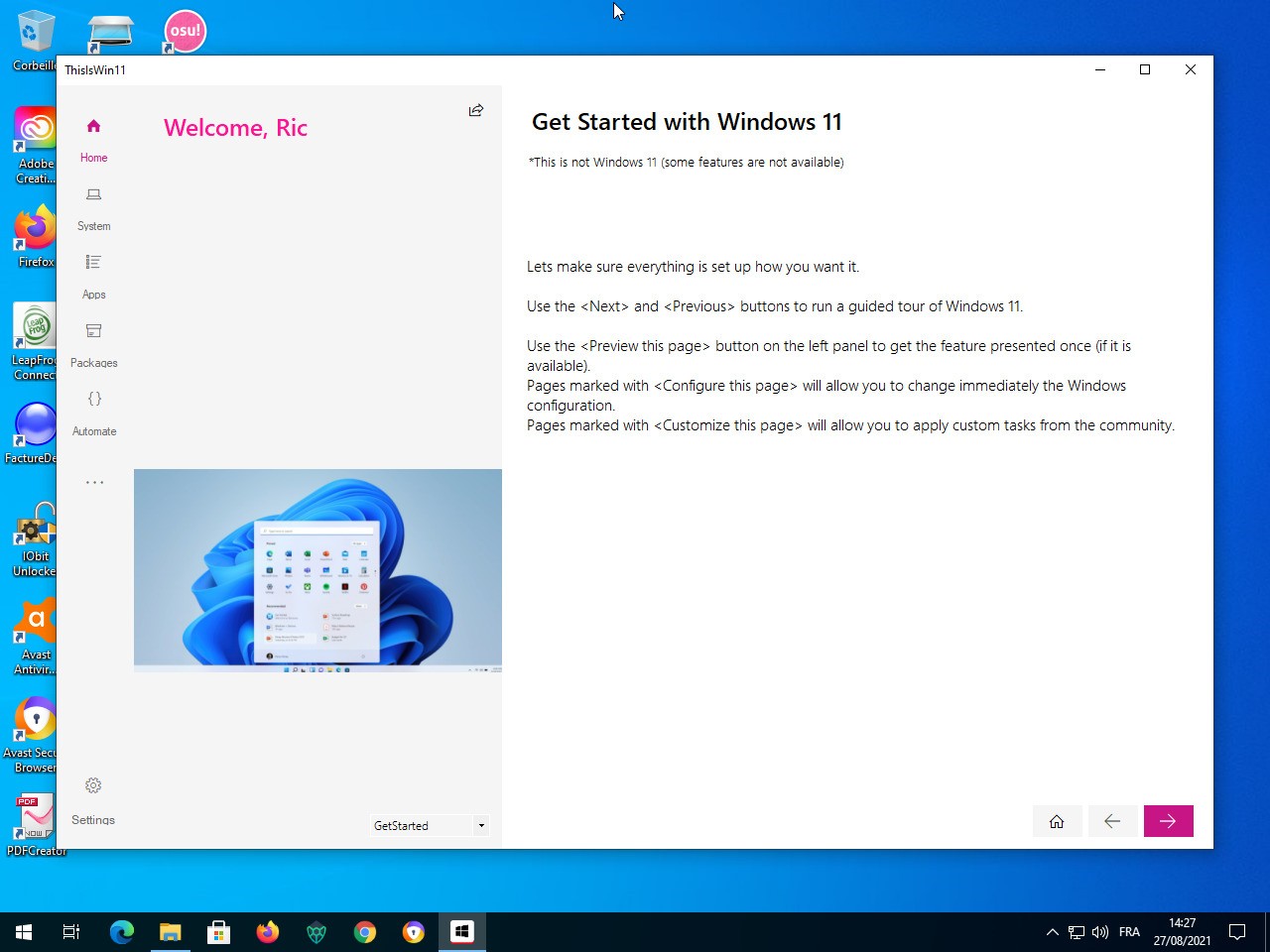
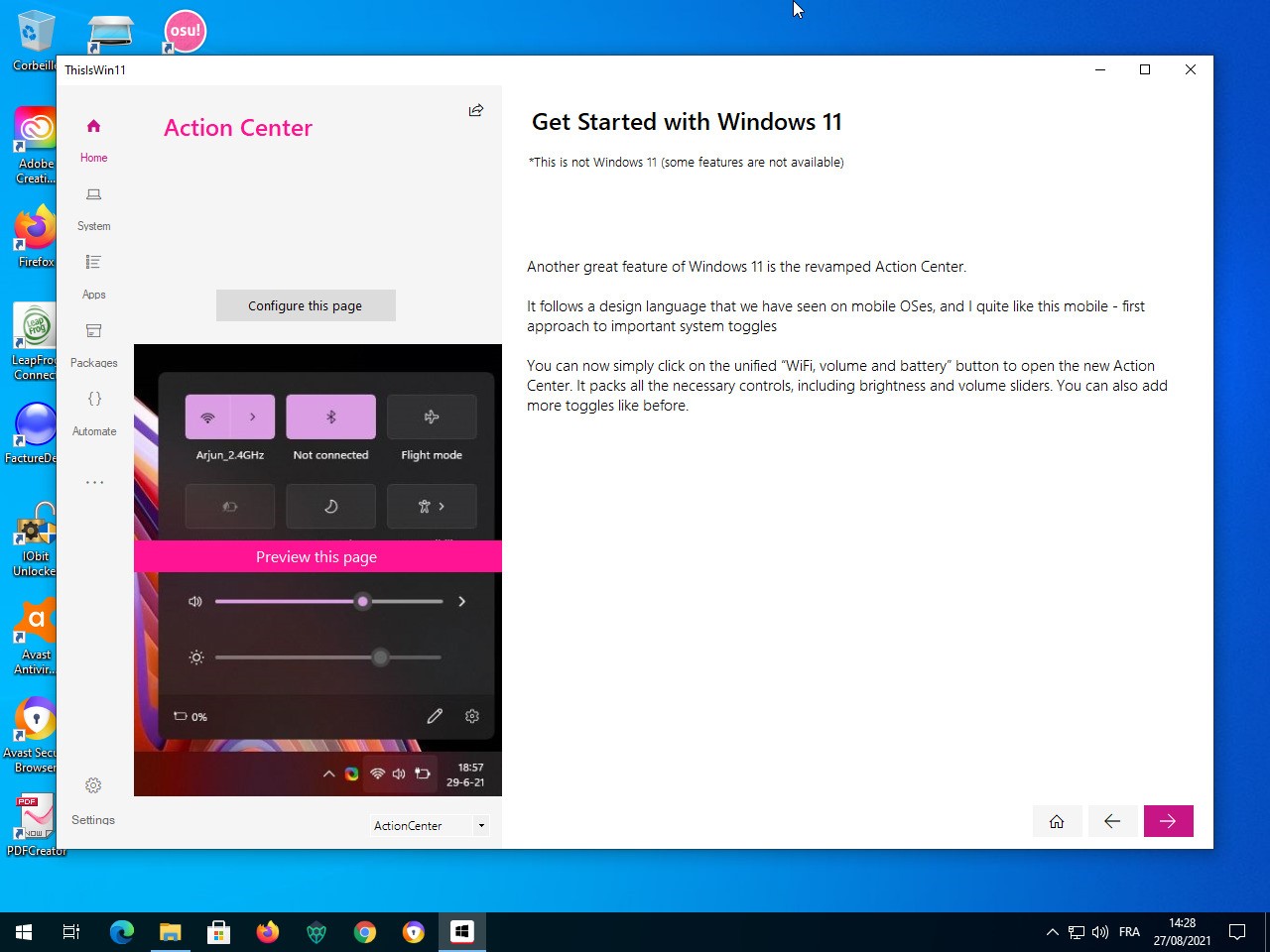
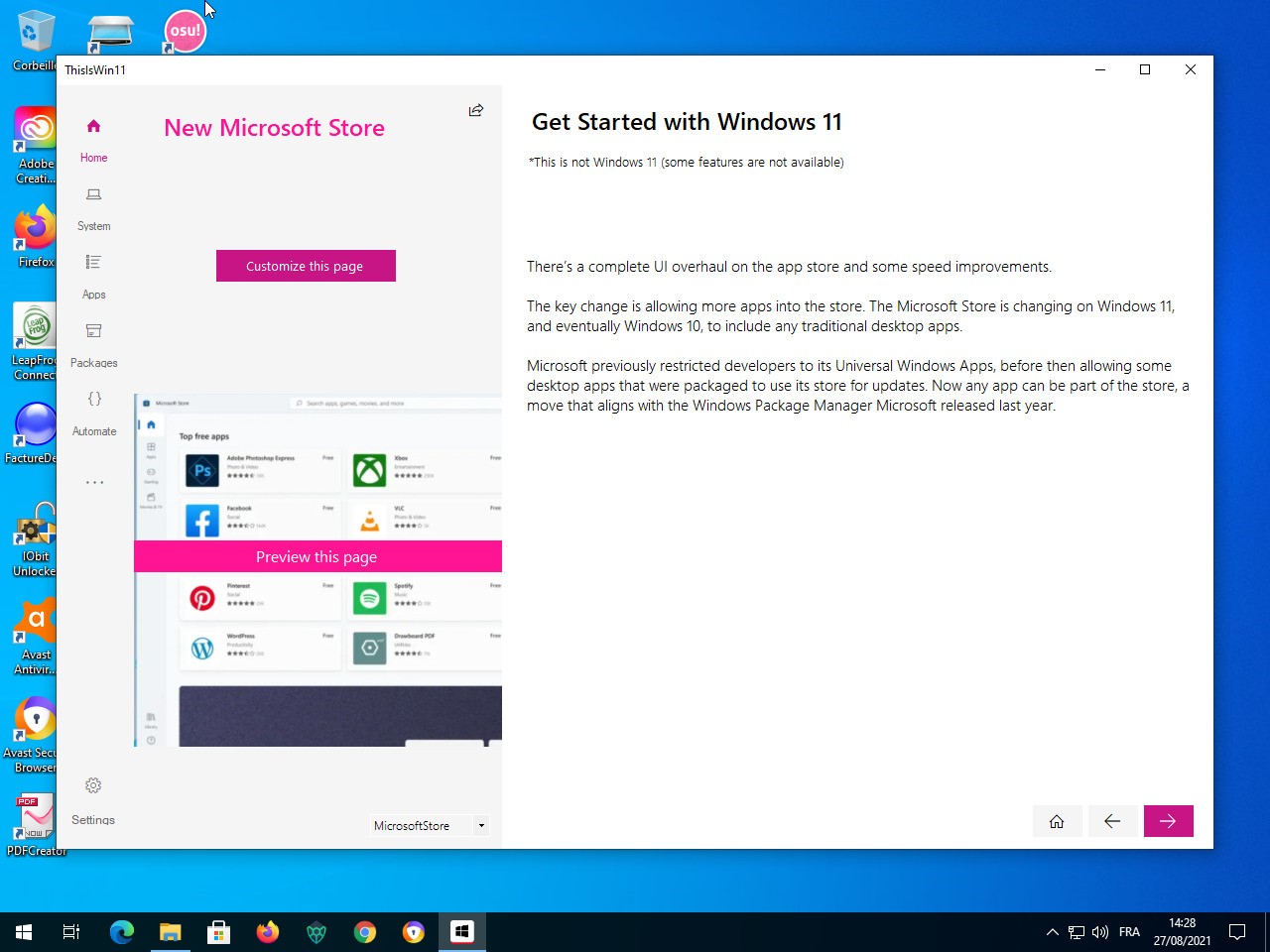
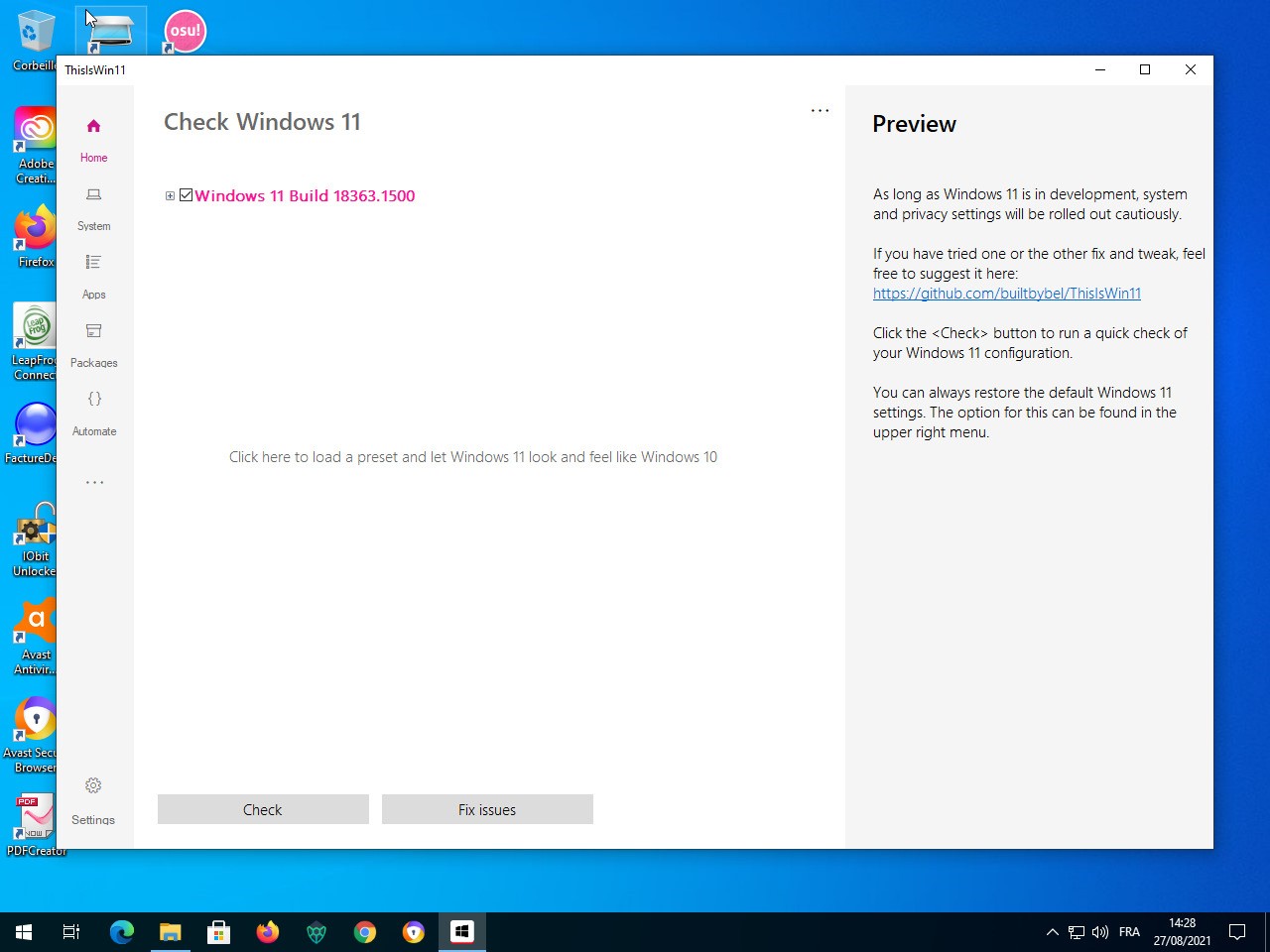
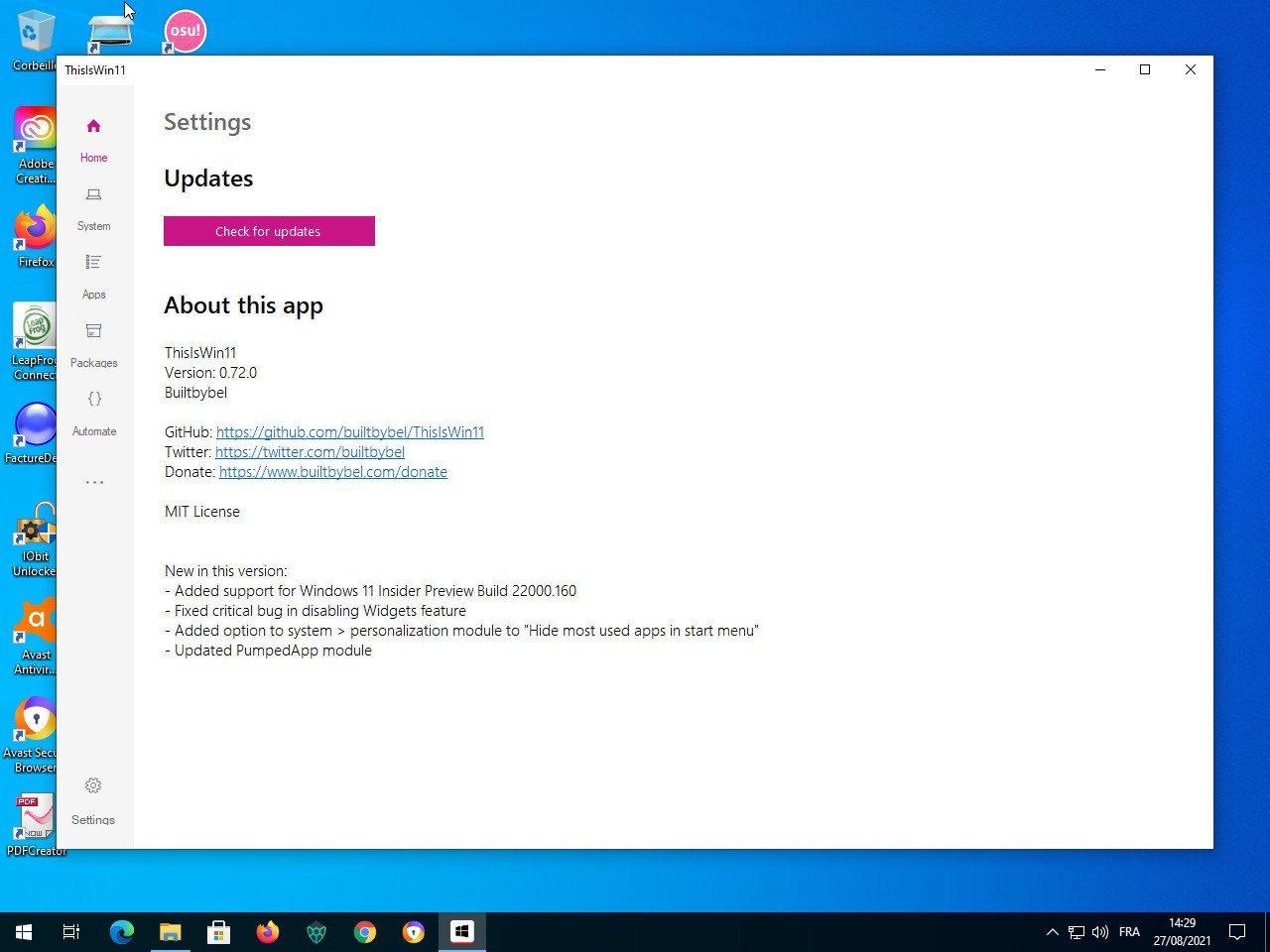
ThisIsWin11 is a community-created utility that allows one to control Windows 11 without digging deep through menus, messing with the registry, or using PowerShell scripts. It pulls numerous system tweaks together in a single dashboard; thus, you do not need to move between settings. Others consider it a successor to the old PowerToys tools by Microsoft.
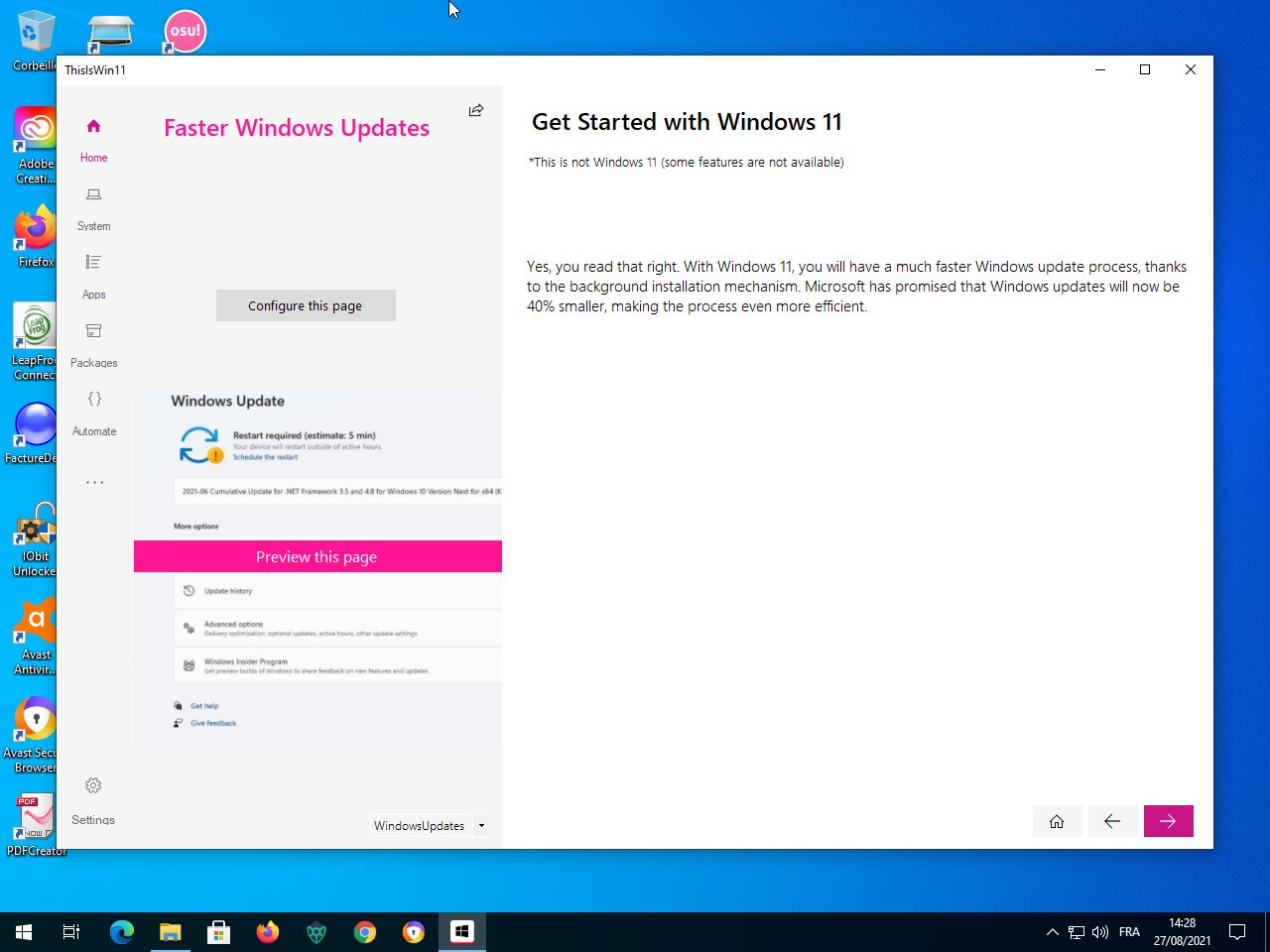
The software is also divided into small modules, with each module addressing a specific area. One of the modules guides first-time users on the basics of Windows 11, another opens the door to customization of the interface, and the third one allows you to remove the items you do not want on Windows 11 that you did not install.
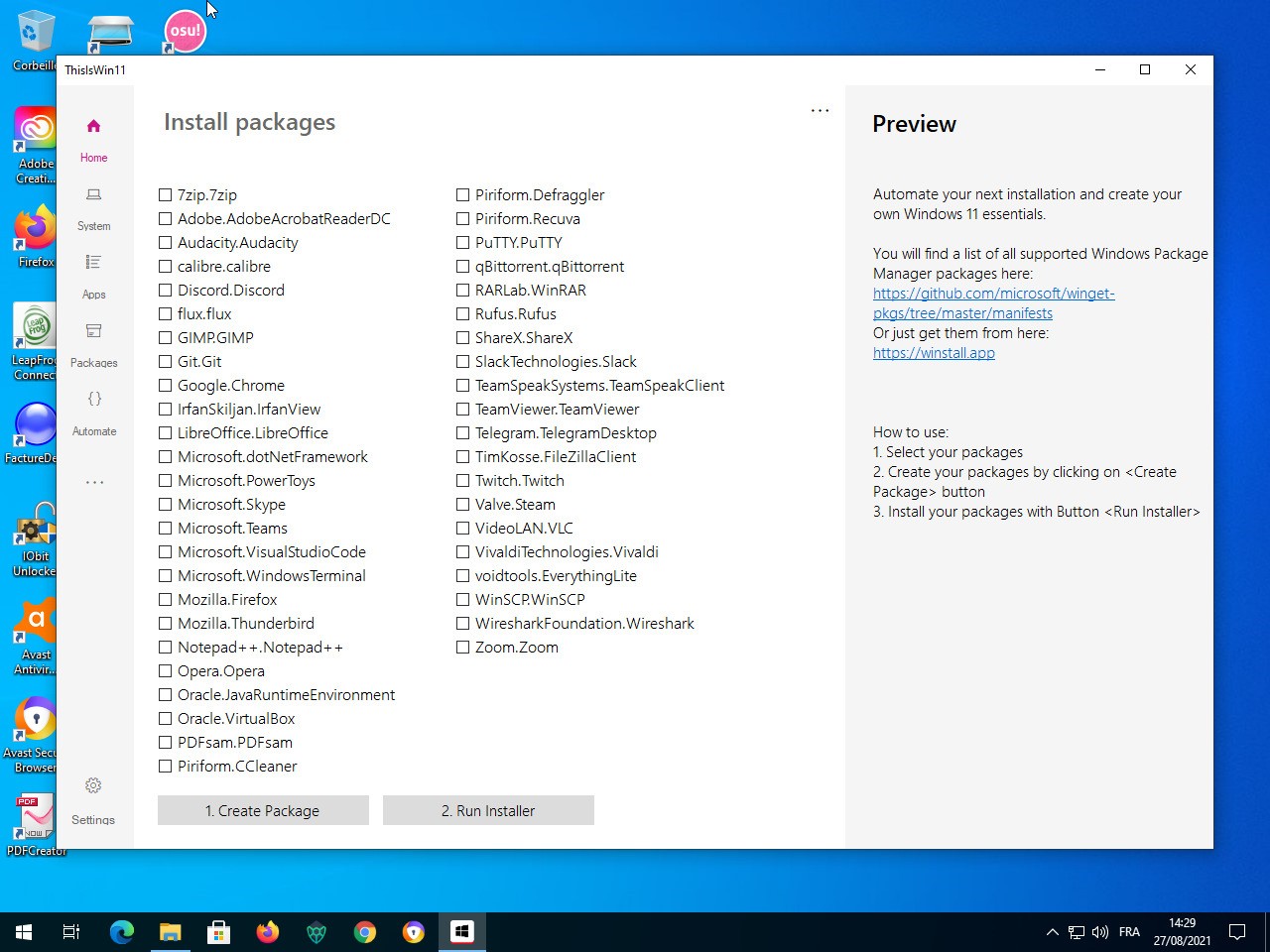
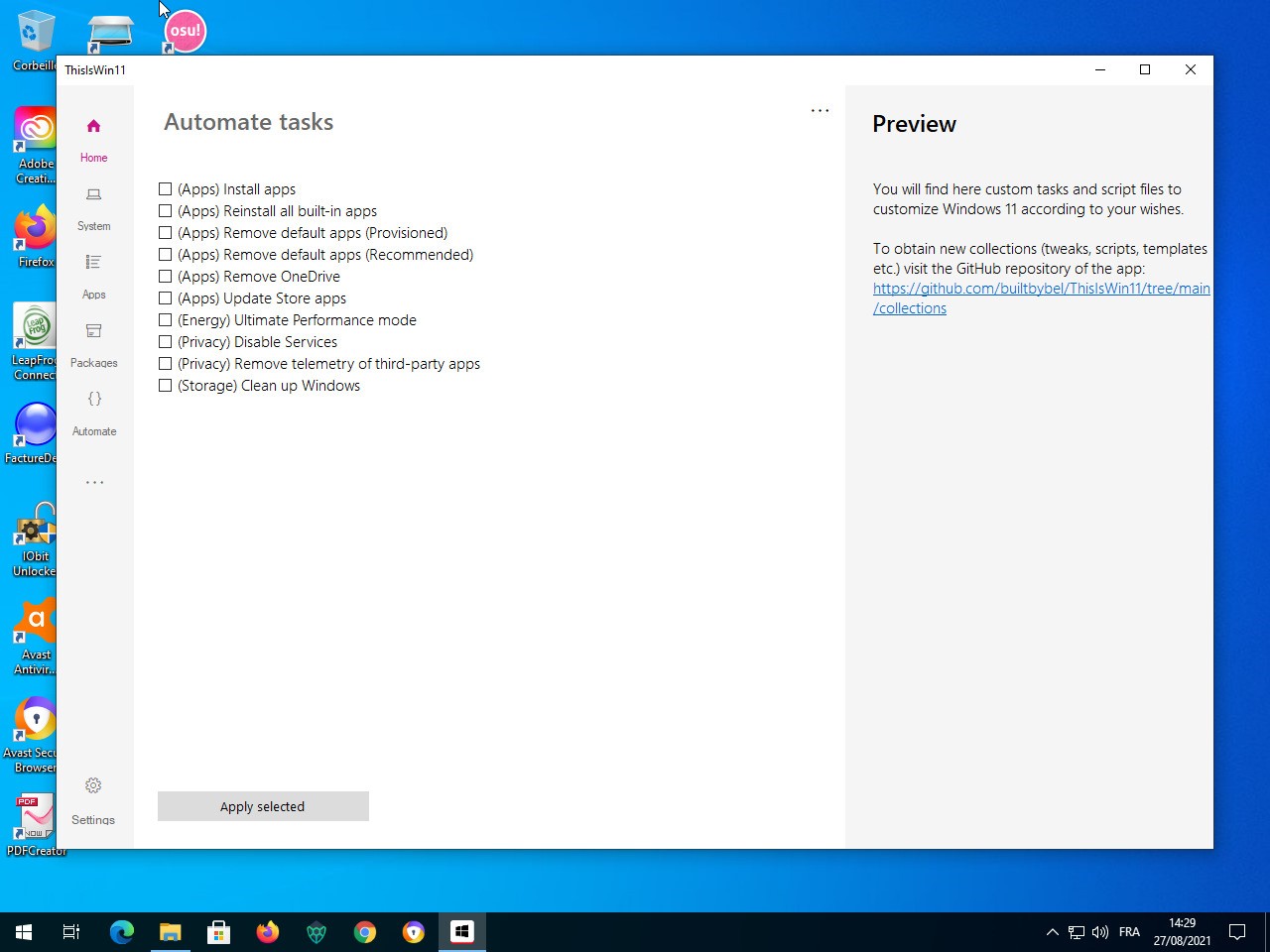
It can also create install packages using the Windows Package Manager and execute automation scripts. Put simply, it is a collection of helpful features, but rolled into one. The community continues updating it; thus, new twists are produced with every update of Windows.
Why Should I Download ThisIsWin11?
Users download ThisIsWin11 because Windows 11 conceals numerous controls. Certain settings areas are deep-buried, others require command lines, and lots of them cannot be accessed using the regular interface. Thanks to ThisIsWin11, all the complicated features are under a single convenient roof.
One of the outstanding features is the OpenTweaks area, where Microsoft obscures UI and system settings. It offers animations, taskbar behavior, and privacy settings switches, as well as other interface features. The tool provides a safer method to alter these settings instead of searching the internet to find online guides and modifying the registry manually.
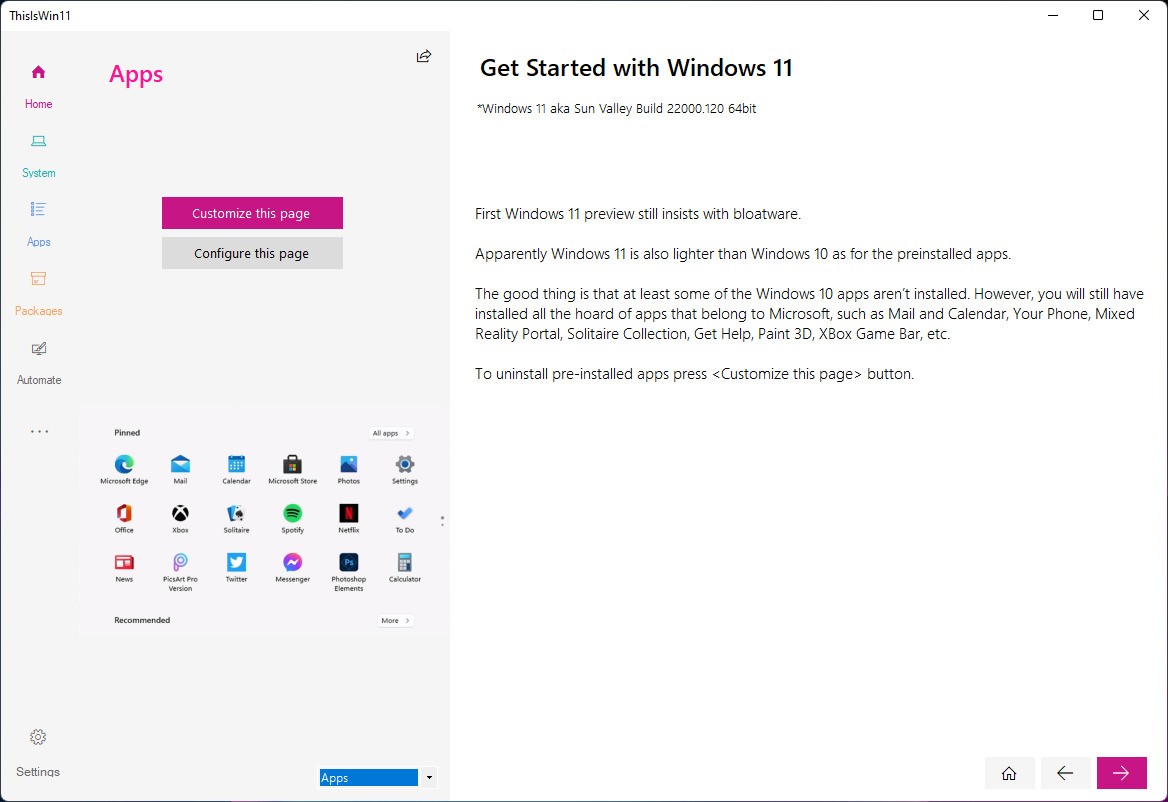
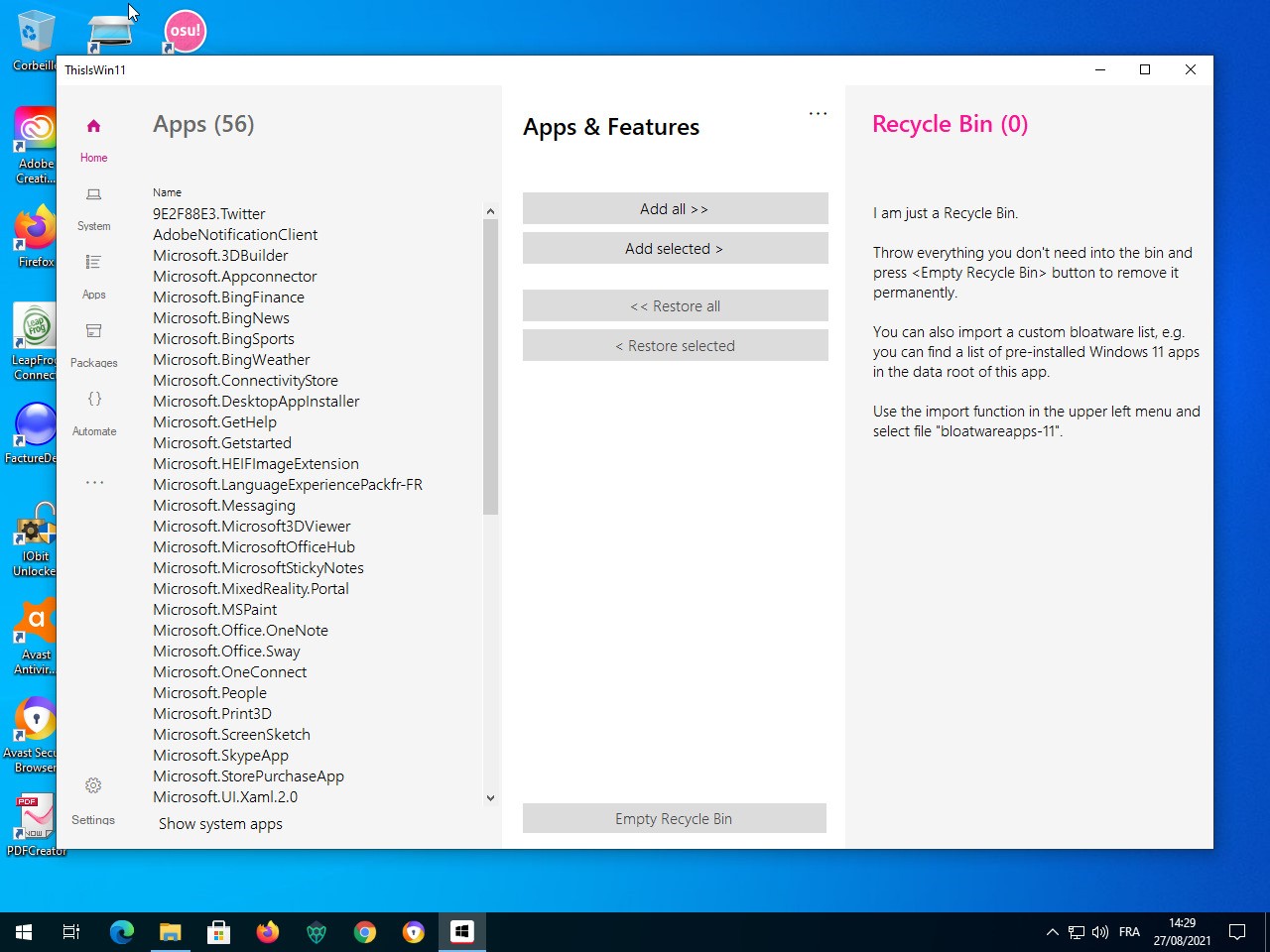
The other benefit is that it allows one to uninstall Windows applications. Windows 11 gives built-in utility programs like Camera, Alarms, and Maps, which are rarely used by many users. ThisIsWin11 also allows you to uninstall them, but do not rush, as certain applications are linked to the essential activities of the system.
The package builder will come in handy in case you have to install Windows and/or manage several PCs. It allows you to create a list of applications that you would like to install and run it after a fresh installation. Advanced users can also deal with the automation scripts in the PowerUI feature. They are tiny little joys that are time-saving and provide additional control, which is ideal in case one wants a cleaner or less Windows-like experience.
Is ThisIsWin11 Free?
Yes, ThisIsWin11 is free. It is a GitHub open-source project, which anyone may download, inspect, or edit the code. It has no paid edition and no locked features, and updates are open. This is all that it takes to change the settings of these systems; there is no extra cost attached.
What Operating Systems Are Compatible With ThisIsWin11?
ThisIsWin11 only works with Windows 11. It is intended to reveal or alter components of the newest OS of Microsoft; therefore, it does not operate in older editions like Windows 10, 8.1, and so on. Certain modules, such as app removal or advanced UI Tweaks, require Windows 11 structure and cannot work properly on other platforms.
It works with Windows 11 versions: Home, Pro, and Enterprise, as long as the user is allowed to control system settings. Remember that Windows updates have the potential to change the functionality of the internal features, and that after a significant update, certain tweaks might not behave in the same way until the developer updates the tool. This is implicit to third-party customization in a changing OS.
ThisIsWin11 is not applicable to older systems, and it often runs into issues if someone tries to use it on Windows 10. It was developed as Windows 11 software.
What Are the Alternatives to ThisIsWin11?
Another application by the same developer is Flyoobe (which used to be Flyby11), concentrating on making the Windows setup easy and friendly. Rather than introducing changes to Windows once it is installed, Flyoobe allows you to control what Windows loads during the first-time setup. It is handy when one would prefer a minimal or low-profile installation. It does not go after app removal or extreme customizations as ThisIsWin11 does; it takes early control over the installation. Flyoobe is a good option for users who like to create Windows at the beginning and not later. You can download it whenever you want to test a simpler, cleaner way of preparing your Windows setup.
Tiny11 is more of a tool than a technique. It creates a slender Windows image through scripts by eliminating most of the built-in parts. This style is appropriate for individuals who desire Windows in low-specification hardware or those who need less functionality. Tiny11 is not as interactive as ThisIsWin11; it customizes the system to install a custom image. It leaves a very light and fast environment, and removes features that a user may later want to access. Tiny11 is a minimalist layer to consider when minimalism is the first idea that one wants, and not continuous adjustments. Many users download Tiny11 to quickly build a lightweight setup that runs smoothly on older or limited machines.
NTLite is an older customization program that can be used to work with various versions of Windows, and not only Windows 11. It has more control than ThisIsWin11: one can customize system parts, add or delete drivers, incorporate updates, tweak services, and create custom installation images. It is more technical and powerful, and its learning curve is also steeper. NTLite is used by IT professionals and hobbyists to customize Windows before installing it. Certain features are free, whereas the more advanced features are paid. NTLite is a more powerful, yet more complex, alternative for someone who is capable of fine-tuning a Windows image instead of needing additional post-installation adjustments. People usually download NTLite when they want deeper control over Windows images before installation.