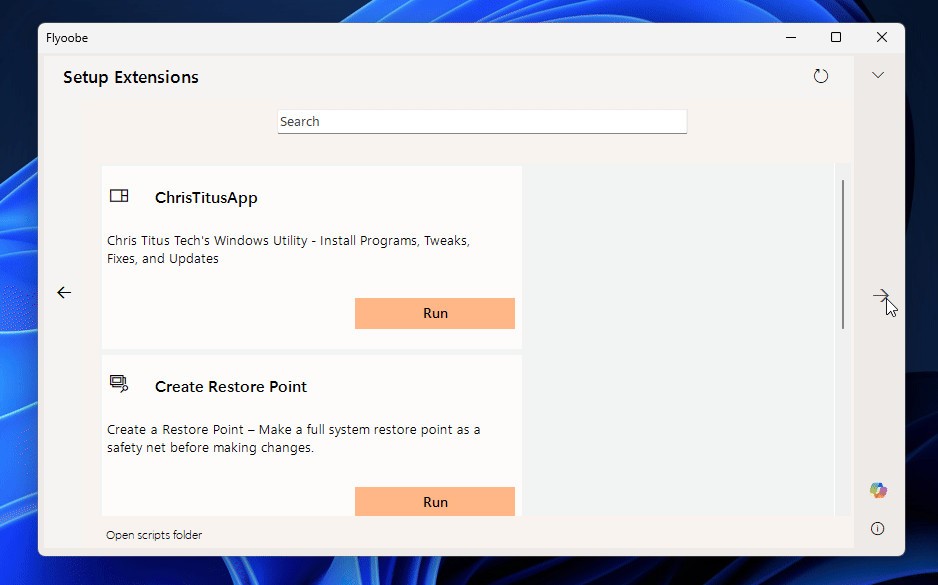
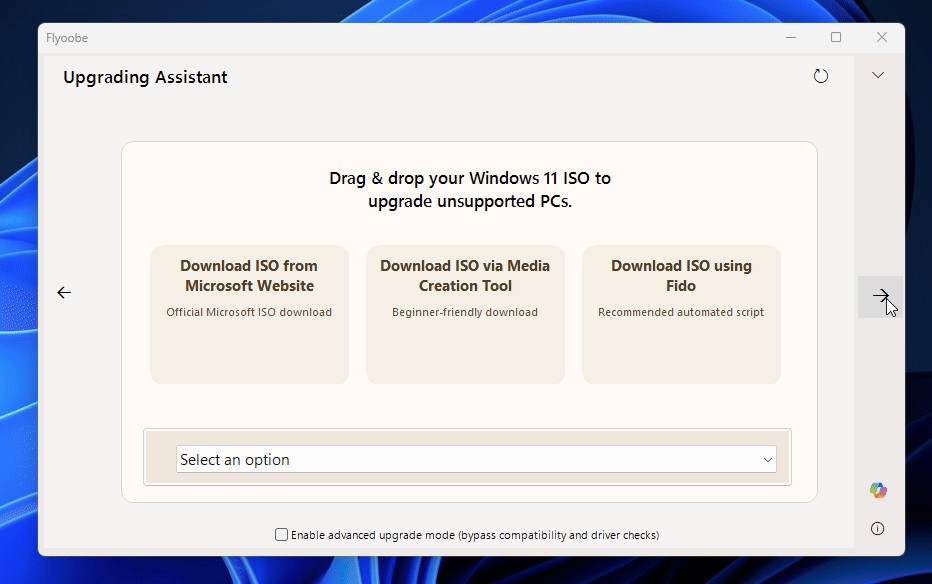
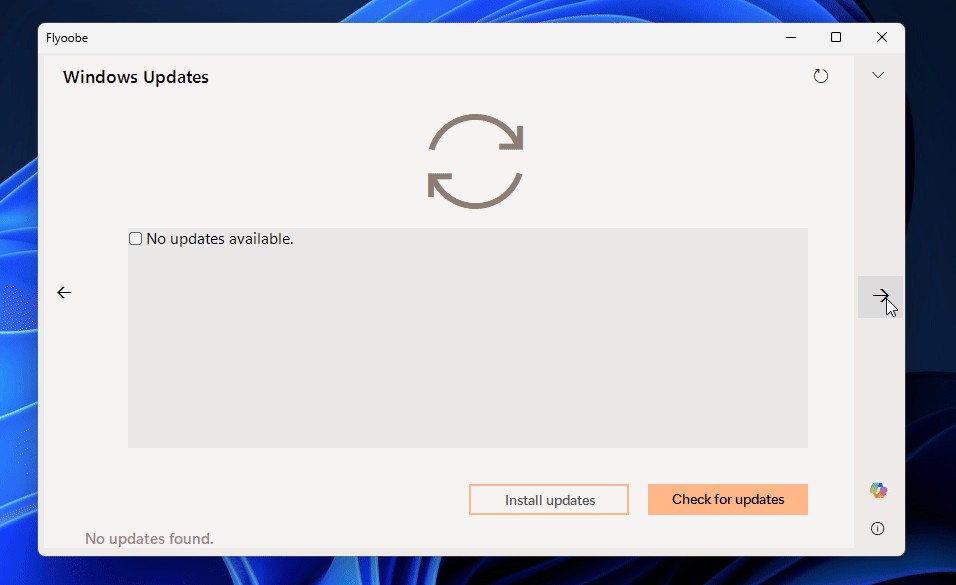
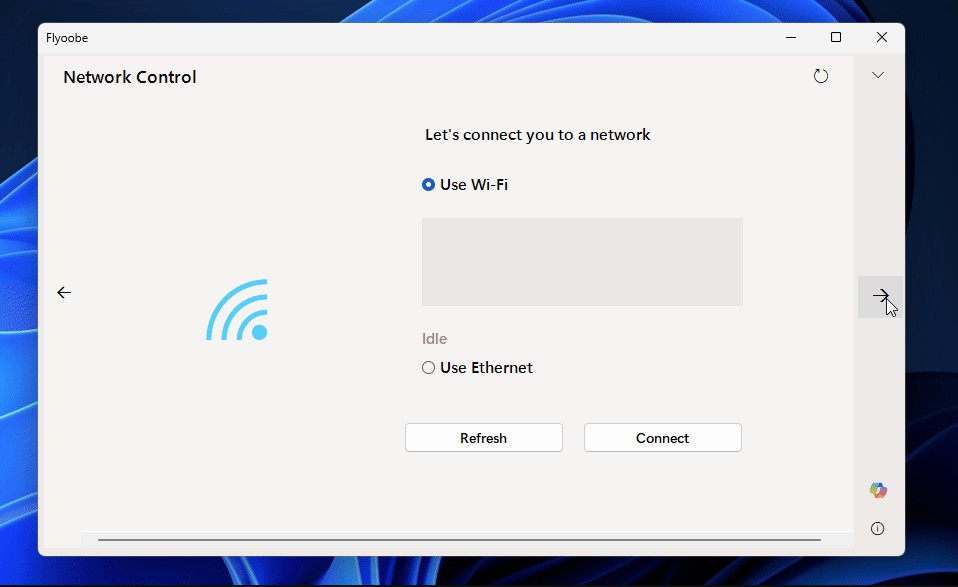
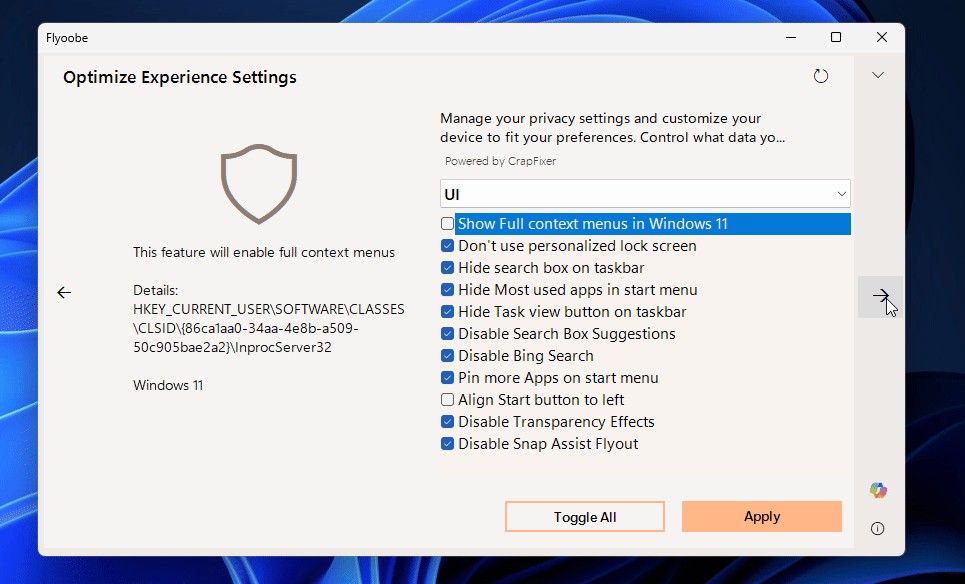
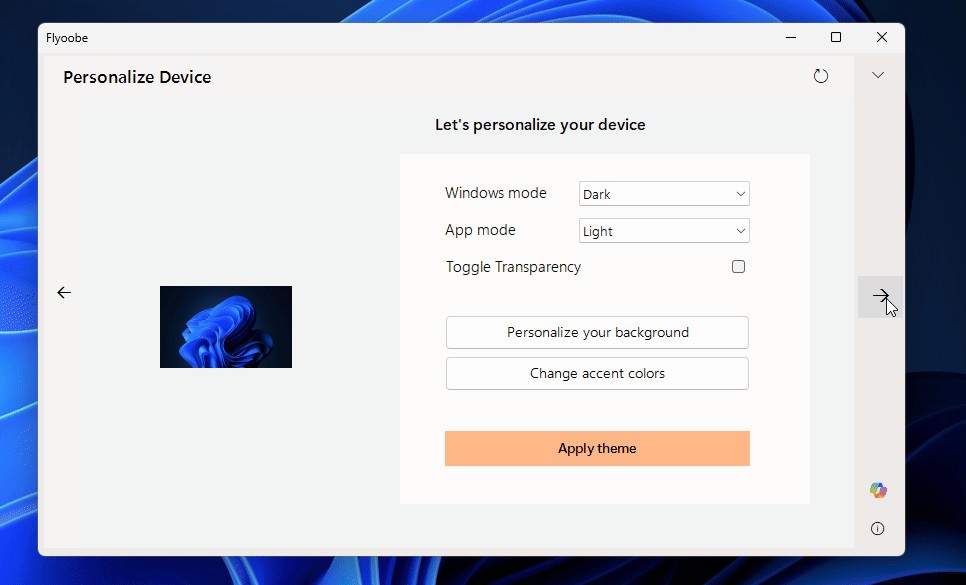
Flyoobe (Flyby11) – Windows 11 for All is a modern upgrade toolkit built to make the transition to Windows 11 simple and unrestricted. It’s the next step after Flyby11, which helped people install Windows 11 on older or unsupported machines. While Flyby11 still exists as a smaller standalone utility, Flyoobe includes everything from that version and adds more. It doesn’t only handle upgrades—it lets users adjust and clean up their systems before Windows 11 even finishes installing. It brings an Out-Of-Box Experience that allows setup tweaks, app removals, and script support.
This tool uses Microsoft’s own installer base, but changes the part that stops older systems from upgrading. It skips checks for TPM, Secure Boot, and CPU type, so even older computers can run Windows 11. But it still installs the official Windows 11 build; nothing modified, nothing fake. It handles ISO downloads automatically through built-in scripts, which means you don’t have to chase images manually. You just run it, follow the steps, and the upgrade goes through without complications.
The purpose of Flyoobe is simple: to make your computer yours again. Microsoft limits installations on many capable machines, but this project removes that restriction. It gives control back to users who know their hardware is good enough. It’s practical, lightweight, and doesn’t require coding knowledge or registry editing. Flyoobe keeps what worked from Flyby11 and improves the rest by giving people full command from the very start of installation.
Why Should I Download Flyoobe (Flyby11) – Windows 11 for All?
You should download Flyoobe if you own a computer that runs fine but gets blocked from upgrading to Windows 11. It solves that problem directly. It helps you install the system you want without replacing parts or buying a new machine. It’s useful for anyone frustrated with Microsoft’s restrictions on hardware that still performs perfectly well. The tool uses a reliable method to skip these checks and still give you a genuine installation.
What makes it stand out is the control it gives over the setup process. You can skip unwanted software, disable tracking features, or remove default apps you don’t need. Everything happens before the system even finishes booting for the first time. The OOBE toolkit is part of what makes Flyoobe more than just a patch—it’s a setup companion that builds a cleaner version of Windows 11 from the start.
It’s also a smart choice for saving both money and resources. Many people throw away working computers just because the installer says “unsupported.” Flyoobe prevents that waste. It lets you keep using your hardware instead of turning it into electronic trash. It’s also environmentally reasonable because it reduces e-waste and promotes longer device use.
Is Flyoobe (Flyby11) – Windows 11 for All Free?
Flyoobe is free to download and use. There are no hidden payments, licenses, or premium versions. Everything is available through the official GitHub page maintained by the creator. The project is open, public, and shared with the community so anyone can upgrade safely. You just download the release, extract it, and start the process. It doesn’t rely on third-party activators or shady scripts. It follows Microsoft’s documented upgrade workarounds, which makes it both legitimate and stable.
However, it’s important to remember that Flyoobe operates outside Microsoft’s support limits. It uses known and transparent techniques to skip certain hardware checks. These are safe but unofficial. Users should back up their data before running the tool, just in case something goes wrong during setup. The developer has made everything clear in the release notes, including how it works and what it can’t bypass.
The most important thing to note is that the POPCNT instruction requirement introduced with Windows 11 version 24H2 cannot be bypassed. If your CPU doesn’t support that instruction, the setup will stop, and there’s no fix for that. The developer added a compatibility checker starting from version 2.3 to warn users if their hardware lacks this requirement. Apart from that, Flyoobe can bypass TPM, Secure Boot, and CPU model restrictions smoothly. It keeps things simple but transparent.
What Operating Systems Are Compatible with Flyoobe (Flyby11) – Windows 11 for All?
Flyoobe is compatible with Windows 10 and Windows 11 operating systems. It’s designed mainly for upgrading from Windows 10 to Windows 11, whether you’re performing an in-place upgrade or creating a clean installation. You can run it on 64-bit versions of Windows 10, which is the standard for Windows 11 installations.
The tool keeps the same system architecture and setup style as the official installer. It doesn’t modify system files, activation, or licenses. What it does is replace the restrictive checks that block older hardware from completing installation. During the process, Flyoobe automatically manages ISO downloads or mounts them directly using built-in scripts, so users don’t need to handle them manually. This approach makes upgrades faster, especially for people not used to dealing with setup files or command-line tools.
Once the installation finishes, you end up with a complete, genuine Windows 11 system identical to one installed on a new machine. Flyoobe doesn’t alter how Windows behaves—it just clears the unnecessary conditions that stop you from reaching that point. That’s why many users rely on it for home PCs, testing setups, and systems that still perform well but were locked out by Microsoft’s hardware policy.
What Are the Alternatives to Flyoobe (Flyby11) – Windows 11 for All?
Other tools are available to assist in installing or checking Windows 11, but none of them do it the way Flyoobe does.
The official alternatives include PC Health Check, which is a Microsoft service. It is a mini diagnostic application that will check your hardware and inform you about the compatibility of the device with Windows 11. It does not repair or even avoid anything; it merely provides you with a compatibility response. It comes in handy to learn why your system may not upgrade.
WhyNotWin11 is another popular alternative. It is a free diagnostic tool that dissects all of the hardware guidelines that Microsoft implements. It gives a detailed account of what passes and what fails. This assists the users in identifying the problem, such as an incompatible processor or the absence of TPM. But WhyNotWin11 halts at this point; it does not install or alter anything. This is the reason why a lot of people do it by checking the first thing, and then they do the upgrade with Flyoobe.
Next is the Windows 11 media creation tool, which is the official installer for supported systems by Microsoft. It enables users to make installation media or to perform an in-place upgrade. Nonetheless, it can only be used in the gadgets that already satisfy the hardware requirements of Microsoft. In case your PC fails those checks, then the installation is stopped automatically. It is secure and trustworthy, but again, it has to be on a system that has been given the green light.