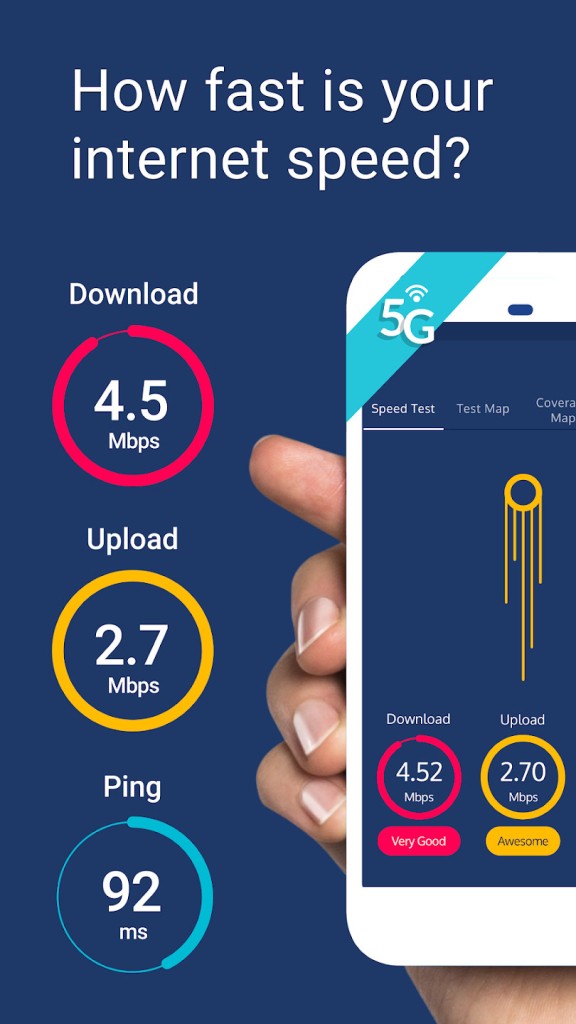
Meteor Speed Test is an app designed for testing internet speed across WiFi and mobile networks, including 3G, 4G LTE, and 5G. What makes it different is the way it connects test results directly to app performance. Instead of stopping at download and upload numbers, Meteor shows you what those speeds mean for the apps you use every day. This includes social apps, video streaming platforms, messaging services, music players, and popular mobile games. For example, if you want to know whether your connection can support a smooth Netflix video or a call on WhatsApp, Meteor makes that clear.
The app runs one simple test and gives you download speed, upload speed, and ping time. After that, you can choose up to six apps to see how well they perform under your current connection. This feature is helpful because internet performance is not always about the highest numbers, but about how those numbers impact actual use. Meteor keeps the process simple, so results are easy to understand without needing technical knowledge.
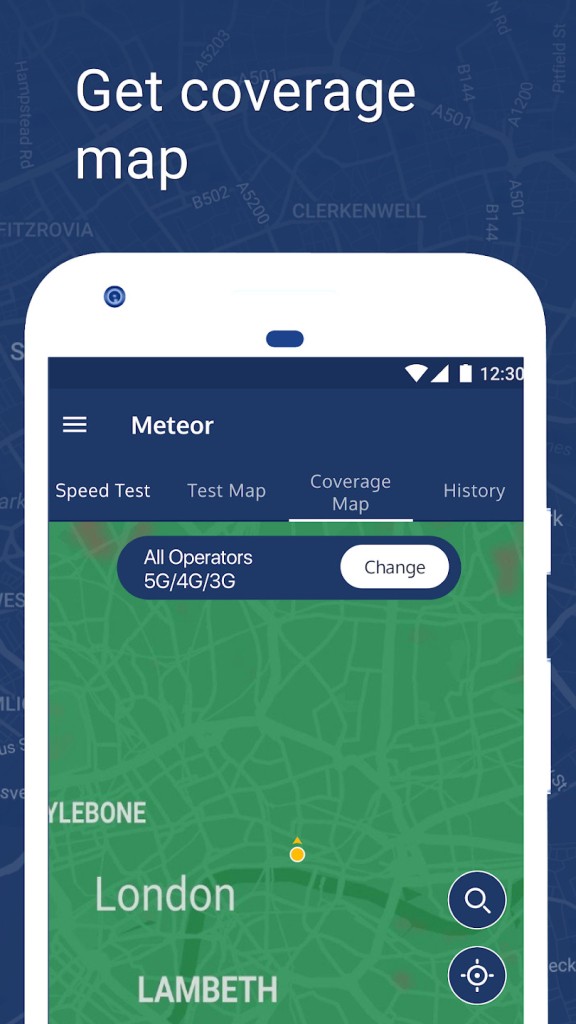
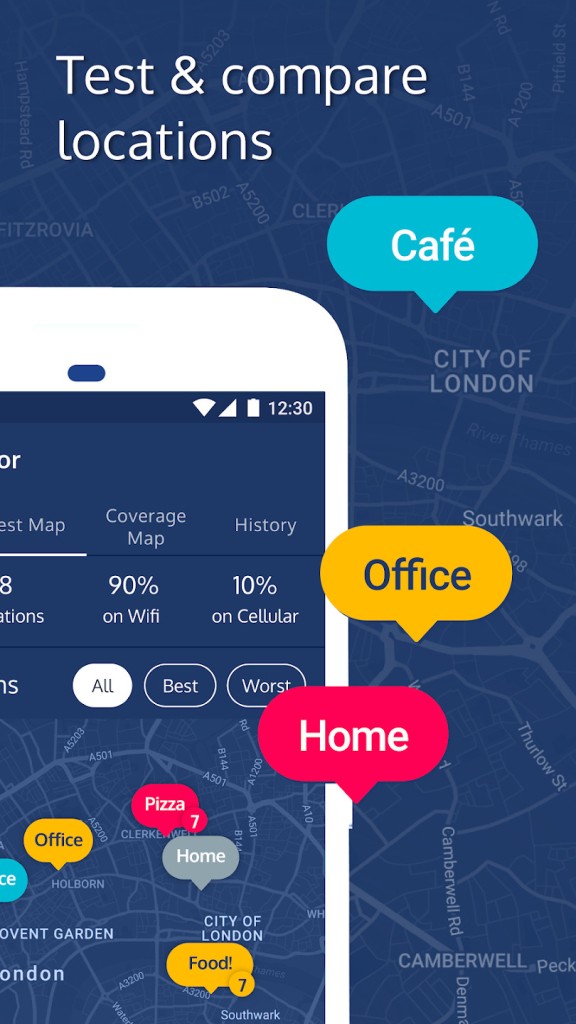
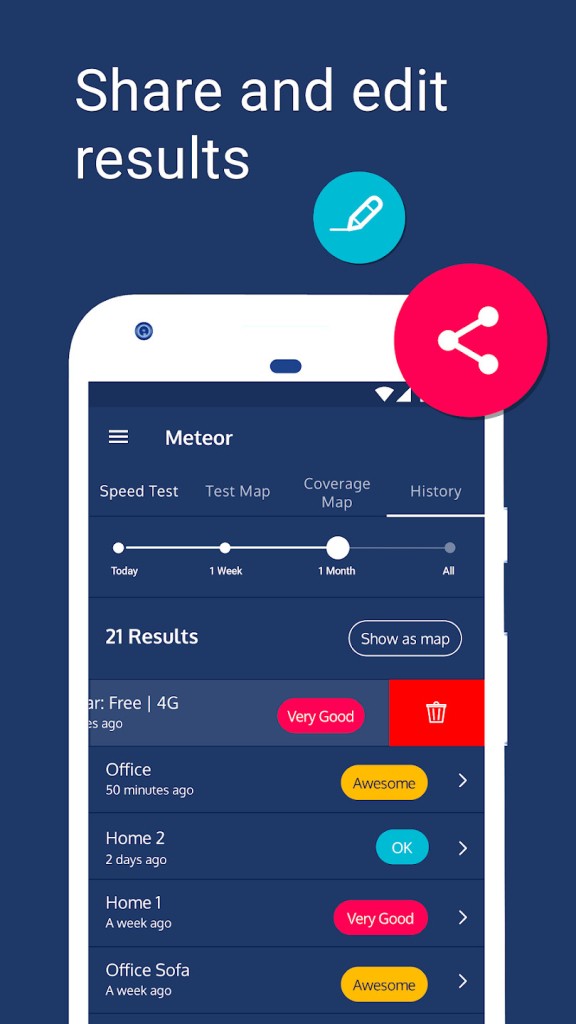
Beyond the test itself, Meteor stores your past results in a history section. You can view all the locations where you ran tests, compare best and worst results, and even track changes over time. This creates a personal timeline of your network experience. Meteor also has a coverage map that uses signal data from real users to show strength down to the street level. Whether you are planning a trip or comparing mobile operators in your area, the map makes it possible to see where the strongest signals are available. The app is completely free and contains no ads, which makes it a clean and reliable option for checking internet speed.
Why Should I Download Meteor Speed Test?
There are many reasons why Meteor Speed Test is worth downloading. The biggest is that it turns speed test results into something practical. Most speed test apps tell you only the Mbps value, but Meteor shows how that number affects your apps. This means you don’t need to guess whether your favorite game will lag or if your video call will cut out. Meteor turns the test into a direct measure of daily experience.
Another reason is the ability to test multiple apps at once. You can check up to six apps during one test run, which saves time and gives you a wider view of your connection’s performance. This is especially important for people who work remotely, join online meetings, or stream video and music regularly. Meteor makes it easy to see if your network is good enough for all these tasks without repeating tests.
The history function is another useful part of Meteor. Storing your results allows you to track how your connection changes over time. If you want to know whether your operator’s promises about 4G or 5G are accurate, this history gives you the evidence. You can see patterns and know if your internet speed is improving, declining, or staying the same.
Meteor also stands out with its coverage map. The map shows signal strength at a detailed level, giving you insight into where your connection will work best. This is useful not only at home but also while traveling. You can plan ahead by checking coverage in areas you will visit. The map also makes it possible to compare different operators, so you can make better choices about which network to use.
Finally, Meteor is free and ad-free. Every feature is available without cost, and there are no distractions from advertising. The app also contributes to improving mobile connectivity worldwide by collecting anonymized performance data.
Is Meteor Speed Test Free?
Meteor Speed Test is free to download and free to use. There are no hidden costs, no trial periods, and no premium versions. Everything is available from the start. Whether you want to run one test or hundreds, the app does not limit your use. It also does not show advertising, so you won’t see banners, pop-ups, or sponsored messages while testing.
Because it is free, Meteor is accessible to anyone who wants to check their internet connection without paying for extra features. Other apps sometimes place advanced functions behind paywalls, but Meteor provides all its features without restriction. This includes the speed test, app performance check, history log, and coverage map.
The fact that Meteor is both free and ad-free adds to its reliability. You know the results are not being influenced by commercial interests. Instead, the app focuses only on showing accurate internet performance. This independence is one of the reasons it has become popular among users worldwide.
What Operating Systems Are Compatible with Meteor Speed Test?
Meteor Speed Test is compatible with iOS and compatible with Android. On iOS, you can download it from the App Store, and on Android, it is available from Google Play. Both platforms offer the same features, including internet speed testing, app performance results, history tracking, and coverage maps.
The app runs smoothly on smartphones and tablets, and because it is lightweight, it does not slow down your device or consume unnecessary resources. Its design makes it simple to use across both systems, so whether you own an iPhone or an Android phone, you get the same functionality. This wide compatibility means Meteor can be used by millions of people around the world without limitation.
What Are the Alternatives to Meteor Speed Test?
Opensignal is one of the alternatives. It has been known to offer extensive coverage maps and large-scale data reports on mobile operators. Opensignal gathers data provided by users around the world and uses it to present comparisons between various carriers. It would be useful in case you are concerned with the performance of certain operators in detail, but it does not focus on app-specific performance during a single speed test as Meteor does.
The other alternative is nPerf speed test. This utility contains both speed test and browsing, as well as streaming and latency. It can be accessed both on mobile and on the web, and nPerf gives you detailed feedback on how your internet performs on various tasks. It also covers maps and community data. The level of detail may be useful to some users, but Meteor also maintains less complicated and focused results for actual use in an app.
One of the best-known substitutes is Ookla Speedtest. It is among the oldest and most popular speed test tools, and has a worldwide network of servers. Ookla displays the download speed, upload speed, and ping. It can be found on mobile platforms, desktop platforms, and as a browser extension. It is a standard that is viewed by many people to determine the speed of the internet. Nevertheless, it does not correlate such results directly to the performance of the apps. Whereas Speedtest provides accurate raw numbers in terms of speed, Meteor provides a more realistic background in terms of proving how the numbers affect applications in day-to-day life.