NetBalancer is a Windows application for local network traffic control and monitoring. After you install the setup on a PC, you run it as a standalone program that shapes, prioritizes, and observes traffic in real time. You can lower a download manager or torrent client, so browsing stays smooth, or set strict upload and download limits for any process. It allows you to define rules with deep packet inspection, matching by application, protocol, port, IP range, adapter, Wi-Fi SSID, or even packet content to keep actions precise. You can watch per-process speeds, open a list of live connections with remote IPs and ports, and keep a small always-on-top window that shows current throughput.
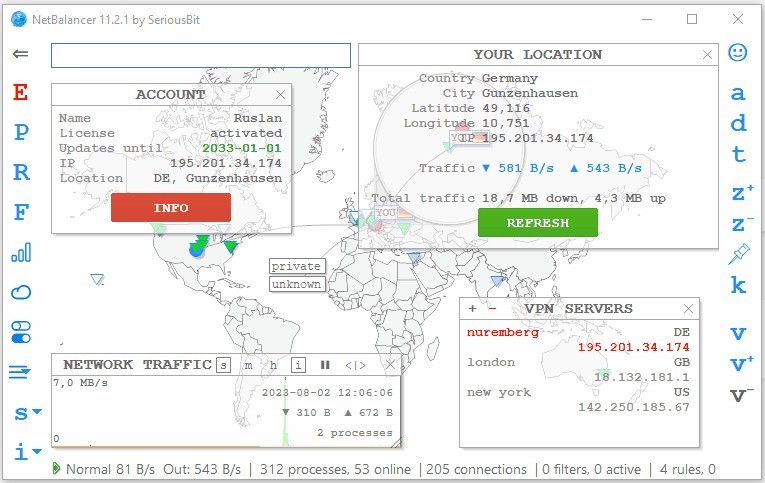
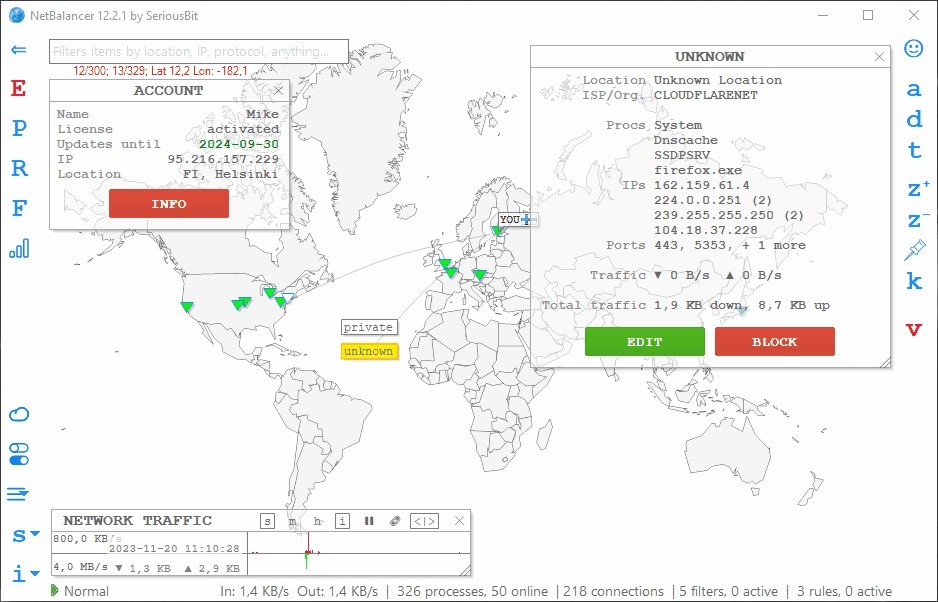
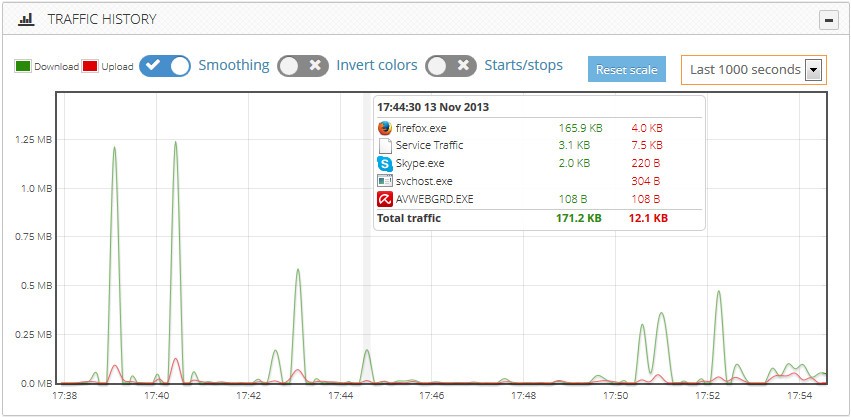
A system tray icon and a taskbar toolbar display activity when the main window is closed. A history view records the use since first install so you can check totals by process and time period and see where traffic spiked. A world map plots connections by location so you can understand where data is going and act on it with location-based rules. Encryption covers all program traffic, sync traffic, and stored credentials, and IPv6 is supported natively across rules and monitoring. Tags and bulk commands extend control to groups of machines through sync, while the same features work locally when you keep everything off-sync on a single computer.
Why Should I Download NetBalancer?
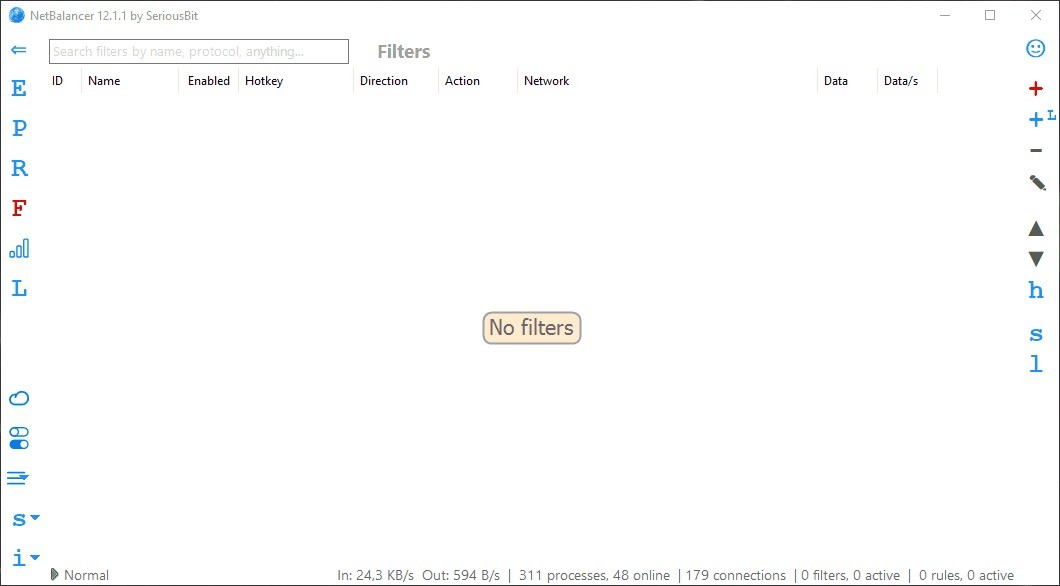
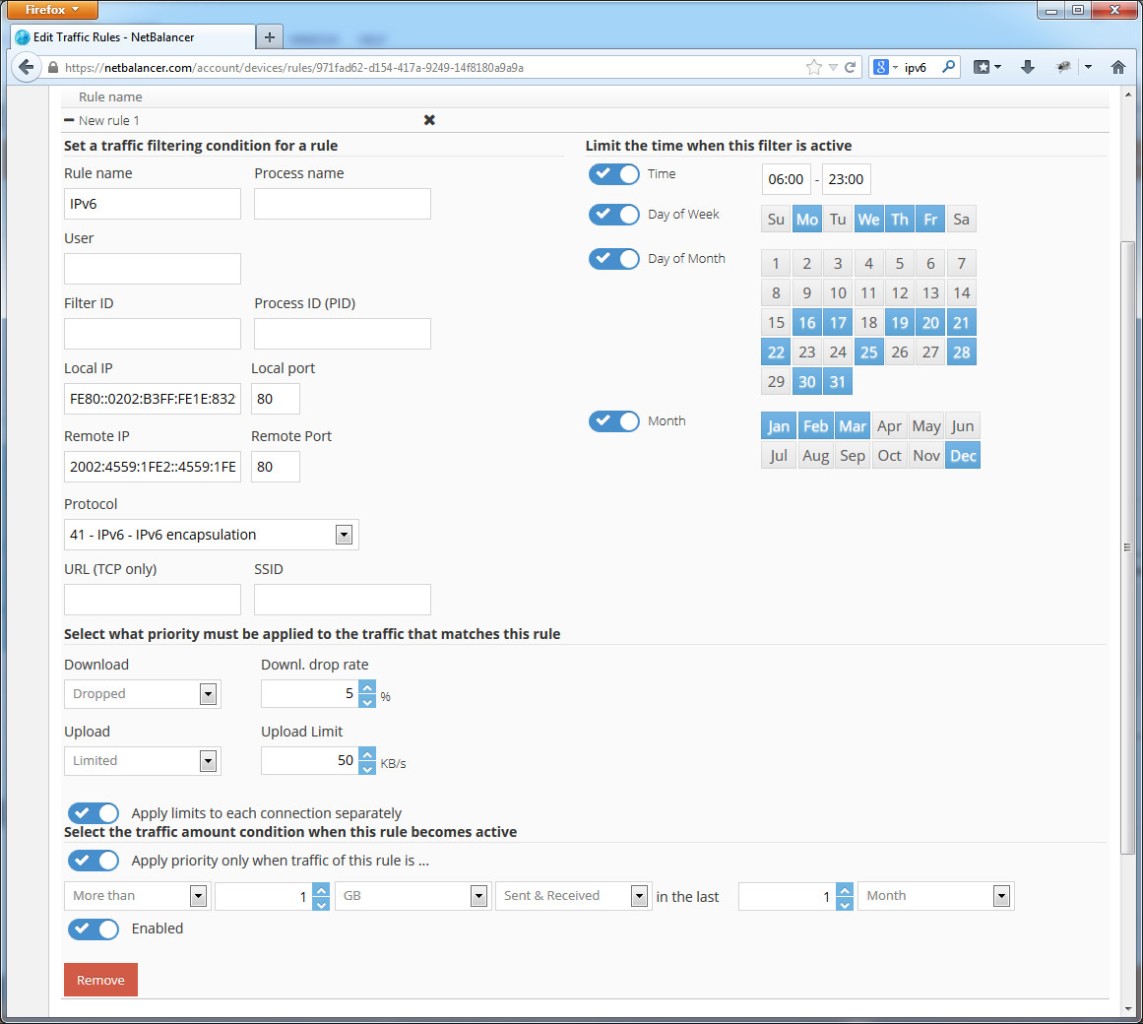
You should download NetBalancer if you want predictable control of bandwidth without turning every change into a guess. It allows you to assign clear priorities such as High or Low to specific processes, so essential traffic stays responsive while background tasks slow down. You can set exact caps in kilobytes per second when you need hard ceilings, and you can combine a priority with a limit to steady latency during calls, streams, or games. You can write focused rules that block a protocol, slow a port, limit a program during work hours, or prefer certain destinations. Geographic priorities let you restrict by country or region or give preference to local servers.
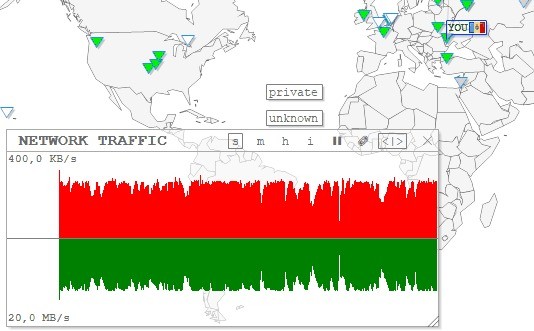
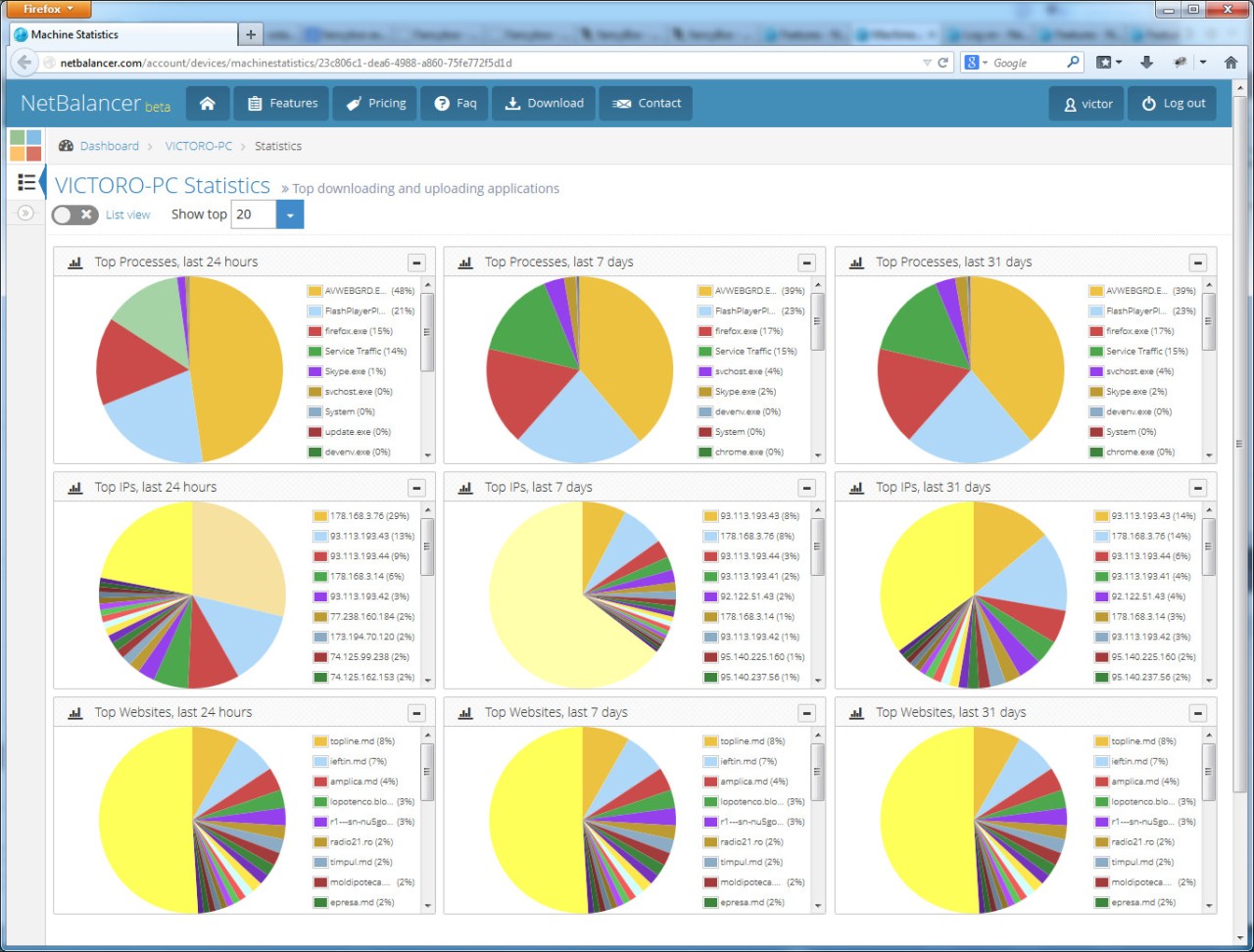
NetBalancer allows you to link behavior to context, including adapter and Wi-Fi, and you can keep a live view of connections to act directly from the interface. Charts and statistics help you review what happened rather than rely on memory, with per-process totals and zoomable timelines that make patterns obvious. If you manage several machines, you can tag them and apply bulk commands, so a policy rolls out as one action. If you prefer scripts, you can use a command-line tool and web automation to schedule changes or integrate with other maintenance. The aim is steady, understandable control that holds up under load.
Is NetBalancer Free?
NetBalancer is not a free product, but you can evaluate it first. The application includes a fourteen-day trial with all functionality enabled so you can test priorities, limits, rules, monitoring, charts, and history on your machine.
The sync service has a separate thirty-day unlimited trial if you want cloud-backed settings, tags, and bulk management for more than one computer. Licenses and the sync subscription are offered together in a single package. The package provides an activation code for one PC with no expiration date, includes updates for one year from the order date, and includes one year of sync service for one computer.
Data preservation is time-unlimited, and you can delete it manually at any time. Support is available for activation code recovery, and a posted money-back guarantee window is offered by the vendor. A VPN service is included for one year as part of the package so you can hide your IP address and bypass restrictions while keeping traffic private.
You can try the software locally off-sync if that is all you need, and you can add sync later to coordinate several machines.
What Operating Systems Are Compatible with NetBalancer?
NetBalancer is compatible with Microsoft Windows 7, Windows 8, and Windows 10, including their server variants, and it has native x64 support. You can download the setup, install it on a single computer, and use it off-sync as long as you want.
Rules, filters, monitoring, and enforcement work with IPv6 as well as IPv4, so the same policy model applies across modern stacks. The interface supports a system tray icon, a taskbar toolbar, and a floating mini window so you can see throughput at a glance without opening the main view.
Process monitoring shows current upload and download speeds and lists connections with remote IPs and ports, and you can act on a process or a connection directly from that list. A history panel builds charts and totals over any period you select, starting from first install.
The world map gives a geographic view of traffic so you can understand where connections terminate and apply location-based actions when needed. If you eventually want shared policies across several devices, you can sign in to sync and use tags and bulk commands; if not, you can keep all control local on that PC. Always review current platform notes before installing.
What Are the Alternatives to NetBalancer?
NetOptimizer is concerned with automatic tuning of Windows Internet settings. You can scan and make customized parameters of your type of connection to enhance throughput and responsiveness without making changes to the registry manually. It aims at making minimal setup improvements.
GlassWire stresses the visibility of networks with a modern interface. You can view this connection between apps, movement of data, and usage over time, as well as notifications of unusual activity to monitor it daily, and firewall options. The interface is optimized towards simplicity and fast choices.
Complete Internet Repair is a small utility to restore Internet connectivity on occurrence of configuration errors, malware remedies, or any other trouble. Instead of dealing with bandwidth on a long-term basis, you can perform specific repair actions to restore networking to a work state. Use it when the connection has been lost.
Fing - Network Tools enters the market by locating and securing both desktop and mobile devices. You can also scan your network, catalog devices attached to it, automatically check and run speed tests, and set reminders so that you have a better understanding of who and what is on your network. It is more about awareness and not shaping.