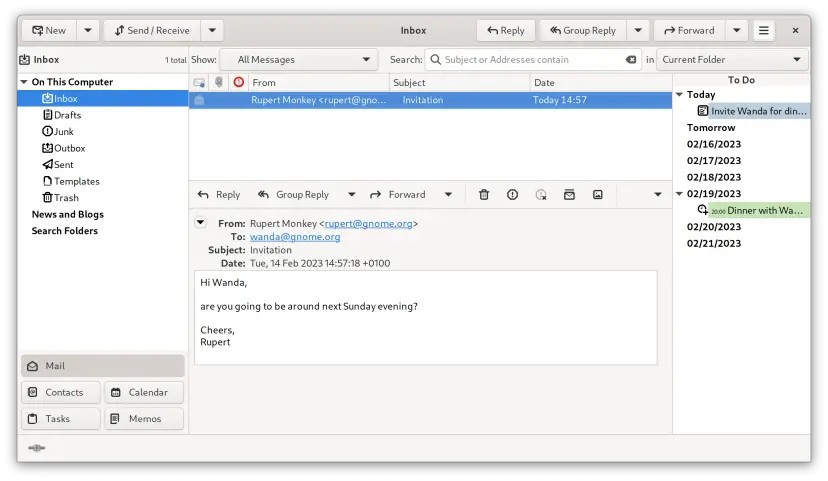
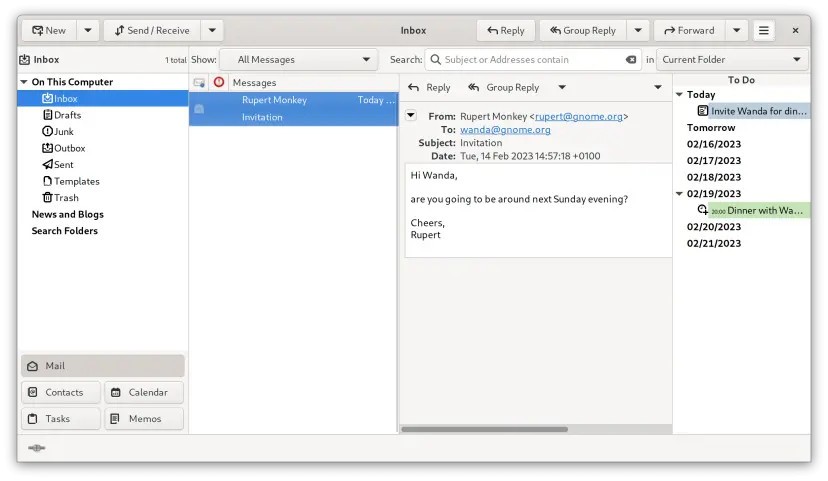
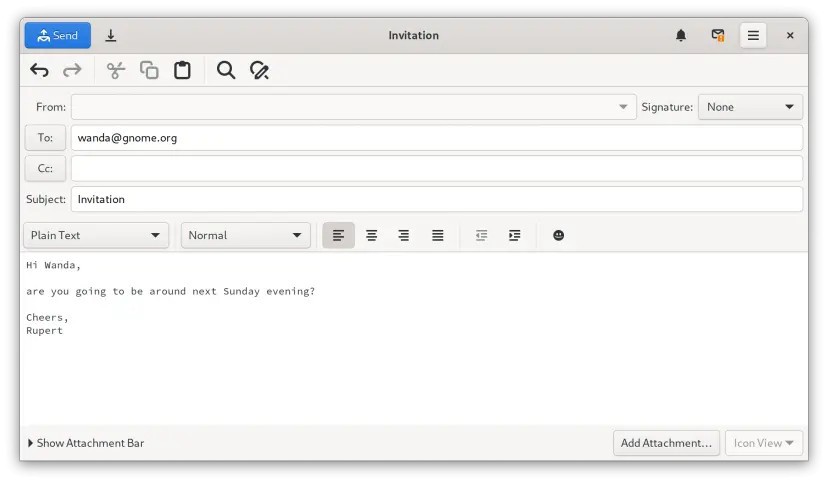
Evolution is a personal information management application that is developed as part of the GNOME project, for Linux users. It is designed to combine essential tools such as email, calendar, address book, tasks, and notes into one integrated platform. By bringing these features together, it has become a reliable solution for people who want a complete communication and scheduling suite on Linux. It was originally released in 2001 and has gone through different stages of development under Ximian, Novell, SUSE, and now Red Hat, while remaining an official GNOME application.
Evolution offers everything expected from a professional mail client. It supports standard protocols such as IMAP, POP, and SMTP for receiving and sending mail. It works with security layers like SSL, TLS, and STARTTLS. For encryption, it supports GNU Privacy Guard and S/MIME. It includes filters and search folders to help manage email effectively, along with spam filtering through SpamAssassin and Bogofilter. Its interface and design have often been compared to Microsoft Outlook, but Evolution has always stayed open source and licensed under the GNU Lesser General Public License.
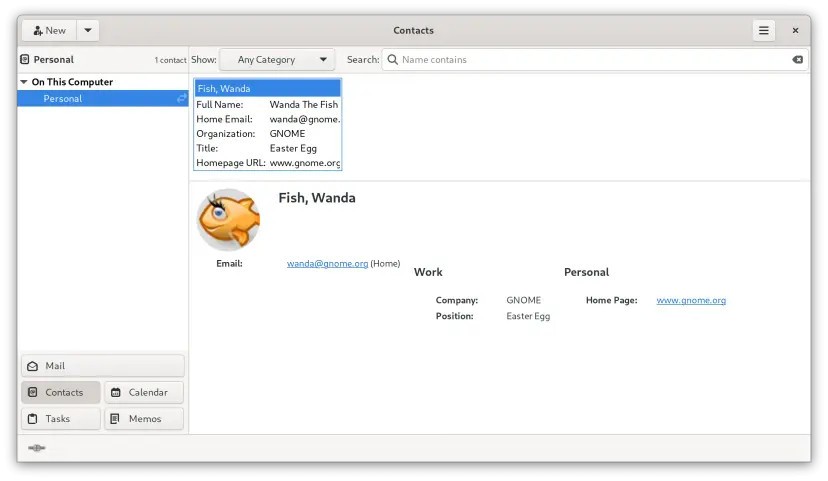
It is more than email. Calendar support includes iCalendar, CalDAV, and WebDAV, as well as direct integration with Google Calendar. Address book support includes LDAP, CardDAV, and Google contacts. There is also synchronization with other devices through plug-ins. For corporate environments, it supports Microsoft Exchange through the evolution-news extension, while older plug-ins cover legacy servers. Other additions include importing Outlook files, RSS feeds, a news client, and integration with LibreOffice for contact access. This wide coverage makes Evolution not only useful for personal use but also suitable for professional setups where standards compliance and connectivity are important.
Why Should I Download Evolution?
The main reason to download Evolution is the completeness of its suite. With it, you can handle all major personal information management tasks in one place. You can send and receive mail, organize meetings, manage contacts, set reminders, create tasks, and keep notes without relying on separate applications. This saves time and creates consistency because everything is managed through a single program.
Its compliance with open standards is another strong point. It works with common email protocols, calendar standards, and contact formats, which means you can integrate it into most setups without being locked to a single vendor. It works equally well with personal accounts and corporate servers. The presence of Exchange integration through Evolution-News means you can use Evolution even in workplaces where Microsoft services are required.
Evolution is designed with privacy and security in mind. With support for encryption, secure connections, and trusted spam filtering methods, it ensures that communication is protected. It adds advanced functions like saved searches and filtering so that large inboxes are easier to manage. The ability to import data from Outlook archives also makes it easier for people moving from proprietary systems to adopt Evolution without losing existing mail or contacts.
The application is continuously supported by the GNOME project, and community help is available through manuals, mailing lists, forums, and developer discussions. This makes it a reliable choice for those who want both advanced features and long-term stability.
Is Evolution Free?
Evolution is free software and is licensed under the GNU Lesser General Public License. You can download and use it without cost, and the source code is available for review or contribution. Its status as free software ensures that the essential functions, such as email, calendar, address book, tasks, and notes, are all provided as part of the core application.
There are no restrictions on its main features. Secure protocols, spam filtering, Exchange integration, calendar and contact standards, and plug-in support are all included in the free distribution. Because it has been maintained as part of GNOME for years, it remains an accessible option for users who want a strong alternative to commercial mail and scheduling programs. For individuals and organizations that prefer open solutions over proprietary systems, Evolution provides a professional set of tools without licensing barriers.
What Operating Systems Are Compatible with Evolution?
Evolution is officially compatible with Linux distributions. It is included in distributions such as Fedora and Debian, where it is often the default personal information manager. Ubuntu replaced it with Thunderbird as the default in 2011, but Evolution remains available as a packaged option. Other GNOME-based distributions also provide it as part of their software sets.
The recommended way to install current versions is through Flathub, which distributes Evolution as a Flatpak. This allows Linux users to run the latest stable release in a sandbox with access to features such as Evolution-News for Exchange connectivity. By using Flatpak, users can stay up to date with minimal effort.
In the past, there were ports for macOS and Windows, but those are no longer maintained. Today, the supported operating system is Linux, where Evolution integrates tightly with the GNOME environment, but can work in other desktop environments. Evolution Data Server provides the backend for address books and calendars and is also used by other GNOME applications. This makes Evolution a central part of the GNOME ecosystem and reinforces its compatibility focus on Linux systems.
What Are the Alternatives to Evolution?
One of the alternatives is Betterbird. It is a project that is built around Mozilla Thunderbird and has some improvements and fixes. Betterbird also provides the same interface as Thunderbird, with some improvements that are faster than those provided in the official version. Betterbird offers an attractive option to users who desire a more responsive development cycle but prefer Thunderbird.
Another alternative is SeaMonkey. It is an entire internet package that comes with a mail client and a browser, an HTML editor, and so on. Its mail features also feature standard protocol support, filters, and address book management. It is more comprehensive than Evolution, as it deals with a variety of internet tools; however, its mail client is a legitimate option in the case of an integrated suite.
One of the most developed and popular substitutes is Thunderbird. Thunderbird is the product of the Mozilla community. It supports POP and IMAP, secure connections, encryption, spam filtering, and extensions to add on. It also has calendar features in its Lightning extension. Linux distributions come with Thunderbird alongside Evolution in many, and it is commonly used by people favoring the Mozilla platform. It can not provide the same degree of native integration as Evolution with all its personal information management functions, but it is a powerful and community-supported email client.