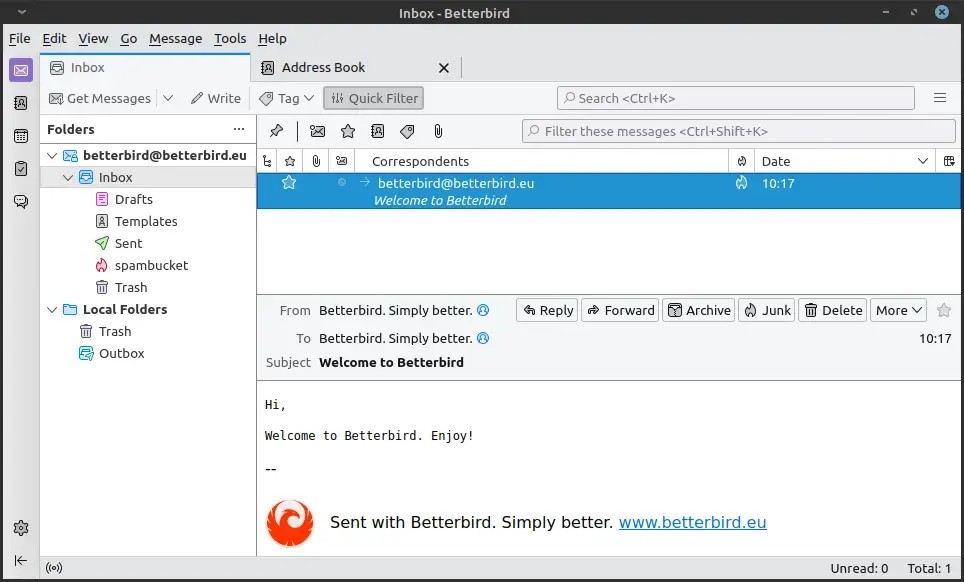
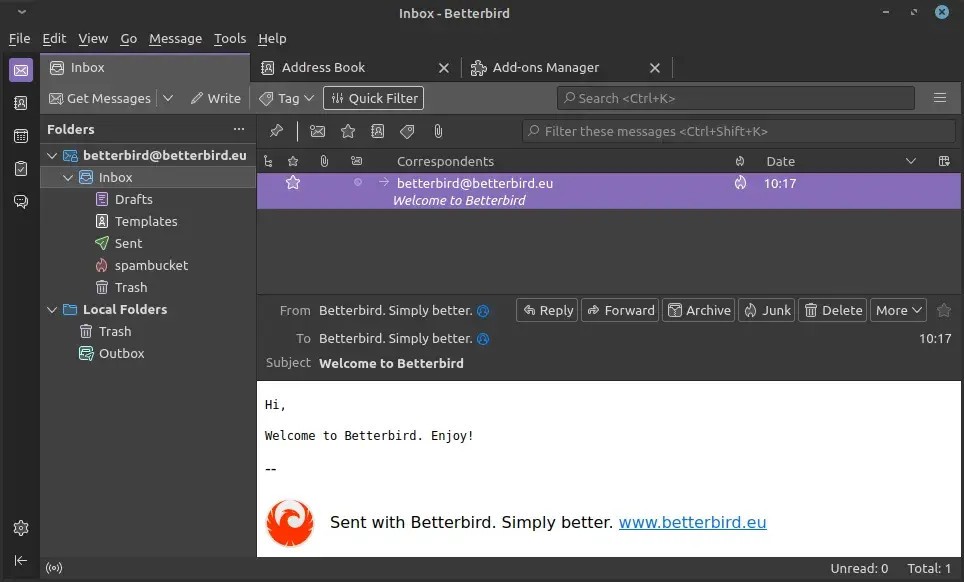
Betterbird is basically an email program. Built on the same base as Thunderbird, a software most people know already, just tweaked, fixed, and pushed a bit further. It feels familiar with the same sort of layout, same idea, but under the hood, there are changes.
The goal of Betterbird is to offer some fixes you don’t see straight away, but you notice over time. Because it doesn’t freeze where you expect it to, or it handles mail folders better, or it stops a crash you might’ve seen before. Some parts are small details like language support, portable versions, and different builds for Mac chips. It isn’t pretending to be a brand-new thing, more like the same thing but looked after differently.
You can install it without breaking anything else. You don’t even need to throw away your other mail setup; you can just run them side by side. That’s part of why people try it—low risk. If you like it, you stay. If you don’t, you still have your old setup. Nothing complicated. And because the goal isn’t to redesign everything, adoption is fast. No long learning curve. You open it, and it looks how you expect, only steadier.
Why should I download Betterbird?
Most people don’t care about software politics or who fixed what bug; they care about not losing emails, not watching a program choke when it shouldn’t. That’s the hook here. It’s tuned for stability. You want to open your inbox, read, send, maybe search, and not worry that something will break. Betterbird leans on that.
Another reason is timing. Updates come quicker. Instead of waiting months for something to be patched, you get it earlier here. Small fixes, extra features, things that make the daily grind smoother. Search works better, folder handling is less messy, and certain crashes don’t happen. It’s hard to put into a neat list because most of these things you only notice once they’re gone. It’s the absence of hassle.
Trying it is easy. You don’t need to uninstall anything. You just drop it in, run it, and see how it feels. If you hate it, you walk away. But a lot of people who try it stick with it because it’s basically what they already use, only calmer.
Language is another big part. Not every team is English-first. With Betterbird, you can pick German, French, Italian, Spanish, Russian, Chinese simplified, Czech, Polish, Swedish, Ukrainian, Portuguese, and more. That means offices across countries don’t have to hack around language packs years later. It’s ready.
On top of that, there’s a variety in how you install. On Windows, you can even run it portable—carry it on a stick, no full installation. On Mac, you’ve got Intel builds and Silicon builds, both working fine. On Linux, you’ve got Arch AUR and Flatpak packages. That spread matters because a lot of teams mix hardware. One guy on Windows, someone else on a MacBook, a dev team on Linux—they all want the same tool to work without issues.
It isn’t flashy. No big redesigns, no overhype. It’s a quiet app that feels like the main one you know, but when you’re using it every day, the little differences add up, and you spend less time fighting with the software itself. That’s why you’d download it.
Is Betterbird free?
Yes. No subscriptions, no fees, no Pro versions waiting at the corner, no hidden functionalities. You grab it, you run it. It’s open-source, so the code’s out there; you can read it if you want. Updates are free. You don’t need an account. It’s just there.
What operating systems are compatible with Betterbird?
Windows, macOS, Linux. Those are the three. On Windows, you can install it normally or use a portable version if you like keeping things self-contained. On macOS, it works on both Intel machines and the newer Silicon chips. On Linux, it’s in Arch AUR, it’s on Flathub as a Flatpak, and there are other builds too.
Languages are wide—German, French, Italian, Spanish, Portuguese, Russian, Chinese, Czech, Polish, Swedish, Ukrainian. That’s already enough to cover most people who want to use it outside English. On Mac, the default builds are English, but you can load language packs afterward.
It’s flexible enough that you can run it side by side with your old mail client on the same profile. That makes it safe. You don’t lose mail or have to start fresh; you just test and see how it runs.
What are the alternatives to Betterbird?
Thunderbird – the base program that most people already know. Long history, open source, big community. Still around, still being updated. But sometimes slow, sometimes buggy, sometimes fixes take longer to arrive. For many, it’s fine, but for those who’ve hit crashes or data issues, it’s been rough.
SeaMonkey – not just email, but a whole suite. Browser, mail, chat, and composer, all bundled. The mail part isn’t cutting edge, but the appeal is in the “everything in one box” style. Some old-school users like that. It’s not focused purely on email, though, so if you want just mail it may feel heavy.
Evolution – common on Linux desktops. Mail plus calendar plus contacts plus tasks, all tied in with GNOME. If you’re in Linux environments, especially in companies, you’ve probably seen it. It’s stable and integrated, good for people who want one app tied into their desktop setup.