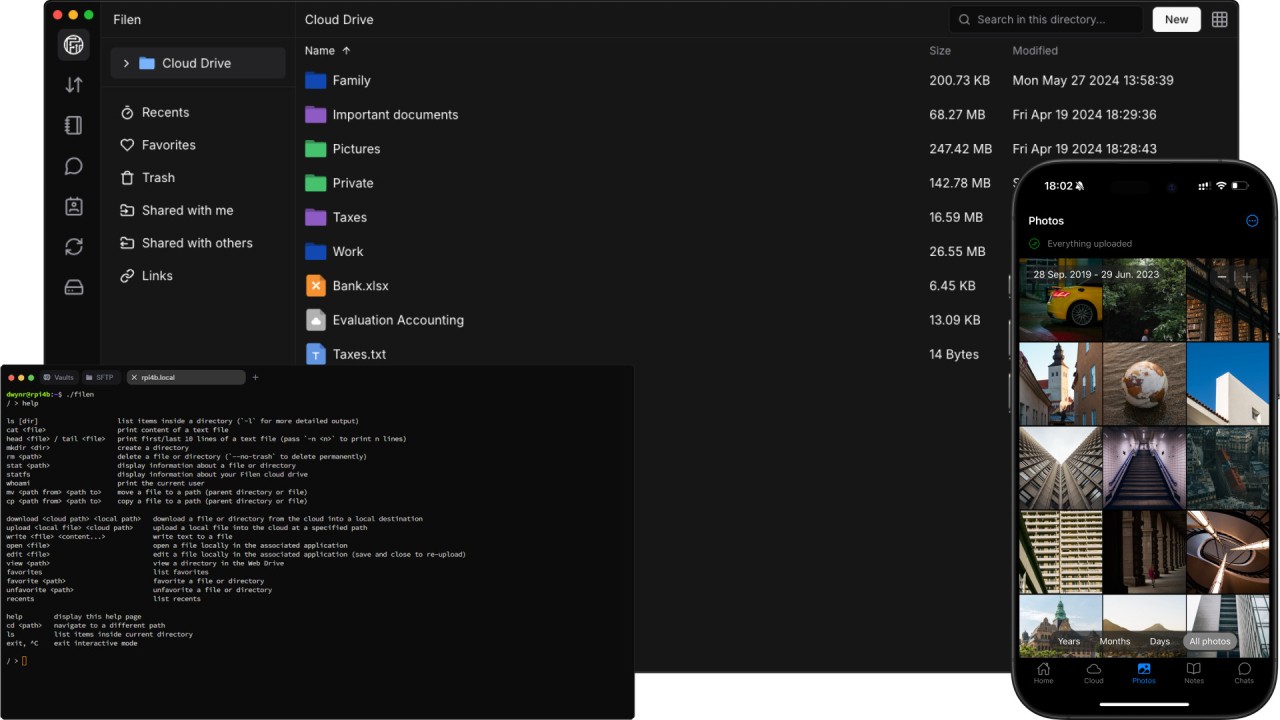
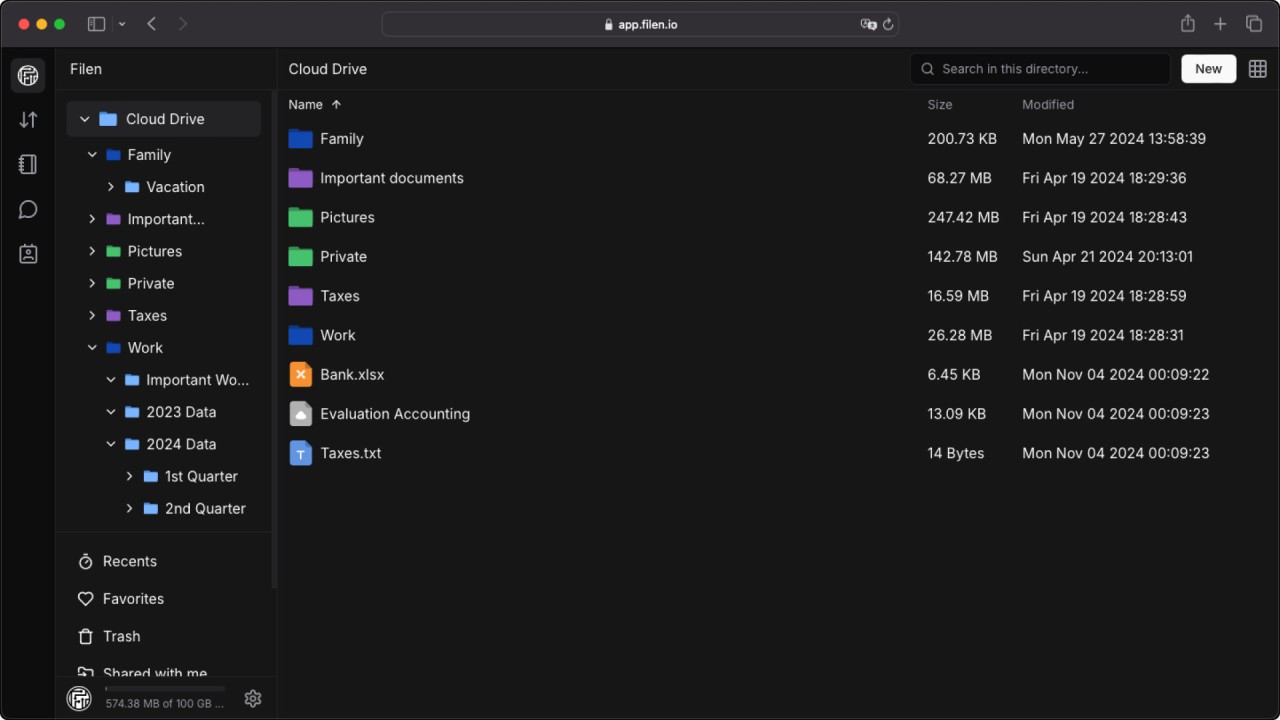
Filen offers a private cloud storage service that really cares about your privacy, as it's built from the ground up to be super secure, giving you a safe place to store, sync, and share your files, photos, and documents. It's a way more secure alternative to the big mainstream cloud providers, so you can be confident that your data is protected from all outside access, even Filen employees.
With Filen, you get what's called "zero knowledge", end-to-end encryption. This means that before any file leaves your computer or phone, it's scrambled using a key created from your password. Since only you have your password, you're the only person who can unlock and read your files. Filen follows strict European privacy laws, so everything you store there is safe and locked away from intruders.
In addition to its security, Filen is just really clean and easy to use. It has apps for your desktop and mobile devices that let you automatically sync your files, back up your camera roll, and securely share files with other people. With a really generous free storage plan to get you started, Filen also offers a wide range of paid tiers, and you can download Filen apps on Windows, macOS, Linux, iOS, and Android.
Why should I download Filen?
Unlike some other popular storage services, Filen applies end-to-end zero-knowledge encryption by default end-to-end zero knowledge encryption to every single file you upload. This means your private photos, sensitive documents, and personal data are all scrambled on your device before they're sent to the cloud. Your password is your private key, and since Filen never sees it, you are the only person who can access your files. This gives you the ultimate protection against data breaches, government requests, and even access by the company's employees.
Filen has a strong commitment to transparency since it's an open-source app. To prove that its security isn't just a marketing claim, Filen makes the source code for its desktop and mobile apps publicly available. This lets security experts and the community independently check the code to ensure the encryption is implemented correctly and that there are no hidden vulnerabilities or backdoors. This level of transparency is pretty rare in the cloud storage industry, and it helps with building user trust.
You can get started with Filen on a generous 10 GB of free secure storage, when most storage services only give you a tiny amount of free space to try and get you to upgrade. 10GB is enough space to store thousands of high-resolution photos or a large number of important documents, which makes it a genuinely useful and practical option for you to use without needing to pay for a subscription right away.
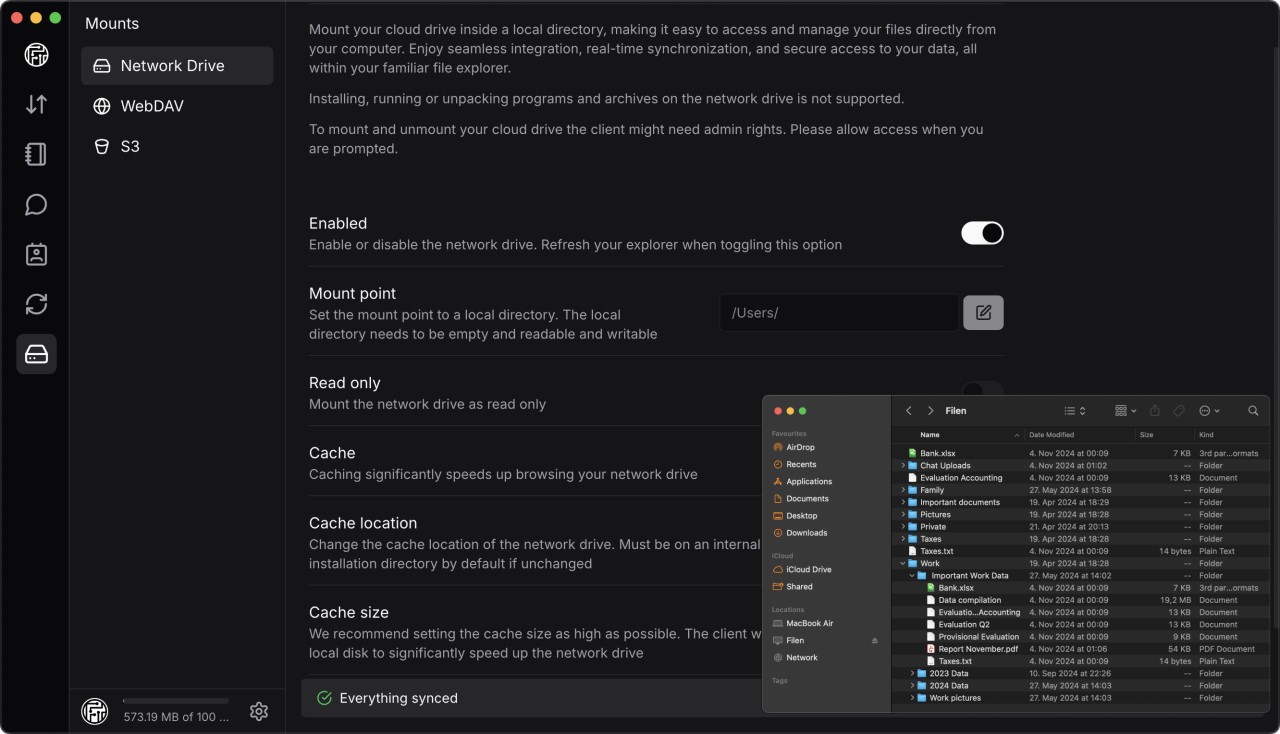
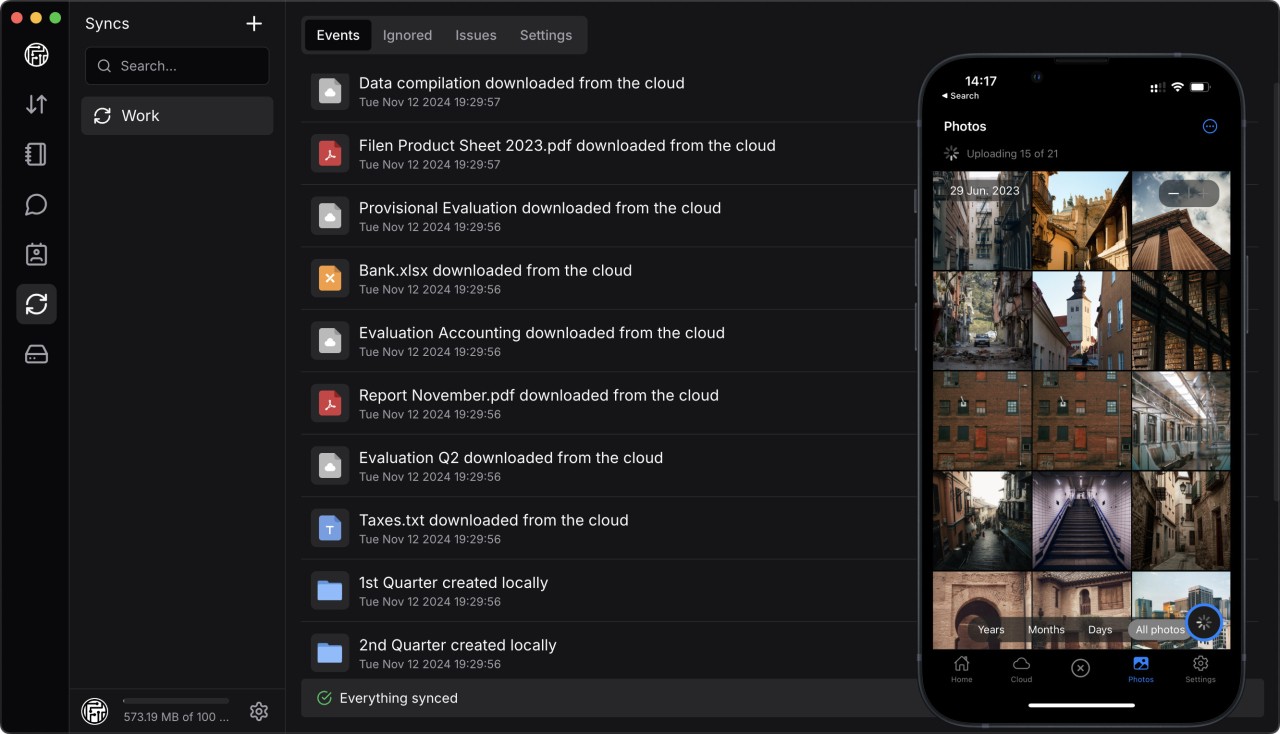
You can also use Filen to sync your files across platforms and keep them updated everywhere. The service provides user-friendly desktop clients for Windows, macOS, and Linux, as well as mobile apps for iOS and Android. You can pick a folder on your computer that will be kept in sync with the cloud storage. Any file you add or change in that folder will be automatically uploaded and made available on all your other devices. The mobile app also has an automatic camera upload feature to back up your photos and videos securely.
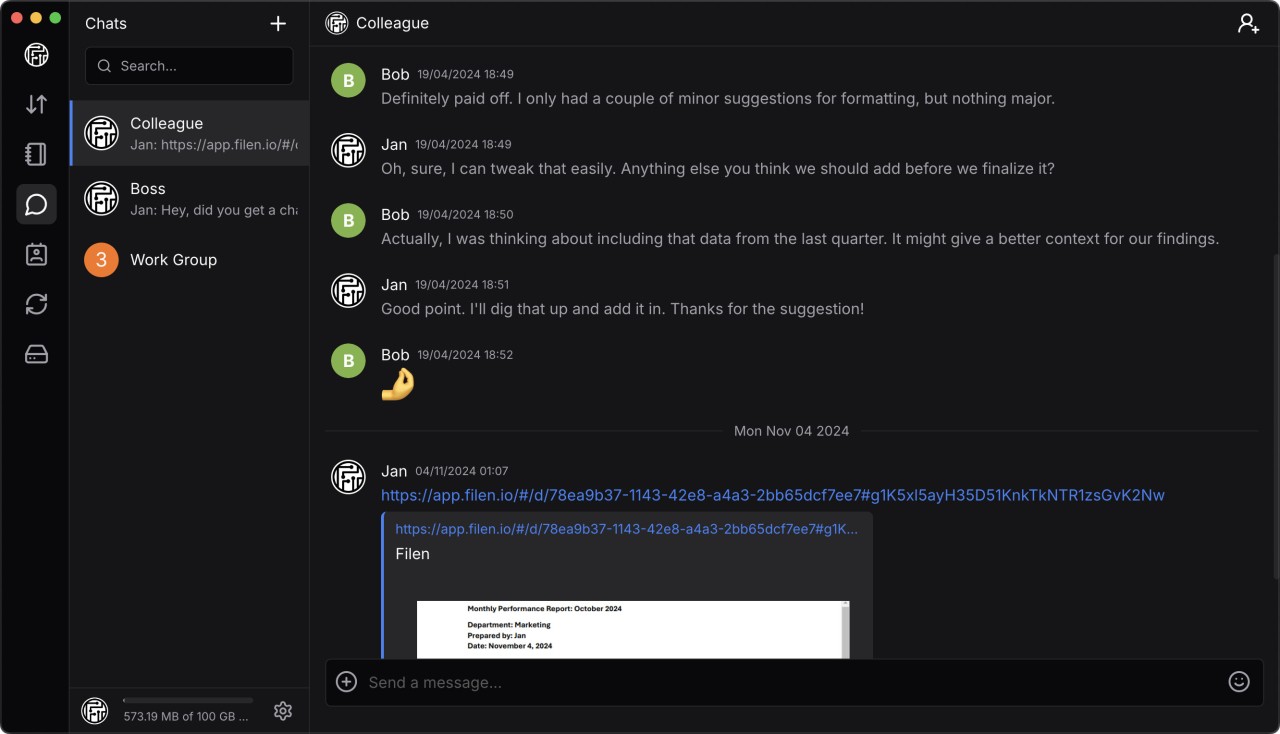
Filen includes a robust and secure sharing system you can use to send your files to other people. Just create a link to any file or folder in your cloud storage to share it with friends, family, or colleagues. To protect your shared data, you can add a password, set an expiration date after which the link will no longer work, and even limit the number of times a file can be downloaded. With Filen, your data is also protected by strong European data protection regulations of the General Data Protection Regulation (GDPR).
Is Filen free?
Yes, you can start using Filen for free as it offers a very generous Free plan that gives every user 10 GB of fully encrypted storage at no cost. If you need more space, you're able to choose from a variety of paid plans on a monthly or yearly subscription.
What operating systems are compatible with Filen?
Filen is a cross-platform service, so you can access your files from a web application that works on any modern browser on Windows, macOS, and Linux.
There are also dedicated desktop clients for Windows 10 and 11, macOS 11.0 or later, and Linux in various distributions. You can also download Filen for iOS 14.0 or newer, and Android 8.0 or higher.
What are the alternatives to Filen?
SwissTransfer is a file transfer service you can use to send large files to other people. It's completely free, you don't need to register, and it lets you make massive transfers of up to 50 GB at a time. You can password-protect your transfers and set custom expiration dates, up to 30 days, after which the files are permanently deleted. It's a web-based tool that works with any modern browser.
MEGA is one of the pioneers in zero-knowledge cloud storage. It is known for offering one of the largest free tiers in the industry, starting at 20 GB of storage. It provides end-to-end encryption to ensure user privacy and also provides an integrated secure chat, audio, and video calling. You can use it for free or get paid plans that offer much more storage and a larger transfer allowance. MEGA is available on the web, with desktop clients for Windows, macOS, and Linux, and mobile apps for iOS and Android, as well as add-ons for browsers.
WeTransfer is a file transfer service that's super easy to use. You can easily send files to other people through an email link, and the free version lets you send files up to 2 GB at a time. There are also paid subscription plans that increase the maximum file size per transfer, let you password protect your files, and set custom expiration dates. You also get 1 TB or more of storage space for your sent files. You can use WeTransfer through its website or mobile apps for iOS and Android.