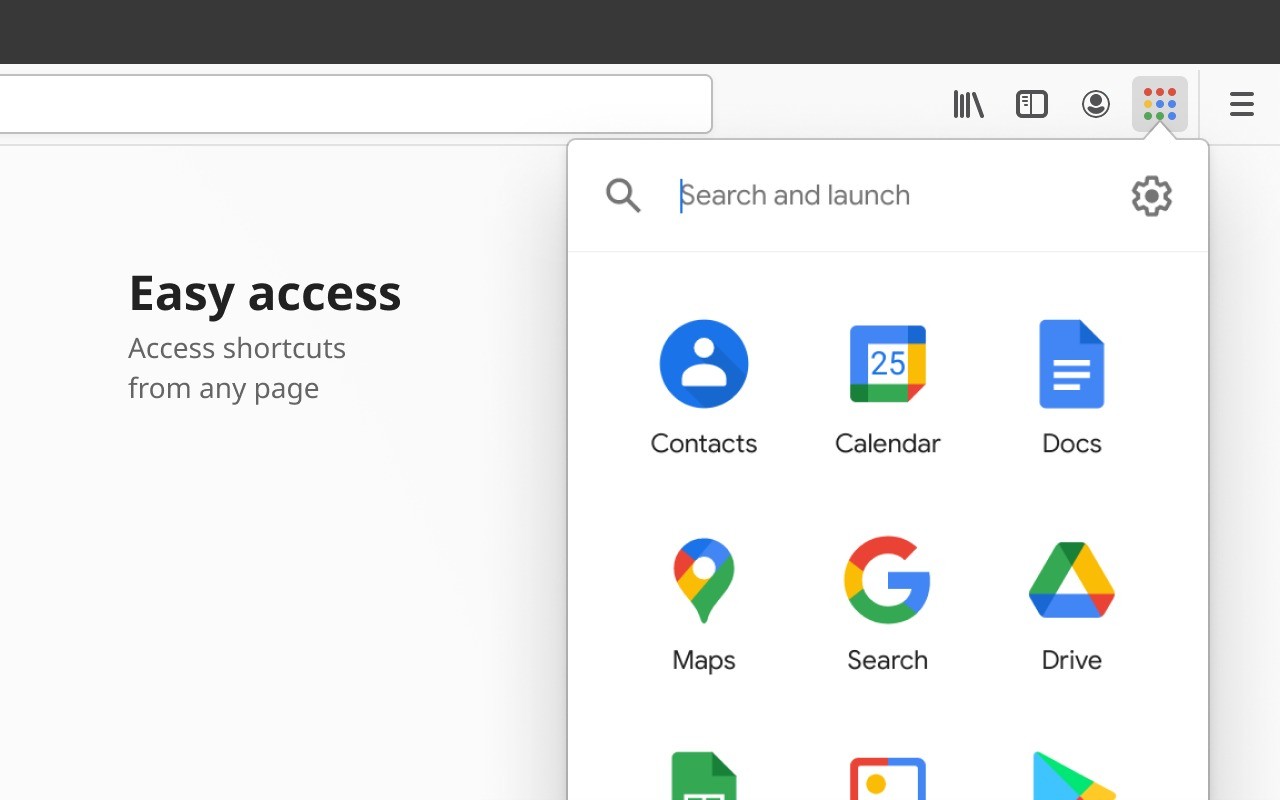
G App Launcher is a powerful browser extension for Chrome and other browsers designed to make using Google Workspace and all your Google services much more efficient. The add-on acts as a central hub that lives right in your browser's toolbar, giving you instant access to everything from Gmail and Drive to Calendar and Docs without having to switch between different tabs.
The main idea behind G App Launcher is to create a "mission control" for your entire Google universe that's always just a click away. It takes all of Google's separate web apps and brings them together in a clean, cohesive pop-up panel. One of its best features is how it handles the headache of managing multiple Google accounts. It lets you switch between your personal and work accounts seamlessly inside your browser, ensuring you're always in the right account for the task at hand.
Ultimately, G App Launcher is all about boosting your productivity by cutting down on digital clutter. It improves on the standard Google web experience with features like a fully customizable app grid, an option to add your own shortcuts, and notifications that come directly from your browser. If you're a heavy Google user, this add-on can completely change how you navigate your digital work and personal life, whether you're on Google Chrome, Mozilla Firefox, or Microsoft Edge.
Why should I download G App Launcher?
G App Launcher allows you to manage all your Google accounts from your browser toolbar seamlessly. If you're constantly switching between a personal Gmail and a work account, this feature is a lifesaver. The add-on lets you add all of your accounts, and then, with a single click, you can open a new tab that's already logged into the correct account. This means no more signing out and back in, no more separate browser profiles, and no more opening an important work document with your personal account by accident.
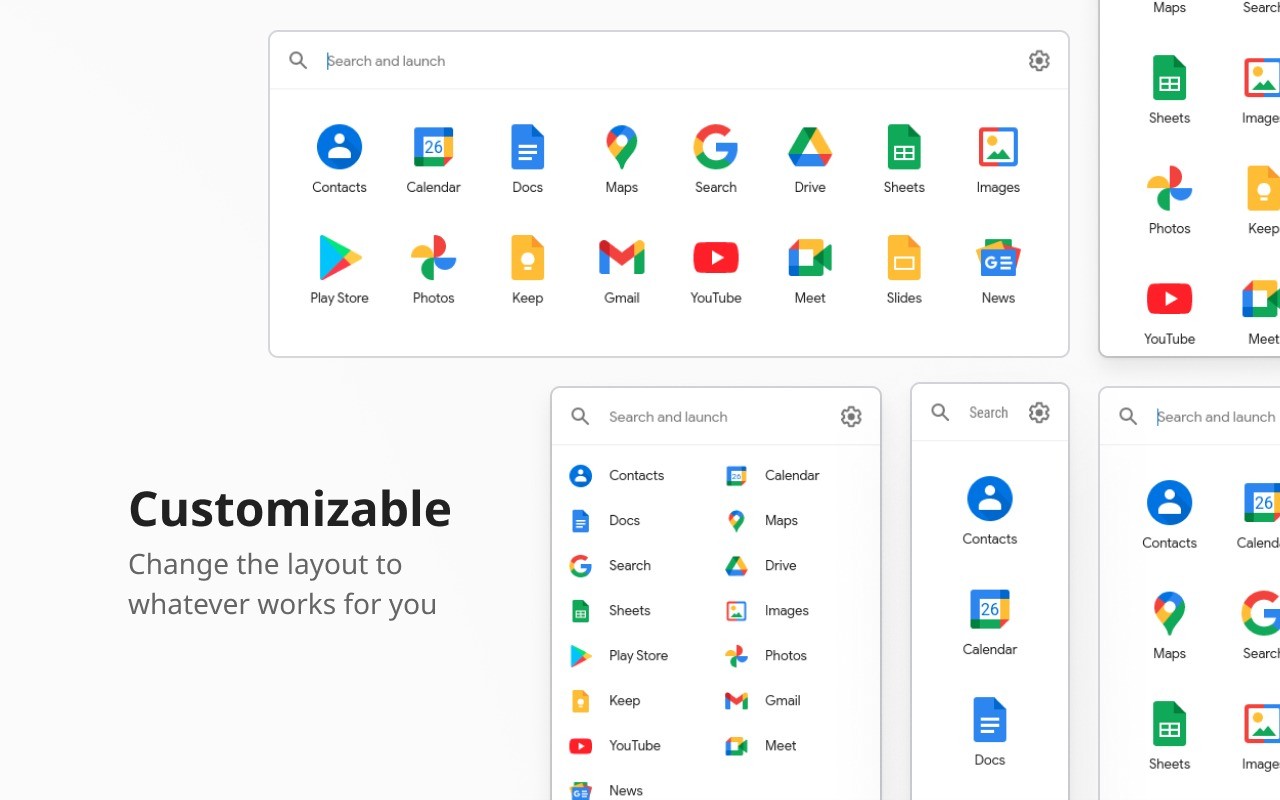
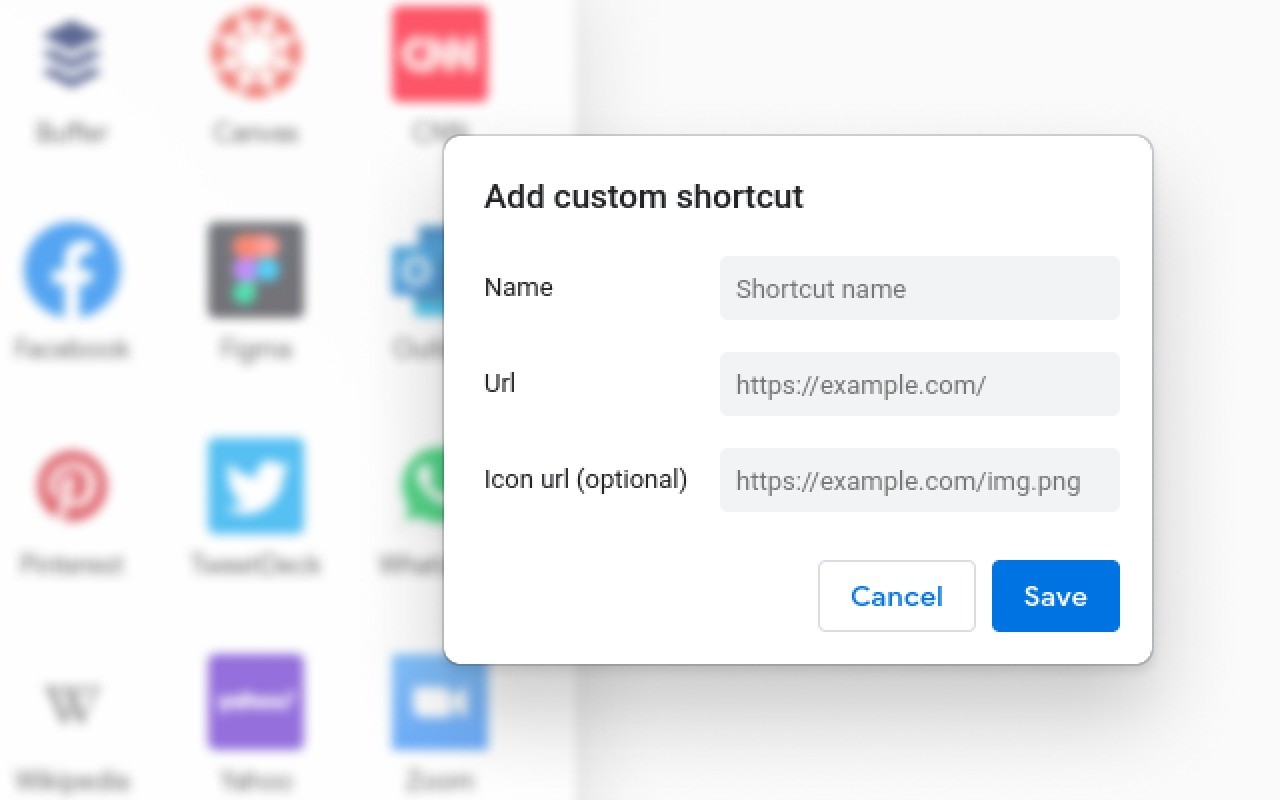
You can also create a personalized pop-up launcher for instant access. Google's default 3x3 app grid is pretty basic, but this add-on lets you build the launcher you've always wanted. The pop-up panel that appears when you click the extension's icon is fully customizable. You can drag and drop to rearrange your favorite Google apps, add direct links to specific Google Docs or Sheets, create folders for different projects, and even add shortcuts to non-Google websites that you use all the time.
The add-on offers powerful, actionable desktop notifications. Because it's a browser extension, it can leverage your browser's notification system to give you pop-ups that are richer and more useful than the default ones. You can get notified about new emails or upcoming meetings and often take action, like archiving an email or snoozing a reminder, directly from the notification itself, which saves you a ton of time.
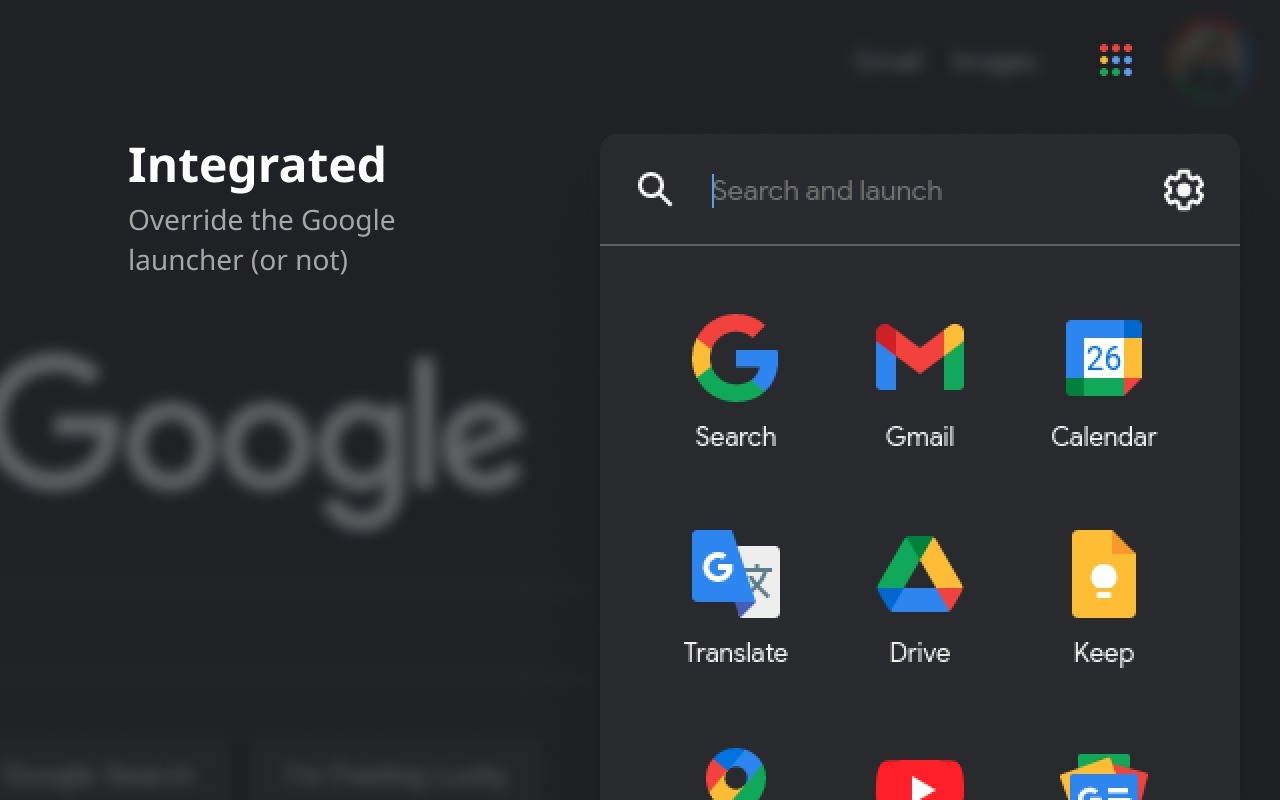
G App Launcher is designed to feel like a natural part of your browser, not a clunky add-on. The pop-up panel is clean and fast, and it gives you access to all your Google tools without ever having to navigate away from your current tab. You can download G App Launcher for different browsers, including Google Chrome, Mozilla Firefox, or Microsoft Edge.
Is G App Launcher free?
Yes, G App Launcher is a free tool, so you can use all of the features without paying, and there are no hidden costs. If you want to donate to app development, you can do so through its website.
What operating systems are compatible with G App Launcher?
G App Launcher is a browser extension that is primarily developed for Google Chrome. It also works with many other popular browsers based on the same technology as Chrome, like Microsoft Edge, Brave Browser, and Opera. There is also often a version available for Mozilla Firefox.
What are the alternatives to G App Launcher?
Mailtrack for Gmail is a browser extension that brings email tracking tools into your Gmail inbox. Its most important feature is the ability to know when the recipients have opened your emails, using a check mark system like the ones on an instant messaging platform. The paid version also lets you track clicks on links inside your message. It's a great and simple option for small business owners, marketing professionals, and personal users who just want to keep track of engagement with their messages. You can get it as an app for iOS and Android or a browser extension that works with Google Chrome.
Kiwi for Gmail is a desktop client for personal Gmail accounts and Google Workspace that brings Gmail, Docs, and other apps out of the browser. It has a multi-window interface and separates different accounts from each other while also making Google's web apps feel more like native applications. You can download Kiwi for Gmail on Windows and macOS computers.
Streak - CRM for Gmail transforms your Gmail inbox into a fully functional and flexible Customer Relationship Management (CRM) system. You can use it to create pipelines and visually track any workflow, like a sales process from lead to close, a hiring funnel, or a project management board, all without leaving your inbox. Emails related to a specific deal or project are grouped into "boxes," which you can move between stages in your pipeline. You can also track emails and merge them together. Streak is a paid tool that is available as a browser extension for Google Chrome and a mobile app for iOS and Android.