Mailtrack for Gmail is a browser extension and a mobile app that brings email tracking tools into your Gmail inbox. Because it's added directly into your mailbox interface, you can easily see vital metrics and information about the messages you send. The most important feature is the ability to know when the recipients have opened your emails, as you would on an instant messaging platform. It's a great and simple option for small business owners, marketing professionals, and personal users who just want to keep track of engagement with their messages. Use it when you're checking on your job application, an important personal message, an email campaign you've sent to your customers, or sales outreach.
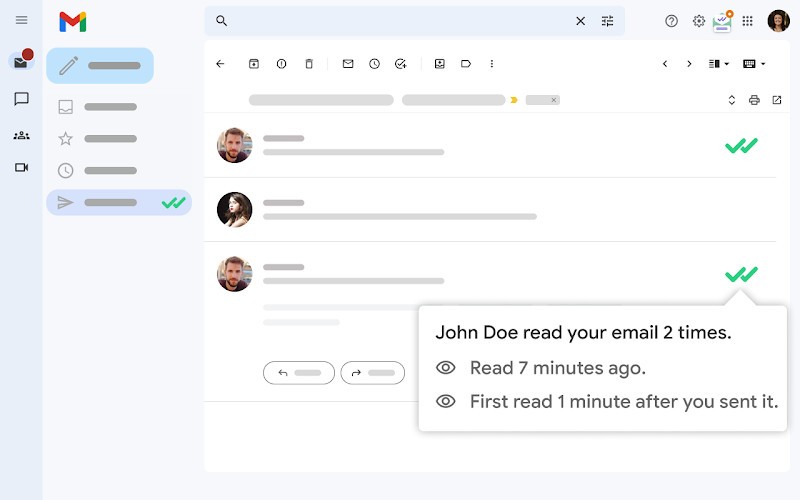
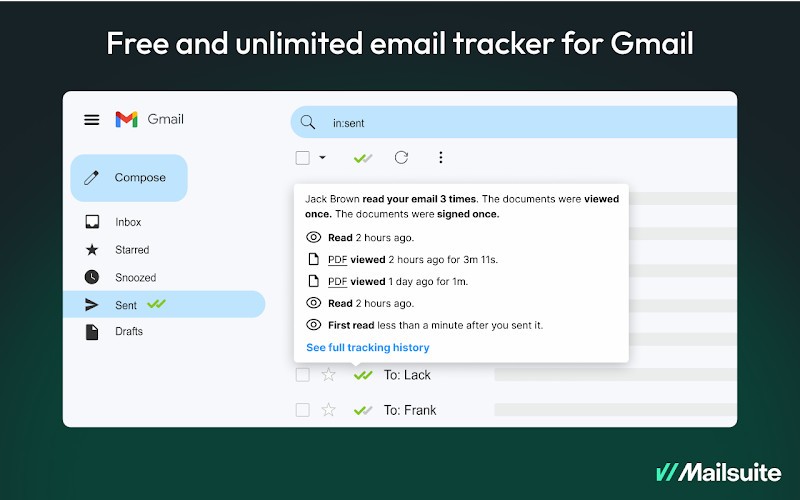
Mailtrack for Gmail adds visual indicators in the form of checkmarks next to each message in your "Sent" folder. It resembles the check marks you would get on WhatsApp or Messenger. A gray check mark indicates the email has been delivered, and a second check mark in green shows up when the person opens your email. It's a quick yet effective way to get information at a single glance without wondering if your email has been seen or if it went to spam.
With Mailtrack for Gmail, you also get an activity dashboard that displays a full history of interactions with your message, like when and how many times your email was opened. You can check what device was used to open your email, and, if you get the paid version, you can also track clicks on links that were included in your message. Mailtrack for Gmail is elegantly integrated into the Gmail interface, which almost makes you think it's a native Gmail function, but it's still a highly useful tool. You can get it as an app for iOS and Android, a browser extension that works with Google Chrome, or an add-on for Outlook.
Why should I download Mailtrack for Gmail?
What Mailtrack for Gmail offers is precise and real-time visibility into how your emails are performing. Whatever the reason why you want to check if someone has read your message, you can see when exactly it has been opened, if someone has clicked on the attached links, and if you added any. It's great when you're following up with your clients, monitoring communication within a team, or simply want to know if the recruiter has checked the email about a job you're applying to. Because the read notification resembles the ones used on other platforms with this feature, you don't need to learn a new app or switch to it.
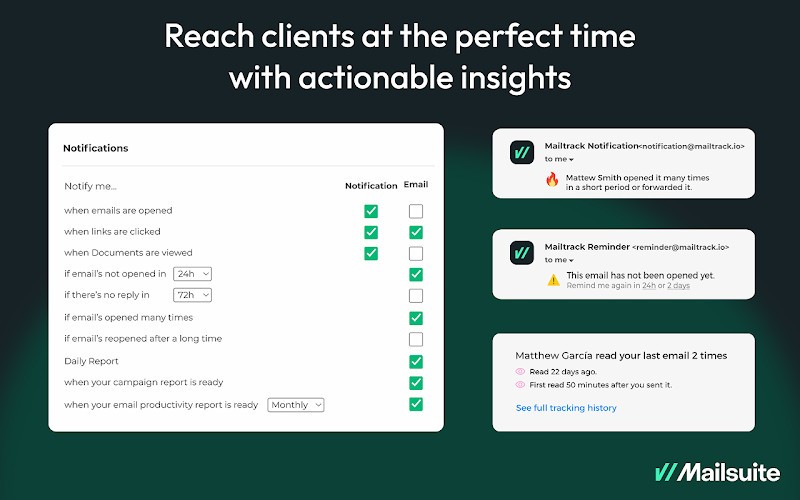
What's great is that Mailtrack for Gmail opens notifications the moment someone has actually opened your message. You don't need to wait for data to sync, and you can send appropriate follow-ups. You can calculate crucial marketing or sales metrics based on that data. You don't have to wonder if the message ended up in spam, and you can check if, when, and where your message has been seen. You also get reminders about follow-ups so you don't forget about important conversations or tasks.
Mailtrack for Gmail also provides advanced tracking, such as link clicks, email activity history, and click reports. This allows you to perform deep analysis of your recipients' engagement, check the data dashboard, and compare results between different campaigns. You can set specific goals and measure your progress as you go.
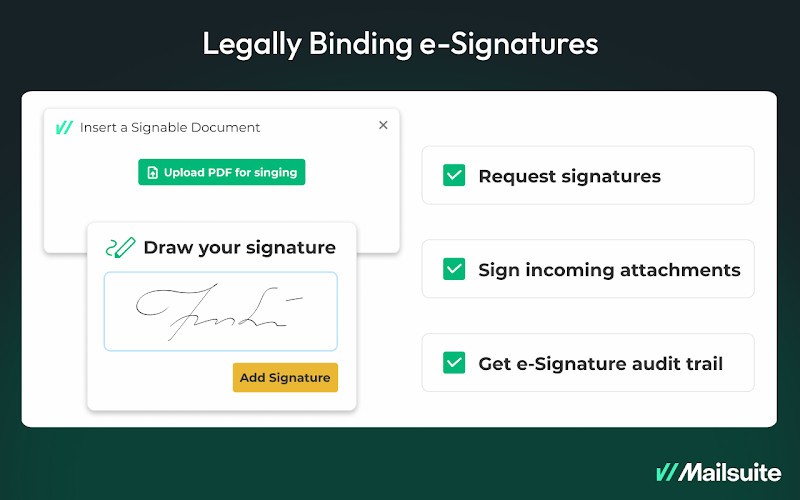
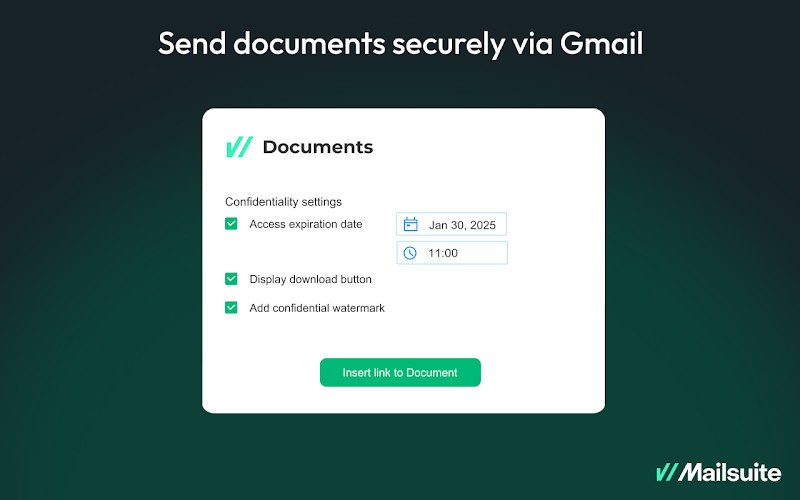
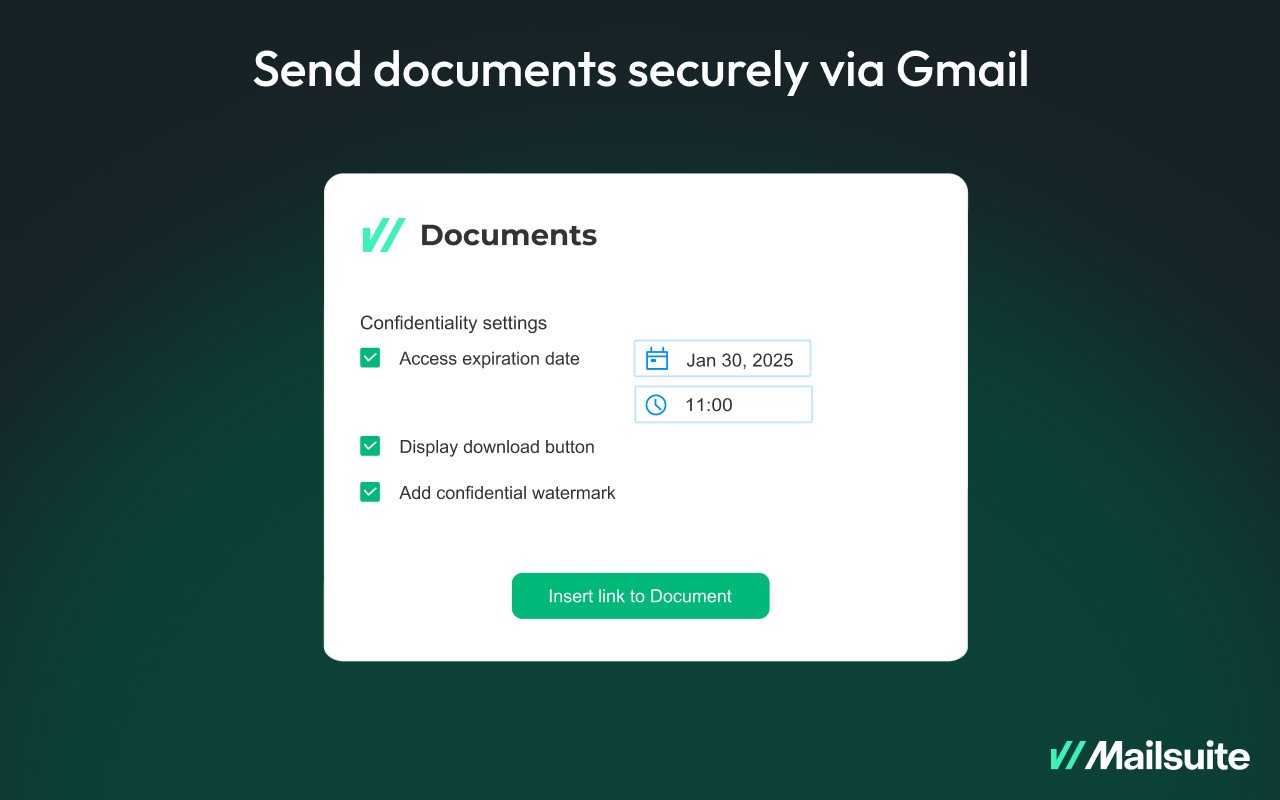
If you want to send emails to large groups of people, Mailtrack for Gmail has a Campaign feature that supports up to 10000 recipients. You can schedule them at preferred dates and times, check the engagement stats, and optimize for better results in the future. With Mailtrack, you can also request signatures directly from Gmail and get notified when they happen. There are also sharing features so you can securely send documents and define access rules or expiration dates. Mailtrack for Gmail is available on a free plan and paid subscription tiers, and it works with Gmail on computers, mobile devices, and even inside Outlook.
Is Mailtrack for Gmail free?
Yes, there's a free version of Mailtrack for Gmail that offers basic tracking, follow-up notifications, reports and analytics, and the option to send polls or surveys.
There are also two paid subscription plans, which allow you to send campaigns, unlock advanced tracking, and offer more tools than Mailtrack for Gmail.
What operating systems are compatible with Mailtrack for Gmail?
You can download Mailtrack for Gmail as an app for your mobile devices if you have iOS 15.1 or later or Android 7.0 or newer. There's also an add-on for Google Chrome for computers and a plugin for Outlook.
What are the alternatives to Mailtrack for Gmail?
Checker Plus for Gmail is an add-on for Gmail that comes in free and paid versions. It can send notifications to your computers when you get an email, preview and manage messages without opening your inbox, and manage multiple accounts from a single place. It works with Google Chrome, Mozilla Firefox, and Microsoft Edge.
Active Inbox for Gmail offers reminders about follow-ups, tracks opens for your emails, and lets you manage tasks directly in your inbox. You can convert messages to tasks, add due dates and notes, and organize them into different projects. It's a paid tool you can install on Google Chrome or any Chrome browser based on Chromium, like Edge or Brave.
Boomerang for Gmail is a productivity suite for Gmail where you can track opens, schedule messages for later, remind yourself about an email at a later time, and temporarily remove it from your inbox. It also has a built-in AI assistant to help you write better emails, and it is offered as a freemium tool with limited features or a paid service if you need more options. It works on Firefox, Chrome, Safari, Opera, and Edge.