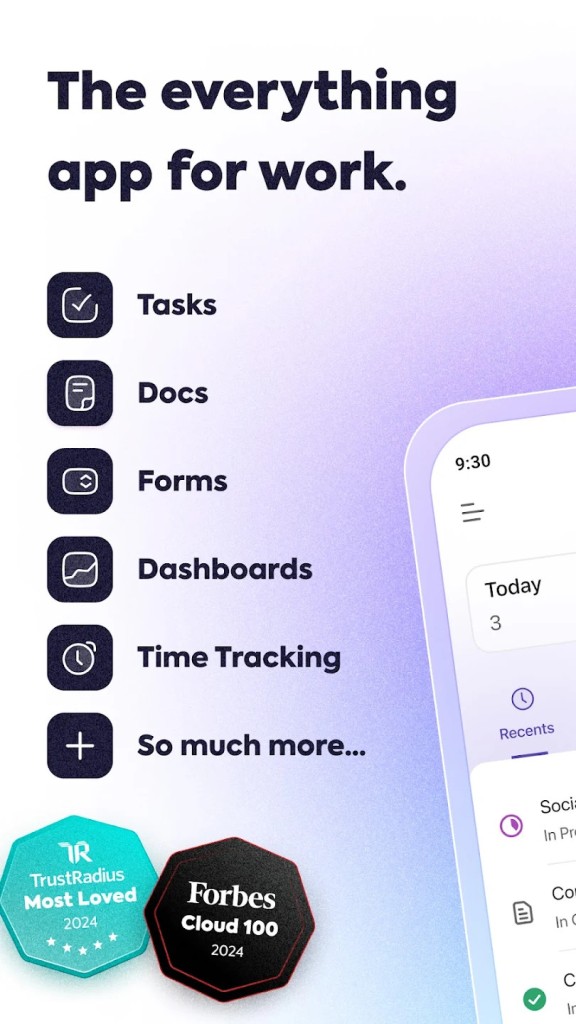
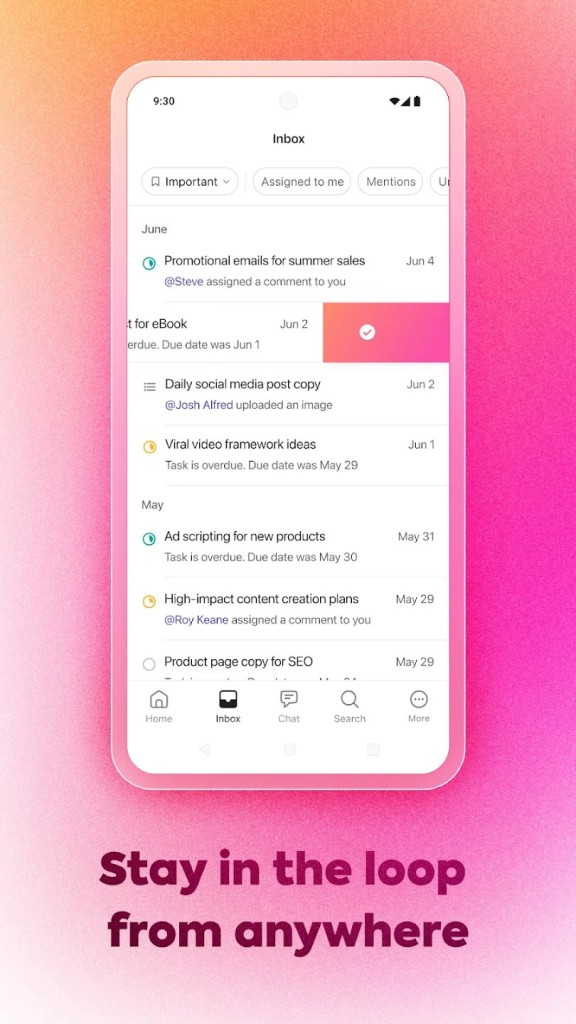
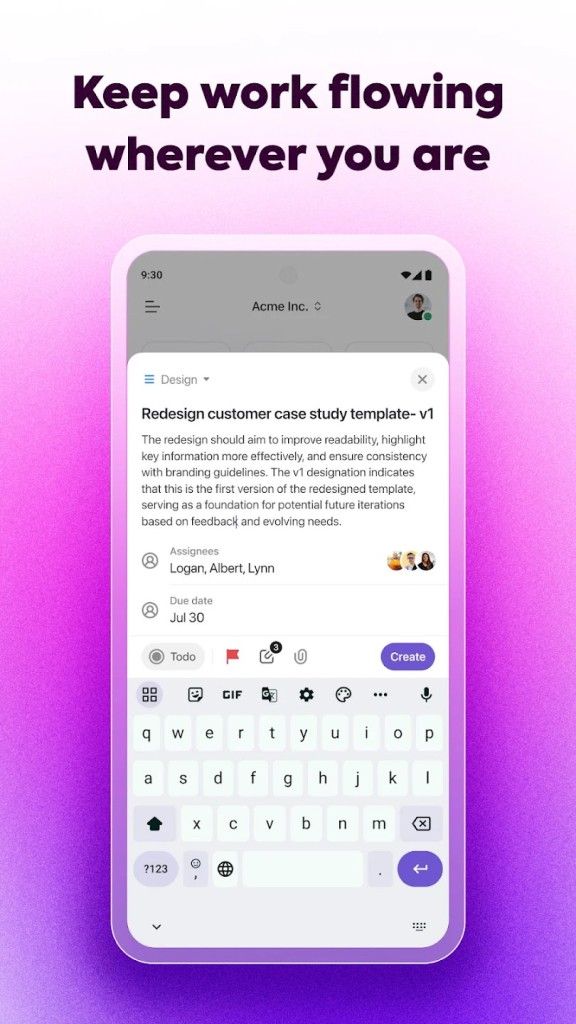
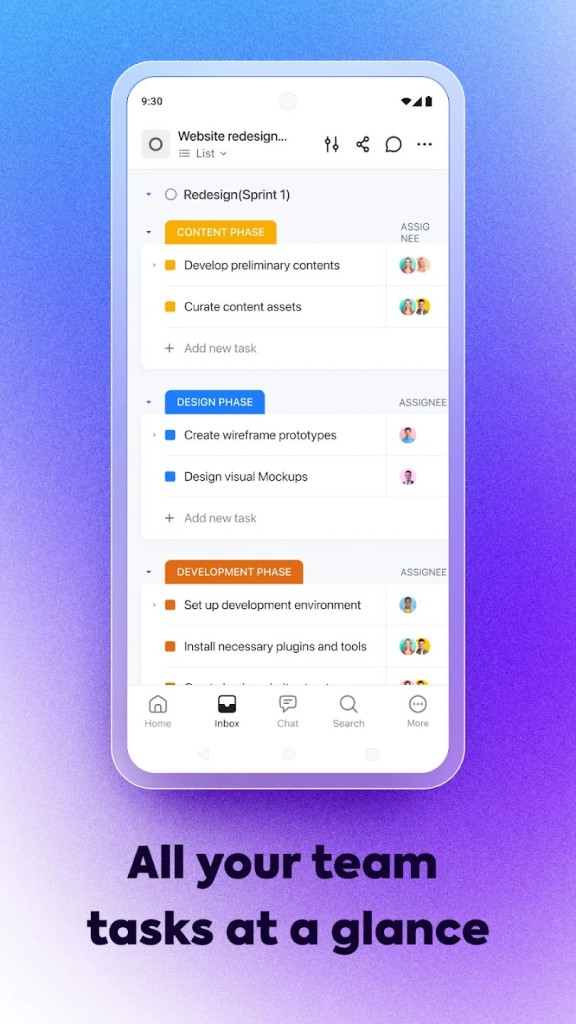
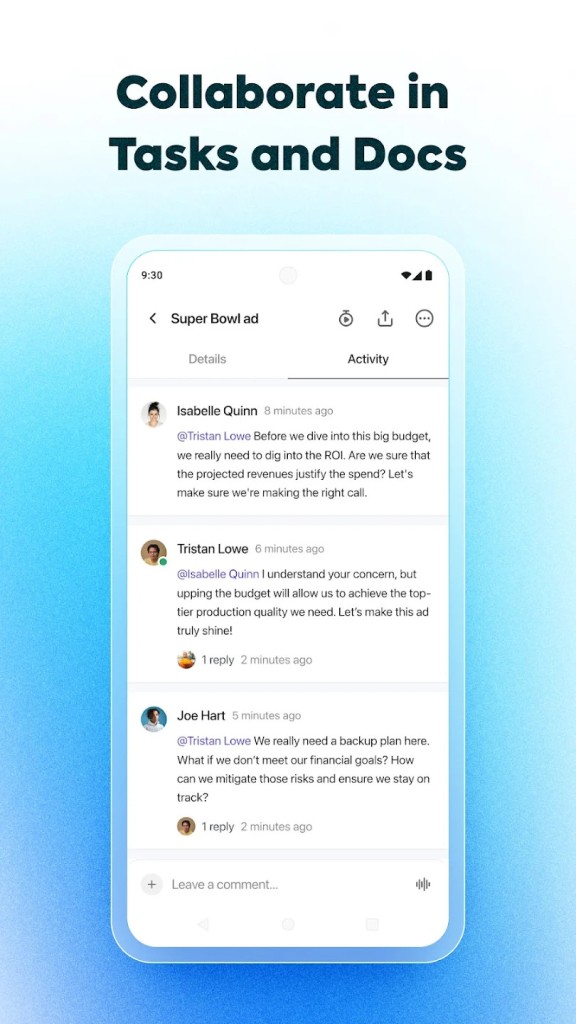
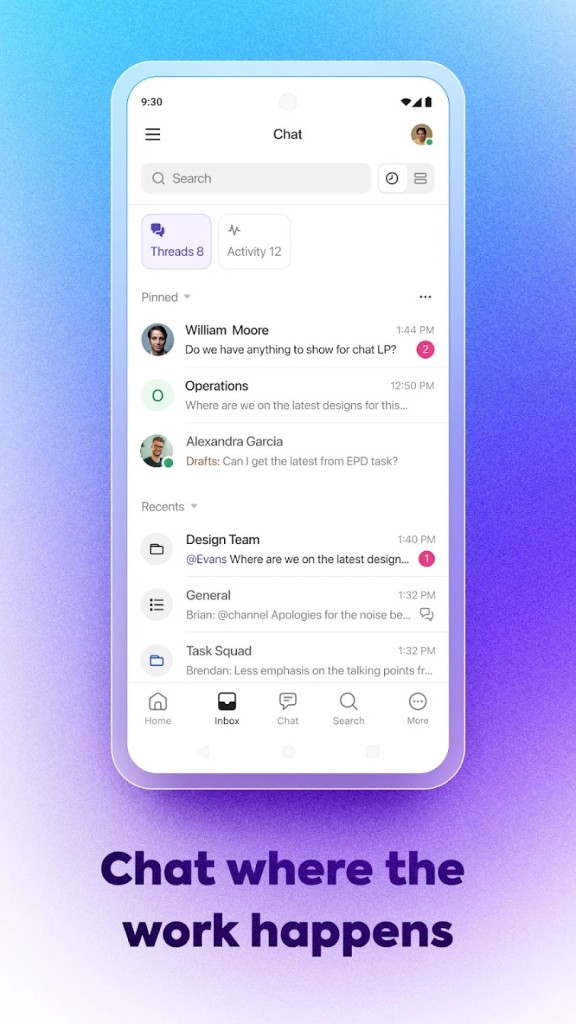
ClickUp is one of those apps people bring in when they’re tired of opening five or six different tools just to get through the day. It’s not one thing, it’s a mix. You’ve got tasks, you’ve got chat, there are docs, dashboards, calendars, even goals and whiteboards if you like those. It’s more of a professional app that lets you manage your everyday life without missing any of your deadlines or tasks.
You can set up a workspace and just use the basics, like a list of tasks. Then later, when you need more functionalities, you can add them. Time tracking, automations, sprints, forms, all that. It isn’t something you outgrow right away because the parts are already there. That’s the idea: less switching, less moving between apps. Most of us waste too much time jumping from one tab to another, and this service just tries to reduce that.
Some people call it the “everything app” for work. That’s their line, but it fits because it’s meant to hold the parts of work in one space.
Why should I download ClickUp?
Work is scattered when you don’t. You chat in one place, then you copy tasks into another app, then you write docs somewhere else. At the end of the day, half the energy goes into switching instead of doing. ClickUp tries to keep it together. You write something, assign a task, and talk about it in the same spot. That’s the main reason.
For small teams, it can be just a task manager. For larger groups, it’s more big projects with dependencies, deadlines, goals, and dashboards. Same app, just stretched further. That’s why people look at it.
Thanks to the customizable interface, you can also change how you see the work. Some people want lists. Some want cards moving on a board. Others need timelines or charts. It’s all there. If one presentation doesn’t click, you switch to another.
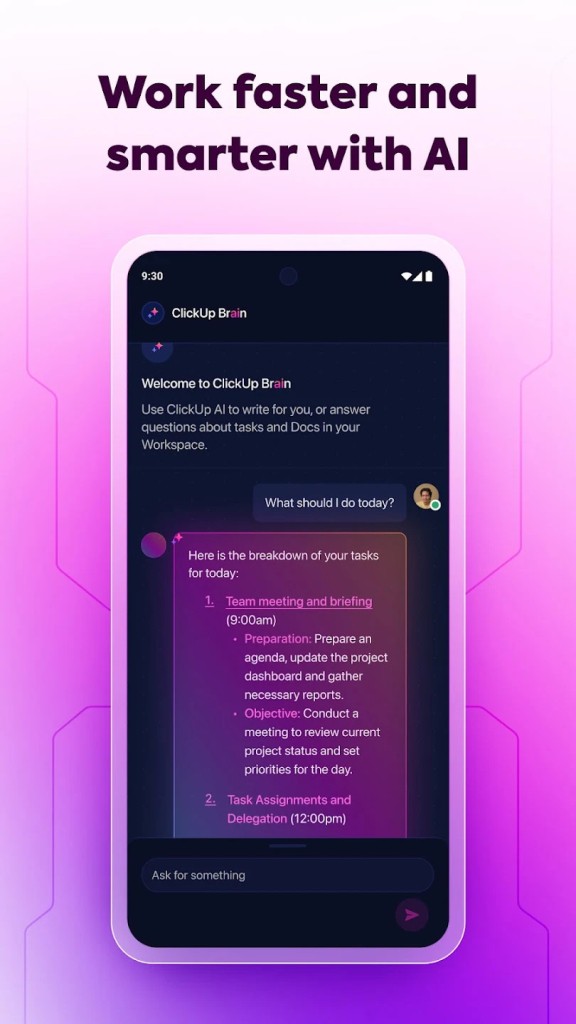
Thanks to the ClickUp Brain AI functionality, users are offered a way to search across other apps. Google Drive, Dropbox, Salesforce, GitHub, Box, Figma. Instead of digging through each one, you can ask it from ClickUp, and it shows you (if your accounts are linked). It can also do notes and summaries, but you don’t have to use that if you don’t like AI writing in your place.
Some extra features are also worth pointing out. Built-in time tracking so you don’t grab another app. Goals that are tied to tasks, so you can see how they connect. Dashboards with charts, so managers can watch progress. Automations so you don’t repeat boring steps. Forms for quick input. Whiteboards to dump ideas on. None of this is special alone, but being under one roof makes it easier. That’s why you’d pick it up.
Is ClickUp free?
Yes, ClickUp offers a free plan. You sign up, no credit card. You get basics like tasks, docs, chat, boards, and calendars. If you need more dashboards or deeper controls, you move to paid. But plenty of small groups stay on free for a long time.
What operating systems are compatible with ClickUp?
ClickUp runs on most things. There’s the web version in your browser (for any OS). There is a desktop app for Windows in the Microsoft Store. On smartphones, it runs on Android and iOS. That means you can start at your desk and later check things on your phone, and it’s all there.
Since it’s cloud-based, it syncs automatically. You don’t need to save and reload. You just log in, and the same stuff is waiting. Updates come on their own, too. No downloads or installs every week. That makes it easier when your team isn’t all on the same type of device. One person is on a Mac, another on Windows, another only on a phone; it doesn’t break the flow. Everyone still sees the same workspace.
What are the alternatives to ClickUp?
Wrike is used by teams that want heavy project tracking. You can set tasks, build timelines, and check progress with reports. It gives managers control and visibility. For a small team, it might feel like too much, but for big ones, it works.
Chanty – Team Collaboration is another. This one is lighter. More about chat. You can talk to teammates, share files, and create tasks right in those chats. It doesn’t have a hundred extras. That’s why some small or mid-sized teams like it, because it’s simple, not overloaded.
Monday.com is also often compared. It’s built around boards. You make boards for marketing, for sales, for product, whatever you want. It has automations and dashboards too. People like how flexible it is. The downside is that costs climb when teams get bigger. Still, many like the board setup and the way you can change things to fit your work.