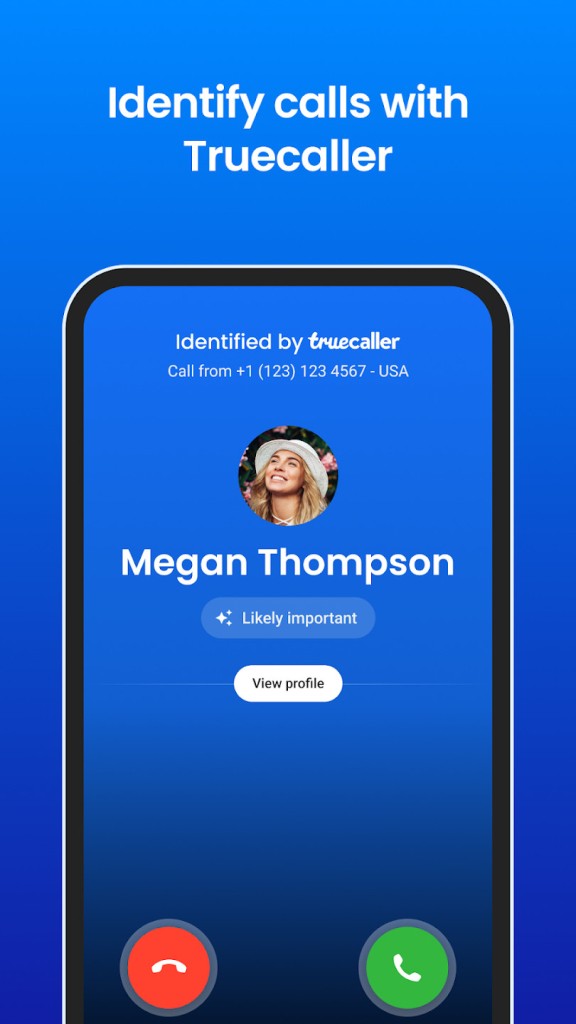
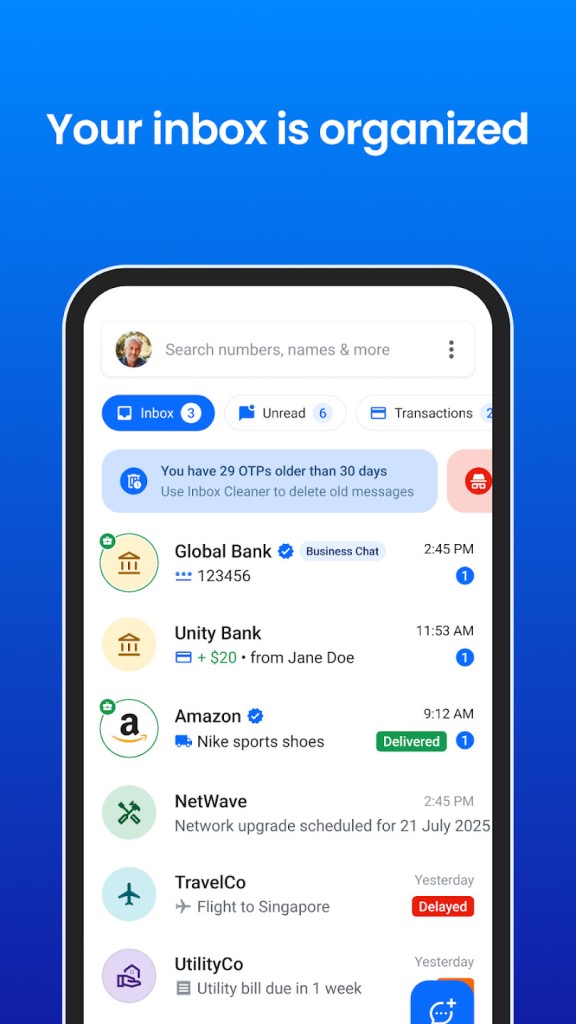
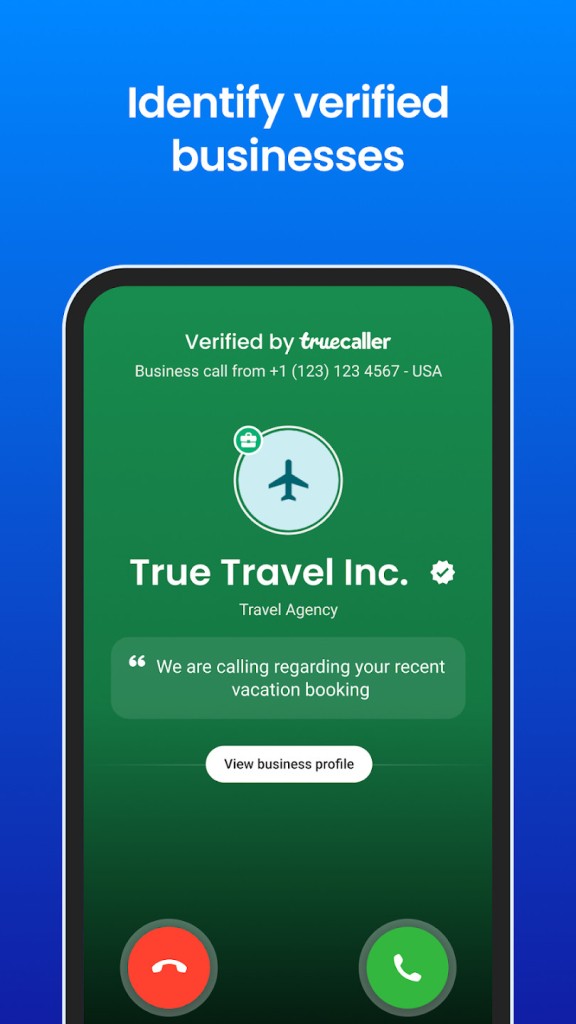
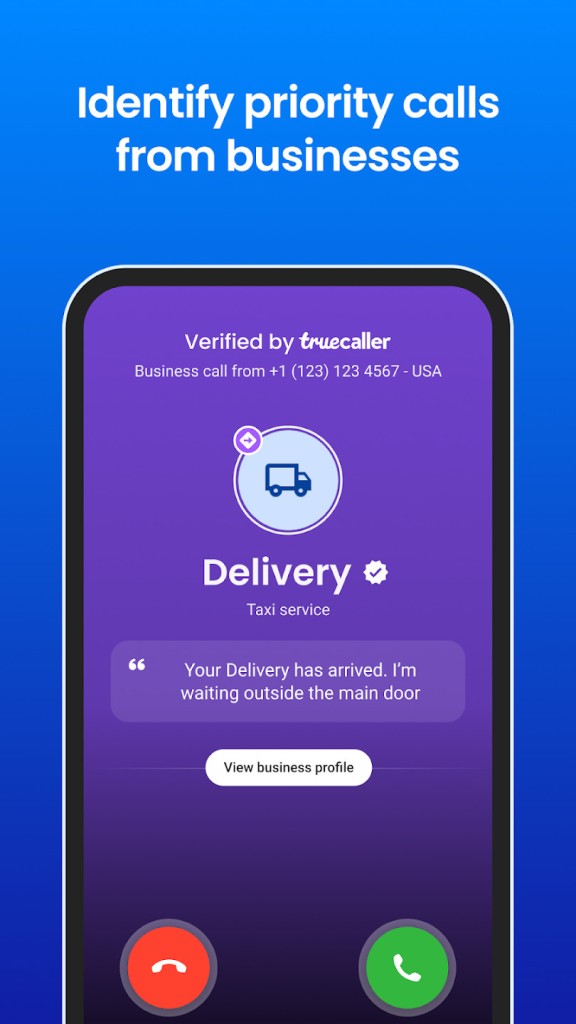
Truecaller is one of the most widely used caller identification and spam protection app that has been around since 2009. The app identifies unknown numbers in real-time, allowing you to know who’s calling before you answer, and it can automatically block spam calls, telemarketers, and fraudulent attempts. This way, your phone is free of clutter and unwanted calls, so you only receive communication from people you want. It also protects you from possible scams that could lead to financial and other troubles.
To work effectively, Truecaller maintains a global database of verified phone numbers, which is updated daily by both company systems and users of the app. When an unknown number calls, the app cross-references it with this database and instantly displays the name or company associated with the number, so you can recognize legitimate callers and avoid suspicious ones. Truecaller also has features for messaging and contact book management that you can use to send and receive texts, make voice calls, and chat with other users securely.
In supported regions, you can also use Truecaller to record calls, and there are also options to back up or restore your data or encrypt messages. Calls and messages are organized in one clean dashboard, and alerts for spam numbers are clearly marked with color-coded labels. Truecaller also provides detailed caller insights such as location (when available), spam activity level, and how often other users have reported a number. For Android users, it can replace the default phone app entirely, offering a smoother, ad-free dialing experience for premium users. You can download Truecaller for free on iOS and Android, but it also offers a paid version for those who require additional features.
Why Should I Download Truecaller?
The reason why millions of users install Truecaller is that it offers reliable and fast caller identification. The app’s database contains billions of numbers contributed and verified by trustworthy sources and users across the world. Instead of wondering who’s calling, you’ll see their name and origin on your screen, even if the number isn’t saved in your contacts. This helps prevent spam, scams, and unwanted interruptions while ensuring you don’t miss legitimate calls from delivery services, service providers, or new business contacts.
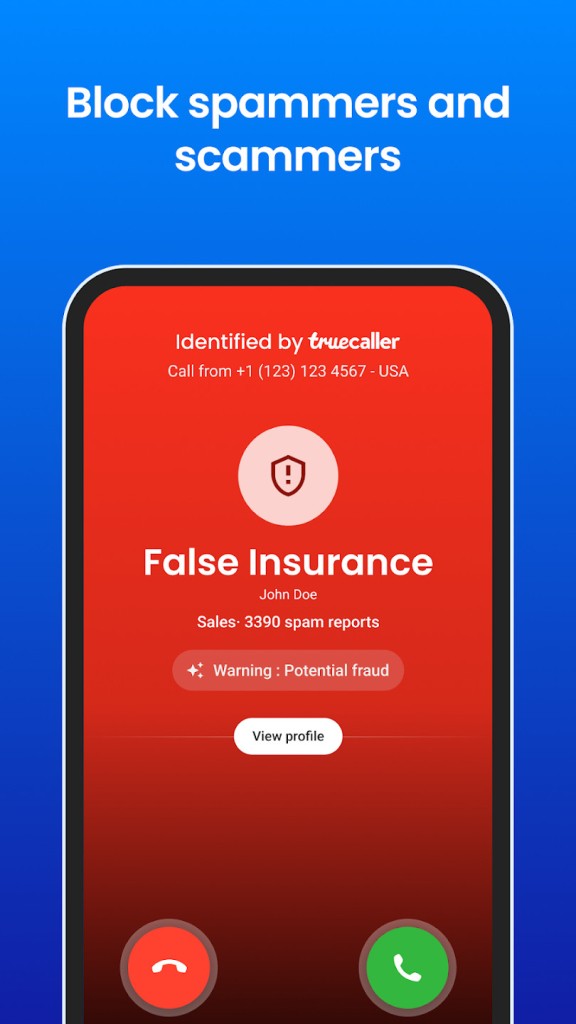
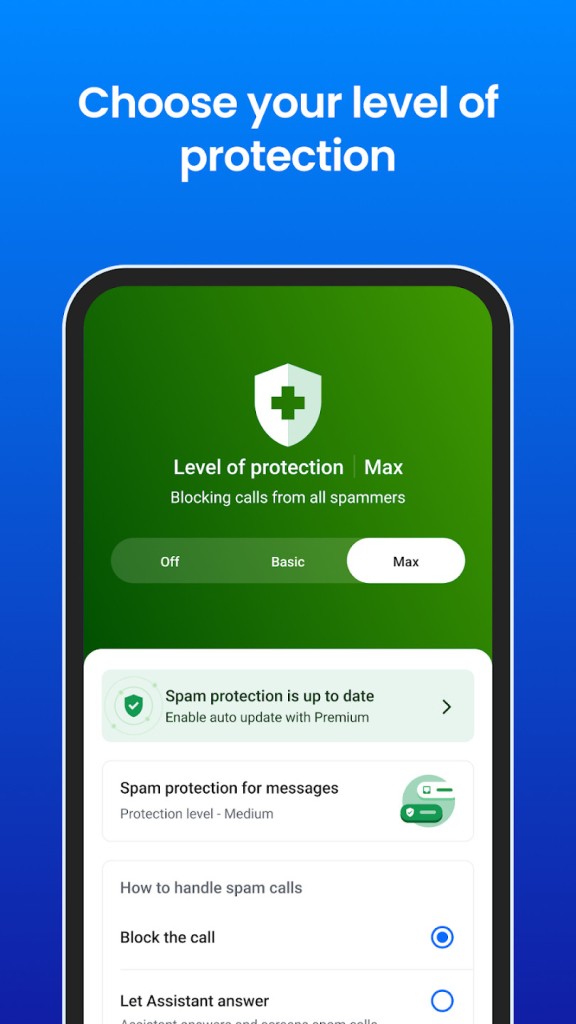
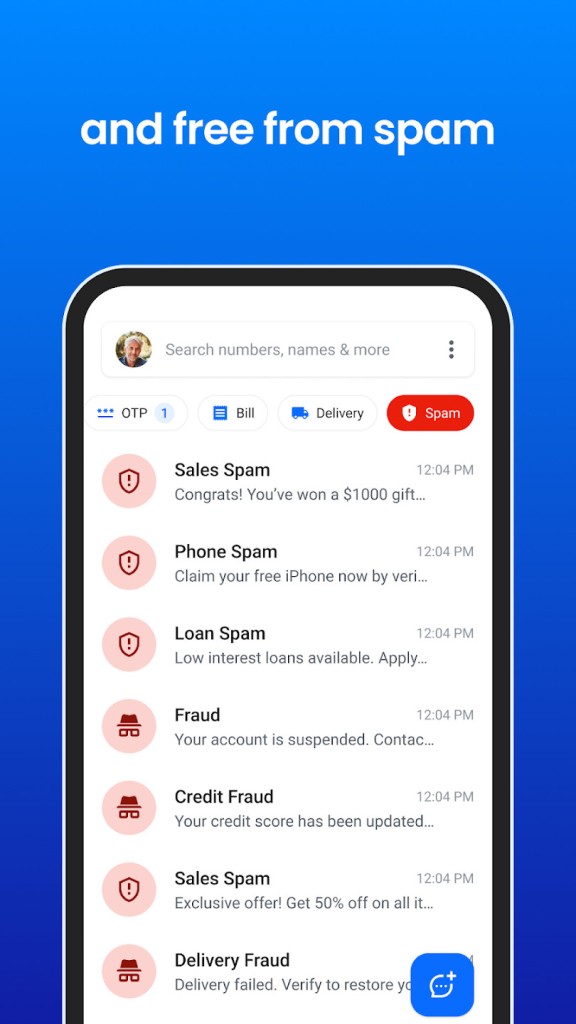
Trucalles also has an advanced spam detection and blocking system, which works automatically once installed. The app can identify and automatically block known spam numbers based on user reports and global trends. Suspicious numbers are flagged with warning labels, such as “Telemarketer,” “Fraud,” or “Robocall,” allowing you to make quick decisions. You can also manually block numbers or create custom filters based on your preferences. For example, you can block calls from private or unknown numbers, or filter messages that contain suspicious links. For text messages, the app separates spam messages into a dedicated folder, keeping your inbox clean and organized.
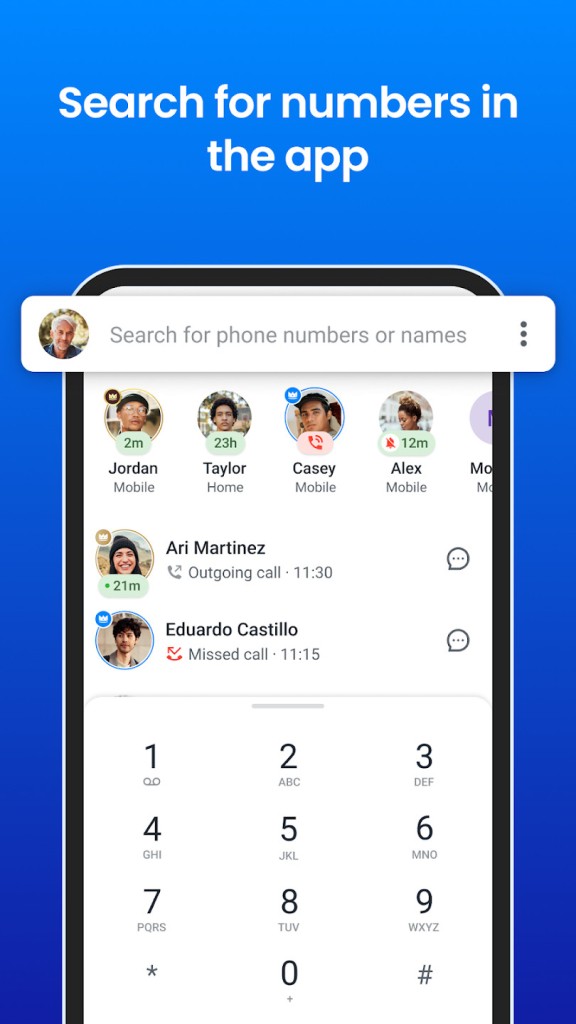
On top of the caller identification and anti-spam features, Truecaller also has call management tools that allow you to record calls, track important conversations, and store them securely. There’s a built-in messenger within Truecaller that offers end-to-end encryption so that you can chat with other Truecaller users privately, and the feature integrates with your contact list, providing information about people in your network and giving you options to merge or edit duplicate entries. If you use it as your default phone app on Android, you call people with a single tap, search for contacts in various ways, and access analytics about your most frequent interactions.
With the introduction of AI-based features, Truecaller can automatically answer calls, screen unknown numbers, and transcribe voicemails in real time. It’s also able to detect AI bots with a sophisticated voice detection engine, so you no longer have to wonder if you’re talking to a real person or not. You can also set it up to respond on your behalf with pre-set messages or receive reminders about missed calls.
When it comes to privacy and security, Truecaller lets you choose what information you share with others, such as your name, photo, or last active status. Incoming links and messages are scanned to detect potential phishing or fraud attempts, and sensitive messages, like those from banks or verification services, are stored securely. You can also secure your entire account with two-factor authentication. The app adapts to your usage patterns, learning which calls you prefer to answer and which ones to ignore. Over time, it tailors its blocking suggestions and notifications accordingly.
While Truecaller is available for free and gives you access to all of its basic features, you can also get a premium plan, which removes any ads from the software, adds automatic declines to spam calls, improves the Caller ID features, and adds an AI-based assistant to answer your calls for you. Whatever version you choose, you should definitely test it out and download Truecaller for iOS or Android smartphones.
Is Truecaller Free?
Yes, you can download Truecaller and use it for free, with access to all its essential features, including caller identification, spam blocking, and a messaging platform. The free version includes ads and limited access to detailed analytics, but it provides enough value without upgrading.
If you’re looking for more control and automation, Truecaller offers a premium subscription plan that removes ads and includes advanced features such as call recording (where legal), advanced filters, and extended spam protection.
What Operating Systems Are Compatible with Truecaller?
While Truecaller has a website you can use to look up suspicious numbers, the real value of the service comes from its mobile apps available on Android 8.0 or higher and iOS 16.0 or newer.
While the app offers similar features on both systems, Android users get additional tools like automatic call recording and integration with the phone’s default phone app. The app is optimized to perform efficiently on all supported devices and doesn’t require heavy system resources.
What Are the Alternatives to Truecaller?
Whoscall is a popular alternative that provides AI-based caller ID and spam filtering. It identifies unknown numbers even when you’re offline by maintaining a local database on your device, which is particularly useful when traveling. You can download the app for free and then decide to upgrade to its premium version with more advanced features and Whoscall is available on both iOS and Android smartphones.
Phone by Google comes pre-installed on most modern Android phones and, by default, offers integration with Google’s verified business database. This means it can accurately identify legitimate companies and block potential scams automatically for you. With it, you get access to call screening, where Google Assistant answers unknown calls for you, transcribes those calls, and provides you with information that helps decide whether to pick up or block the call. It’s completely free, but only available for Android users.
Hiya is a branding app that lets you add more context to your calls by including your logo and company name whenever you make a call. You can also use it to automate outgoing calls with AI-based assistants, and the platform provides detailed analytics on your call performance. It also has dedicated apps to block spam calls, identify incoming contacts, and detect AI-voiced conversations. You can try the service for free, but afterwards it requires a paid subscription, and it works on iOS, Android, and the web.