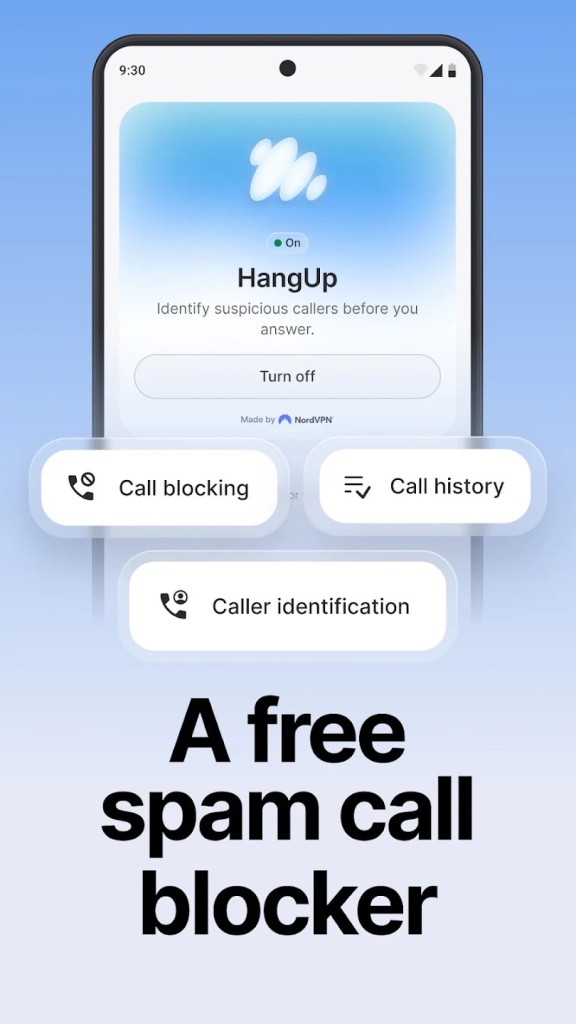
HangUp is a free spam call blocker and caller ID app built by Nord Security, the company behind NordVPN and NordPass. Its job is narrow, and it does not pretend otherwise. Every incoming call gets checked against a database of known spam numbers and telemarketers, and you get a warning on screen before you answer, or the call gets blocked outright if you would rather not see it at all.
Nuisance calls were already a problem, and AI voice cloning has made them harder to spot, which is why a plain warning label on an unknown number has become genuinely useful. Setup runs to three steps: download the app, install it, and create a free Nord account. After that it works quietly in the background without asking anything else of you.
Nord states that the app does not collect, log, or share your data, and its Play Store data safety entry backs that up with no data shared with third parties. It carries a 4.5-star rating across roughly 1,700 reviews and has passed 50,000 downloads. There is one significant catch worth knowing before you get excited, and it is the platform.
Why Should I Download HangUp?
Detection happens before you answer, which is the whole point. You find out who is calling while the phone is still ringing rather than after you have picked up and heard a pitch start. HangUp checks the number as it arrives and tells you what it thinks. Spam and scam calls get flagged so you can decline them without engaging at all.
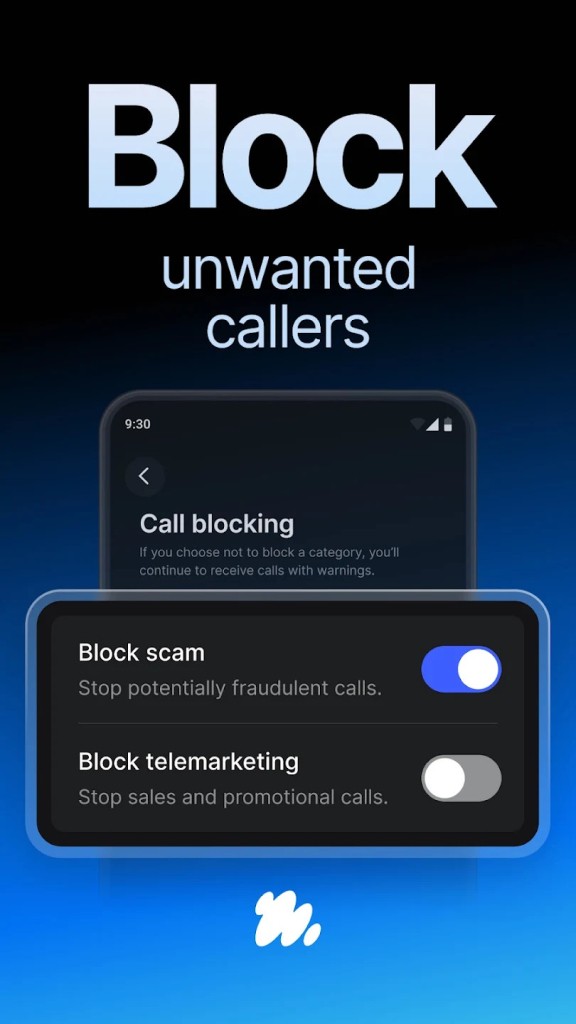
Automatic blocking takes that further. Set it up, and the app stops flagged calls from reaching you, so your phone simply does not ring for numbers the database has already identified. Reviewers describe going from ten or twenty calls a day to something close to silence, which is the outcome most people installing this are after.
Caller recognition sorts callers by type rather than lumping everything into one bucket. Knowing that an unknown number is a telemarketer rather than a probable scam changes how you respond to it, and it also means legitimate businesses calling you are less likely to get caught by mistake.
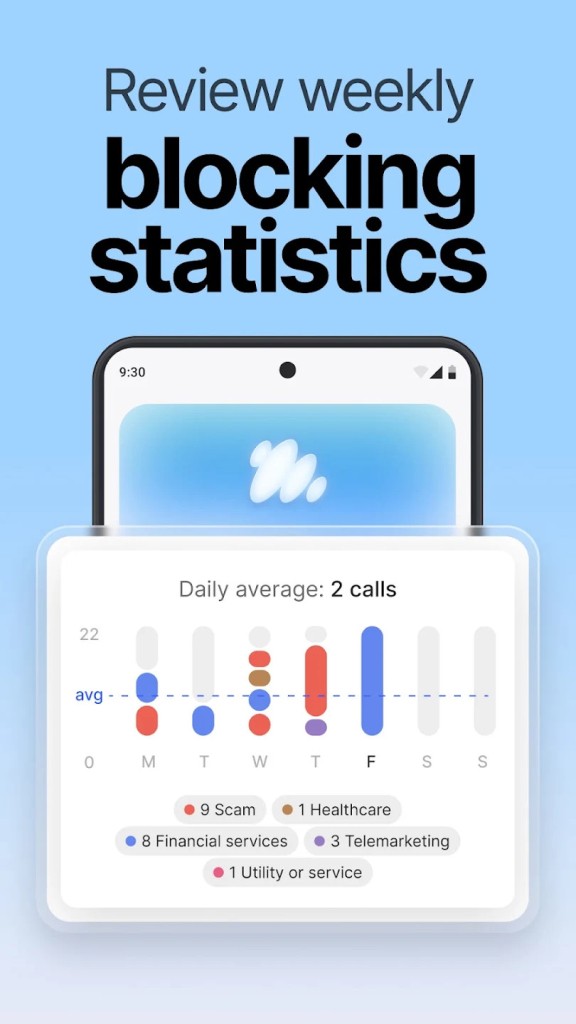
A blocking log is included, which matters more than it sounds. Any automatic blocker eventually stops a call you wanted. Having a list you can check afterward is the difference between a tool you trust and one you uninstall the first time you miss something important. Alongside that sit weekly, monthly, and yearly statistics showing how much has been filtered out.
Privacy is a fair reason to pick this over some of the alternatives. Caller ID apps have a poor reputation in this category, since several of the best-known ones built their databases by uploading users' contact lists. Nord's position is that HangUp does not collect, log, or share your data. Nothing goes to third parties, data in transit is encrypted, and you can request deletion of whatever it holds.
Being free with no ads is the last piece. Nord already sells VPN, password management, and eSIM products, and HangUp works as a way into that range rather than as something it needs to monetize directly.
Two caveats are worth stating. No blocker catches everything, and reviews include people still receiving calls and having voicemail filled by numbers that slipped through, since spammers rotate numbers faster than any database updates. Nord asks users to report missed numbers in the app, which is how the database improves. You also need a Nord account to use it, so it is free but not anonymous.
Is HangUp Free?
Yes. HangUp is free to download and free to use, with no subscription, no premium tier, and no ads in the app. Every feature described above is available to everyone.
Creating a free Nord account is required to activate it, which takes a moment and costs nothing. That account is the same one used across Nord Security's other products, so if you already have NordVPN or NordPass, you can sign straight in. Support runs 24/7 through the same channel as the company's paid products.
What Operating Systems Are Compatible with HangUp?
Android only, and that is the catch mentioned earlier. HangUp is distributed through Google Play, and there is no iOS version, no iPad version, and no desktop equivalent. If you are on an iPhone, none of the above applies to you, and the Begone entry below is the closer fit.
The app is rated for ages 3 and up and sits in the Communication category on Google Play. It needs permission to screen incoming calls, which is standard for anything doing this job on Android, and it has been kept current with regular updates, the most recent arriving in September 2026.
What Are the Alternatives to HangUp?
Hiya is the most established name here and runs on both Android and iOS, which immediately makes it the broader option. It offers caller ID, spam detection, and blocking from a much larger database, built partly through partnerships with phone manufacturers and carriers who bundle its technology directly into handsets. The free tier covers the basics, while a premium subscription adds features on top. Download it if you want something proven across both platforms and do not mind a paid tier existing above the free one.
Begone is iOS-only, making it the mirror image of HangUp. Rather than leaning on a crowdsourced database, it lets you block individual numbers or whole ranges using a wildcard character, so entering a pattern for one area code prefix blocks ten thousand numbers in a single entry. It also works as a private directory, identifying callers you want to recognize without saving them to contacts, and it supports importing community lists made by other users. Everything runs locally on the device with nothing collected or transmitted. It is free with optional in-app purchases and suits anyone on an iPhone who wants manual control rather than an automated service.
Phone by Google is already on a lot of Android handsets and costs nothing extra. Its caller ID and spam protection flag suspected spam before you answer and filters flagged calls straight to voicemail. Supported devices also get Call Screen, where Google's assistant answers an unknown call and transcribes it, so you can read what they want before deciding whether to pick up. It is not available on every Android phone, since availability depends on manufacturer and region, but where it works, it removes the need for a separate download entirely. Try it first before installing anything else.