Sometimes a physical whiteboard just won’t do. That’s when the Whiteboard Fox digital whiteboard comes in. It is a blank canvas for your writing, drawing, and brainstorming, alone or with colleagues and team members. Whiteboard Fox is a web app, so you don’t need to download any software. It is accessible via any modern browser on a phone, tablet, or computer. As a bonus, the platform doesn’t require you to create an account either, which is very convenient for when you’re in a pinch.
One of the most noteworthy features of Whiteboard Fox is that it enables real-time collaboration. Multiple people in different physical locations can work on the same board. Every change made will appear immediately, ensuring other collaborators don’t experience a lag.
Whiteboard Fox is an excellent solution for impromptu work and brainstorming. You don’t need to create an account. Instead, you just create a board and share the link with your coworkers, who can join and contribute from their devices. The platform supports regular writing and drawing tools, as well as picture imports.
Why Should I Download Whiteboard Fox?
The best part about Whiteboard Fox is that it doesn’t actually ask you to download anything. All you need to do to access the application is visit the official website or follow a link to a specific board. The application is web-based, so it will run in any modern browser on your computer, phone, or tablet. Teachers, students, and professionals in different fields use it to collaborate, brainstorm, and be creative.
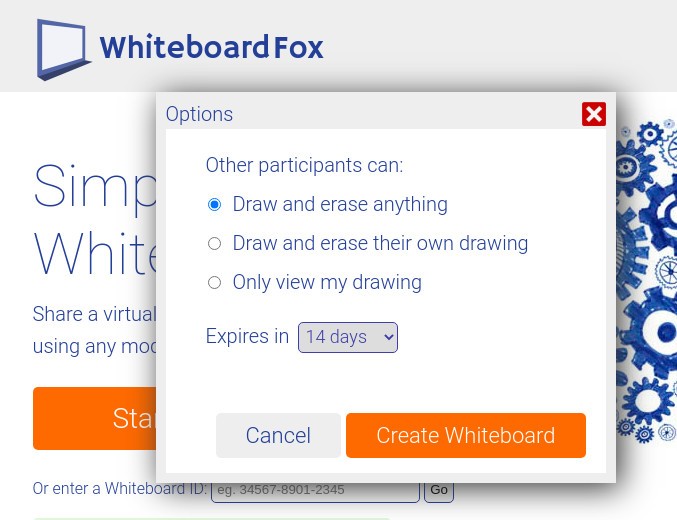
The fact that you don’t need to download Whiteboard Fox makes it a lot easier to use, since you can choose to do so at any moment and have no hoops to jump through. Another bonus is that you don’t need to register to create or join a board. If you’re hopping on a project with a colleague, simply follow the link they share with you. You will gain access to the same board that you can write and draw in, in real time. All the changes show up right away. On the other hand, if you don’t want anyone to edit your board, you can give them view-only access.
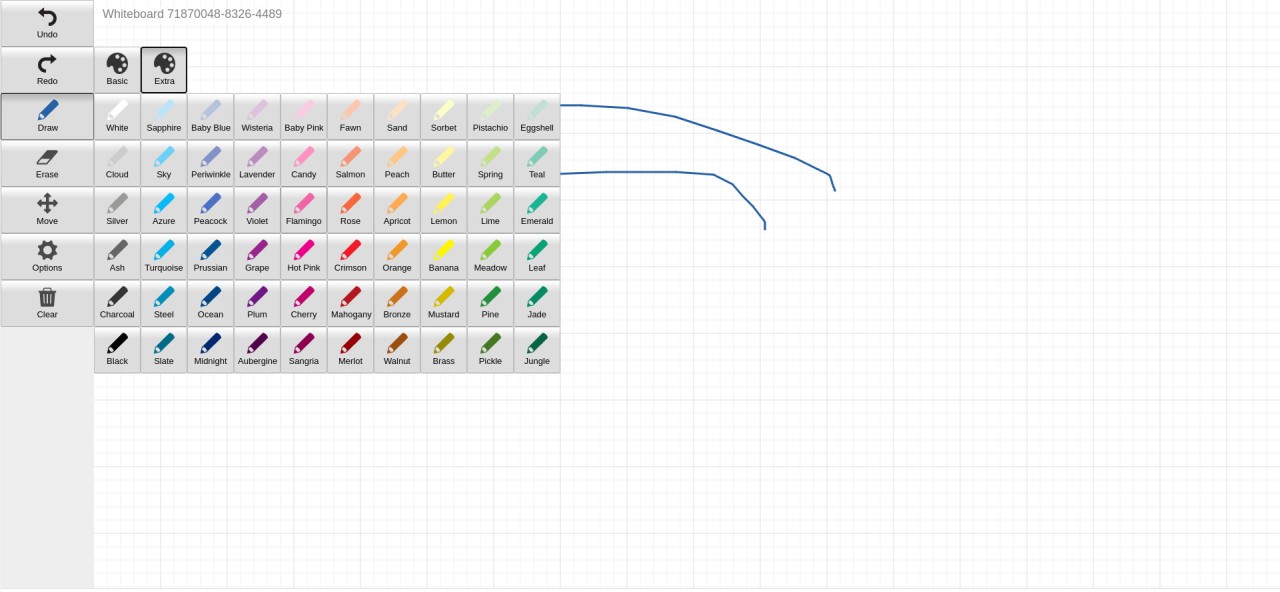
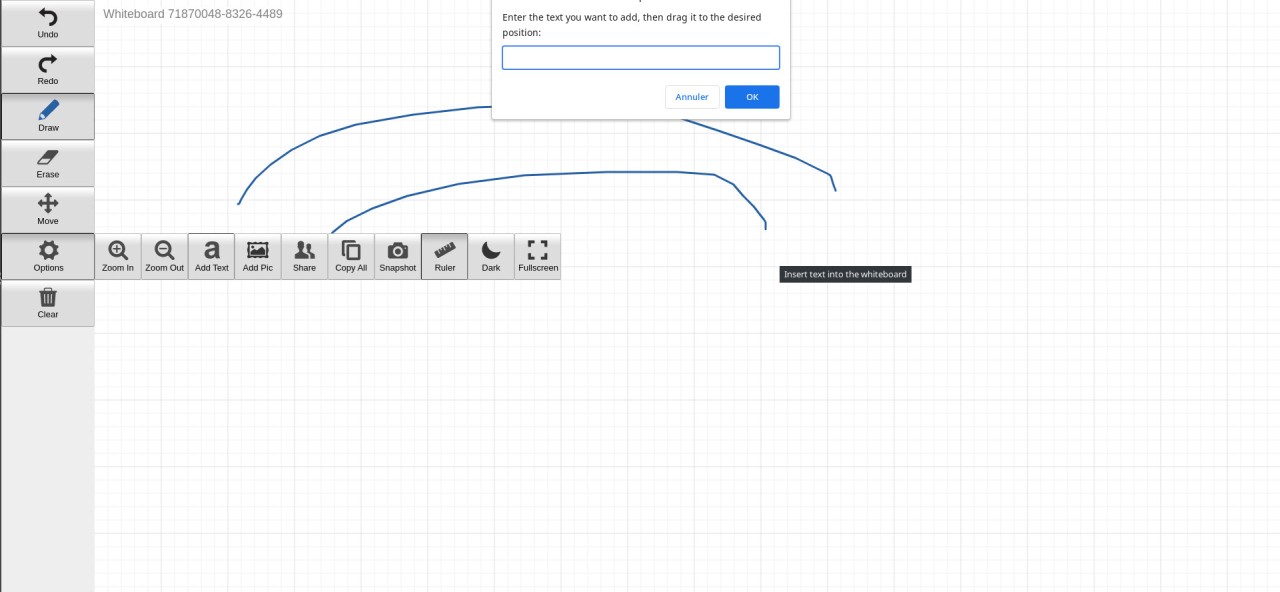
Whiteboard Fox’s tools include anything you might need for writing and drawing, like pens, erasers, and text boxes. You can also import images. It is a rather simple solution for all of your digital whiteboard needs.
Is Whiteboard Fox Free?
Yes, Whiteboard Fox has a free version. The free tier features ads and lacks some of the more advanced capabilities. At the same time, it gives you all the basic tools you need, including writing and drawing tools.
Users who wish to get rid of ads and unlock advanced features can pay for a pro plan.
What Operating Systems Are Compatible with Whiteboard Fox?
Because Whiteboard Fox is not a downloadable application, it is compatible with most operating systems. All you need to do is make sure your device has a modern web browser.
You can access the platform on Windows 10 and 11 computers, macOS computers, Linux computers, iOS and iPadOS devices, and Android devices.
What Are the Alternatives to Whiteboard Fox?
If you’re looking for a similar application with a slightly different approach or feature set, there are some great options to choose from.
Microsoft Whiteboard is a whiteboard application from Microsoft. Its goal is the same as Whiteboard Fox's—to let people collaborate, brainstorm, draw, and write on a digital canvas. It is especially popular among school teachers, who can display it in classes. The canvas is never-ending, so you can keep brainstorming forever. Inbuilt tools include pens and highlighters, as well as sticky notes and shapes. The app is integrated into the Microsoft 365 flow, so you can use it in tandem with other Microsoft applications, like Microsoft Teams.
Markerpad is another digital whiteboard for drawing and brainstorming. Unlike Whiteboard Fox and Microsoft Whiteboard, the focus of Markerpad is not online collaboration. It can be very effective for mind mapping and notetaking in offline environments. You can choose from different pen colors and enjoy auto-save capabilities and local storage for your boards.
Explain Everything Whiteboard is more than just a blank canvas. It is a digital whiteboard you can use to brainstorm and draw, but also to create whole guides, lesson plans, and tutorials. This tool is particularly popular among teachers who want to make their material more engaging. One distinctive feature of Explain Everything is media integration. You can attach pictures, PDF documents, and even web pages to your infinite canvas. To make your presentations more interactive, record a voiceover and create an instructional video with the help of Explain Everything Whiteboard.