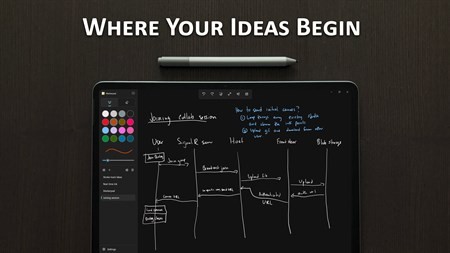
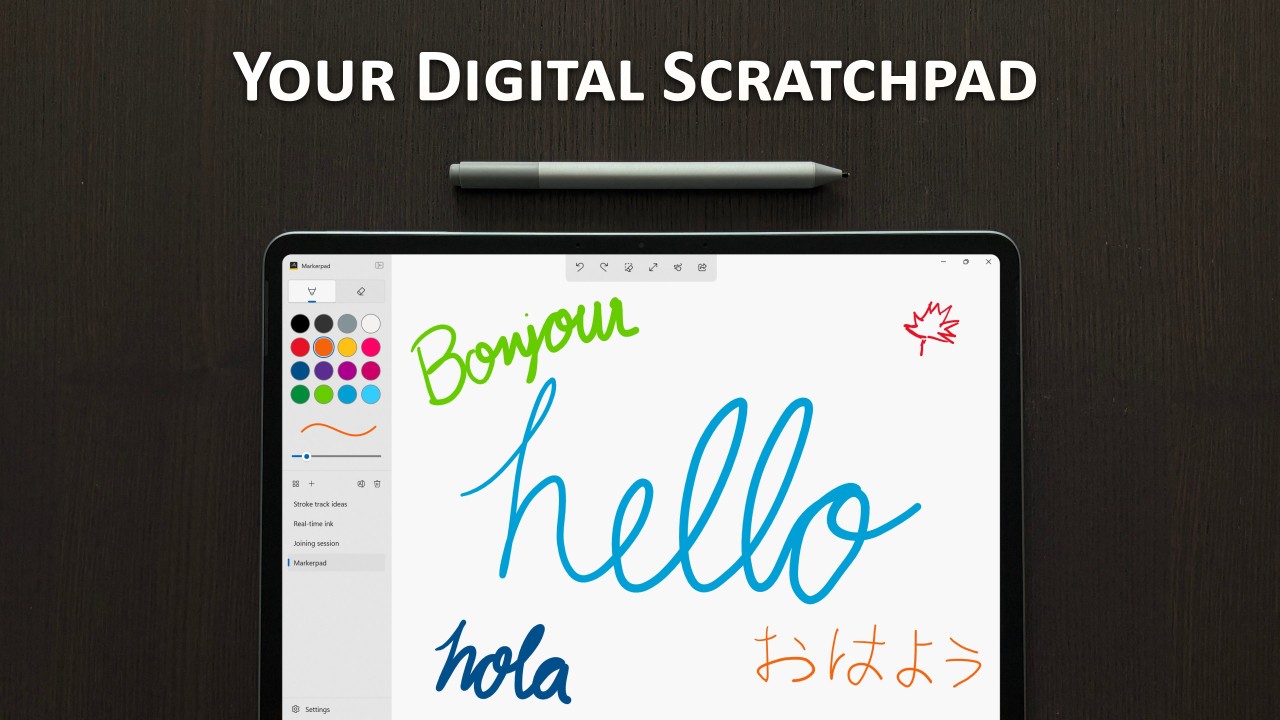
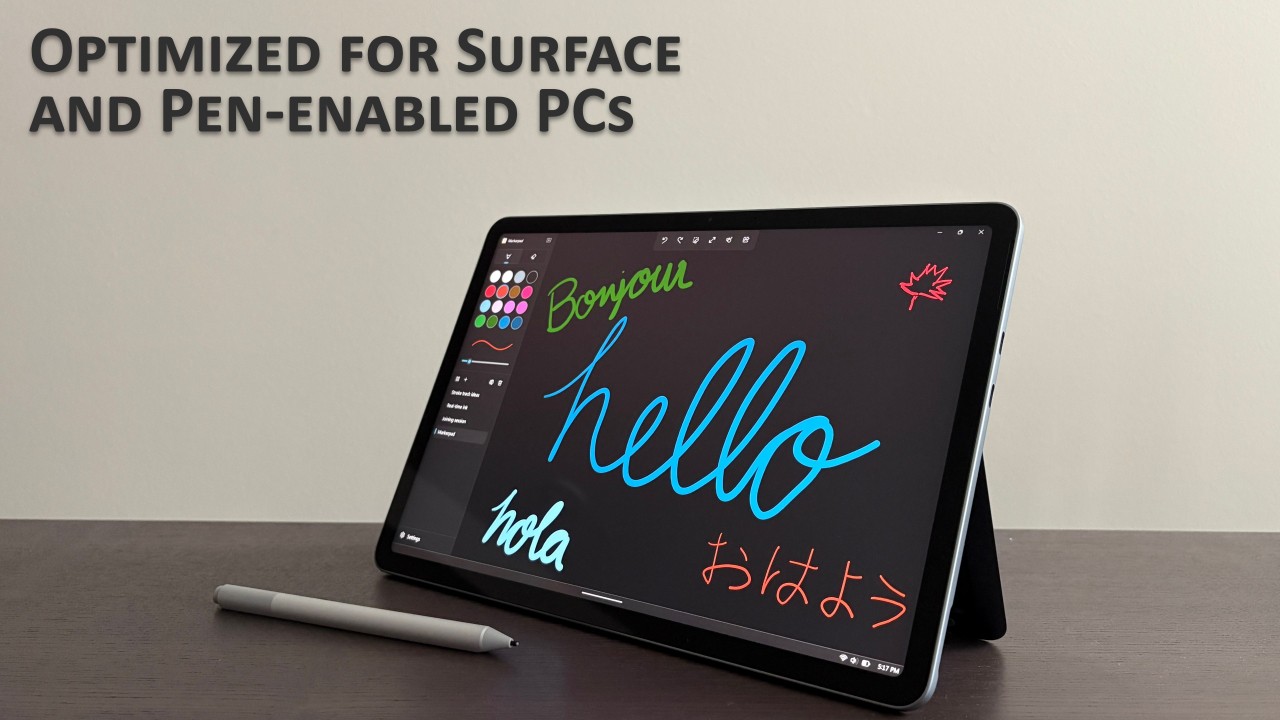
Open Markerpad, start drawing, and get your thoughts down without much standing in the way. It is a digital whiteboard app for thinkers, problem solvers, and creators. It is a native, offline whiteboard app made especially for Surface and Windows devices. That gives it a pretty clear identity. It is less about meetings, cloud workspaces, and shared templates, and more about fast drawing and note-taking on a Windows screen.
That also explains why it feels different from broader whiteboard tools. Markerpad is built around speed and direct use. The developer has been pretty open about that, describing other whiteboard apps as too slow to launch, too slow to draw, or too tied to online use, and presenting Markerpad as the answer to that. So if what you want is a smoother pen-based experience on Windows, the app is a good choice.
Why Should I Download Markerpad?
The main reason to download Markerpad is that it keeps the whiteboard idea very simple. The current Microsoft Store page describes it as an intuitive digital whiteboard, and the developer’s recent posts highlight fast launch speed, smooth drawing, zoom, canvas backgrounds, a recent custom colors section, and a highlighter tool. That gives the app a pretty clear role. It is built for getting ideas down quickly, not for managing a big collaborative workspace.
That gives Markerpad a fairly clear shape. It is a whiteboard app first, even though it overlaps a little with note-taking and sketching tools. A lot of the draw comes from its directness. You open it, write or draw, and keep moving. And because it works offline, it makes sense for people who want a local Windows tool rather than something that depends on being connected all the time.
Is Markerpad Free?
Yes, Markerpad is free to download. The Microsoft Store listing presents it as a free Windows app, and the developer has also described it publicly as a free app for people to try and send feedback on.
What Operating Systems Are Compatible with Markerpad?
Markerpad is currently available for Windows. The Microsoft Store listing is for Windows, and the developer’s public posts describe it as a native offline whiteboard app for Surface and Windows devices, with no Linux version available right now.
What Are the Alternatives to Markerpad?
Microsoft Whiteboard is the closest alternative if you want a broader whiteboard app with collaboration built in. Microsoft describes it as a freeform digital canvas where people can ideate and collaborate visually through the cloud, with real-time teamwork, templates, and Microsoft Teams support. Compared with Markerpad, it feels bigger and more collaborative, while Markerpad feels more focused on fast local drawing on Windows.
Whiteboard Fox goes in a simpler online direction. Its site describes it as a simple online whiteboard that lets people collaborate in real time in any modern web browser, with link sharing and quick syncing across participants. Compared with Markerpad, it feels much more browser-based and collaboration-led, while Markerpad feels more like a native offline app you keep on your Windows device.
Explain Everything is the more feature-heavy option here. Its site describes it as an online whiteboard for teaching, with real-time collaboration, interactive lessons, video tutorials, presentations, and mixed media support. Compared with Markerpad, it feels less like a quick Windows sketchpad and more like a full whiteboard platform for teaching, presenting, and working with other people.