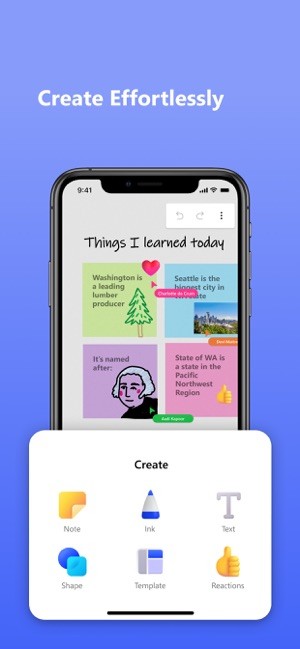
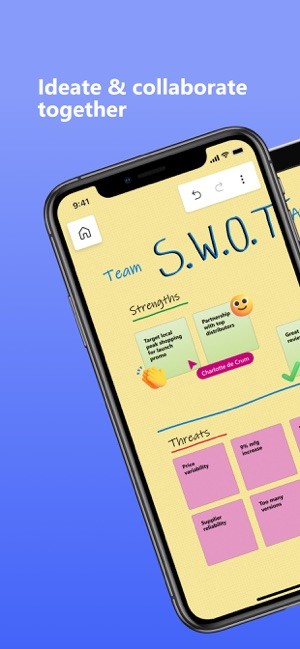
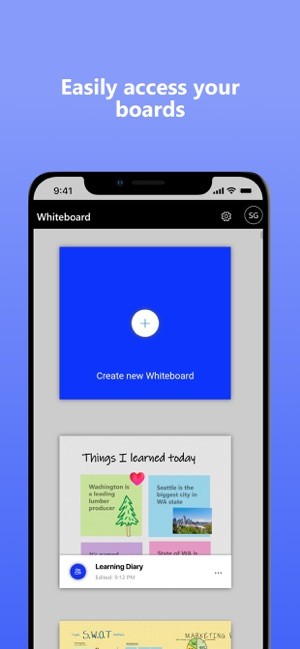
Microsoft Whiteboard is meant to feel like the office or classroom whiteboard that everyone can see, only this one lives inside the tools people already use all day. You open a board in your browser, in the Windows app, on iOS or Android, or directly inside a Teams meeting, and everyone starts working on the same canvas at once: drawing with pen or mouse, adding text and shapes, pinning images, and clustering sticky notes into rough plans.
The canvas is infinite, so groups can keep expanding without worrying about running out of space, zooming out to see the whole session, or zooming into one part when they need detail. Because boards are saved in OneDrive for Business and Azure, they stay attached to your account and your meetings: you can reopen the same whiteboard from a later Teams chat, continue editing it, and export sections into OneNote or other apps once complete.
Why Should I Download Microsoft Whiteboard?
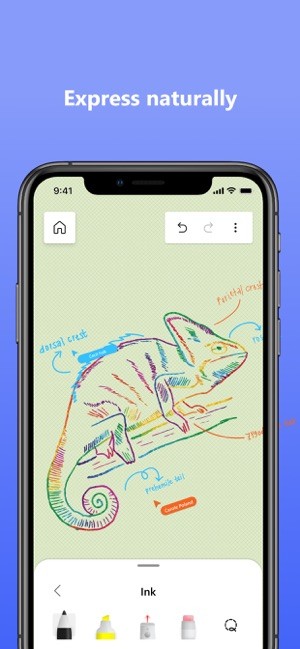
Whiteboard is built for ideation, where slides and presentations feel too rigid. It gives teams a place to throw out ideas, sketch flows, and regroup them without worrying about formatting. Pens, highlighters, a ruler, shape clean‑up, sticky notes, and text boxes cover most of what people do on physical boards, and “intelligent ink” helps tidy up tables or diagrams when scribbles start turning into real structures. You can start from a blank board or use templates for workshops, brainstorming, sprint planning, project roadmaps, and incident reviews, which lets a group get moving quickly without designing its own layout first.
The integration with Teams is great for day-to-day collaborations. In a meeting, the presenter shares a whiteboard, decides whether everyone can edit or just view, and then leaves that same board in the meeting chat as the meeting continues. That works well for hybrid teams or for fully remote ones. People at a Surface Hub or touchscreen can draw with a pen, others join from laptops or tablets, and they all see the same board update in real time.
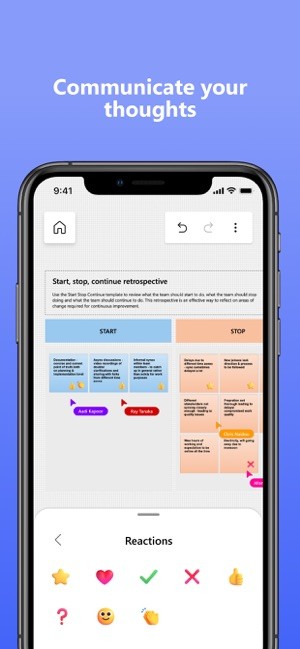
In classrooms, teachers can run more interactive lessons using shared boards, students can add content or react in place, and nobody needs to take photos of the physical board at the end because the whole canvas is already saved. If your workflow is already built around Microsoft 365, using Whiteboard means your visual thinking happens inside that same environment instead of being split off into a separate app.
Is Microsoft Whiteboard Free?
Microsoft Whiteboard is included with Microsoft 365 rather than sold on its own. For most people, it is enabled by default, and Microsoft notes that it has always been free for students and education professionals through the Microsoft 365 A1 offer. Turning it on in an organization does not add an extra per‑user fee beyond whatever that business already pays for Microsoft 365 licenses.
For individual users, it's pretty straightforward: if you have a Microsoft 365 account, you can use Whiteboard at no additional cost. Boards are tied to those accounts and stored in OneDrive for Business and Azure, which is why they can be reopened from multiple devices and stay linked to meeting chats and class notebooks. There is no “Whiteboard Pro” tier inside the app, no separate subscription, and no in‑app purchase structure.
What Operating Systems Are Compatible with Microsoft Whiteboard?
Whiteboard runs across the platforms where people usually work and study. On Windows 10 and 11, you can download the dedicated app that’s made for pen‑enabled laptops, tablets, and Surface devices. Mobile apps on iOS and Android bring the same boards to phones and iPads. A browser version lets you open boards from almost any desktop that can sign into a Microsoft account, so you are not locked to one operating system.
What Are the Alternatives to Microsoft Whiteboard?
Explain Everything Whiteboard is a good alternative if you care more about recorded lessons and rich media than tight Teams integration. It offers an infinite canvas where you can draw, write, annotate PDFs, import slides or video, and then record the whole thing as a tutorial or explainer that students can replay. Classroom‑focused tools like polls, timers, and cloud sharing make it strong for teaching, especially when lessons need to be delivered asynchronously. Compared with Microsoft Whiteboard, Explain Everything leans into being a recording studio plus an interactive board, while Whiteboard stays lighter, focusing on live collaboration inside the Microsoft 365 stack.
Markerpad is a smaller Windows‑only whiteboard app from the Microsoft Store. It acts more like a personal sketch pad: you get a simple canvas for pen and shapes, good for diagrams or notes on a single device, but it does not try to match Whiteboard’s multiuser collaboration, templates, or deep links into Teams and OneDrive. For someone who mostly needs a local space, that simplicity can be enough; for teams who need many people on the same board across devices, Microsoft Whiteboard is the one that is built with those sessions in mind.
Whiteboard Fox is a simple browser-based whiteboard that focuses on speed and low friction: you open a board, share a link, and everyone can draw together instantly without signing up or installing anything. Compared with Microsoft Whiteboard, Whiteboard Fox feels much more lightweight and temporary; it’s great for quick sketches, ad‑hoc brainstorming, or teaching moments where you just need a shared canvas for a few minutes.