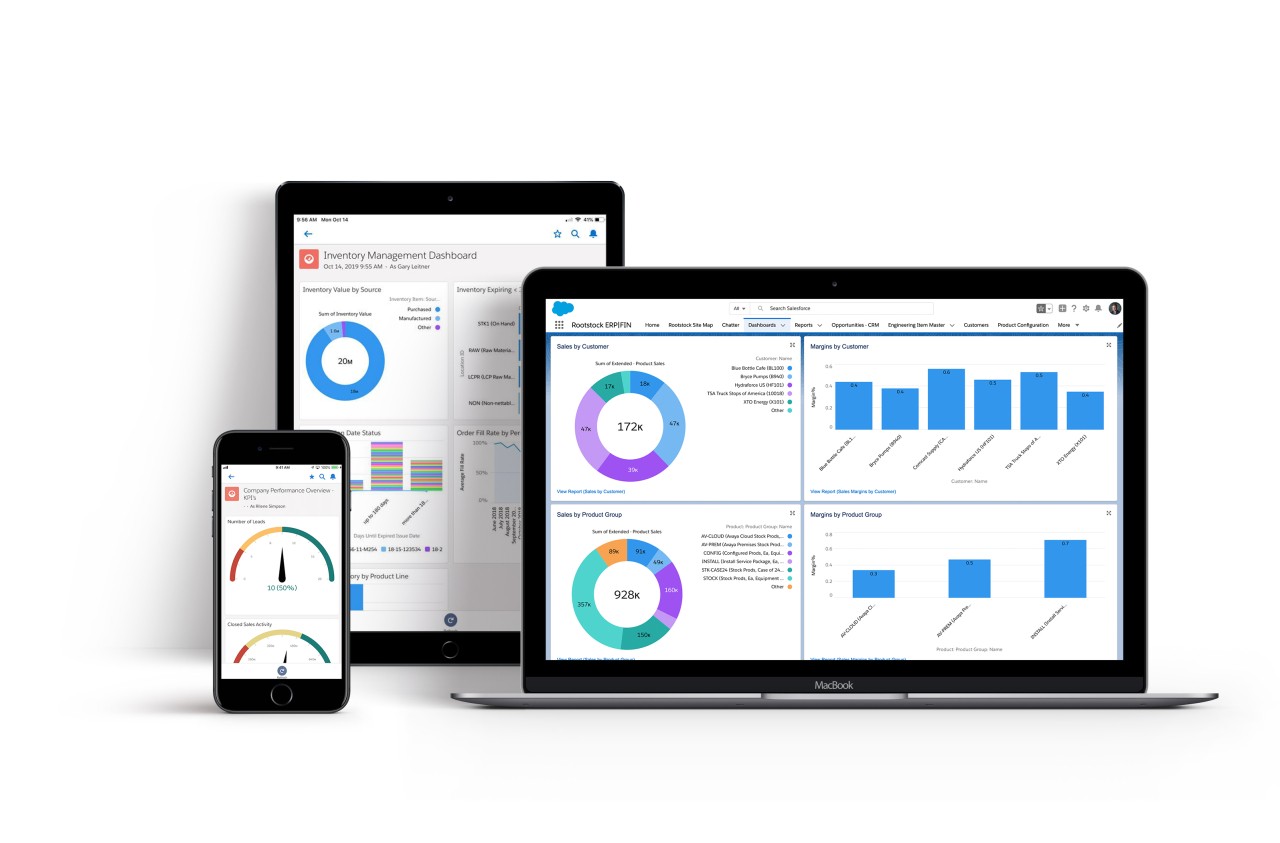
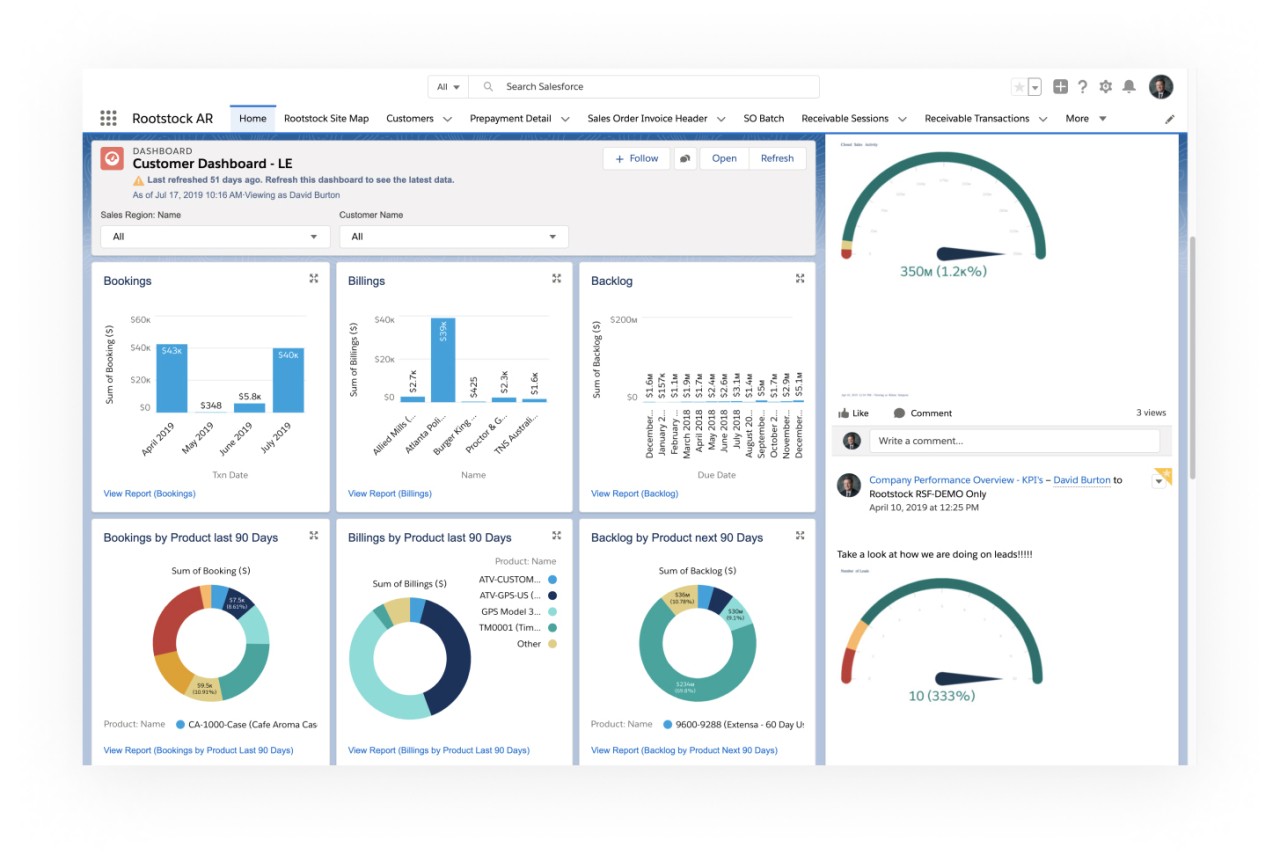
Rootstock ERP CRM Software is a manufacturing system built on Salesforce that brings Sales Cloud, Salesforce CPQ, and Rootstock ERP into one data model. Sales, operations, and finance work on the same records without exports or handoffs. You can quote with current inventory, costs, and margins. You can convert a quote into a sales order and a production schedule in one step, then follow it through picking, packing, shipping, invoicing, and accounts receivable.
The system lets you view available-to-promise dates, recent order history, and expected delivery windows while you build a quote. You can review credit standing and open invoices on the same account screen before you make a commitment. Finance benefits because sales and operations data reach accounting in real time, which helps close faster and cut adjustments.
Rootstock ERP CRM Software supports engineer-to-order and configure-to-order work. It handles multi-site operations and common platform integrations. It is not a bolt-on; it runs inside Salesforce, so record IDs, permission sets, workflows, and approvals follow rules your teams already know. The idea is practical and direct. You can tell a customer what you can ship and when, price it with the right margin, push it to production, and bill it on time, all on one cloud.
Why Should I Download Rootstock ERP CRM Software?
Use it if quotes take too long, dates slip after booking, or invoices need frequent fixes. You can see real-time inventory and planned production inside CPQ, so commit dates reflect what is actually possible. You can pull recent costs and margins into the line editor, so quotes protect profit without guesswork. Convert a quote into an order and a production plan in one step, so cycle time shrinks and rework drops. Surface accounts receivable and credit status to sales and service, so collection calls happen sooner and with better context. You can also improve invoice accuracy because order, shipment, and billing data live together in one model.
The benefit shows up in daily work. A rep opens an opportunity, checks ATP on each item, and promises a date production can meet. A manager reviews the margin on that quote and sees last month’s cost trend before approving. A scheduler watches the order land in the queue without a second entry. Accounting posts an invoice that matches shipped lines and tax rules. Service looks at the account and knows about an aging balance before planning a visit. It is one record of truth that removes delays and small errors that add up across the month.
If you run discrete manufacturing with many items, variants, or custom builds, gains appear first in quoting and planning and then in cash flow. If you already use Salesforce for sales and service, you keep one user model, one sign-in, one permission set, and one reporting layer. You can add operational metrics to dashboards that leaders already use. You can adopt by plant or by function and grow on a plan that matches your capacity and change tolerance.
Is Rootstock ERP CRM Software Free?
No, Rootstock ERP CRM Software is not free; it is a licensed enterprise software. Pricing depends on modules, users, and project scope. Because it runs on Salesforce, you also need Salesforce licenses for Sales Cloud and for Salesforce CPQ if you plan to configure and price products on the platform. Many customers add tax, logistics, or financial apps, which can affect cost. You can ask for a demo and a tailored estimate, and you can phase rollout by site or function to spread spend and change.
There is no free tier for production use. Plan for implementation services to map products, routings, bills of material, price books, terms, and credit policies into the model. Budget for user training and testing as part of go go-live. Return depends on volume and your current error rates, but the goal is clear: shorter quote-to-cash and fewer manual fixes that burn time and money.
What Operating Systems Are Compatible with Rootstock ERP CRM Software?
Rootstock ERP CRM Software is cloud software on Salesforce. You can use it in a modern browser on Windows, macOS, Linux, and ChromeOS. Use Salesforce mobile apps on iOS and Android for approvals, lookups, and field tasks. Connect to enterprise systems using managed packages and common integration tools, and you can extend objects and flows with Salesforce builders.
You can run multi-site and multi-company models in one tenant, grant role-based access, and audit activity with standard controls. Because it is browser-based, you do not install a thick client. Your main needs are a supported browser, reliable network access, and security policies aligned with your identity provider. If you already run Salesforce, single sign-on, MFA, and permission sets carry over to ERP objects, which keeps change management simpler for admins and users.
What Are the Alternatives to Rootstock ERP CRM Software?
Dolibarr is a free, open-source ERP and CRM solution system that is deployed by small and medium teams to support sales, invoicing, inventory, and projects. It can be hosted or employed by cloud providers in its ecosystem. You can add modules as you expand and maintain lower costs than large suites. The wide customization is possible since you are in control of the code, and this comes in handy in case you possess in-house skills. You are not receiving native Salesforce data or CPQ, and you will need to spend some time wiring CRM and ERP in order to have the quote-to-cash path fully connected to Salesforce. Dolibar can be a match, in case you are budget-conscious and have a simple scope.
Odoo (ERP-CRM) is a stackable package consisting of CRM, sales, inventory, manufacturing, accounting, etc., within a single stack. It is possible to begin with a few apps and add more as the requirements increase. All you can do with Odoo Studio is to customize screens and flows without heavy code. MRP, BOMs, and work orders can be managed, and sales and inventory aligned within a single system. Breadth and price are good and competitive for the coverage you receive. You do not get an in-house Salesforce developed, as Odoo is its own platform. Odoo is a viable option in case you want to operate everything in a single suite without Salesforce. When your users reside at Salesforce, Odoo will imply integrations and redundant objects.
SAP provides midmarket and enterprise-level ERP that can be deployed on public and private clouds. Advanced manufacturing, global finance, and complex supply chains that are deep in industry content and tested at scale can be run. You can integrate with SAP Sales Cloud or with Salesforce with certified middleware. You attain compliance features, international templates, and a wide scope of support. Other increased costs and long programs you take up are also normal at that level. In case the standard used by the company is SAP and you require broad and thorough control within functions and regions, SAP would be a good match.