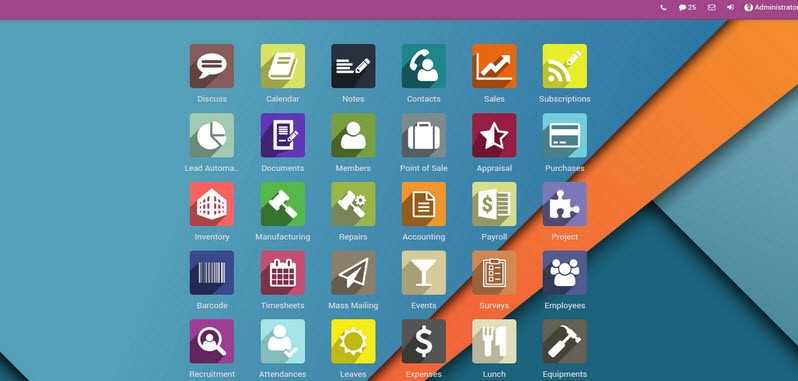
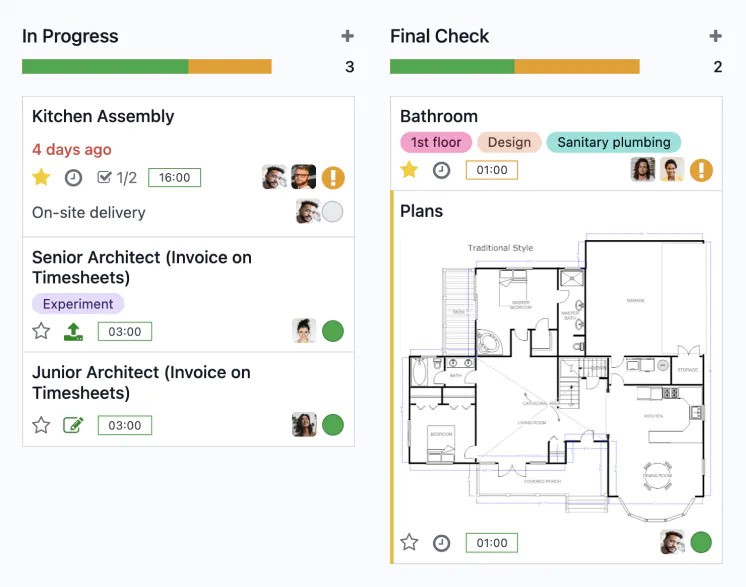
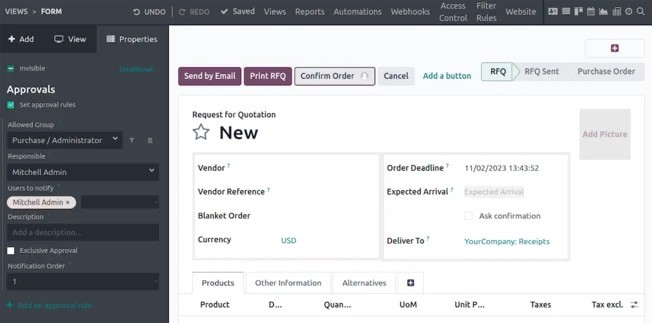
Odoo (ERP-CRM) is a business management software suite that brings together the tools companies need to run their daily operations. At its core, it’s an open-source ERP (Enterprise Resource Planning) and CRM (Customer Relationship Management) solution, but it goes far beyond those categories. Odoo provides integrated applications for accounting, inventory, manufacturing, sales, marketing, human resources, project management, and even e-commerce. Instead of juggling multiple disconnected programs, businesses can use Odoo as a single platform that ties everything together.
What makes it unique is its modular approach. You don’t need to install every application at once. Instead, you can start with what you need—maybe invoicing, CRM, or sales—and add modules as your company grows. That flexibility makes it appealing to small businesses that want to keep things simple at first, as well as larger enterprises that need a wide-ranging, scalable solution.
Because Odoo is open-source, it has a massive community of developers and contributors who constantly expand its capabilities. This means businesses aren’t locked into a rigid system. They can adapt Odoo to their workflows, customize it with plugins, and tailor the interface to their team’s style. In a world where companies evolve quickly, that adaptability is a major strength.
Why should I download Odoo (ERP-CRM)?
One of the biggest reasons to consider downloading Odoo is efficiency. Running a business often means working with multiple software programs that don’t talk to each other. You might have a CRM for tracking leads, an accounting program for finances, and separate spreadsheets for inventory. This fragmented setup leads to duplication, wasted time, and mistakes. Odoo cuts through that chaos by centralizing everything in one ecosystem.
Another advantage is usability. Many ERP systems are notoriously complex, but Odoo takes a different path. Its interface feels modern and clean, more like an app you’d expect to see on your phone than a clunky enterprise tool. That matters because employees are far more likely to use software consistently when it doesn’t feel intimidating.
Odoo is also highly customizable. If your company has a unique workflow—say, you handle projects in a way that doesn’t fit into a cookie-cutter system—you can tweak Odoo to match your process. Businesses can even have developers create custom modules. This isn’t just about convenience; it means the software can grow alongside the business instead of forcing the business to fit the software.
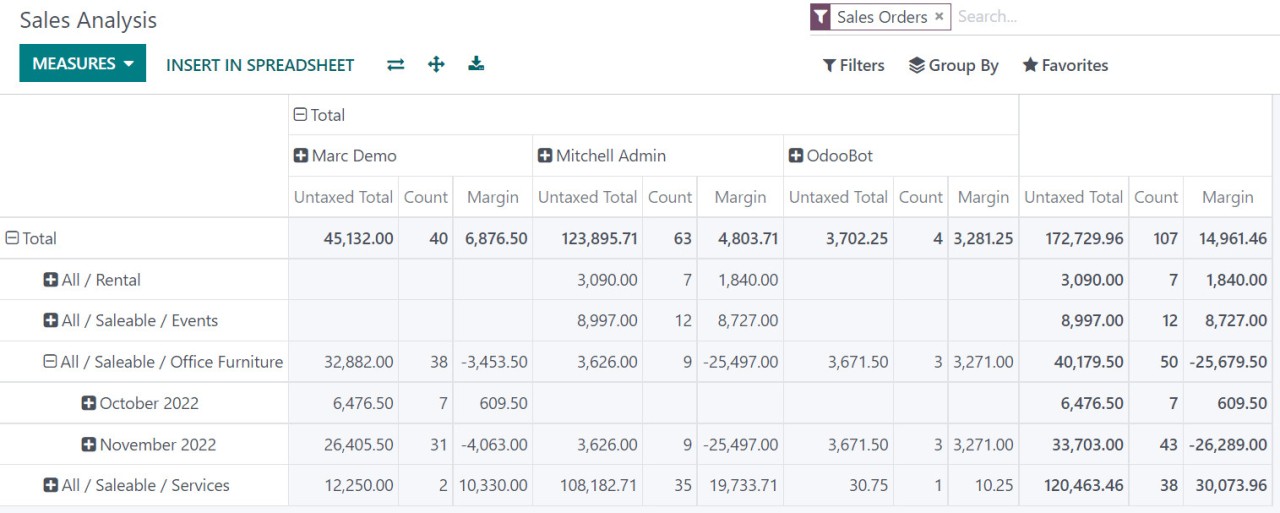
Finally, Odoo helps improve decision-making. Because everything is tied together—sales data, customer interactions, inventory, and finances—you can see the bigger picture in real time. Instead of guessing or waiting for end-of-month reports, managers can act on current information. In fast-moving markets, that agility is invaluable.
Is Odoo (ERP-CRM) free?
Yes, Odoo has a free version, but with some caveats. The open-source “Community” edition is completely free to download and use. It includes a wide set of modules and can be expanded with community-developed add-ons. This edition is ideal for small businesses, startups, or anyone curious about testing the platform without committing financially.
There’s also a paid “Enterprise” edition, which offers extra features, cloud hosting, and dedicated support. The pricing for Enterprise depends on the number of apps you use and the number of users in your company. For growing businesses, the Enterprise edition often makes sense because it provides added reliability and access to features that aren’t available in the Community version.
The free option is one of Odoo’s strongest selling points. Many ERP and CRM systems demand a hefty upfront investment, which puts them out of reach for small companies. By offering a robust free edition, Odoo opens the door for businesses of all sizes to explore enterprise-level tools.
What operating systems are compatible with Odoo (ERP-CRM)?
Odoo is designed to be flexible across operating systems. On the server side, it can be deployed on Linux distributions like Ubuntu, Debian, or CentOS, which are often preferred for their stability and security. It can also run on Windows servers and even macOS if that fits your environment. The software is typically accessed through a web browser, which makes it essentially platform-independent for users.
That means whether employees are on Windows, macOS, or Linux desktops, they can log into Odoo through Chrome, Firefox, or another supported browser. There are also mobile apps for iOS and Android, so teams can stay connected when they’re out of the office. For example, a sales representative on the road can log into Odoo’s CRM app on their phone, update a client’s status, and have that information instantly synced across the company.
This cross-platform availability ensures that businesses don’t need to overhaul their existing systems just to adopt Odoo. It slides into different environments smoothly, making it practical for organizations that use a mix of operating systems.
What are the alternatives to Odoo (ERP-CRM)?
Rootstock ERP CRM is one such alternative that can be considered, especially when the company already has an investment in Salesforce. Rootstock is deployed directly on the Salesforce platform, which means that it integrates closely with Salesforce CRM capabilities. It is particularly reputed in the manufacturing, distribution, and supply chain management. Rootstock appeals to companies that would like to have a cloud-based solution that appears to be a continuation of Salesforce. It can be, but not as adaptable as Odoo regarding customization, since it is strongly correlated with the Salesforce framework.
SAP is another competitor that is of great magnitude and one of the largest players in the enterprise software industry. The number of ERP and CRM solutions offered by SAP is very high and can be used with multinational companies whose operations are the most complex. It is quite powerful, but it is also complex and expensive. Companies adopting SAP will usually need to have professional IT departments and consultants to install it. SAP may be a gold standard when dealing with large enterprises with huge resources. It may be intimidating to smaller or medium-sized businesses; however, compared to the ease of use of Odoo.
Dolibarr will better comply with the spirit of Odoo, as it is also an open source ERP and CRM software. It is also scalable, similar to Odoo, where one has to pick the features they need. Dolibarr is typically less complicated and simpler to implement, which is the reason why it can be a decent choice in the situation of small businesses that do not require all the features of the ecosystem of Odoo. However, it possesses fewer community members and does not have third-party integrations. Dolibar may prove an excellent provider to the companies that do not need such a complex solution, and the complexity level does not exceed the level.