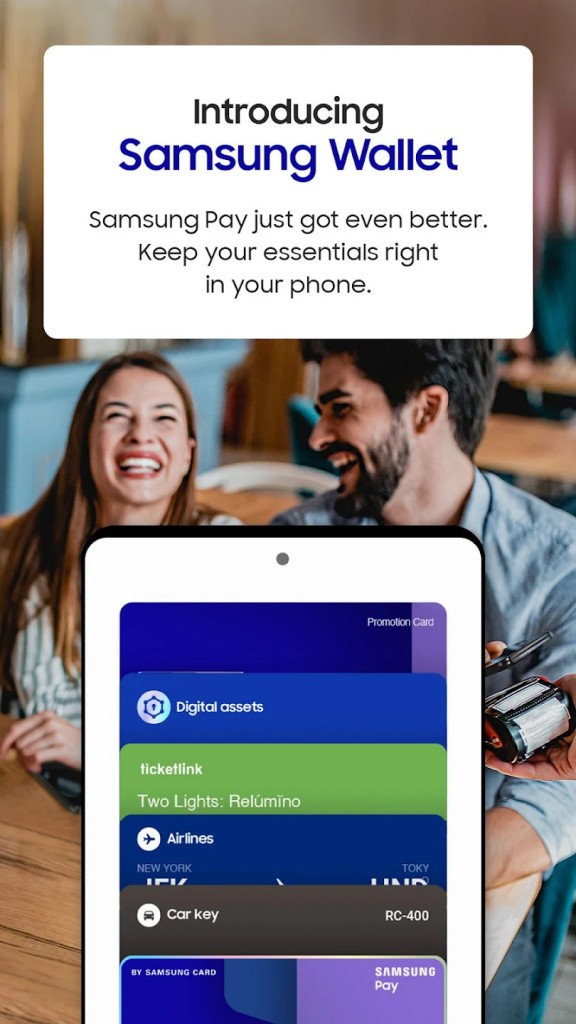
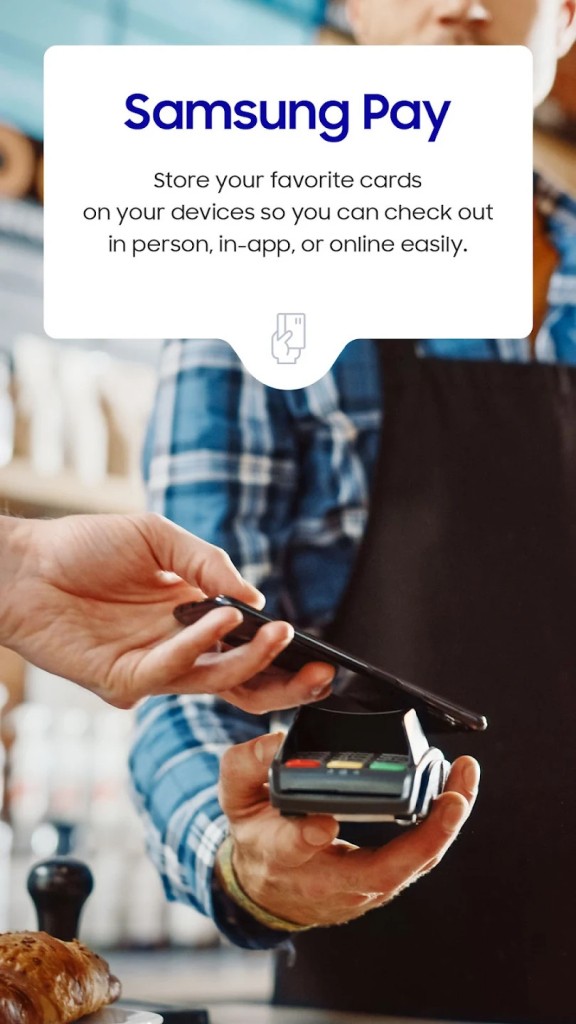
Samsung Wallet, aka Samsung Pay, is Samsung’s official mobile payment and digital wallet solution. It’s designed to replace the need for carrying physical wallets by storing your credit cards, debit cards, loyalty cards, digital keys, and even important documents securely on your phone. What makes it stand out is how it combines payment convenience with broader everyday functionality.
Originally launched as Samsung Pay, the app focused heavily on making contactless payments. Over time, it evolved into Samsung Wallet, expanding far beyond payments to include things like boarding passes, event tickets, membership cards, and even some ID integrations, depending on region. The core idea is simple: instead of fumbling with plastic cards or paper tickets, everything you require is safely stored in one app that you can access with just a tap or a swipe.
For Samsung Galaxy users, this wallet app is deeply integrated into the ecosystem. It works smoothly with Samsung devices, ties into biometric security like fingerprint or facial recognition, and syncs across devices linked to your Samsung account. Whether you’re making a purchase at the grocery store, unlocking a hotel room with a digital key, or pulling up a transit pass, Samsung Wallet is designed to keep it all organized and accessible in one secure place.
Why should I download Samsung Wallet (Samsung Pay)?
The main reason is convenience. Think about how often you reach for your wallet or dig through your bag to find the right card. With Samsung Wallet, you only need your phone. A quick fingerprint scan or face unlock, and you’re ready to pay in seconds. It’s faster than swiping a card or handing over cash, and you don’t need to carry every card with you physically.
Another reason is security. Samsung has built strong protections into the app. It uses tokenization, meaning your actual card number is never shared with the merchant. Instead, a random token is generated for the transaction. Combined with Samsung Knox security and biometric authentication, this makes it far safer than carrying physical cards, which can be lost or stolen. If your phone gets lost, you can remotely lock or erase your wallet, something you definitely can’t do with a traditional wallet.
Beyond payments, the app is useful for an organization. You can store loyalty cards for your favorite stores, boarding passes for flights, or event tickets. Instead of keeping track of paper stubs or cluttering your physical wallet, everything sits neatly in your phone. Some users also love the integration of digital keys, whether that’s for cars, hotels, or smart locks. Samsung has been steadily expanding these partnerships, making the wallet more than just a payment tool.
And then there’s global usability. Samsung Wallet works in many countries and supports a wide range of banks and cards. It’s especially handy when traveling because you don’t need to worry about carrying cash or figuring out local card systems. Just tap your phone and you’re good to go.
Is Samsung Wallet (Samsung Pay) free?
Yes, Samsung Wallet is free to download and use. You don’t pay a subscription fee, and Samsung doesn’t charge you extra for making payments. The only potential costs are the normal transaction fees your bank or card issuer might already apply, but those are the same as if you were using your physical card.
This is one of the big appeals of the app: you get powerful convenience and security features without having to spend extra. Samsung’s business model benefits from keeping users inside its ecosystem, so offering Wallet as a free service helps strengthen the Galaxy brand while giving consumers a solid tool.
That said, the availability of certain features may vary by region. For example, digital IDs or specific loyalty card integrations might not be accessible everywhere yet. But the core functionality—payments, card storage, and security—is free and reliable across supported regions.
What operating systems are compatible with Samsung Wallet (Samsung Pay)?
Samsung Wallet is primarily designed for Samsung Galaxy devices running Android. If you have a Samsung smartphone that supports NFC (Near Field Communication), you’ll be able to use it for contactless payments at most modern payment terminals. Some devices also support MST (Magnetic Secure Transmission), which allows payments even at older terminals that only read magnetic stripes, though newer devices are focusing mainly on NFC.
Because it’s part of the Samsung ecosystem, Samsung Wallet isn’t officially available on non-Samsung Android devices. You’ll find Google Wallet as the standard payment solution on those. On the other hand, within Samsung’s own lineup, Wallet integrates beautifully. It works on Galaxy smartphones, some tablets, and even ties into Galaxy Watches, allowing you to make payments from your wrist.
So, to put it simply: if you’re a Samsung Galaxy user running a reasonably modern version of Android, you’re good to go. But if you’re on iOS or a non-Samsung Android device, Samsung Wallet isn’t compatible—you’ll need to use other alternatives like Apple Wallet or Google Wallet.
What are the alternatives to Samsung Wallet (Samsung Pay)?
The closest rival is Google Wallet, and it is pre-installed on most Android devices. It operates similarly, that is, you can keep all your credit cards, loyalty cards, tickets, and passes at the same location. The biggest distinction is that Google Wallet is compatible with all Android devices, but Samsung Wallet is integrated into the Samsung ecosystem. Google Wallet can be a better choice in case you are not using a different brand of Android or if you do not want to be limited to a single brand.
The choice of Apple Wallet/Apple Pay is the one that should be used among iPhone users. It resembles most of the same features: being able to store payment cards, tickets and passes, as well as digital keys. Apple Pay is an international payment technology that is highly accepted, and just like Samsung Wallet, it places a lot of focus on security through tokenization and biometric readings. The catch, naturally, is that it is only compatible within the Apple ecosystem, and therefore, you will need an iPhone, Apple Watch, or any other Apple-made gadget.