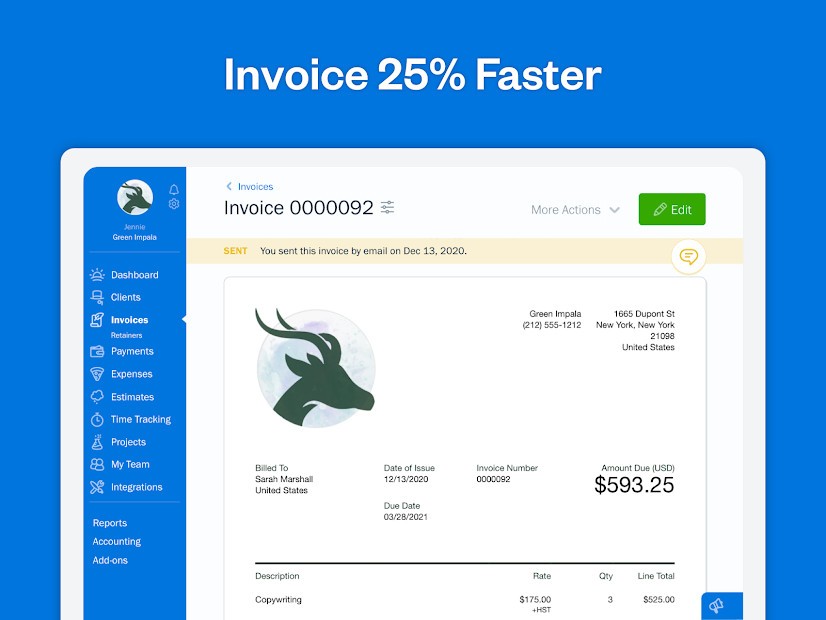
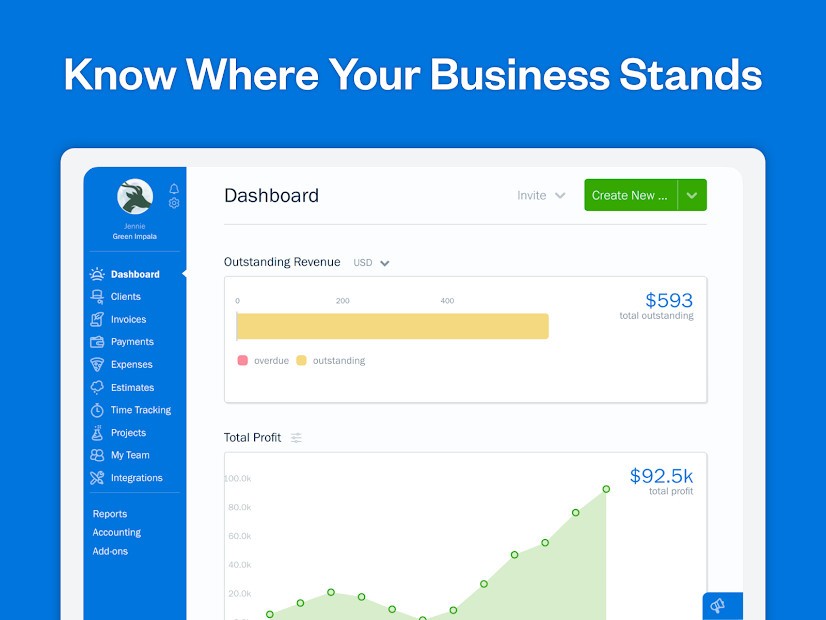
FreshBooks is an online invoicing and accounting software meant to assist small entrepreneurs, freelancers, and small business owners. It provides a simple means of tracking finances without any complications involved with conventional accounting programs. FreshBooks allows you to make and send invoices, track expenses, accept online payments, and track your business performance all in one platform.
You can create professional-looking invoices that go along with your brand. The system sends out automatic reminders when a client is late with a due date. It is simple to track expenses: connect it with a bank account or take pictures of receipts. FreshBooks organizes expenses in rational categories, making tax time easier. Teamwork is also enabled on the platform, which allows many people to record time, work on projects, and exchange reports.
Accounting with FreshBooks is not so frightening. It manages the numbers in the background so you can focus on client work and business growth. No matter what type of freelancer you are or what size agency you are building, the software will not leave everything scattered all over the place.
Why Should I Download FreshBooks?
FreshBooks is designed for users who prefer to spend more time working in a business and less on paperwork. Its automated design will save hours of manual labor. Within minutes, you can draw up invoices, insert your logo, and leave the system to monitor the viewing and payment by the clients. Automatic reminders are set in case of late payments, ensuring that your cash flow is maintained.
Another significant advantage is expense tracking. Send money directly out of your bank account or scan receipts with your cell phone. All transactions are documented and classified, making tax preparation easier. In the case of hourly billers, the built-in time tracker captures every minute. Record time anywhere, allocate the time to a project, and enter the time on an invoice without the need to juggle between tools.
The platform also has mileage tracking. It documents business travels, calculates distances, and approximates deductions during tax season. FreshBooks provides you with highly detailed financial reports, including Profit and Loss statements and Balance sheets, to ensure you are always aware of where your money is spent.
FreshBooks promotes cooperation. Team members can enter time, record expenses, or make invoices on their individual profiles. You put restrictions on who the right people are in terms of access to financial information. In case of any issue, customer care is receptive; it is not a robotized service; someone will attend to you.
Is FreshBooks Free?
FreshBooks is not free. The service is subscription-based, and packages vary by business size and number of clients. You have 30 days to try everything and test it before deciding to pay. No additional charges, and you can cancel at any time.
What Operating Systems Are Compatible with FreshBooks?
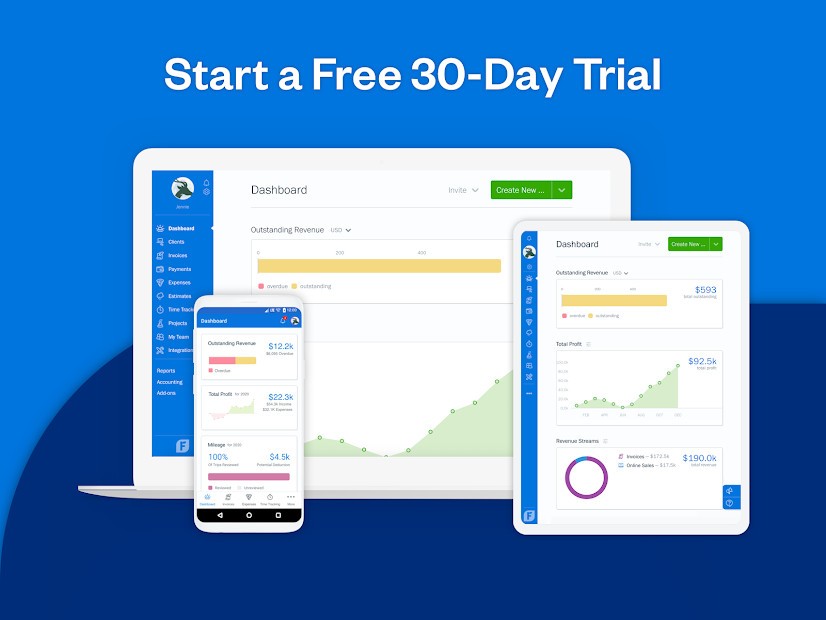
FreshBooks is cloud-based and thus will run on nearly any system without any complicated downloads. It works well with Windows and macOS and can be accessed in such browsers as Chrome, Firefox, Safari, or Edge. Live syncing is enabled to enable you to use a computer, tablet, and phone without losing track.
It has iOS and Android dedicated mobile apps to download. Organize the budget right away: make invoices, take pictures of receipts, add costs, and monitor payment status. This particularly comes in handy when the freelancer is traveling or just wants to work outside the office.
FreshBooks combines numerous business applications. Integrate it with Shopify, Gusto, Zapier, HubSpot, and Stripe to automate payment transactions and workflow. Since the platform is cloud-based, the updates are automatically applied, and, therefore, you will have the latest version without having to install it manually.
Concisely, FreshBooks can go to any location (desktop, tablet, or smartphone) and thus it is fit to fit contemporary businesses that do not rely on a single gadget.
What Are the Alternatives to FreshBooks?
Manager Desktop Edition is a free desktop accounting software with invoicing, payroll, reporting, and double-entry bookkeeping. It is offline, and all the data is under the control of the user without any internet connection. Manager.io is a good option in case you like storing data locally, rather than using the cloud. This interface is less refined than FreshBooks, hence it might take a little longer to master. It is the best option to use when the user is concerned about privacy and does not wish to make recurring payments.
GnuCash is a free, open-source accounting application. It also provides credible traditional features like balance sheets, income statements, and bank reconciliation. The program allows supporting various currencies and double-entry bookkeeping, which is why the program may be used by those users who have a bit of accounting background. It is compatible with Windows, macOS, and Linux, thus making it very compatible. Its disadvantages are its age and relative lack of automation, though in terms of power and no cost of use (and you can afford the higher learning curve), GnuCash is worth using for personal and small-business finances.
Zoho Books is another accounting software that is cloud-based, just like FreshBooks. It offers billing, cost management, project management, inventory management, and reporting. The interface is professional and clean, and it blends well with other Zoho applications such as CRM and Payroll. Zoho Books automates recurring invoices and reminders. It is also a bit technical compared to FreshBooks, but it has more scalability in the medium-sized business with growth in mind.