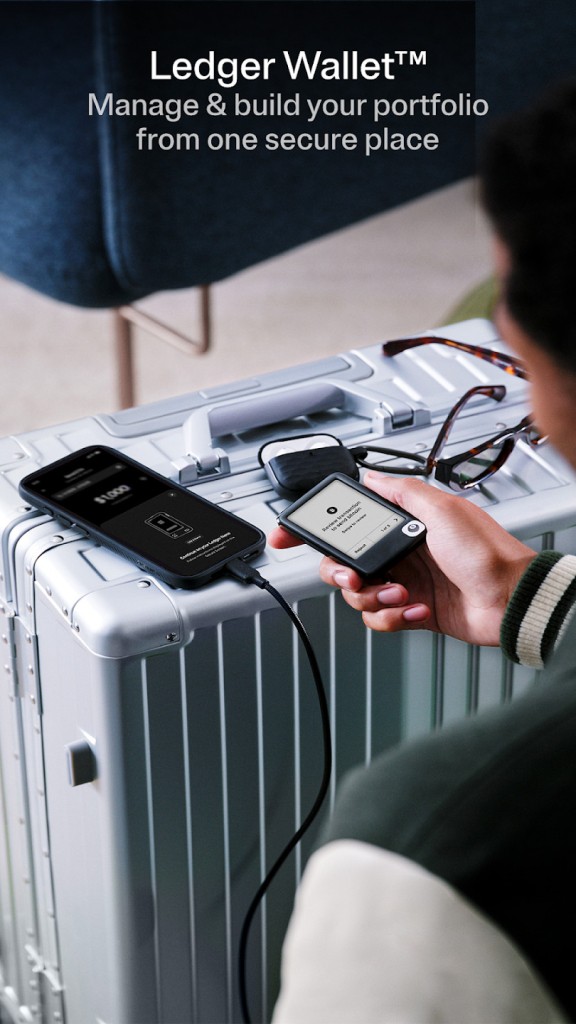
Ledger Wallet, formerly called Ledger Live, is a cryptocurrency management app for people who want to handle their digital assets in one place. It brings together everyday wallet functions, including sending and receiving crypto, tracking a portfolio, buying and swapping tokens, and staking supported assets. It also offers access to decentralized finance (DeFi) services, giving users more ways to interact with blockchain-based applications.
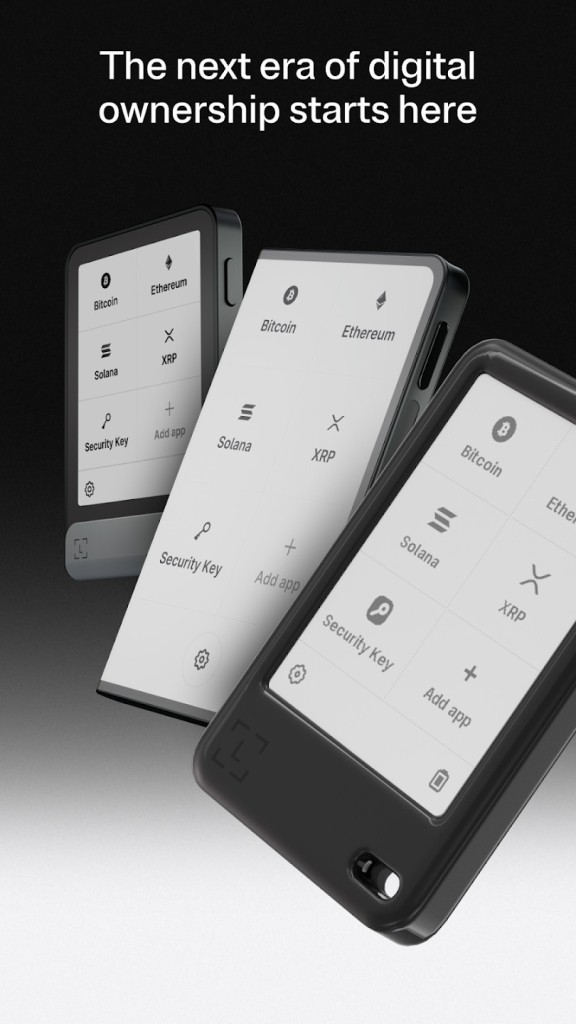
The app is designed to work alongside Ledger hardware signers. While Ledger Wallet provides the interface for managing your portfolio, a compatible hardware device keeps your private keys offline and lets you review transaction details before approving them. This distinction matters: the app itself isn't the same as an offline hardware wallet, and using a signer doesn't remove every risk associated with crypto transactions. You still need to check addresses, understand what you're authorizing, and keep your recovery phrase private.
Why Should I Download Ledger Wallet?
Ledger Wallet brings several crypto activities into a single dashboard, so you don't have to switch between separate apps to monitor your holdings, make transactions, and explore Web3. It supports thousands of cryptocurrencies and tokens across multiple networks, including Bitcoin, Ethereum, and Solana. You can track your portfolio, review balances, and manage supported assets from one interface.
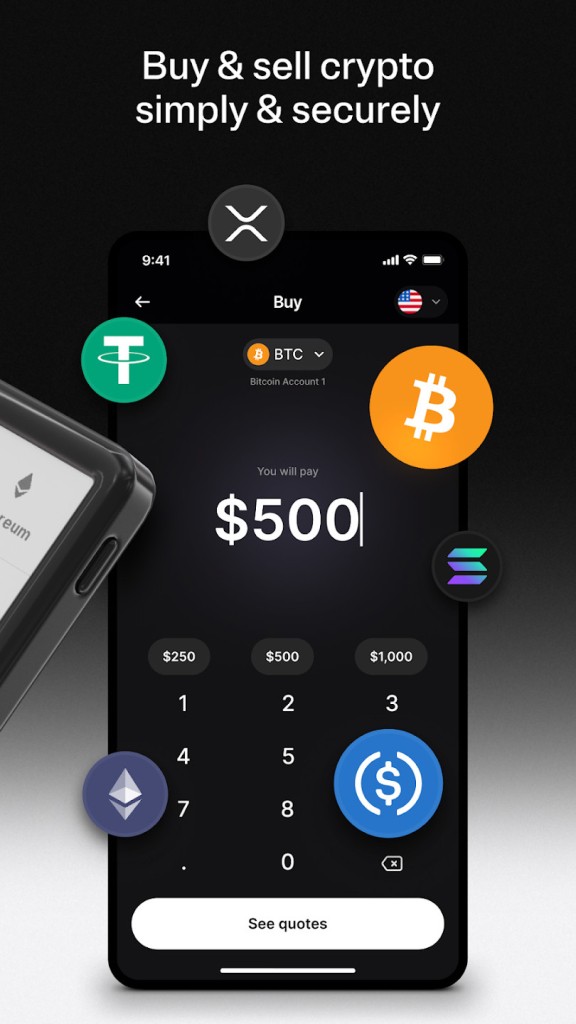
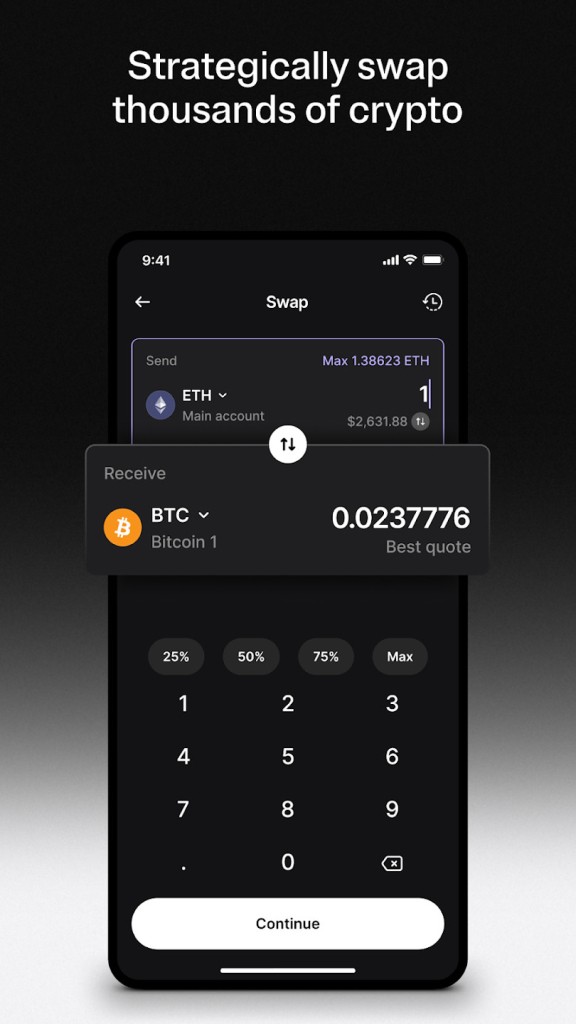
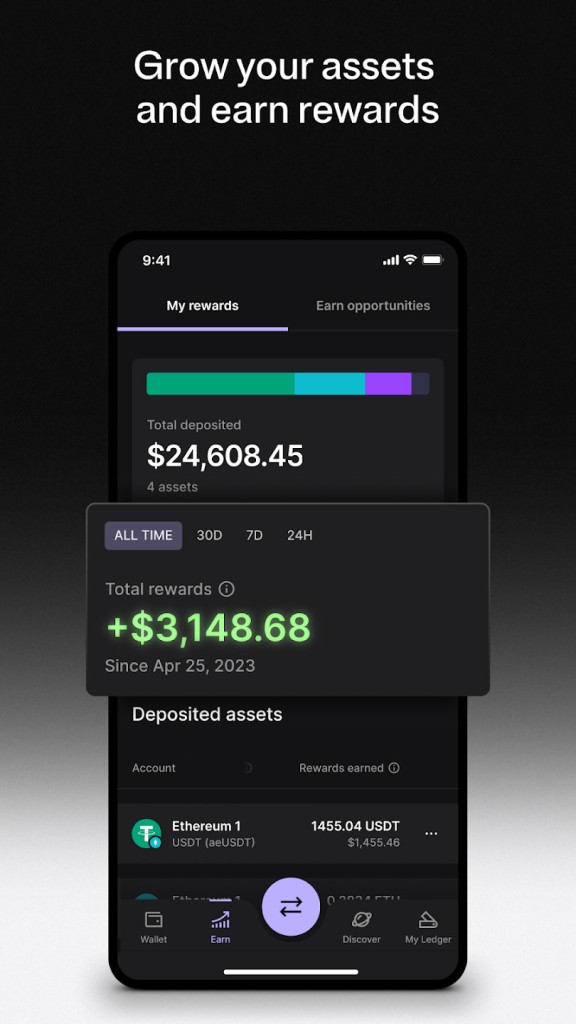
Buying and swapping crypto are also central features. The app lets you compare offers from third-party providers, review quotes and fees, and choose a service that suits your needs. Supported assets can be swapped across compatible networks, while staking features let you earn potential rewards on eligible cryptocurrencies. Availability, rates, and conditions depend on the provider, asset, and location, so it's worth checking the details before committing funds.
Another reason to consider Ledger Wallet is its connection to Ledger hardware signers. When you use a compatible device, your private keys remain offline while you review and approve transactions. This can help protect against certain online threats, although it doesn't eliminate risks such as phishing, malicious smart contracts, or approving a transaction you don't understand. The hardware signer is an important part of the security setup, rather than a guarantee that every interaction is safe.
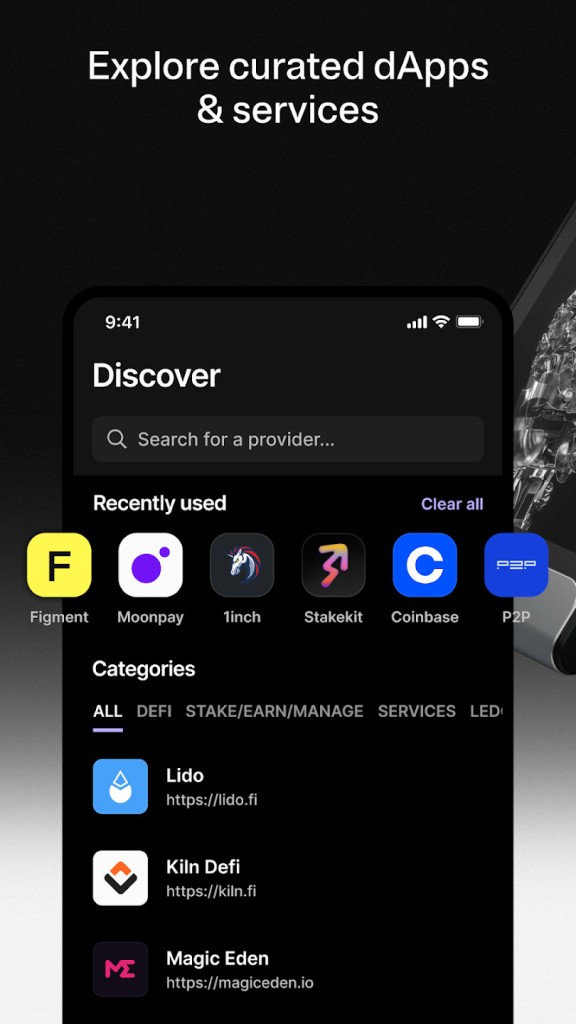
The app also provides access to decentralized applications and DeFi services, with supported integrations available directly through its interface. That means you can explore blockchain-based services without always needing a separate browser extension. If you're interested in self-custody and want a single place to manage your crypto activity, Ledger Wallet offers a broad set of tools without requiring you to leave all your assets on a centralized exchange.
Is Ledger Wallet Free?
Ledger Wallet is free to download and use. You can manage supported assets and access basic wallet functions without paying a subscription for the app itself. However, some activities come with additional costs. Buying, swapping, and staking may involve fees from third-party providers, and blockchain transactions generally require network fees.
The hardware signer is sold separately, so you'll need to purchase a compatible Ledger device if you want to use the app with Ledger's offline signing setup. Without one, you won't get the same hardware-based transaction approval and private-key protection that the Ledger ecosystem is designed around. The cost of the device depends on the model you choose, and there is no need to include a paid app subscription in your budget.
What Operating Systems Are Compatible with Ledger Wallet?
Ledger Wallet is available for Windows, macOS, Linux, Android, and iOS. You can download the desktop app for a computer or install the mobile app on a compatible smartphone. This gives you flexibility to check your portfolio and manage transactions from home or while traveling.
Compatibility also depends on your hardware signer, the asset you're using, and the service you want to access. Not every cryptocurrency or blockchain feature is supported in the same way, and some assets may require a compatible third-party wallet. Buying, swapping, and staking services may also differ depending on your country.
What Are the Alternatives to Ledger Wallet?
MetaMask is a self-custody wallet for managing crypto and interacting with decentralized applications. It offers browser extensions and mobile apps, with tools for swapping tokens and connecting to Web3 services. You control your wallet credentials, so protecting your recovery phrase is essential. MetaMask also supports compatible hardware wallets, including Ledger, which makes it an option if you want a different interface for accessing decentralized applications while retaining hardware-based transaction approval.
Blockchain Wallet lets you buy, sell, swap, and manage supported cryptocurrencies. Its self-custody wallet gives you control of your private keys, and it also provides access to decentralized applications, NFTs, and DeFi services. It may suit users who want everyday crypto management and Web3 features in one place. Supported assets and services vary, so check compatibility before transferring funds.
Base (Coinbase Wallet) is a self-custody wallet for managing crypto and exploring on-chain applications. It supports activities such as holding assets, swapping tokens, and connecting with blockchain-based services. It's worth considering if you're interested in the Base ecosystem and want a wallet built around on-chain activity. As with other self-custody wallets, you're responsible for safeguarding your recovery phrase and checking transactions before approving them.