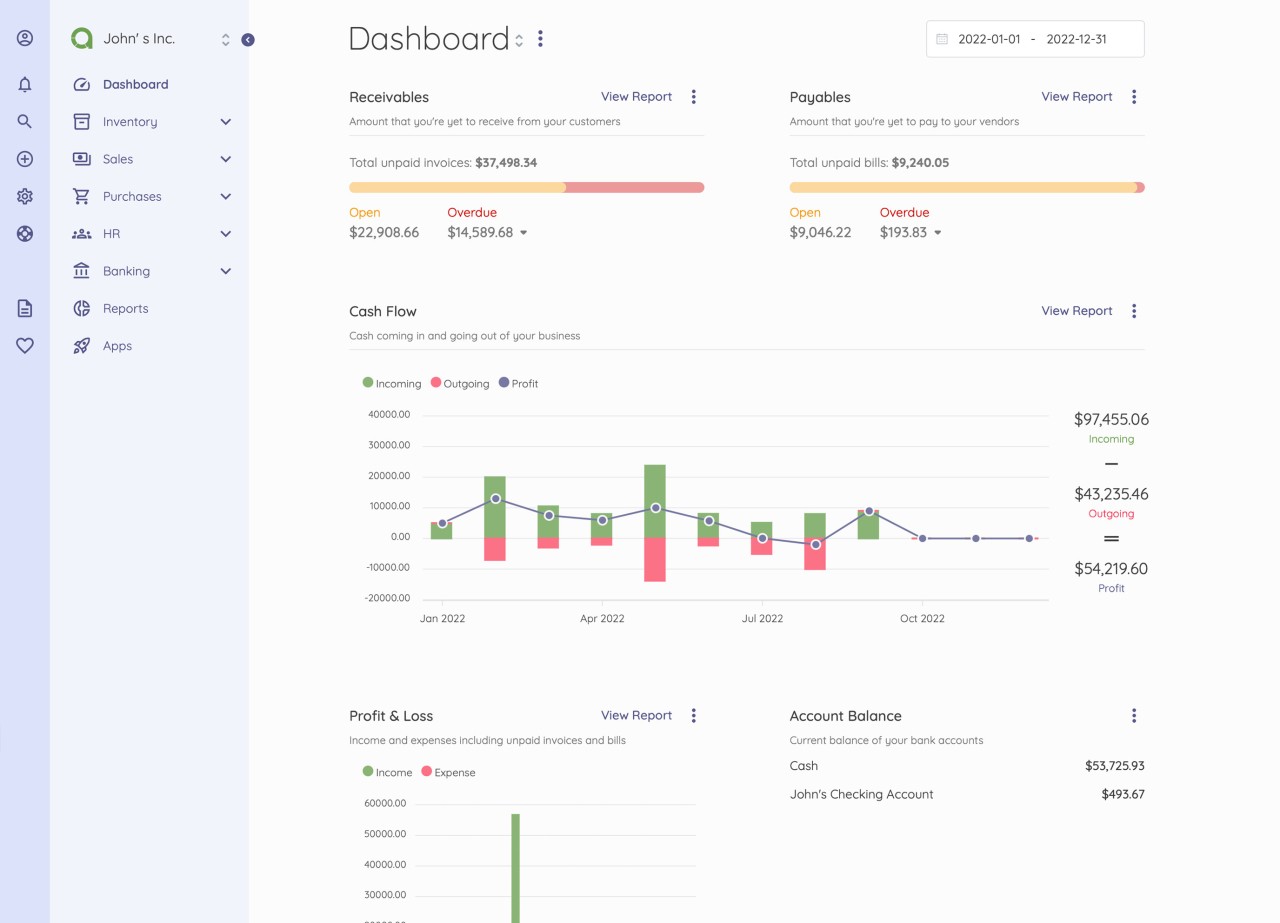
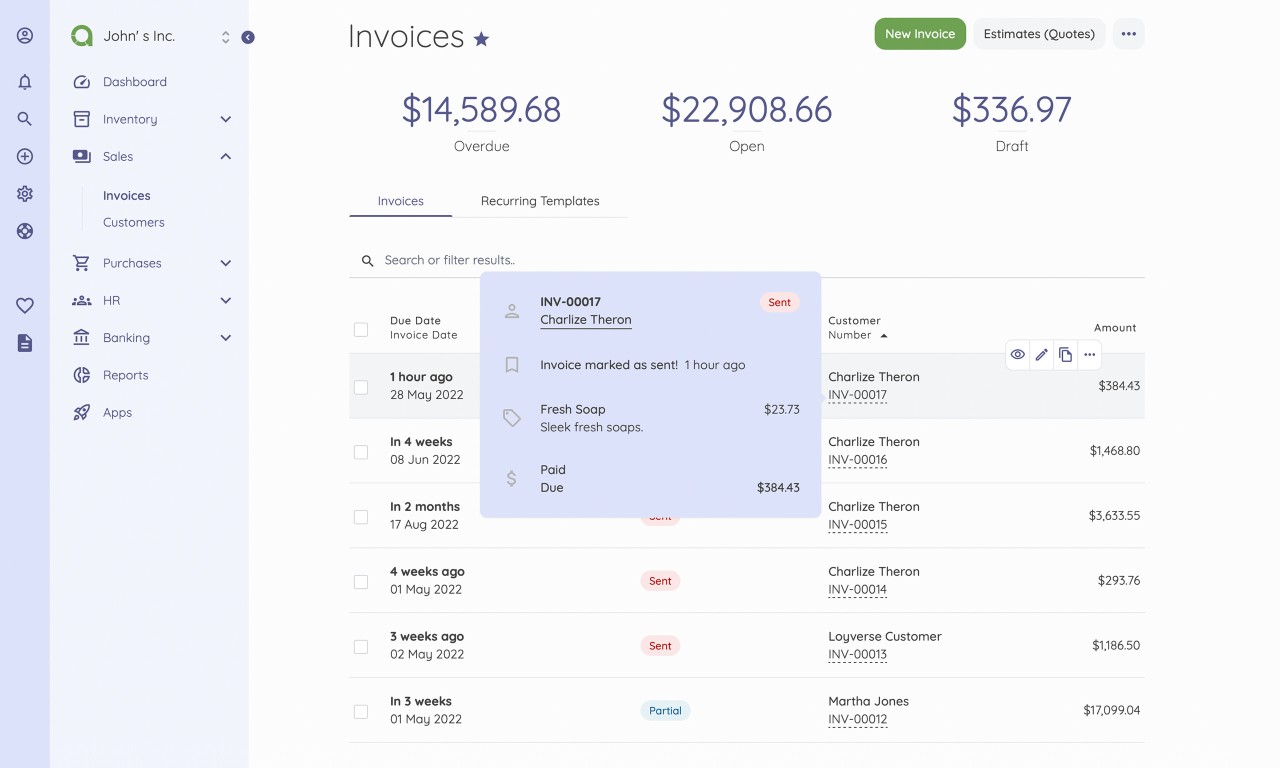
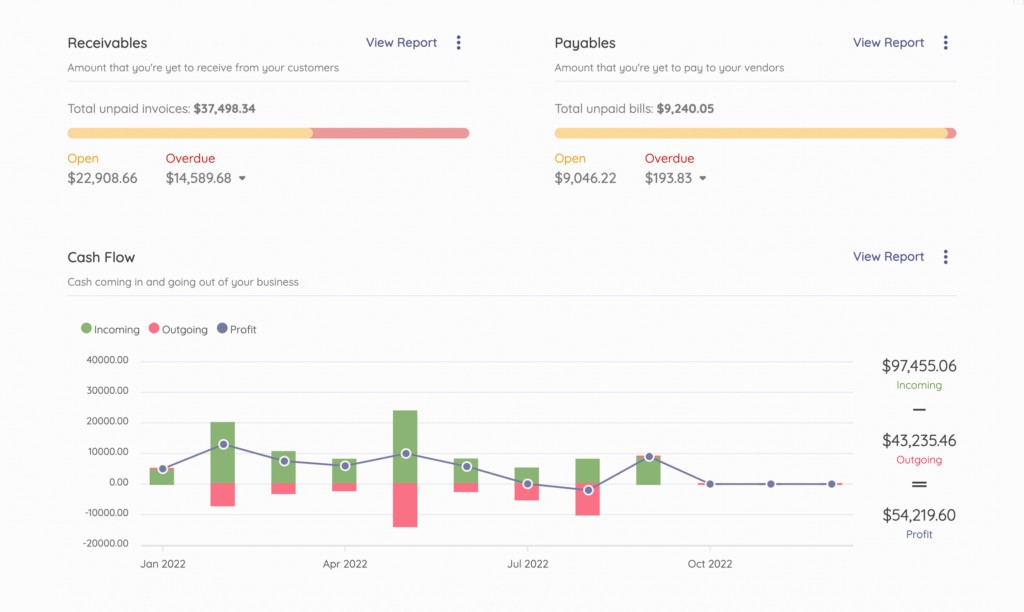
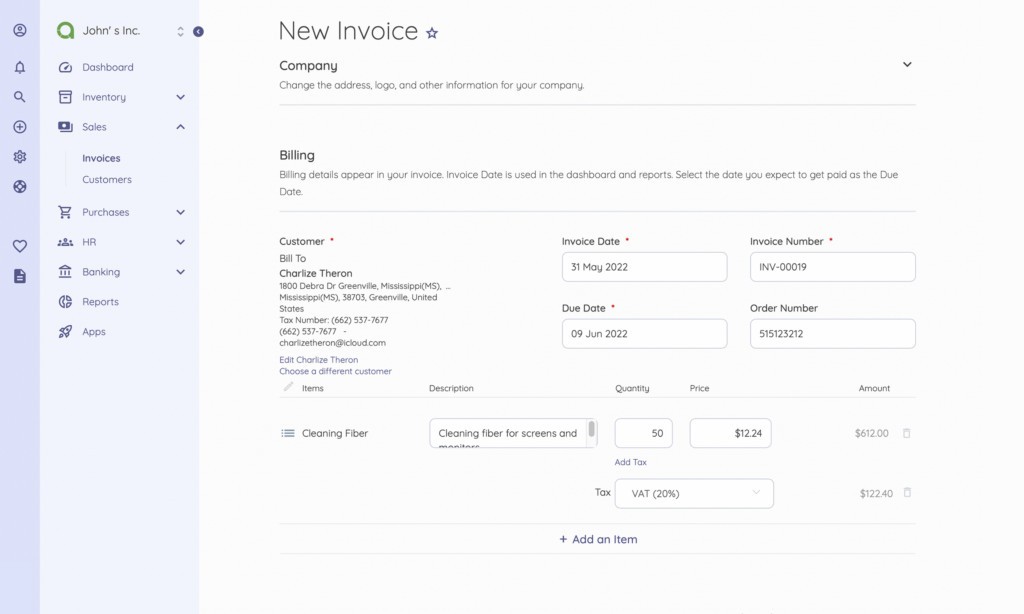
Akaunting is an open-source accounting software designed to simplify the way individuals, freelancers, and small businesses handle their finances. Unlike traditional accounting tools that feel clunky and often require a steep learning curve, Akaunting keeps things straightforward without sacrificing features. At its core, it allows users to manage expenses, track income, generate invoices, and keep a close eye on cash flow—all from a clean, user-friendly interface.
One of its strongest appeals lies in its flexibility. Since it’s cloud-based, you don’t need to be tied down to a specific device or location. Whether you’re sitting in the office, traveling, or working from home, you can log in and immediately access your financial data. The system updates in real time, so every entry, adjustment, or payment shows up instantly, keeping your books consistently accurate.
Another point worth mentioning is its open-source foundation. Unlike many accounting platforms that lock you into rigid plans and pricey add-ons, Akaunting gives you the ability to customize. Developers can build or tweak modules, and there’s already an active community contributing extensions for things like payroll, budgeting, and advanced reporting.
For freelancers who just want to send professional-looking invoices or small businesses that need to run a tighter ship without hiring a full-time accountant, Akaunting provides a middle ground between simplicity and depth. It doesn’t overwhelm you with jargon, but it’s powerful enough to cover the essentials of bookkeeping.
Why should I download Akaunting?
The short answer: because it takes the headache out of accounting. For many small business owners, bookkeeping feels like a chore that eats up valuable time. Akaunting tackles that problem head-on by making the process intuitive and accessible, even for people with no accounting background.
First, let’s talk about automation. Akaunting automatically categorizes transactions, generates recurring invoices, and sends payment reminders. This means you spend less time chasing down overdue payments or manually inputting the same data over and over again. That’s a huge relief for freelancers juggling multiple clients or small business owners who already wear too many hats.
Second, it scales with you. You can start with the basics—like recording expenses and generating invoices—and as your needs grow, you can add more advanced modules. For example, you might later want multi-currency support if you’re working with international clients, or inventory management if you start stocking products.
Another big reason is accessibility. Unlike some legacy tools that require you to install heavy desktop software, Akaunting works seamlessly through a browser. It’s also available on mobile, so you can check balances, approve expenses, or issue an invoice while you’re out meeting clients. That kind of flexibility gives you back control of your time.
Is Akaunting free?
Yes, and that’s one of the things that makes it stand out in a crowded market. The core Akaunting software is completely free to use, and that’s not just a limited trial or stripped-down demo—it’s the full platform with essential accounting features. You can download it, set it up, and start using it without paying a dime.
Of course, like many open-source tools, there are optional paid extensions and premium features. These aren’t mandatory, but they’re there if you need them. For example, if you want advanced reporting, bank integrations, or more in-depth payroll functions, you can purchase modules from their app store. This “pay for what you need” model works in your favor because you’re not locked into paying for features you’ll never use.
It’s also worth noting that you can host Akaunting yourself on your own server for free, or you can choose their cloud-hosted version, which comes with a subscription fee. The hosted option saves you the trouble of managing updates, backups, and security patches, while the self-hosted version gives you total control over your data.
So whether you’re a freelancer who just wants a simple invoicing system or a growing business looking for more comprehensive tools, you can start free and only invest money when you truly need to upgrade.
What operating systems are compatible with Akaunting?
Akaunting is quite versatile when it comes to compatibility. Since it’s primarily a web-based platform, you can access it from any device with a browser—Windows, macOS, Linux, or even mobile operating systems like Android and iOS. There’s no restriction on the type of device you use; as long as you have internet access, you’re good to go.
For businesses that prefer self-hosting, Akaunting can be installed on servers running Linux or Windows. The flexibility here is key: some companies like the control of managing everything on their own infrastructure, while others prefer the ease of cloud hosting. Both routes are supported.
If you’re someone who travels frequently, mobile compatibility really comes in handy. Imagine being able to approve an expense report from your phone while sitting in an airport lounge or sending an invoice right after wrapping up a meeting with a client. You’re not tied to the office desktop anymore—your books move with you.
In short, whether you’re a Mac user, a PC loyalist, or someone who lives on their phone, Akaunting meets you where you are. That makes it far more accessible than tools that only work on a specific operating system or device type.
What are the alternatives to Akaunting?
No tool fits everybody, and that is where the alternatives will come in. When comparing Akaunting to other alternatives, three shine through, including Brightbook, Manager.io (Desktop Edition), and GnuCash.org.
One more free accounting tool targeting the freelance and small business sector is Brightbook. It is also cloud-based, but very oriented towards simplicity. Brightbook may be the right product in case invoicing and tracking expenses are what you actually need, and you want a lightweight interface. That notwithstanding, it is not as extensible as Akaunting, so unless you intend to expand or tailor, you can get stuck.
Manager.io (Desktop Edition) does it differently. It is a desktop-based accounting solution, i.e., it does not rely on the cloud but is installed locally on your computer. That means that it does not necessarily require an internet connection. This does not come without its own disadvantage, though, namely the inability to access your books anywhere. It is a great choice when it comes to small companies that do not require mobile connectivity and prefer stability to features.
GnuCash is among the entries in the open-source accounting arena. It is very reliable and contains many features, including extensive support for the use of double-entry accounting. Most accountants like its strength, but it has a higher learning curve. If you like conventional accounting, and you would like an accounting tool that gives more details than a simple tool, then GnuCash might fit your requirements. Conversely, newcomers might be overwhelmed by its interface, which is more traditional than the modern one of Akaunting.