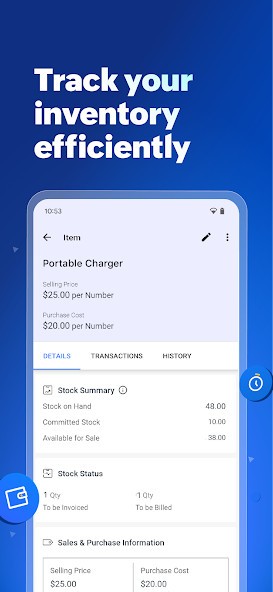
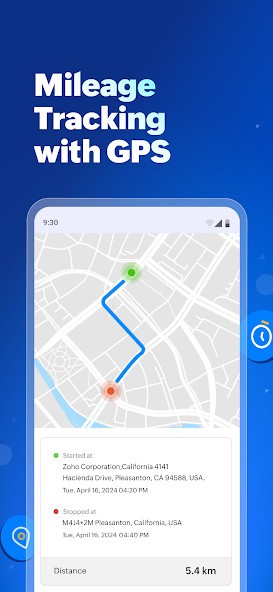
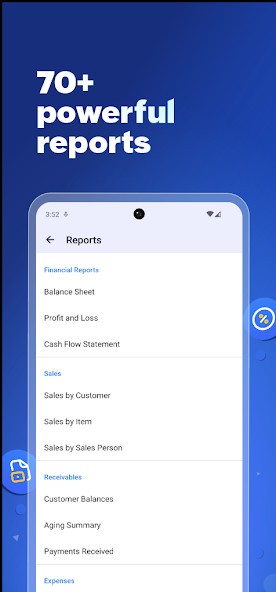
Zoho Books offers a comprehensive suite of tools for invoicing, billing, project management, and reporting, all in one place. Using Zoho Books makes it easy to send invoices, track expenses, manage cash flow, and reconcile bank transactions. Your data can be stored on the cloud so that you can access it anywhere, and you can set up automations for most repetitive actions.
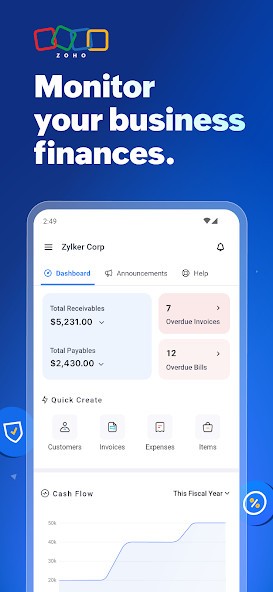
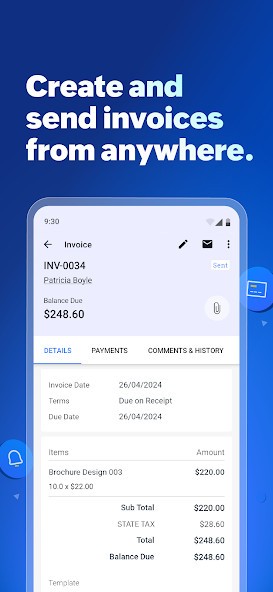
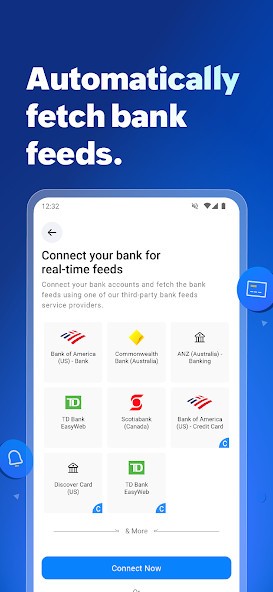
With Zoho Books, you have full visibility into your business's financial health. If you look at the app's main dashboard, you can see summaries of cash flow, revenue, expenses, and outstanding invoices. Every transaction is logged automatically, and you can sync your bank feeds with it. You can use Zoho Books to create professional invoices, schedule them for recurring clients, and accept payments online through integrated gateways.
What's also super important is that Zoho Books supports region-specific tax systems, including VAT, GST, and sales tax, depending on where your business operates. It is able to automatically calculate taxes and generate reports. If you work internationally, the platform can accommodate multiple currencies and exchange rates, allowing you to manage global clients and suppliers effectively. With Zoho Books, you can also track time spent on your projects to record billable hours and convert them directly into invoices. You can download Zoho Books on iOS and Android devices, but you can also use it through its website.
Why Should I Download Zoho Books?
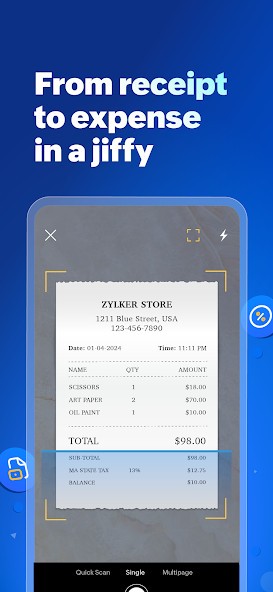
If you're using Zoho Books, you can automate time-consuming accounting tasks like sending reminders for overdue invoices, categorizing expenses, or syncing transactions from your bank account. Once you set up rules, the system can save you hours each week and reduce the chance of human error when transferring information.
Basically, Zoho Books is a comprehensive invoicing system where you can create custom invoices that include your logo and colors, but also specify payment terms. You can also enable recurring billing to handle subscriptions or long-term clients. If you want to, you can have your customers pay you directly from the invoice through online payment gateways like PayPal, Stripe, or Razorpay.
You can use Zoho Books to generate over 50 different reports, from profit-and-loss statements to balance sheets and tax summaries. These reports can be updated automatically as you add transactions, providing you with a clear and accurate view of your business performance at all times. On top of that, you can also work with others inside Zoho Books by adding accountants, employees, or partners to your account. You can assign specific permissions and control what they can view or edit. Multiple users can work on the same data without conflicts, and every change they make is recorded in an audit trail for transparency.
One of the most important things when it comes to managing finances with Zoho Books is that it adapts to your region's accounting standards and tax systems. That allows the platform to calculate taxes automatically and apply the correct rates to every transaction. You can generate ready-to-file tax reports, track tax liabilities, and maintain a complete record for audits.
Since Zoho Books is part of the larger Zoho ecosystem, it connects seamlessly with other Zoho apps, such as Zoho CRM, Zoho Inventory, and Zoho Payroll, forming a comprehensive business management suite. You can also integrate it with external services you're already using, like G Suite, Office 365, and payment processors.
The platform is a great choice for freelancers managing simple cash flow as well as for growing companies with complex accounting structures. You can download Zoho Books as a mobile app for your smartphone or tablet, or just launch its web version through any browser.
Is Zoho Books Free?
You can use Zoho Books as a free service if you only need a place for basic financial actions. It's an excellent option for freelancers or very small businesses and includes core features like invoicing, expense tracking, bank reconciliation, and tax management.
If you require additional features, you can subscribe to one of the premium plans, which include project management tools, automation workflows, custom reports, and advanced analytics. They also allow you to add multiple users, connect with client portals, and integrate with third-party apps. You can test those features on a free trial period before you subscribe and pay.
What Operating Systems Are Compatible with Zoho Books?
Zoho Books is a cloud-based platform, so you can access it from any web browser, regardless of your system's operating system (Windows, macOS, or Linux). If you want easy access on the go, you can also download the Zoho Books apps for Android (7.0 or newer) and iOS (16.0 or newer). The apps support most of the features you can find on the Zoho Books web interface, and can also be used offline.
What Are the Alternatives to Zoho Books?
GnuCash is a free accounting tool that comes from an open-source project where you can track expenses, do double-entry bookkeeping, budgeting, and reporting. You can also use the platform to track stocks, income, and expenses, and it was created with all the tools needed for professional accounting. Available for Windows, macOS, and Linux.
NCH Express Accounts is another option for managing finances and taxes that is free for non-commercial use. Use it to create quotes and invoices, generate up to 20 different reports, and manage, track, and deposit payments. It is available on Windows and macOS with a paid version for businesses.
Akaunting is a cloud-based accounting platform where you can issue invoices, manage expenses, generate reports, expense management, generate reports and add automations. It offers multiple different plans to choose from depending on your needs, and you can also download a self-hosted version of the platform (with a free plan available) or use it on the web with the cloud version.