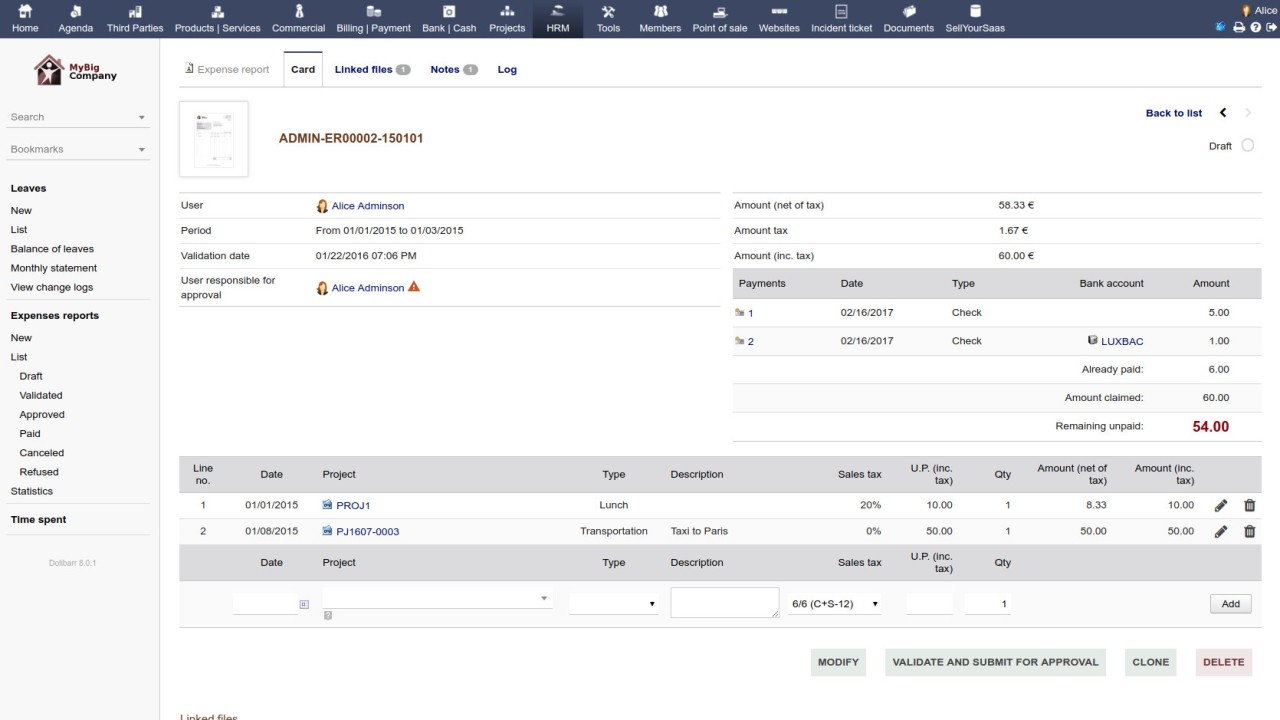
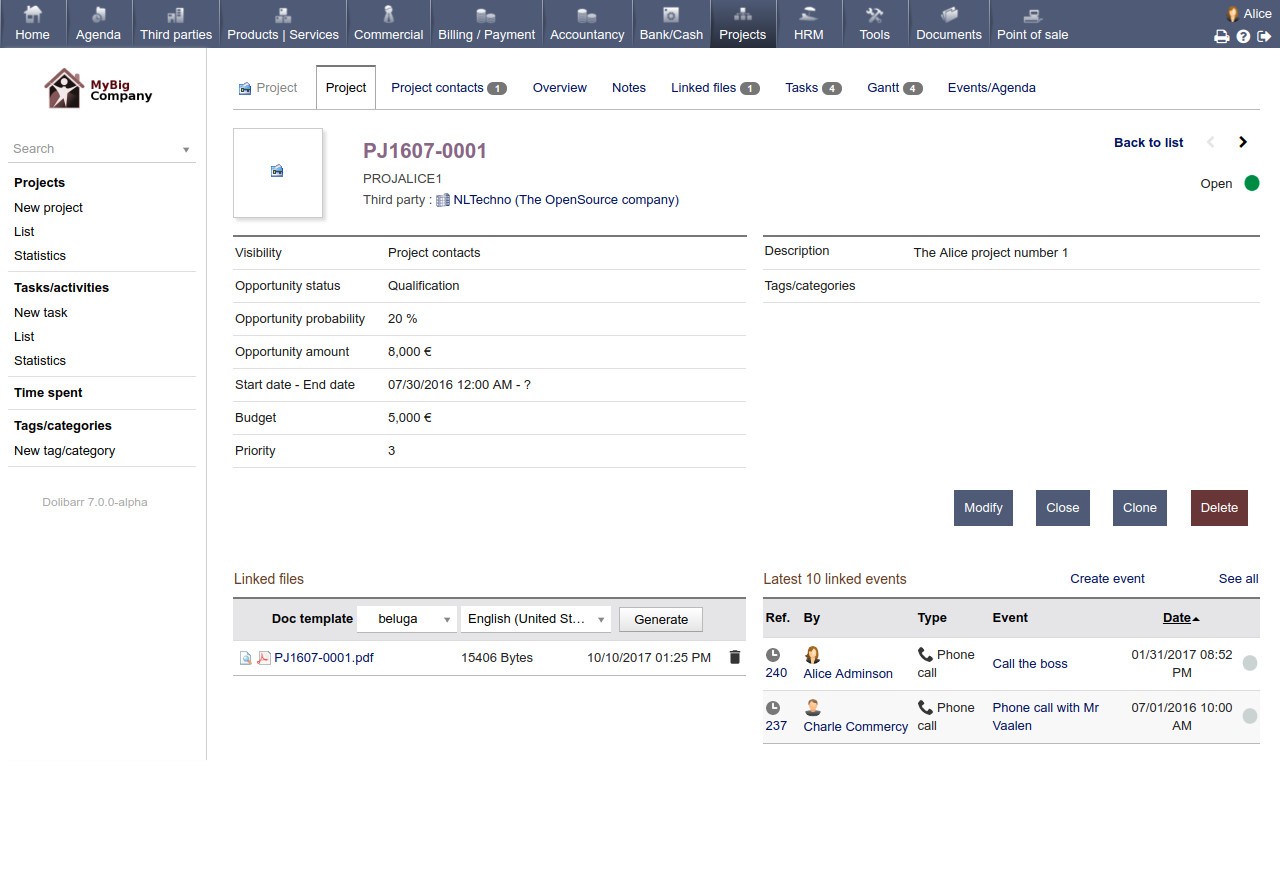
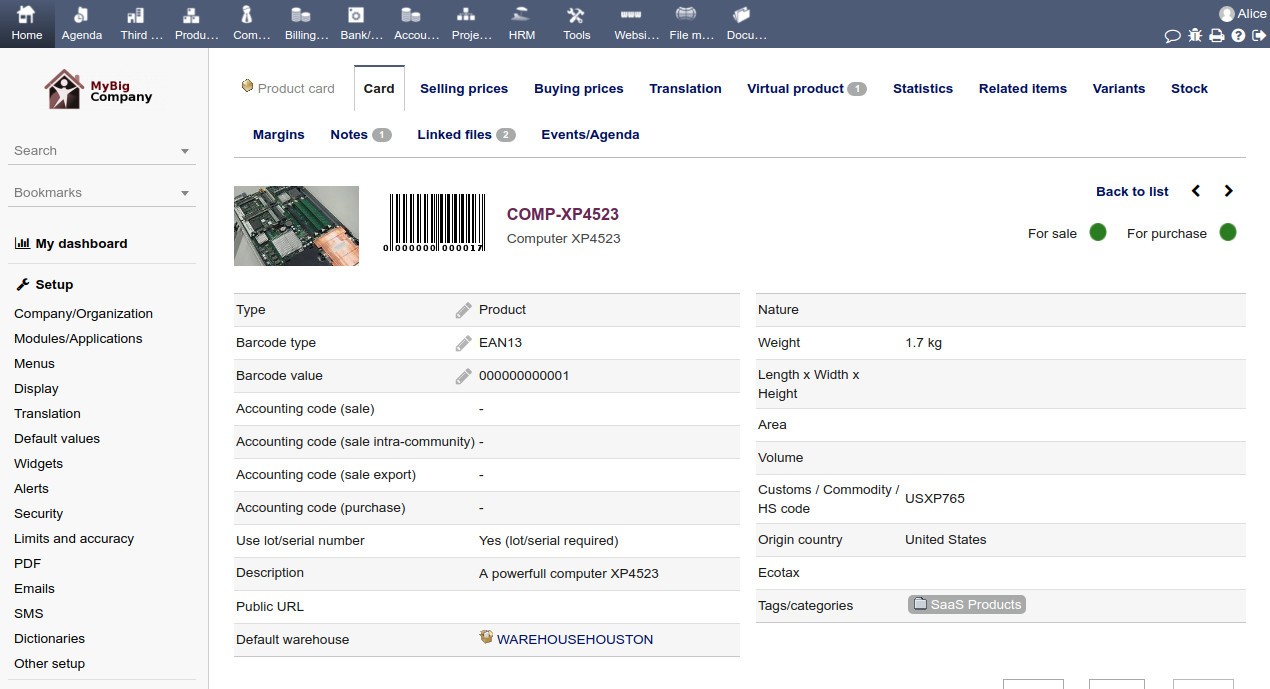
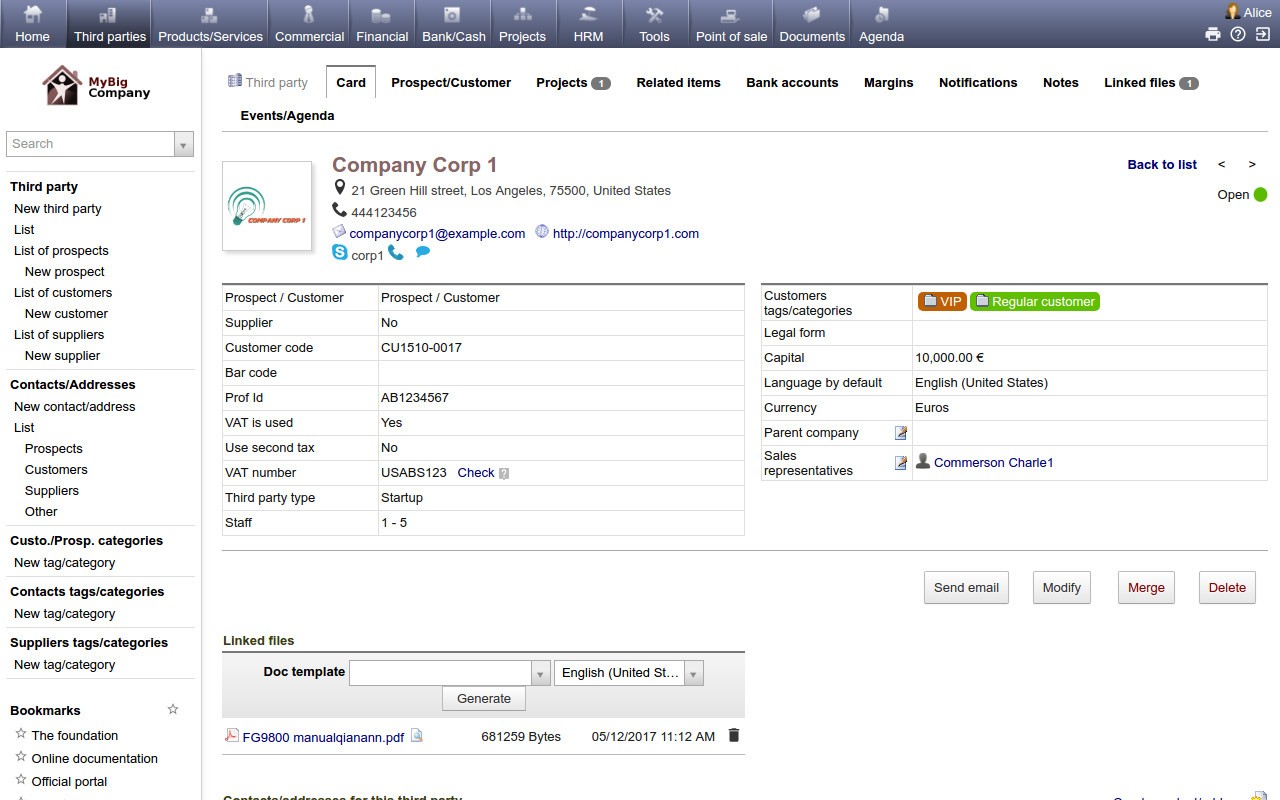
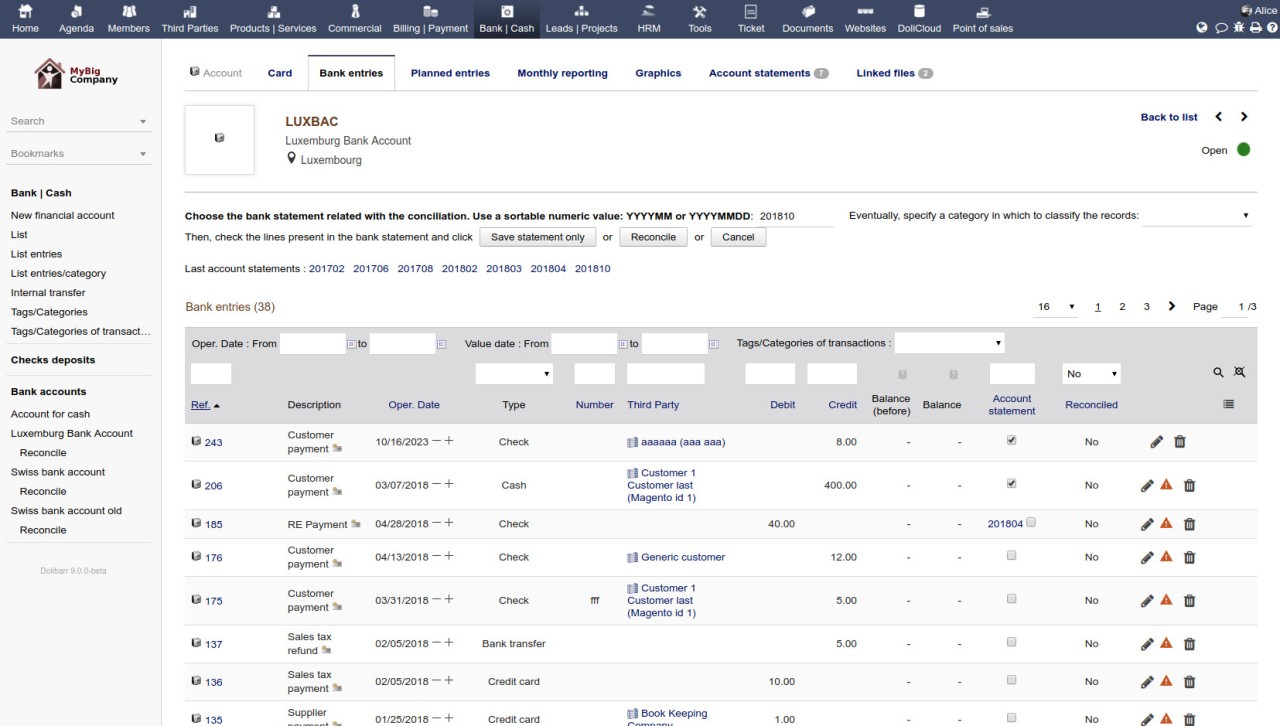
Dolibarr is an open-source ERP and CRM solution that has steadily grown in popularity thanks to its simplicity, flexibility, and accessibility. At its core, Dolibarr combines two critical business management tools—Enterprise Resource Planning (ERP) and Customer Relationship Management (CRM)—into a single platform. Instead of juggling multiple applications, you get one system to manage everything from customer interactions to accounting, invoicing, projects, inventory, and even HR needs.
What makes Dolibarr stand out is how approachable it is. Traditional ERP systems are often known for being expensive, complicated, and intimidating, especially for small or mid-sized businesses. Dolibarr flips that script. It’s designed to be lightweight, easy to install, and user-friendly. You don’t need a dedicated IT department to run it, which makes it appealing to startups and small companies that need structure without overwhelming costs.
Because it’s modular, Dolibarr lets you pick and choose the features you want. You can start small with just invoicing and CRM functions and later expand into project management, accounting, or stock management when your business grows. That flexibility makes it a practical choice for organizations that want to scale gradually without having to jump into a complex system all at once.
Why should I download Dolibarr?
There are several reasons why Dolibarr has become such a strong choice for businesses worldwide. One of the main ones is control. Since Dolibarr is open-source, you’re not locked into a proprietary system where every change comes with a licensing fee. You can customize it, extend it, and even develop modules that match your specific workflows. For companies that want technology to fit their way of working instead of the other way around, that’s a big deal.
Another reason is cost-effectiveness. Many ERP and CRM systems carry high costs for licensing, implementation, and ongoing maintenance. Dolibarr eliminates that barrier by being free to use at its core. Even if you decide to pay for hosting or professional support, the costs are usually far lower than what you’d encounter with big-name competitors.
Usability is another factor that makes Dolibarr appealing. A lot of ERP solutions feel like they’re built for large enterprises, packed with endless menus and complicated dashboards. Dolibarr keeps the interface clean and straightforward. Business owners, managers, and employees can get up to speed quickly without long training sessions. That reduces downtime and makes adoption smoother.
Finally, Dolibarr’s adaptability is worth mentioning. Whether you’re running a small retail store, a consulting agency, or a non-profit organization, Dolibarr has modules and tools that fit. It’s not tied to a single industry, so you can tailor it to your own needs, whether that means managing stock in a warehouse or handling donations for a charity.
Is Dolibarr free?
Yes, Dolibarr is free. It’s licensed under the GNU General Public License (GPL), which means you can use it, modify it, and share it without paying for licenses. This open-source model is what makes it especially attractive to small and mid-sized businesses that might shy away from traditional ERP systems due to cost.
Of course, “free” doesn’t always mean there are no expenses at all. You may choose to invest in hosting if you’d like a cloud-based deployment. Some companies also decide to pay for professional support, training, or advanced add-ons. But compared to most ERP and CRM solutions, the overall costs are minimal. The important part is that the software itself doesn’t come with strings attached.
That freedom has helped Dolibarr create a strong community. Developers contribute modules, users share tips, and companies help each other through forums and documentation. Instead of being tied to a vendor’s roadmap, you have the flexibility to shape the software to fit your business.
What operating systems are compatible with Dolibarr?
The compatibility of Dolibarr is its advantage. It is cross-platform and can therefore run on Windows, macOS, and Linux without problems. You can either run it on your computer locally, or on your server, or you can run it on the cloud. It has that versatility that means that regardless of what type of infrastructure you already have in place, Dolibarr will fit perfectly.
And to top it all, Dolibarr is web-based. This is because you can use it in a browser on virtually any device: a desktop, a laptop, a tablet, or a smartphone. You are not bound to one machine, and this is particularly beneficial to teams that work remotely or have to handle things on the move.
Dolibarr is lightweight and therefore does not require advanced hardware. It can also operate relatively well on small systems, and is thus appropriate in a small business that lacks the latest servers or high-cost infrastructure. And in case you do not want to deal with installation at all, Dolibarr also supports a cloud version provided by the foundation, which allows running all of it without considering servers and updates.
What are the alternatives to Dolibarr?
Although Dolibarr is a great choice for the majority of businesses, it is not the only ERP-CRM solution available. You might consider other options based on the size of your business, budget, and complexity.
One of the nearest competitors is Odoo (ERP-CRM). It is modular, like Dolibarr, and it is open-source; however, it generally provides a higher number of advanced features by default. Odoo has been touted as having a modern interface and a large marketplace of apps, although it can be more difficult to implement. Individual businesses that prefer a sophisticated platform with an expansive ecosystem will be glad to use Odoo, but it may be more costly than you expect when you require numerous paid modules.
Another option is Rootstock ERP CRM, but this has a slightly different target. Rootstock, which is based on Salesforce, is product-specific to manufacturers and distributors. It provides powerful supply chain and production management solutions, which make it an excellent partner for companies involved in intensive manufacturing requirements. Rootstock is more specialized and usually more appropriate for medium to large businesses that are already Salesforce-dependent, as compared to Dolibarr.
The enterprise software SAP is not an exception and deserves a mention as one of the most established ones. The SAP ERP systems are characterized by their redundancy, scalability, and capacity to operate in the most complex business environments. Global companies tend to prefer the use of SAP due to its powerful capabilities and international coverage. But it is also much more costly and complicated than Dolibar. To small to mid-sized businesses, SAP may seem to be overkill, yet to multinational organizations with complex processes, it ranks as one of the best options.