TradingView is an interactive charting, trading, and social platform that is designed with traders, investors, and financial market enthusiasts in mind. It gives the user real-time data, excellent charting tools, and an active community on which they can share ideas, analysis, and strategies.
It serves as an all-in-one platform that unites data, analytics, and social media, offering access to charts and data on stocks, cryptocurrencies, forex, commodities, and indices—all without upfront cost. TradingView has a clean interface and customizable settings, which means that regardless of level, any beginner trader and sophisticated traders can learn more about market trends, develop indicators, and determine their future steps.
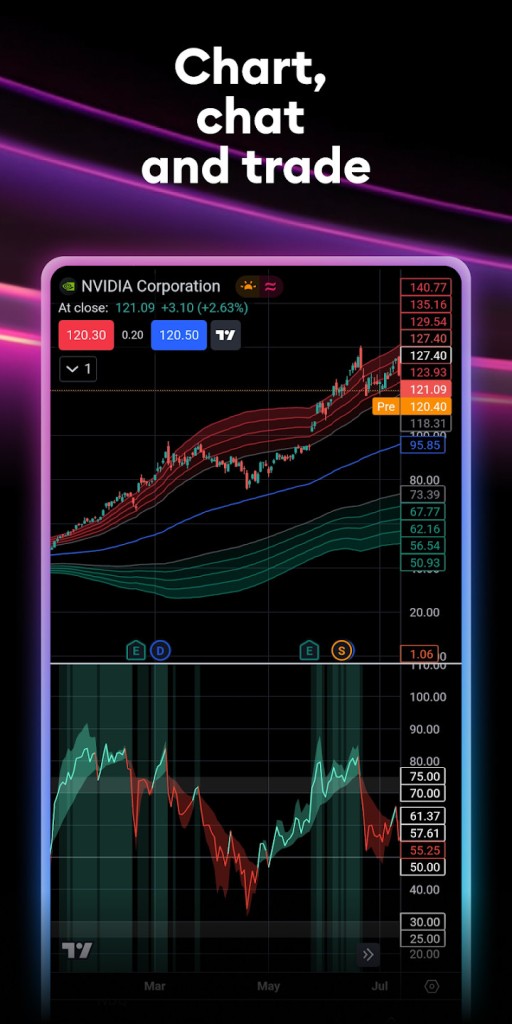
As soon as you log in to TradingView, you understand why traders prefer it. The site provides very detailed charts that can be customized using hundreds of technical indicators, drawing tools, and overlays.
You can establish various periods, work with numerous assets, and even create your own scripts using Pine Script, TradingView’s proprietary coding language applied in TradingView. Its adaptability allows it to become the instrument that matches your personal approach to trading, be it day trading, swing trading, or long-term investing.
Why Should I Download TradingView?
A robust charting ability can be discussed as one of the key factors that lead traders to use TradingView as a tool. The platform provides you with interactive charts that are aesthetically pleasing and highly functional. You may run everything to the simple moving averages from simple moving averages to complex, custom-built indicators to analyze price action. With drawing tools, you can annotate your charts with trend lines, Fibonacci retracements, support, and resistance levels, and more. These tools assist you in observing trends, arranging trades, and making decisions on the tendency and underlying data.
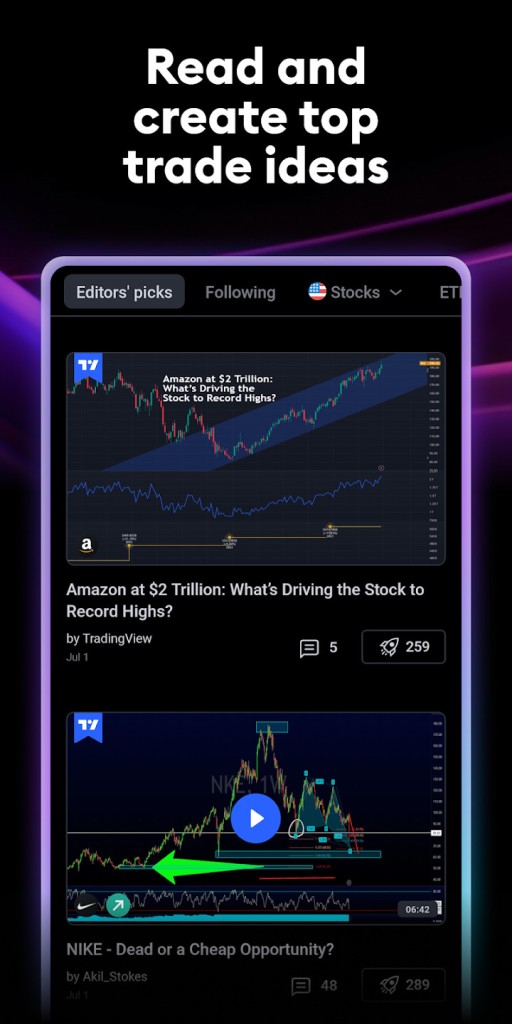
The other motivation for using TradingView is the community. In comparison with numerous charting tools, it encourages users to share their ideas, plans, and predictions. You are able to share your charts and analyses so that other people can see them or explore thousands of open concepts of traders worldwide. This is the social factor that makes you learn, share strategies, compare approaches, and find inspiration. No matter what your motivation is, whether you are trying to get your plan cleared or want to expect new opinions, the TradingView community is worth a fortune.
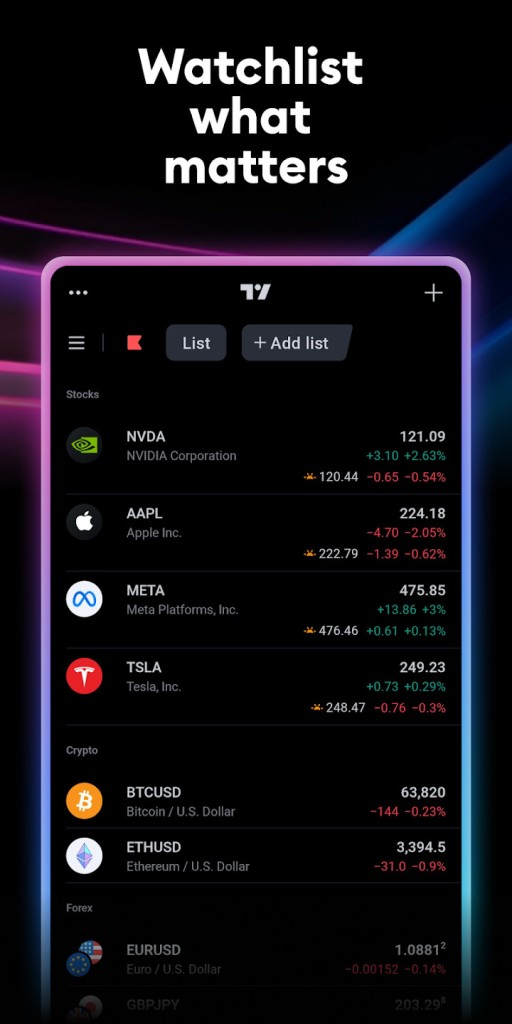
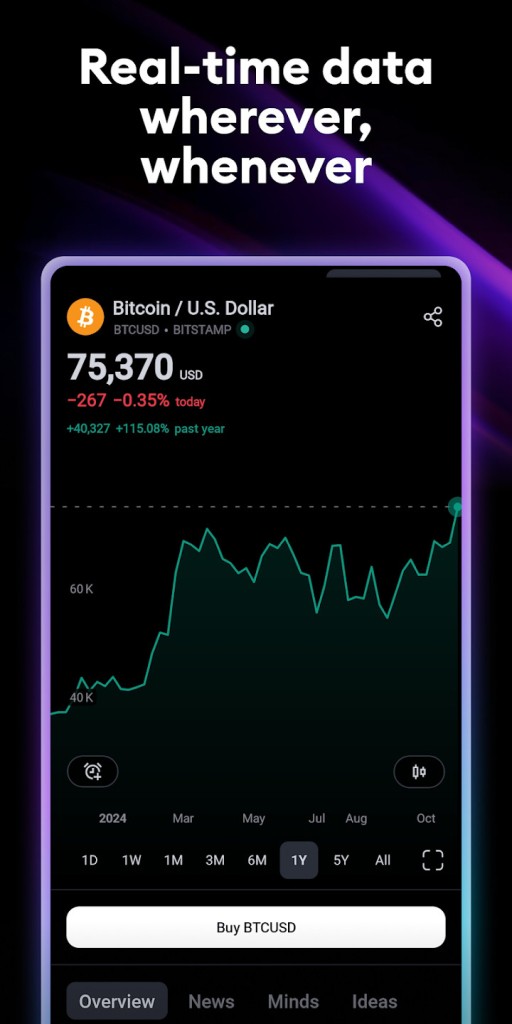
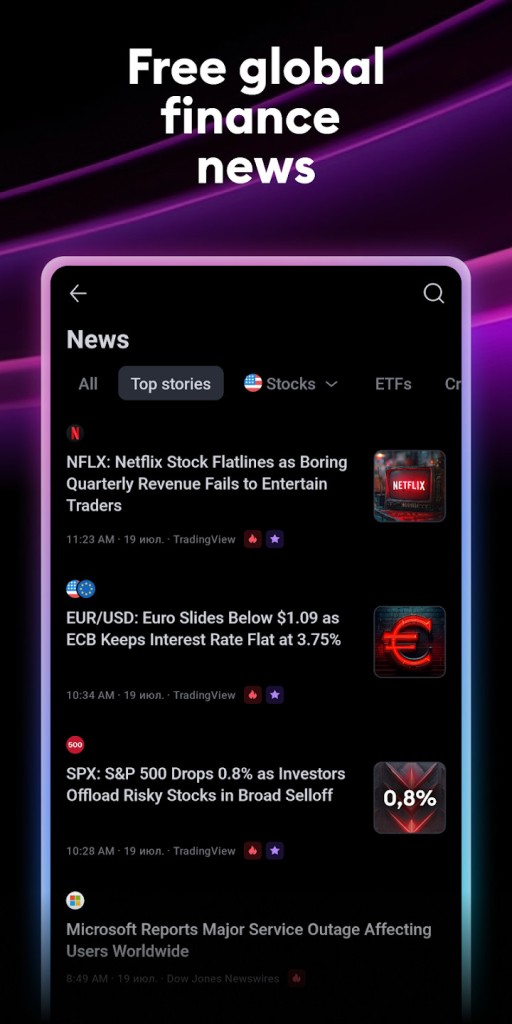
It is also possible to monitor multiple assets with TradingView, including international stocks, cryptocurrencies, and commodities, all in a single place. Its watchlist features, alerts, as well as a built-in news feed enable you to be updated with the market actions in real time. You may set price level or technical condition alerts or even a custom script to alert you by email, app notification, or pop-up. This implies that even when you are not monitoring the charts 24/7, you can still be on top of things and take action without constantly monitoring the screen.
The other advantage of TradingView is accessibility. This platform is web-based and, therefore, you will not be required to install any software to use it. It is available on your desktop, laptop, tablet, or smartphone, and your settings, charts, and watchlists will be kept in sync across your devices. It also has its own application to use on Android and iOS, making it easy to manage your trading ideas and watch the markets even when you are out and about. Whichever method of accessing the user experience you prefer, it is the same and is of high quality and speed.
Is TradingView Free?
It gives free access to not all but many of its essential features, such as interactive charts, community ideas, watchlists, and certain technical indicators, so yes, TradingView has a free tier. The free plan helps newcomers to test this platform and opens the way to knowledge of trading and charting.
Yet, it also has a number of premium plans: Pro, Pro+, and Premium, which open even more possibilities, like additional indicators per chart, multiple charts per layout, advanced alerts, quicker data, and priority support. The paid plans are intended to assist traders who require additional tools, flexibility, and personalization capabilities.
What Operating Systems Are Compatible with TradingView?
TradingView is multifaceted regarding device compatibility. It is a web-based service, which means it runs on all current web browsers on Windows, macOS, and Linux operating systems.
Last but not least, there are mobile apps, both Android and iOS, which provide you with a sense of complete freedom to check markets, review charts, and engage within the community wherever you are.
With a cloud-based system, your work will be stored and synchronized across all devices, and you can continue the analysis on a different device, and when you are back, the analysis will continue where you left it without skipping a beat.
What Are the Alternatives to TradingView?
When considering other sites besides TradingView, there are some good alternatives that offer useful features worth considering.
Among the most popular of them is eToro. Mostly referred to as a social trading platform, eToro allows people to transact in an extensive range of assets, in addition to following the executions of leading traders. It integrates charting with trading and community, thus it is suitable for users who would like to have hands-on experience combining trading and social interaction in one platform.
Another option that can be considered is CoinMarketCap, particularly when one is interested in crypto markets. Although we cannot find such detailed charting tools on TradingView, here we have a comprehensive set of information on cryptocurrencies, including price, market cap, volume, and supply data. CoinMarketCap is a great site that offers the best platform to follow the performance of cryptos in the market, learn about new coins, and study the market trends in the digital asset sector.
Another alternative is Crypto.com. This is an ecosystem that functions as a marketplace (trading), wallet, staking, and payment in cryptocurrencies. Crypto.com has simple-to-use charting and trading tools; however, its main advantage is that it is an all-in-one cryptocurrency portfolio manager. It is perfect for those users who are willing to trade, earn, and spend cryptocurrency, without switching between multiple apps or services.