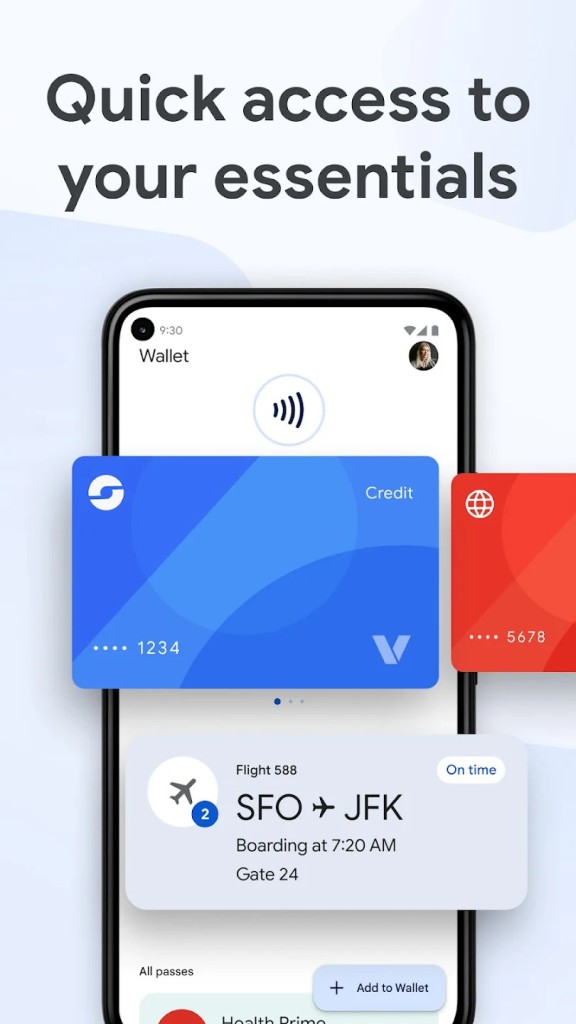
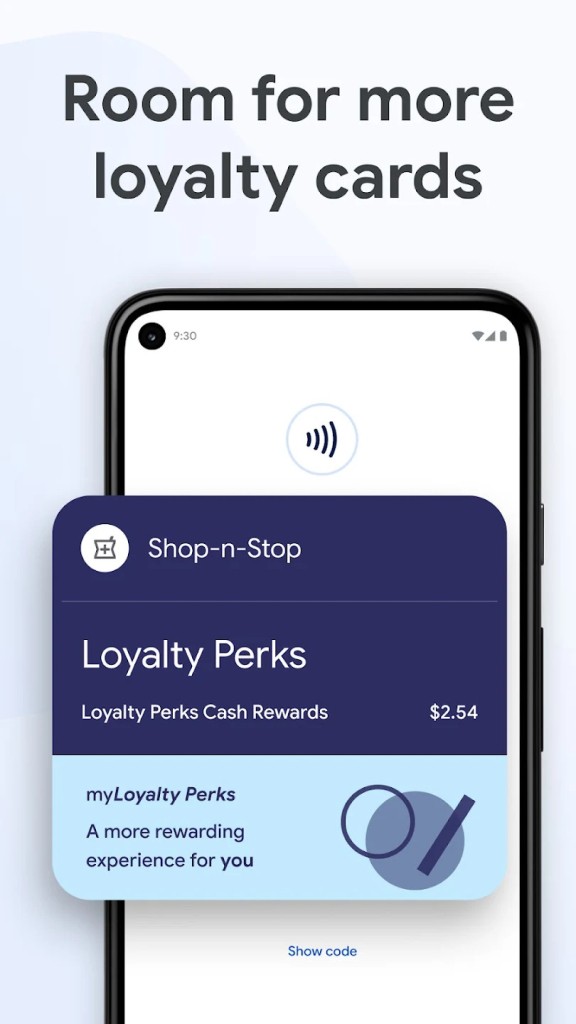
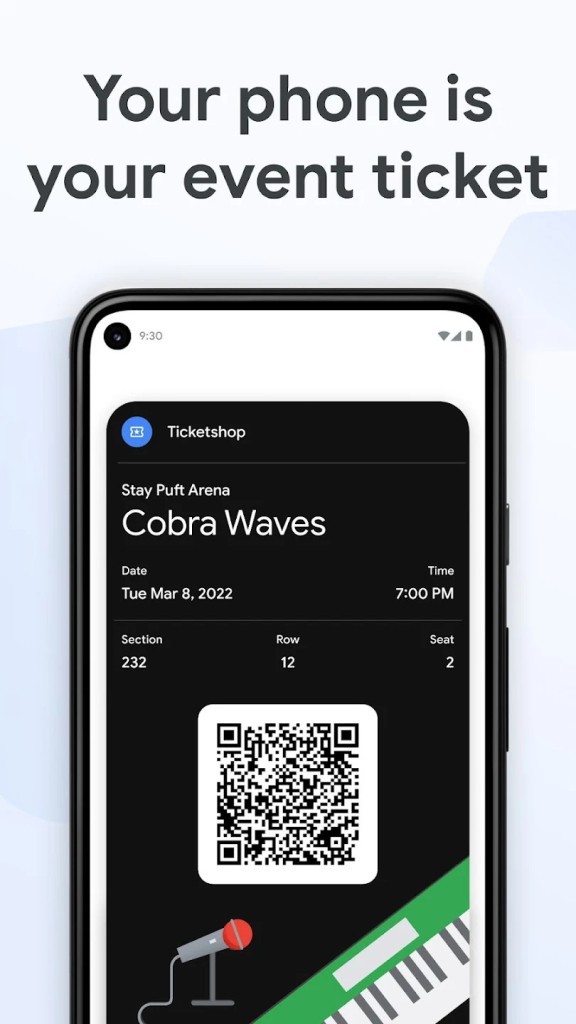
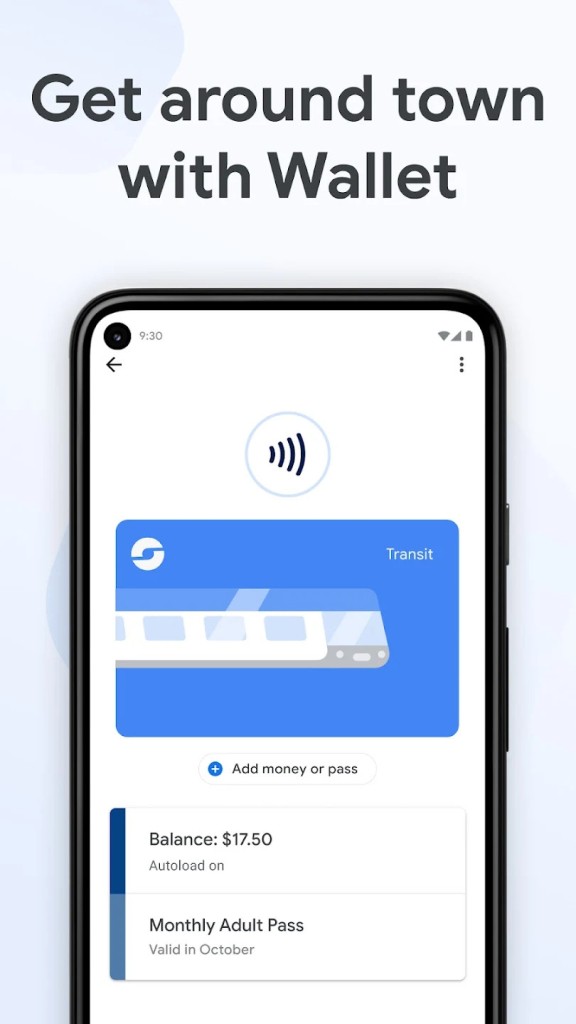
Google Wallet is Google’s digital wallet for Android devices. In simple terms, it turns your phone or smartwatch into something you can tap at checkout instead of pulling out a plastic card. But it’s more than just payments. It also stores loyalty cards, gift cards, public transit passes, event tickets, boarding passes, and even IDs in some places. The app is designed to keep those everyday essentials in one spot so you don’t have to juggle between multiple apps or carry a stack of cards in your pocket.
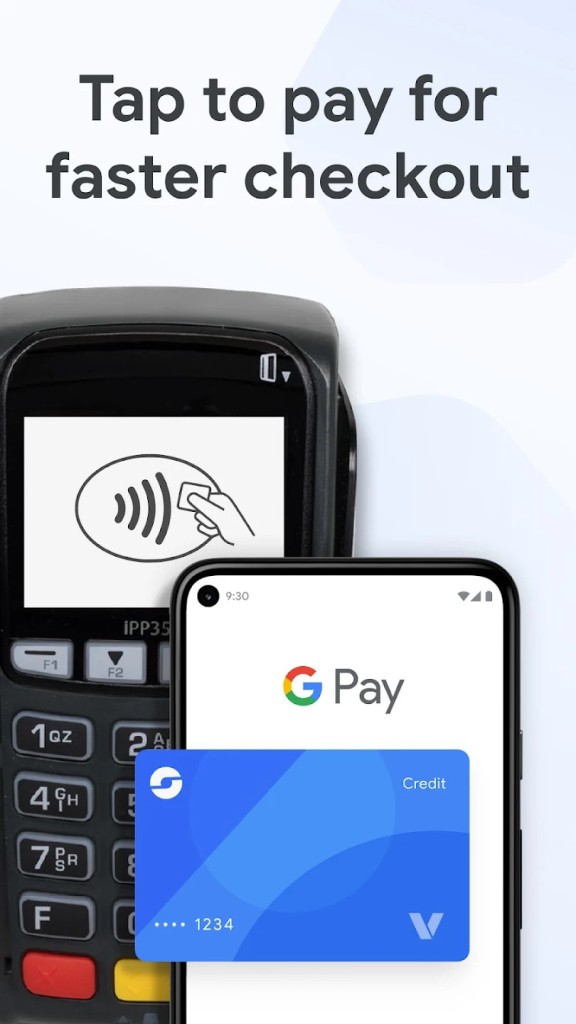
The tap-to-pay feature is the core of Google Wallet. It works wherever you see the contactless symbol, which at this point covers most major stores, gas stations, and restaurants. You add your debit or credit card to the app, and when you pay, the store doesn’t actually get your real card number. Instead, it uses a secure token. That extra layer of privacy makes a difference, especially if you’ve ever had to replace a card after suspicious activity.
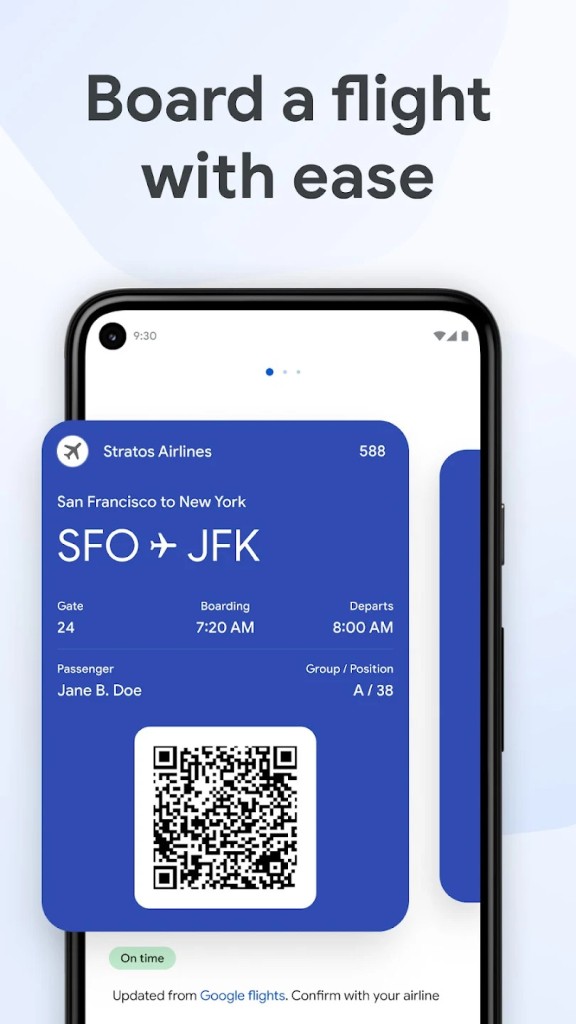
Beyond payment, the app tries to act as a travel and lifestyle hub. If you book a flight and the confirmation email lands in Gmail, the boarding pass can appear automatically in Wallet. When you’re about to head to the airport, your phone can notify you and surface the pass with a quick tap. Transit cards also live inside the app in supported regions, letting you tap your phone at subway gates instead of carrying a physical card. For people in the U.S., there’s even support for digital driver’s licenses and car keys on select devices.
Google Wallet is built into the larger Google ecosystem. That means it links up with Maps, Calendar, and Google Assistant. Book a hotel? You might see details in Wallet and reminders elsewhere. Sign up for a loyalty program at a coffee shop? The card shows in Wallet, and the points might appear in Google Shopping or Maps. It’s Google’s attempt to simplify the messy world of everyday passes and payments.
Why should I download Google Wallet?
There are a few reasons. The most obvious is convenience. Think about how often you stand in line, fumbling for a card at the bottom of your bag or wallet. With Google Wallet, you unlock your phone and tap. It’s quicker and feels less stressful when you’re in a rush.
Another reason is safety. Because Wallet uses tokenization, your actual card number isn’t shared with the store. If the system gets compromised, your real account is safer. Add in Android’s built-in security — screen locks, fingerprint scanners, remote wipe if your phone goes missing — and you’ve got a payment method that can actually be safer than plastic.
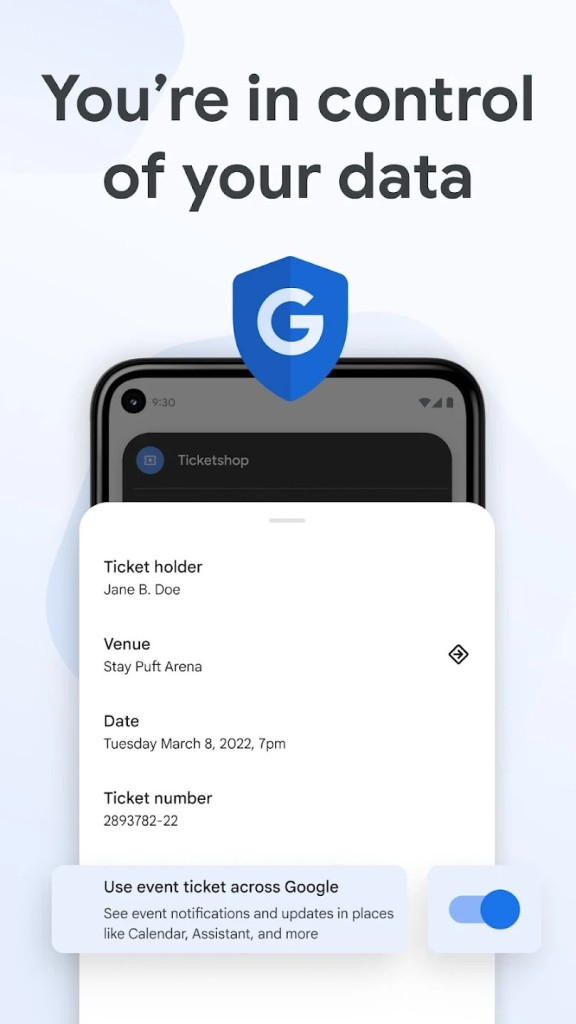
Travel is another area where the app shines. Imagine you’re at the airport. Instead of printing a boarding pass or digging through email, you just open Wallet. If the airline supports it, the pass shows up automatically with your flight number, gate, and boarding time. If there’s a delay or gate change, Wallet can update the details. The same idea works for concerts, sports games, and theater tickets. They scan your phone at the door, and you’re in.
It also makes daily commuting smoother. In cities where transit systems are integrated, you can add your bus or train pass. No more reloading cards at kiosks or carrying exact change. Just tap your phone and move through. For anyone who commutes daily, shaving those little bits of hassle away adds up.
Is Google Wallet free?
Yes, Google Wallet is completely free. You don’t pay anything to download it or to add cards and passes. The app itself doesn’t charge service fees. If you’re paying with a debit card, it’s the same as swiping the physical one. If it’s a credit card, the transaction goes through as usual, and any rewards from your bank or card provider still apply.
The only time you might face a fee is from the card issuer itself, not from Google Wallet. For example, if your bank normally charges for foreign transactions, that still applies whether you tap your card or your phone. Google doesn’t add extra costs.
So, whether you’re using it for everyday payments, keeping tickets in one place, or storing loyalty cards, you’re not paying Google for the privilege.
What operating systems are compatible with Google Wallet?
The Android phones and tablets can use Google Wallet. You can download it from the Google Play Store and use it on devices with Android 5.0 (Lollipop) and above. Since it is connected to NFC tap-to-pay, your device must have NFC in order to be able to use the payment option. All current Android devices do, but they should be checked.
It also works on Wear OS smartwatches. It means that you can leave your phone at home and go jogging, and yet you can tap your watch at a coffee shop. The Pay-enabled Fitbit devices can also be connected to Wallet, and hence, it is available on activity-centric wearables.
What are the Alternatives to Google Wallet?
One of them is Samsung Wallet (Samsung Pay). It can already be installed on your Samsung device. It is somewhat similar to Google Wallet: you can make payments by tapping, hold loyalty cards, and hold tickets. Samsung Wallet was also capable of MST (magnetic secure transmission), allowing it to pay at card readers that were not NFC-supported. That functionality has been largely decommissioned; however, many users remain fond of the way Samsung has harmonized its application with Samsung hardware and services.
Users of iPhones should use Apple Wallet/Apple Pay. Apple seals the NFC chip in such a way that you can not even use Google Wallet, even had you wanted to. Apple Wallet has a similar mechanism; add cards, swipe to make payments, save boarding passes, tickets, and even IDs in some areas. The interface is different; however, the idea is the same. It is your native choice in case you are on iOS.
If you're looking for an alternative to manage your loyalty cards and store cards, then you can try SuperCards. It is the sort of app you install when you’re sick of having a bulky wallet full of plastic loyalty cards. You scan, and the app will appear when you get to the checkout. It does not substitute tap-to-pay, such as Google Wallet; however, it can be helpful when rewards and shop cards are at the center of your attention.