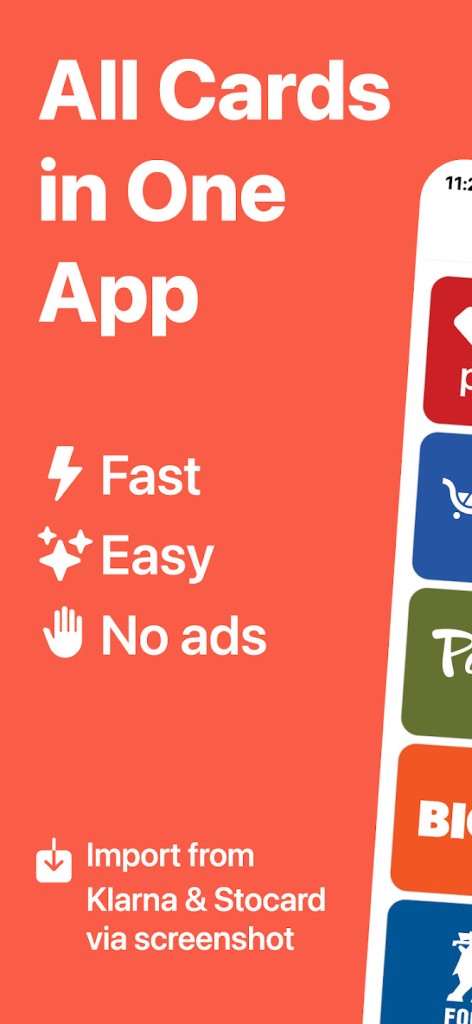
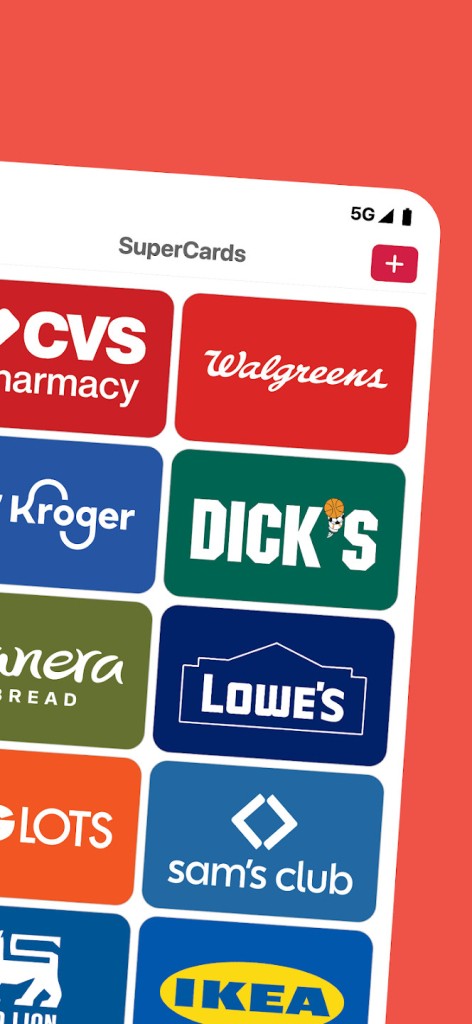
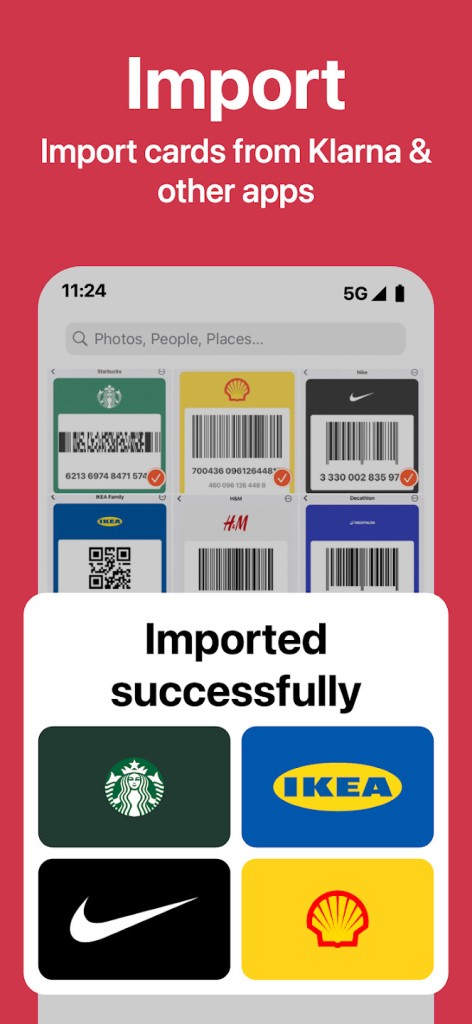
SuperCards is basically a wallet, but not for money. It is for the stack of cards people usually carry around. Loyalty cards from shops, points cards, travel passes, coupons, and even gift cards. All those plastic bits that never seem to fit in one place. This app pulls them together on the phone, so instead of reaching into bags or drawers, the code shows up right when you need it.
It doesn’t try to be too much. No ads are asking you to buy things, no signup forms before you even get started, no hidden tracking. It works straight on the device. Everything is stored there, encrypted, not sent out. The idea is simple: you scan a card, it goes in, and it stays safe. Then later, when you require it, you pull it up, and the scanner at the counter picks it up.
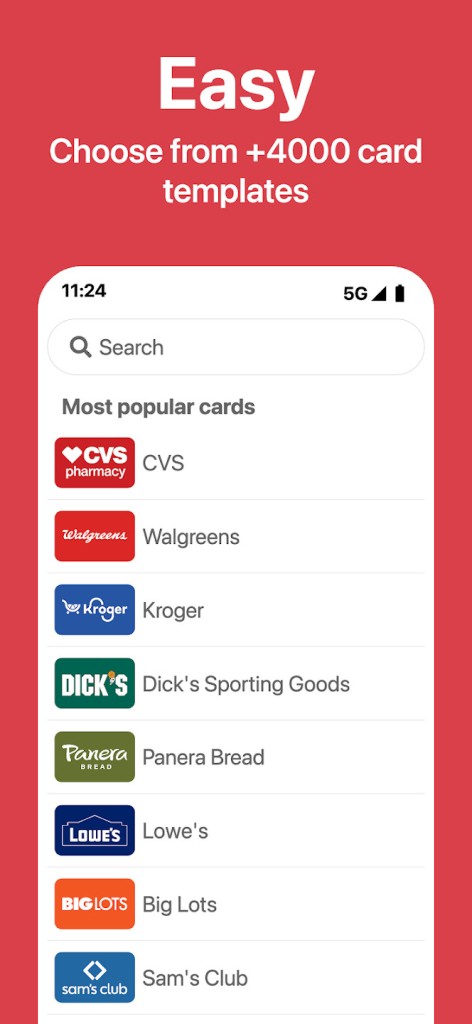
It runs quickly, doesn’t take much space, and has thousands of ready templates for different stores. But even if the card you want isn’t already there, you can still add it manually. That balance between easy to use and flexible makes it practical.
Why Should I Download SuperCards?
The point is convenience. Most people either forget their loyalty cards or give up carrying them because they take up too much space. That means missing points or discounts. SuperCards keeps them close without the bulk. It works offline, so even in places with no signal, you can still show your code. That’s handy when travelling or in shops with poor reception.
Security is another reason. Nothing is stored outside your phone unless you decide to back it up. You can move cards to a new device with iCloud or with a QR code, without having to register another account or remember passwords. For many, that control is important.
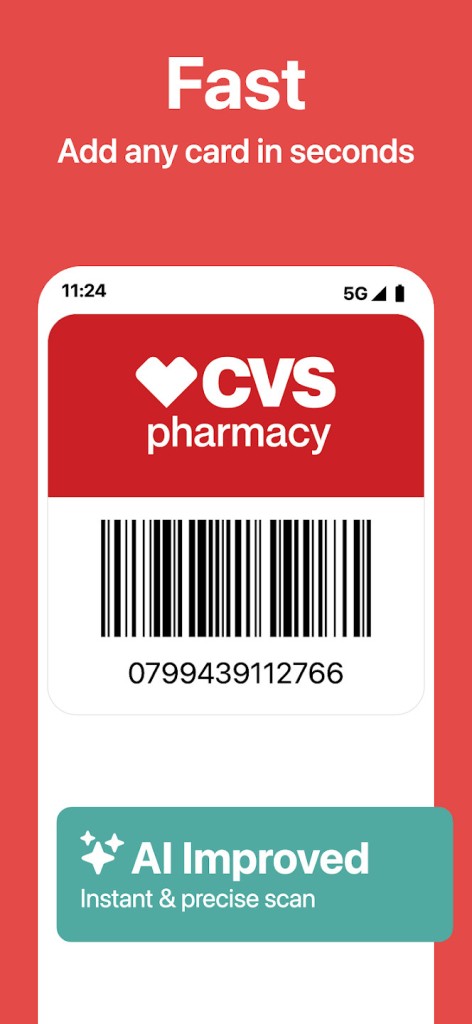
It’s also fast. Adding a card doesn’t take minutes. Scan it, save it, done. When showing it at checkout, the scanner usually picks it up right away. That matters most when there’s a queue, and you don’t want to hold people up.
Flexibility is there, too. Not only loyalty cards, boarding passes, coupons, transport tickets, gift cards, but almost anything with a barcode can be added. Some people use it mostly for travel, others for daily shopping. It adapts either way.
And no ads. That part is worth repeating because it’s rare. Many free apps claim to help, but then slow you down with pop-ups or banners. Here, it’s just the cards, nothing more.
Is SuperCards Free?
Yes, the app is free to download. The main functions are there for everyone. Updates keep coming with small improvements, like custom icons, photo attachments, or even Apple Watch access. These don’t get locked away behind big subscription costs. It’s different from apps that let you in for free but then demand upgrades for basic things.
Of course, there might be extra features one day, but what you get now is already enough for everyday use. You don’t need to pay to make it work properly. That’s the important part.
What Devices Support SuperCards?
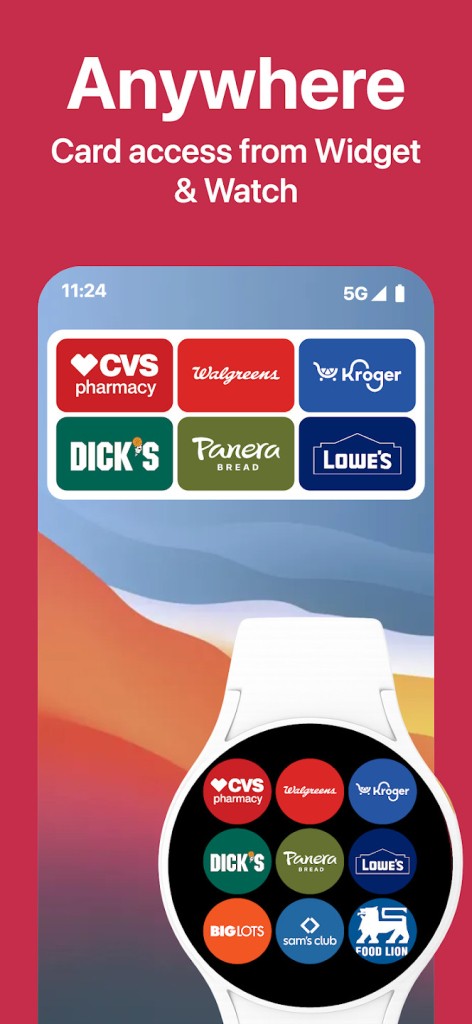
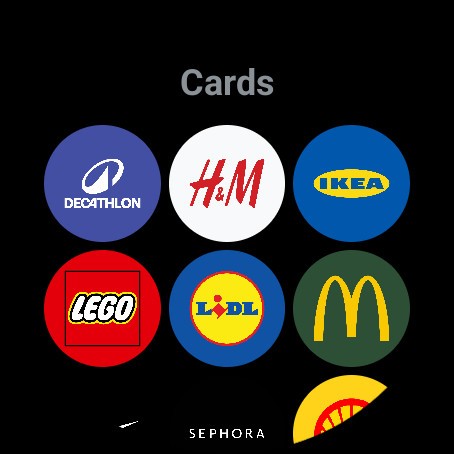
SuperCards works on iOS and Android. It fits phones best, but tablets handle it too. On iOS, it also works with Apple Watch, which lets you show your card without even reaching for your phone. That makes quick scans at stations or stores simpler.
It’s light in size, so it doesn’t eat up storage or slow down the system. Cards can be accessed offline. That helps in airports, trains, or shops underground, where data doesn’t always connect.
When you move to a new device, you don’t lose the data. Backups are simple with iCloud or QR transfers. It avoids the usual hassle of accounts and long processes. You stay in control.
What are the Alternatives to SuperCards?
Fidall is another loyalty card wallet. It covers the basics and has been used by many people. But it comes with ads, and that changes the feel. It works, but you pay with attention instead of money. Some are fine with that. Others find it distracting.
Catima is open source. That means the code is public and anyone can see what it does. It’s very light and handles barcodes fine. But it’s basic, without the range of templates or extras that SuperCards offers. For users who value simplicity and transparency above all, it’s a strong pick. For those who want extras like watch support, it may feel bare.
Google Wallet is the bigger, heavier option. It does much more than loyalty cards. Payments, IDs, tickets, loyalty, all tied into Google’s system. That’s powerful if you already use Google services. But it also means handing over data, setting up accounts, and living inside that ecosystem. For some, the connection is useful. For others, it feels like too much for just a card app.