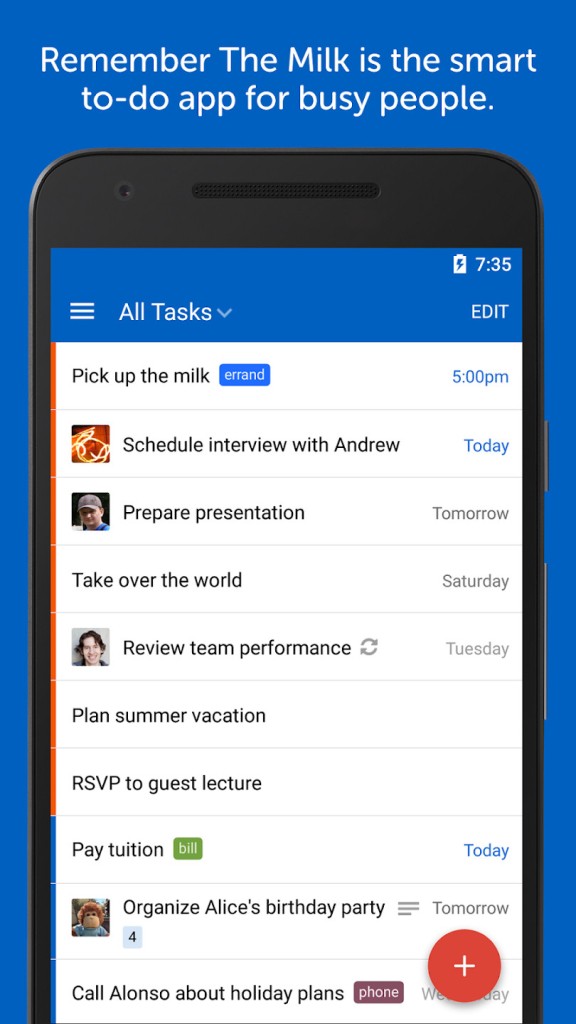
Remember the Milk is a well-known task manager designed to help people write down everything they need to remember and then organize it independently. Where other apps pursue lean and esoteric design aesthetics, Remember The Milk remains stuck on lists, notifications, labels, and the bare-bones design that many have been using for decades.
Since its debut at the start of the digital to-do era, the app has remained popular. In fact, it has been gradually introducing new features while maintaining the main concept of writing something down and leaving it to the app. It is compatible with various devices, and that is important as many people alternate between phones, laptops, and tablets.
The app does not dictate a given mode of working. Users use it to create a grocery list, others for long-term projects, and the tool can accommodate any of them. It is clean, practical, and helps you keep track of all you have to do. Over the years, it has gained a reputation for dependable reminders, sync, and extensive integration possibilities. It is selected by people who need to be flexible but not overwhelmed, and it remains out of the way once you put tasks into it.
Why Should I Download Remember The Milk?
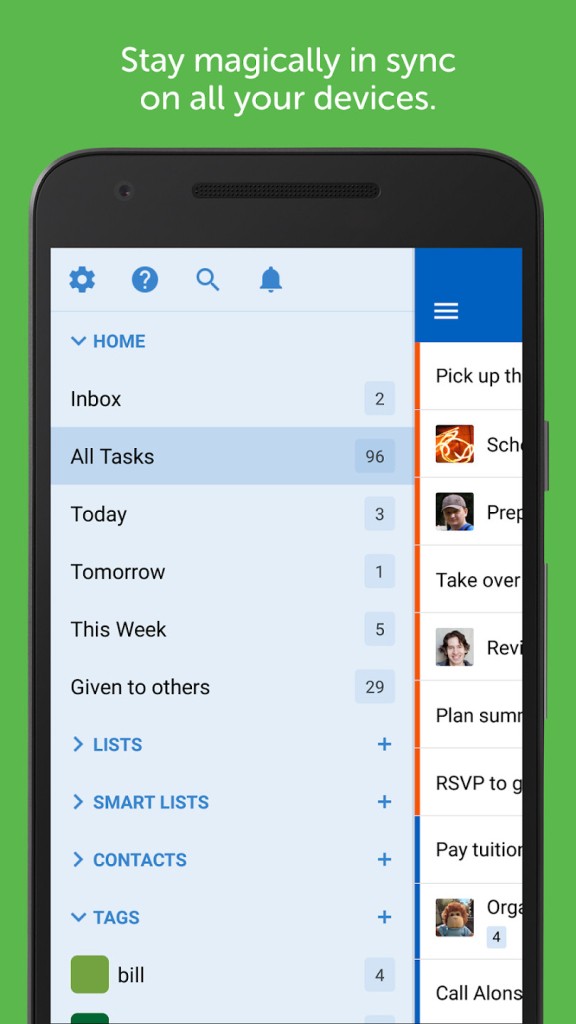
Remember The Milk is a straightforward task manager that only requires you to create tasks and lists. You are free to make as many lists as you desire, sort by tags, create a Smart List out of searches, or just have one list running. It does not insist on rigid structures but fits itself in disheveled ways.
Another feature that makes people prefer it is its reminder system. Reminders work in several ways: email, mobile notifications, and text messages, as well as integrations such as Twitter or IM. When you truly need to remember something, the redundancy is pretty advantageous. Integrations are also a great functionality thanks to the interconnectivity with Google Calendar, Gmail, Evernote, Outlook (with the option to add sync), and other programs such as IFTTT and Zapier.
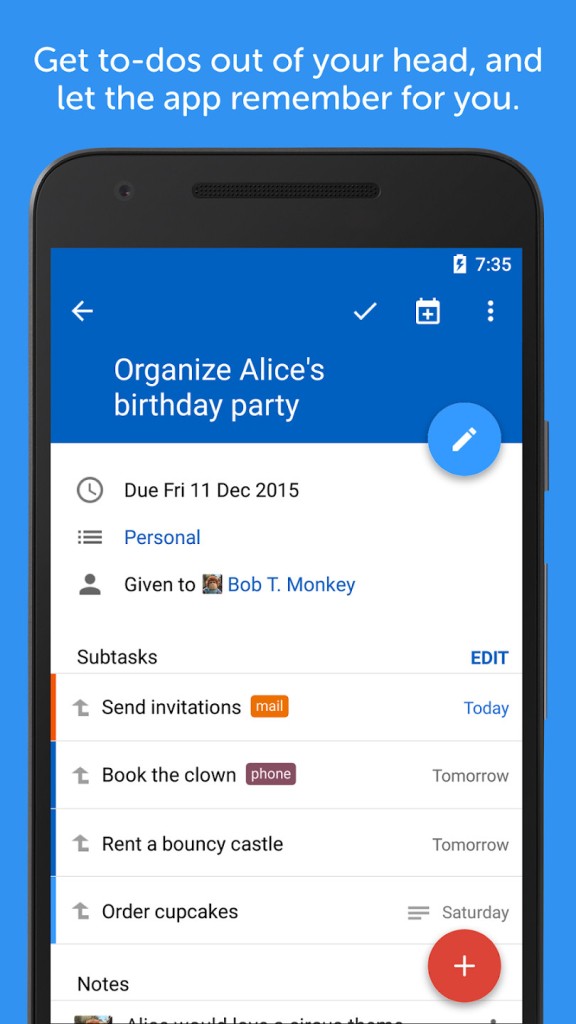
Additionally, depending on your subscription plan, the application provides subtasks, recurring dates, priorities, nearby tasks, and file attachments. Some users prefer it because it can be used on multiple devices rather than treating each platform as a separate version. The application is easy to use and comprehend due to its straightforward interface. It’s that reliability that makes people come back to it even after using newer apps.
Is Remember The Milk Free?
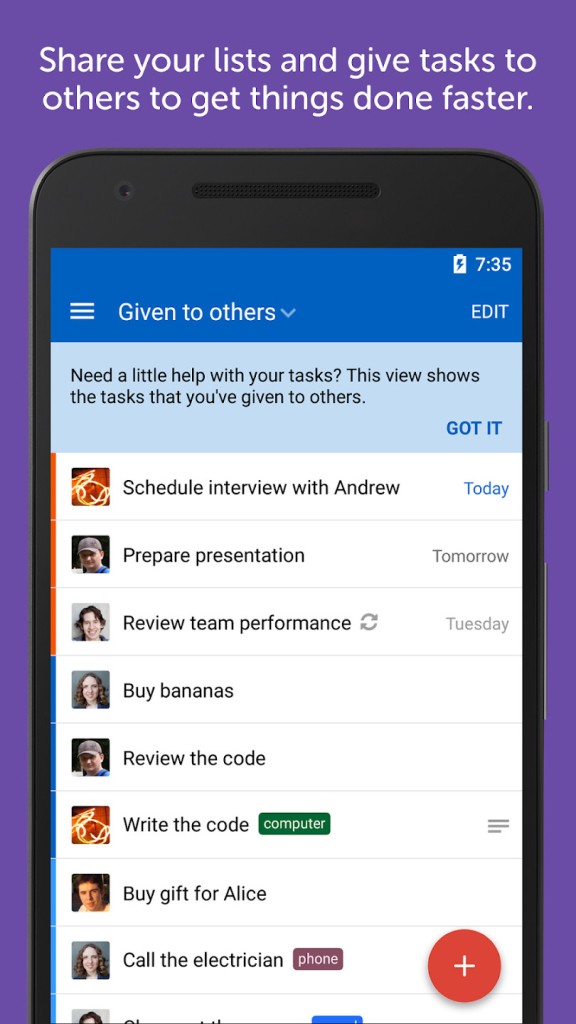
Remember The Milk offers a free version that includes the essentials: creating task lists, adding reminders (to a minimal level on mobile), and device synchronization. The Pro plan includes subtasks, unlimited sharing, advanced sorting, tag colors, additional sorts of reminders, automation skills like MilkScript, file attachments, and Outlook syncing. Users remain in the free version without problems, whereas others upgrade to Pro to benefit from more organization and high automation.
What Operating Systems Are Compatible with Remember The Milk?
You can download the app on an extensive number of systems since the developers designed it to work on multiple systems. Any major browser supports a web version, and as such can be accessed by virtually any computer without requiring installation. Windows and Mac versions of desktop apps exist, with each macOS hardware type having a distinct download (Intel or Apple Silicon). Linux users can install distribution-specific versions.
Remember The Milk is compatible with iPhones and iPads, Android phones and Android tablets, as well as the Amazon Fire devices on the mobile platform. The Apple Watch app allows users to check or add quick reminders without necessarily using their phone. The process of syncing is automatic, and as such, a task saved on one device is visible everywhere. The app also comes with an Outlook integration in Windows, which is handy for those who are heavily dependent on email and calendar features.
What Are the Alternatives to Remember The Milk?
Another task manager that is frequently compared to Remember The Milk is TickTick. It also hinges on newer capabilities such as built-in habit trackers, Pomodoro timers, and presentations in the form of Kanban boards and calendars. Some users still favor it because it appears to be more recent and aims to combine several productivity tools into one setting. Some users consider the additional features distracting and superfluous. TickTick is suitable when you elaborate frameworks and like to see graphs or monitoring habits next to the tasks. It offers smart lists, tagging, recurring tasks, and reminders.
Microsoft To-Do is an evolution of the late Wunderlist app, which Microsoft acquired. It is well-designed, has good tagging and list features, Outlook integration, and a daily planning feature known as My Day, which is designed to make users reprioritize their tasks each morning. The application is available for simple Windows users and all Microsoft 365 users. It does not have the same automation as Remember The Milk or the extras of TickTick, but it takes care of day-to-day organization adequately. People usually download it when they want something simple that fits neatly into the Microsoft workflow without extra effort.
A lighter one is Google Tasks. It provides checklists, deadlines, tasks, and close integration with Gmail and Google Calendar. It is effective with users who are well integrated into the Google ecosystem and who desire something minimal. You can find it in the sidebar of Gmail, and it can be synchronized with your Google account. All notifications are linked to Google Calendar and Gmail. If you’re looking for a to-do list instead, you can try Google Keep, but this one doesn’t have reminders.