Simple Scan is a document scanning app that turns your phone into a practical scanner you can carry anywhere. You open the app, aim the camera at a page, and Simple Scan detects page edges, removes background clutter, and produces a clean file. It can save scans as high-definition PDFs or as image files and gives you tools to rename, tag, and organize your scans.
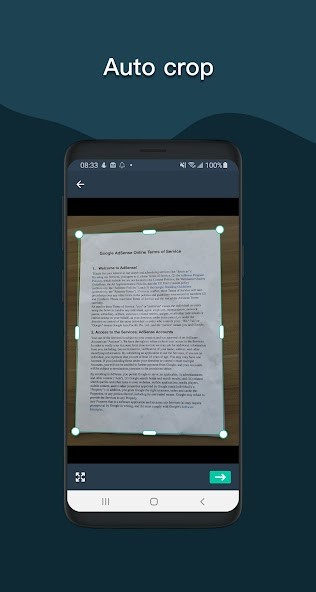
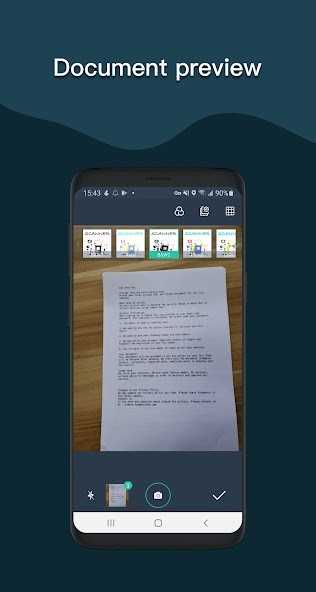
The app works with receipts, invoices, school notes, contracts, and almost any printed paper you want to keep. You can choose color, grayscale, or black and white depending on the document and the output you need. Simple Scan automatically detects page borders and crops to give a neat result, and you can set PDF page sizes like A4, Letter, or Legal when you prepare a file for printing.
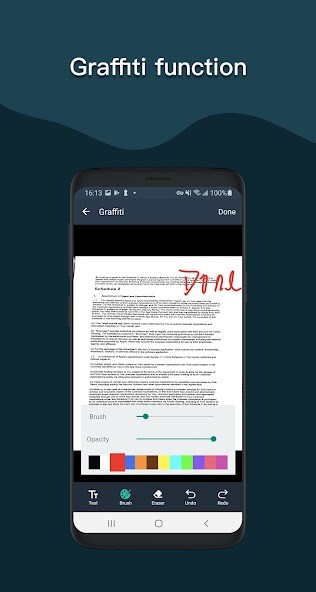
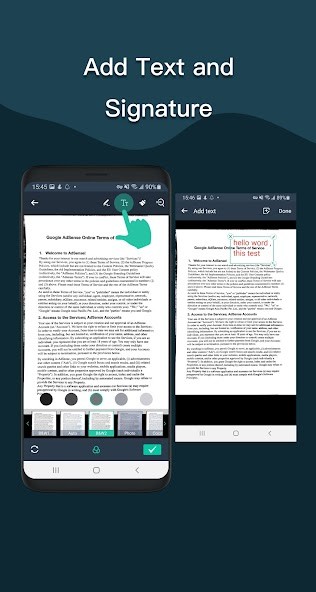
Simple Scan offers more than capture. You can sign and annotate files, use a graffiti tool to mark pages, and combine multiple scans into a single document. The app also supports sending and receiving faxes for use cases that still require that service. For many people, this replaces carrying a small office scanner, because Simple Scan keeps the whole process quick and local to your device.
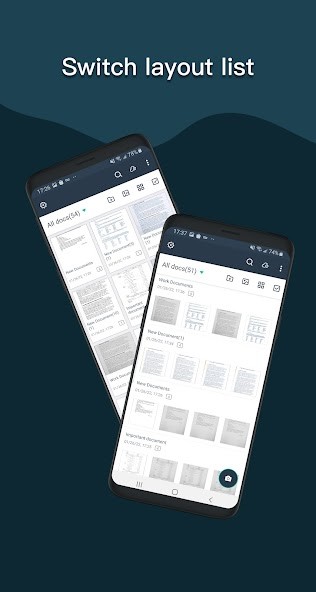
The app connects with cloud services so you can back up files and restore them on a new phone. You can set thumbnails or list views, sort files by date or title, and add tags to find documents fast. Multiple filter modes and contrast levels help sharpen low-quality originals and make text more legible.
Why Should I Download Simple Scan?
You should download Simple Scan because it makes paperwork simple and fast. Scanning with a phone camera often produces a poor photo, but Simple Scan corrects angles, balances light, and sharpens text, so pages look like they came from an office machine. It saves time when you need to send a receipt, archive a contract, or share homework with classmates.
The app supports OCR text recognition in over a hundred languages, so once a page is scanned, you can copy, edit, or export the text. That helps when you need to pull quotes from documents, check terms, or send searchable files to colleagues. The OCR feature is handy for multilingual use and for turning printed pages into editable text quickly.
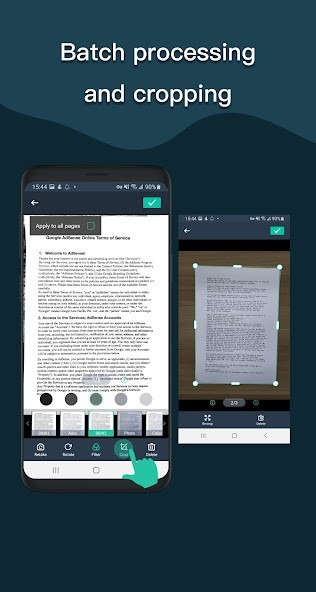
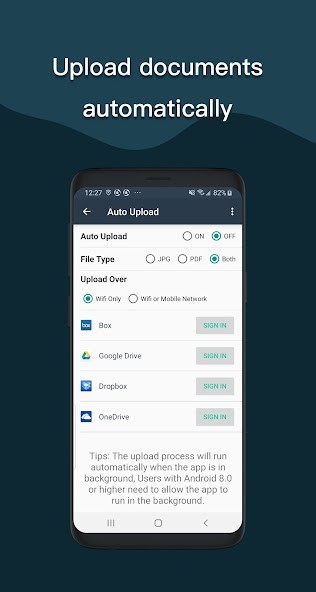
Security is another reason. You can protect important PDFs with a password and use encryption where available, so files stay private. Cloud backup options let you upload files automatically to services like Google Drive, Dropbox, and OneDrive, so losing a phone does not mean losing records. You can also connect over Wi-Fi to a computer and transfer files without cables. For users who manage many documents, tagging and quick search make retrieving a specific file fast. Simple Scan supports combining pages into multi-page PDFs and batch processing to speed up large jobs. It also supports importing existing PDF files into the app and converting them to images for easier editing.
Is Simple Scan Free?
Simple Scan is free to download and use, offering all the essential tools to scan, save, and share documents easily. The app lets you create clear, high-quality PDFs or images straight from your camera or existing files. Its workflow is simple — capture a page, crop or enhance it, then save or send your document. The free version provides core features like multi-page scanning, auto edge detection, color correction, and basic cloud upload.
For users who need more, Simple Scan offers an optional Pro subscription that unlocks advanced tools such as batch processing, unlimited scans, ad-free use, and enhanced OCR (text recognition). The free plan is more than enough for day-to-day document scanning, while the premium version is ideal for professionals or frequent users who want additional flexibility. Regardless of the plan, there are no complicated setups or hidden costs — you can start scanning right after installation and organize your files within seconds.
What Operating Systems Are Compatible with Simple Scan?
Simple Scan is compatible with both Android and iOS devices. You can download it from Google Play for Android or the App Store for iPhone and iPad. The app performs smoothly across a wide range of smartphones and tablets, remaining responsive even on mid-range devices. It automatically follows each platform’s storage and privacy guidelines to keep your data safe and private.
On Android 11 and above, scanned files are stored securely in a private app folder, while older versions still allow saving to SD cards or external storage. The iOS version offers the same scanning flow and supports synchronization through iCloud or other linked cloud services. Both platforms receive regular updates to ensure stable performance and compatibility with new devices.
Simple Scan also supports Wi-Fi transfer to a computer, so you can move documents quickly without cables. You can link popular cloud services such as Google Drive, Dropbox, or OneDrive for backup and sharing. The app includes options for tagging, organizing, and converting scanned pages between PDF and JPG formats. Installation is quick, and within a few moments, you can begin scanning and managing documents wherever you are.
What Are the Alternatives to Simple Scan?
Adobe Scan is a direct competitor that is linked to the Adobe PDF and cloud platform. It identifies text and automatically cleans photos and provides powerful sharing and sync features to those who use Adobe Acrobat or Creative Cloud already. It can streamline the processes of teams who use Adobe tools to edit and archive, and provide direct export to Adobe PDF tools in situations where more advanced editing is needed.
Tiny Scanner is a lightweight and rapid application that is aimed at rapid PDF scanning and easy uploading to cloud-based services. It maintains a small interface and the process is fast, thus making it the choice of users who desire a no-frills scanner that is reliable and no frills. Tiny Scanner is favored to issue quick receipts and short multipage documents when speed is more important than a sophisticated organization.
SwiftScan is a little more modern, providing automatic file naming and better organization functionality. It provides quick scanning, recognizes text correctly, and is business-oriented, which comes into play when one has to work with many documents. SwiftScan is smooth and optimized, particularly when a user must work with several files and arrange everything in smart folders and automatic naming.