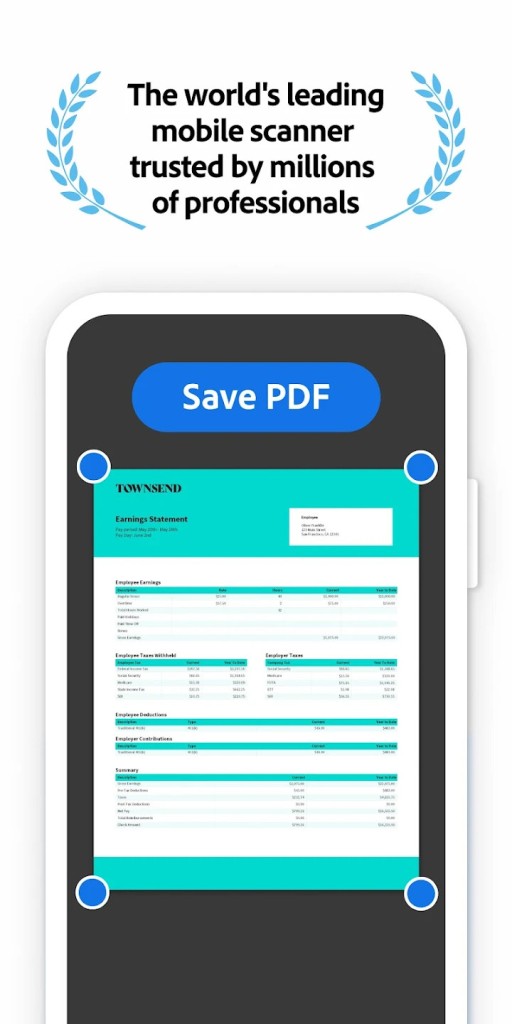
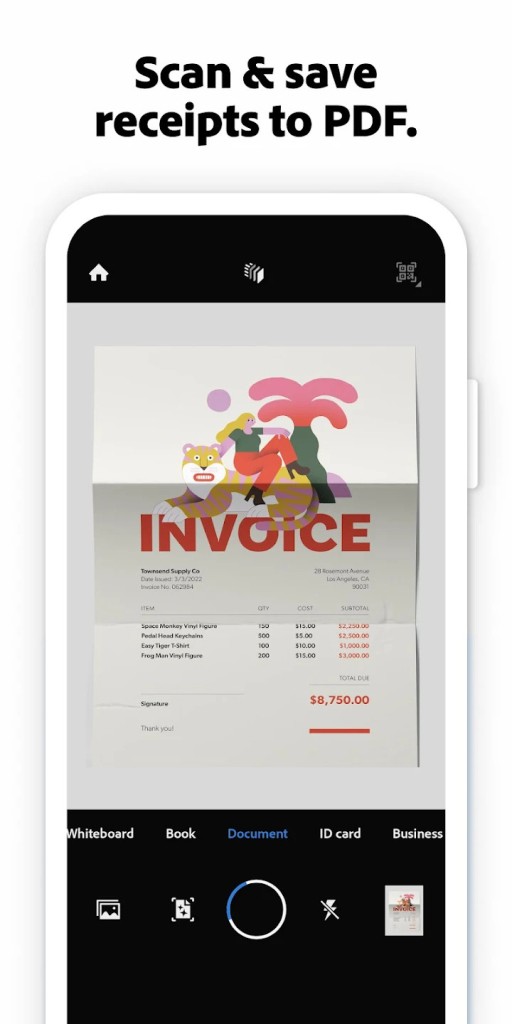
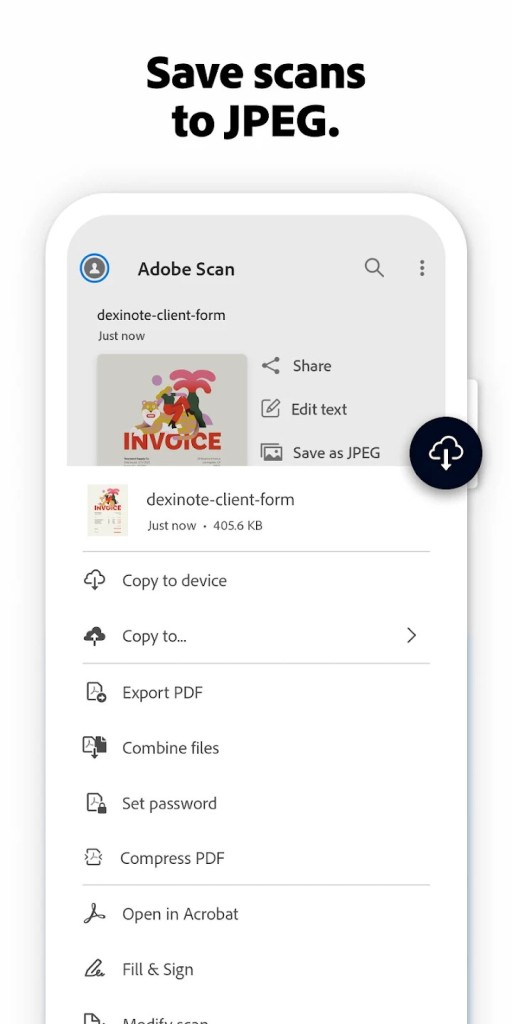
Adobe Scan is a scanning utility for smartphones and tablets that allows you to digitize various documents, such as business cards, receipts, or contracts. It uses your smartphone camera to capture the file, and then you can transform it into PDF or JPG files, to name just a few formats.
You can sync your files into Adobe Document Scan if you just create a free account. This way, all your documents and scans will be synced between different platforms and accessible on the go. Adobe Scan also offers features for effective collaboration, where you can leave comments or notes and highlight various parts of the text to add your suggestions.
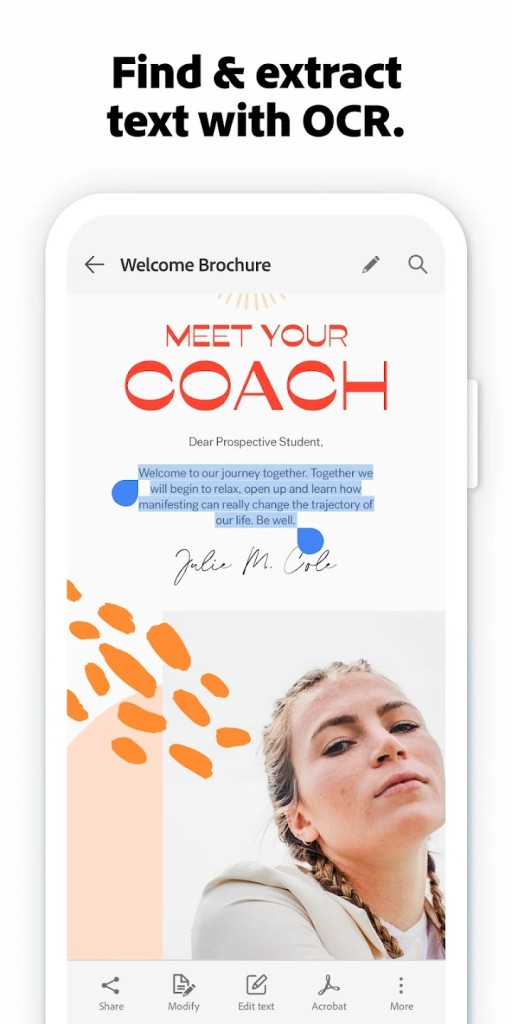
When you download Adobe Scan, you can also extract text from images thanks to the integrated OCR (Optical Character Recognition) system. It also integrates well with other Adobe products, and you can get it on iOS and Android mobile devices. The app connects seamlessly with Adobe Acrobat Reader, allowing you to annotate, comment on, and share your scans with ease, and even fill out forms once they’re digitized.
If you subscribe to Adobe Acrobat Pro, you gain access to even more editing tools, enabling you to modify text, adjust images, or reorganize pages directly within your scanned files. And thanks to Adobe Document Cloud, your documents can be securely stored online and accessed from any internet-connected device.
Why Should I Download Adobe Scan?
Anyone who needs to create digital copies of physical documents and share them easily should download Adobe Scan. It's super easy to use: you only need to point the camera at your file and press a button to capture it into Adobe Scan. It's a utility that can easily replace a full-scale scanner in your home.
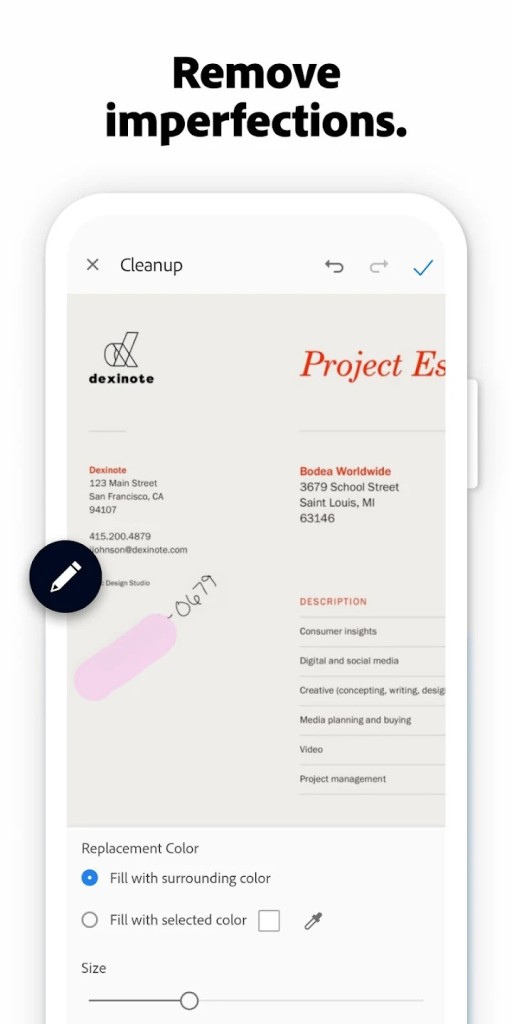
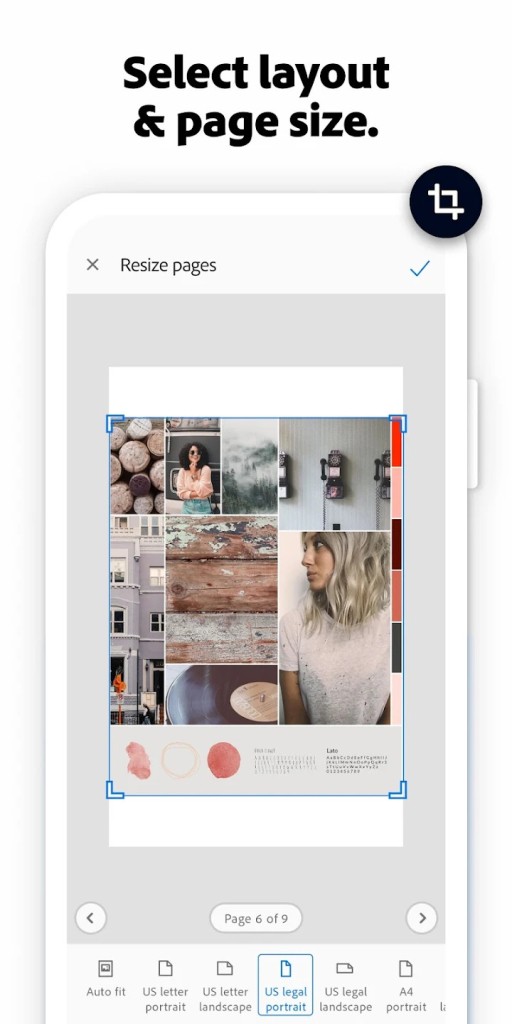
When you scan a file, the app automatically discovers its edges and can correct your perspective, so the document looks professional and sharp. There are also various cleanup tools to remove stains or grain. Adobe Scan also allows you to fine-tune the scan with crop, rotation, and adjust the balance of the colors, so you have clear digital copies.
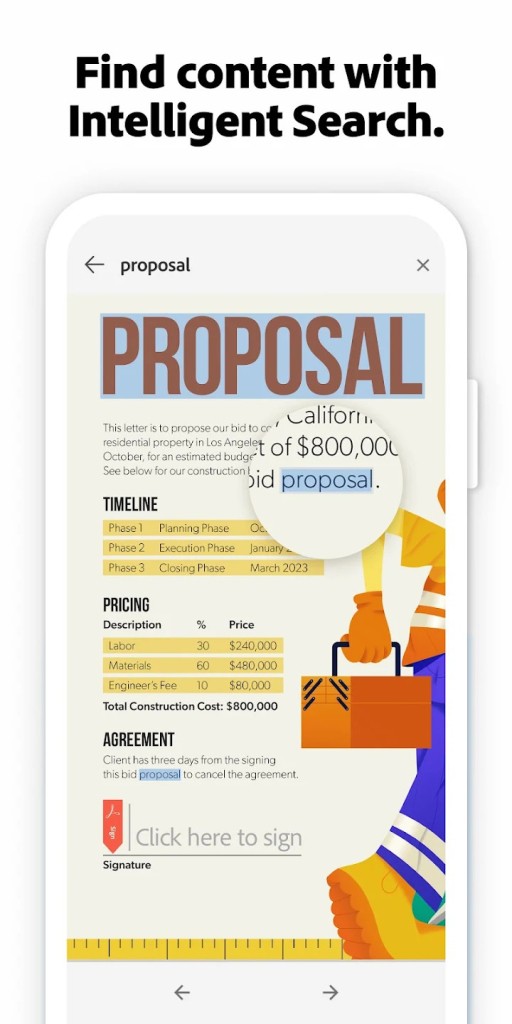
On top of that, when you download Adobe Scan and use it, you'll discover that you can easily copy text from the file and paste it into a different app or document. This also allows you to search through the documents with keywords or edit the text. You can perform all these actions because Adobe Scan has advanced OCR mechanisms.
Transforming physical documents into editable digital files also lets you access them across many devices and in various situations, so they are always handy. This is thanks to the integration with Adobe Document Cloud that Adobe Scan has; all you have to do is set up a free Adobe account. Then, each of your scans is synchronized to the cloud storage, and you can open it or share it easily wherever you go. Whether you're going to the office or to solve some official matter, if it turns out you don't have a physical copy, you can always access it on your phone.
You can annotate your scans with comments or highlight different parts and then share them for review with other people who can do the same. You should download Adobe Scan if you often collaborate on documents or need to handle multiple printed files and archive them in a digital form. Furthermore, you can also easily send the scans to other Adobe products like Adobe Reader Pro or Photoshop so they can be converted into various formats, reused, and edited further.
All of those features make Adobe Scan a great solution for a wide variety of users, from students looking to scan their university notes to personal users who want to keep copies of their receipts and business professionals who often get a lot of physical documents to handle and process. Because all you need to download Adobe Scan and use it is a smartphone or a tablet, it makes it a convenient and fast choice, especially when compared with traditional scanners.
Is Adobe Scan Free?
You can download Adobe Scan for free and use all of its features, including OCR or integration with cloud storage, entirely for free. Other Adobe tools that the Scan app integrates with can require a paid license, but all the tools' features are available without any additional cost.
What Operating Systems Are Compatible With Adobe Scan?
Adobe Scan was developed specifically for mobile devices to utilize their cameras for high-quality scans. If you have a smartphone or tablet running on Android, you need at least version 6.0 (Marshmallow). For iPhone and iPad users, iOS 12 or higher is required to use Adobe Scan. You can download Adobe Scan on the Google Play Store for Android and the Apple App Store for iOS.
What Are the Alternatives To Adobe Scan?
If you need a simple tool for your mobile that allows you to create PDF files from scanned documents, then the Tiny Scanner app is an excellent choice. It is a free mobile app available for both iOS and Android that turns your smartphone into a powerful, portable scanner. This app can quickly convert digitizing receipts, business reports, handwritten notes, or official documents into sharp images or PDF files. You can even scan multiple pages into a single PDF and easily save or share your documents via email or cloud services like Dropbox, Google Drive, Evernote, or OneDrive.
SwiftScan is another excellent option, which is a document and QR-code scanning app for both iOS and Android. With just one tap, you can create high-quality PDFs or JPGs. With SwiftScan, you can also translate documents into different languages or condense them into clear summaries. For more complex tasks, SwiftScan can even generate detailed reports from your scanned documents. The app is free to use, with optional subscriptions for advanced tools. It works on a wide range of devices, including iPhone and iPad.
For users who want a lightweight yet highly functional solution, Simple Scan is another impressive alternative. Available on Android and iOS, it lets you scan virtually anything—photos, receipts, contracts, reports—and save the results as images or PDFs. Simple Scan includes a wide set of sharing options such as email, fax, WhatsApp, Dropbox, Evernote, and Google Drive. It is also possible to send files straight to your computer over Wi-Fi. Simple Scan offers several advanced tools as well, like converting PDFs into JPGs, adding tags to quickly find what you need, and using OCR text recognition that works in more than 30 languages.