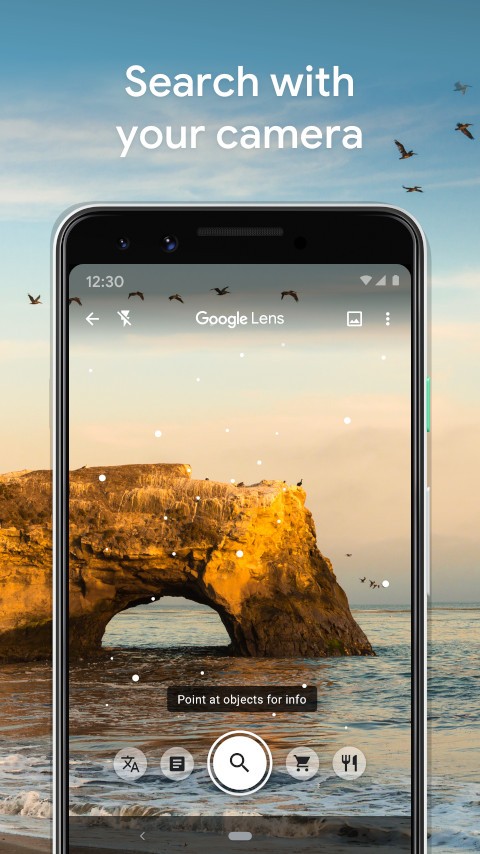
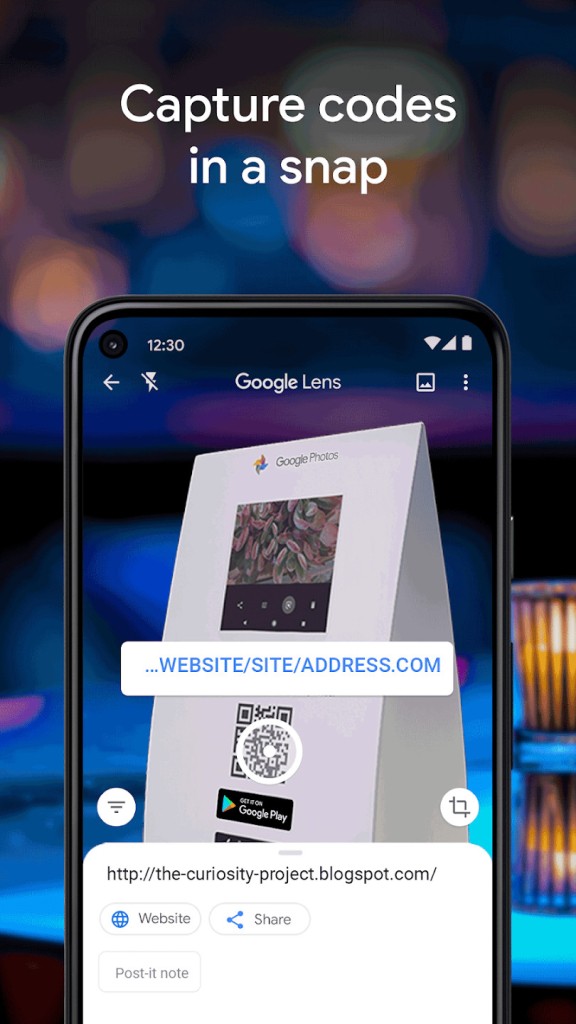
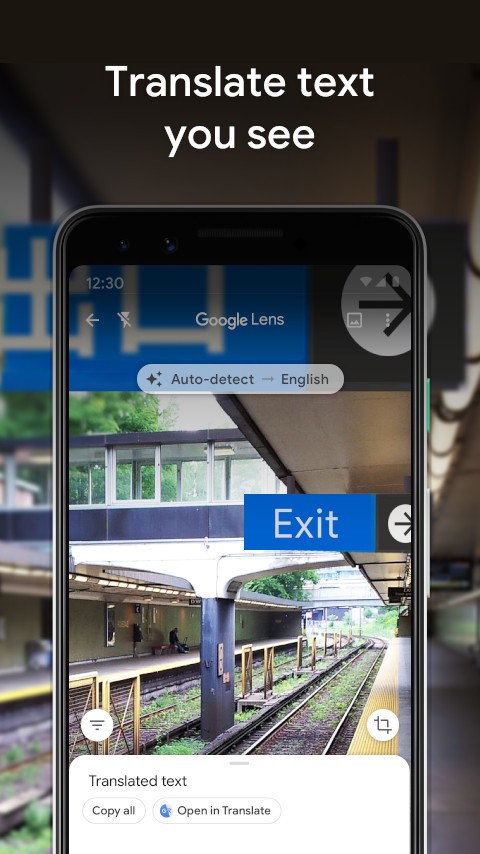
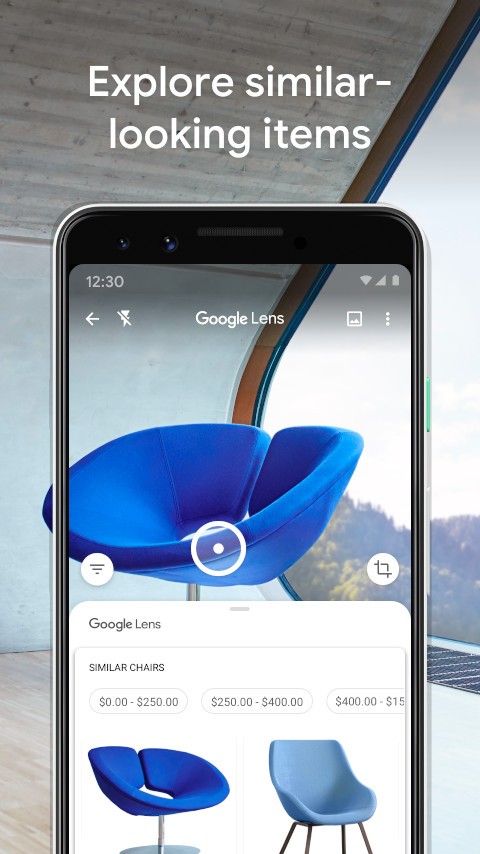
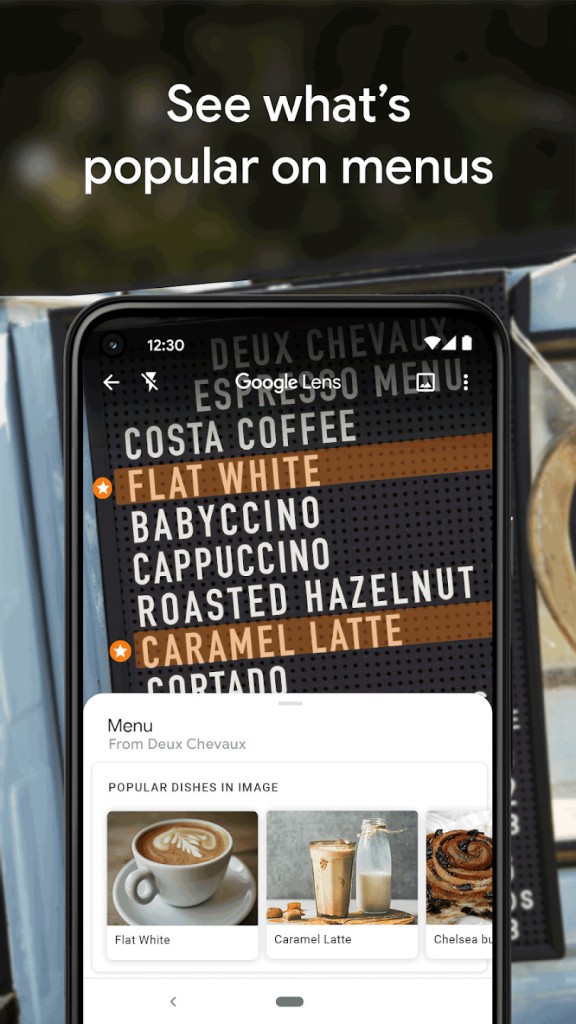
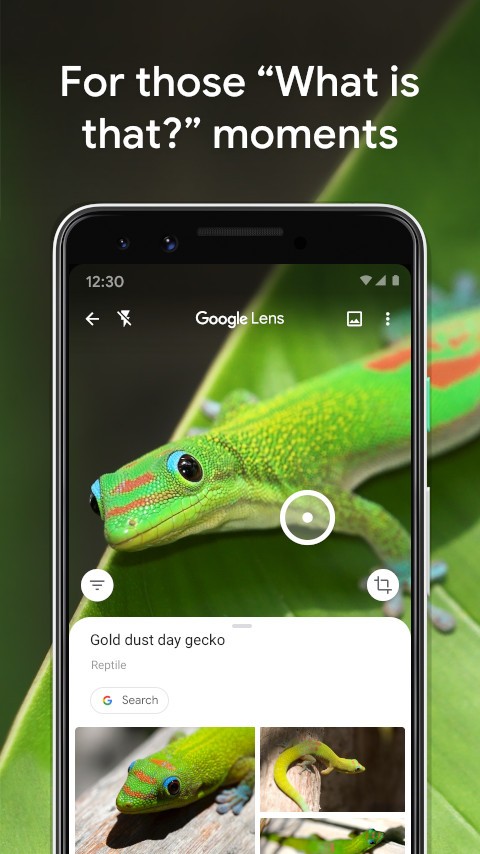
Google Lens is an innovative artificial intelligence-based picture recognition tool developed by Google, offering real-time image processing technology. Through their smartphone camera, the application enables users to interact with the world, providing automatic object identification capabilities, text translation services, QR code scanning functions, and product search functionality. Traditional keyword-based search engines work differently from Lens because they allow users to examine objects with their smartphone camera and get instant search results.
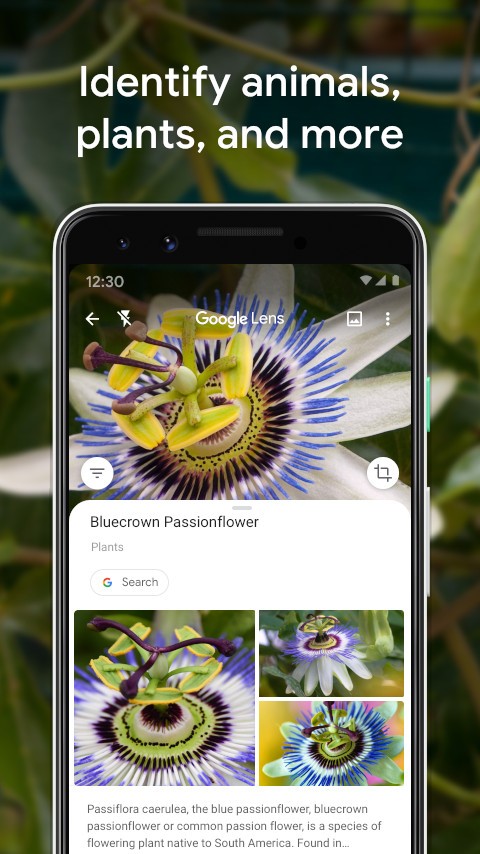
Text recognition is a top fan favorite feature of the tool because it converts real-world written content from books and signs into digital formats that users can directly duplicate. Students, researchers, and professionals benefit from this feature because it allows them to digitize information as part of their daily work. Users can successfully identify plants and animals, as well as landmarks and restaurant menus, using Google Lens, which provides comprehensive details such as relevant links, evaluations, and supplementary information.
This application functions smoothly with Google Photos, Google Assistant, and Google Search features to become a comprehensive application you can use daily. It uses your smartphone's camera to provide instant search capabilities by transforming your mobile device into an intelligent assistant that identifies products, provides museum artwork descriptions, and provides instant language translation.
Why Should I Download Google Lens?
Google Lens is one of the most versatile smartphone tools, offering effortless search capabilities for everything around you thanks to Gemini AI. Online searching becomes simpler through this app because it lets users replace verbal descriptions with image-based searches. With this application, you can bypass description entry by taking pictures, which automatically leads to object recognition.
The ability to extract content from various sources and then translate it is a compelling reason to use Lens. When attempting to read menus or copy handwritten information while traveling through foreign countries, the application provides immediate word translation. The language compatibility feature in this software turns it into a vital resource, particularly useful for learning and speaking different languages.
Through the power of Lens, shopping becomes very effortless for all users. You can use it by entering an interesting product, and it will conduct an online search for comparable items. The application uses text recognition to identify products such as fashion and home goods, allowing users to purchase them from a variety of online stores. You can find the best prices and offers without having to manually enter product information.
The learning capacity of Google Lens is equally powerful as its other features, thanks to the addition of Gemini. The identification feature includes plants and animals as well as artworks, so you can learn about interesting specimens that catch your interest. It should benefit people who want to learn about the world, particularly students and travelers, as well as those who are naturally curious. The technology solves mathematical problems through equation scanning, serving as a professional aid for educational and workplace needs.
Users can benefit from Google Photos integration with Lens. Open your previous images within the platform to let the application perform an analysis of any photo. You can use this feature to extract information from historical documents, receipts, and business cards for later use.
The purpose of Lens is to optimize standard daily operations. The process becomes simple through the application, which performs barcode scans, copies handwriting, and identifies objects and restaurant items. The seamless integration of Lens within the company's search and assistant programs makes the service exceptionally useful for users who depend on Google products.
Is Google Lens Free?
Users can use Google Lens for free. The application operates without any cost requirements for subscriptions or in-app sales.
The application can run as a standalone Android app or as part of Google Photos and Google services on Android and iOS, as well as in Google Search or Google Translate. As a Google service, this application receives all updates, as well as new features and improvements, for free.
What Operating Systems Are Compatible with Google Lens?
Users can access the Google service on all Android mobile platforms as well as iOS. The majority of Android smartphones receive the application as a built-in feature, since they integrate Google and Photos apps. Users can get the application separately through the Play Store in addition to its built-in availability.
For iOS users with an iPhone or an iPad, Lens doesn't exist. You need to download the Google app to do Lens research. The functionalities are included in the search app. Open the application and click on the Lens logo at the end of the search box to use the application.
Google Lens is also integrated into Google Photos for iOS users. They should launch any photo inside the application, then tap the Lens icon to start an analysis. iPhone users who have devices with Google Assistant can access the features of Lens through their voice assistant when direct app support is unavailable.
Lens reaches optimal performance only when users enable their devices to connect to the internet because it depends on Google AI and cloud-based processing. The ability to extract texts works when offline, yet most sophisticated features need real-time network connectivity for both results finding and precise recognition functions.
What Are the Alternatives to Google Lens?
Among all existing tools for image recognition, this Google service stands out as powerful, yet several choices exist that match its functionality for users with different needs or those seeking alternatives to Google services. The desired functionality determines which application provides superior capabilities in content reading ability, shopping connections, and privacy features.
The best substitute for Lens functions as Microsoft Bing Visual Search. The application operates like the Google service through image capture to provide solutions without written input. It serves as a Microsoft search engine component that enables users to recognize products as well as scan barcodes and identify objects. The platform serves as an excellent choice for Microsoft users who avoid working with the Google ecosystem while remaining available in standalone mode and through this service.
The solution of Reverse Image Search provides users with an impressive application for visual search combined with advanced object recognition abilities. The goal of this application is to identify objects and deliver search queries, whereas Lens is deeply integrated into Google service platforms.
The app allows for photo capture, the addition of images and URL links, as well as the display of equivalent images, cost evaluation, and video options. Visual search functionality in this program provides a basic method for users who do not need to stay within specific technological domains.
Another alternative to Lens can be found in the form of Adobe Scan, which serves as an ideal replacement. Adobe Scan excels at document, business card, and handwritten note scanning, while Google Lens includes text recognition as one of its many features. Users can convert printed written content into editable digital formats using the advanced OCR (Optical Character Recognition) features that this program provides. This feature makes Adobe Scan beneficial because it allows professionals and students to convert sizable written content error-free.