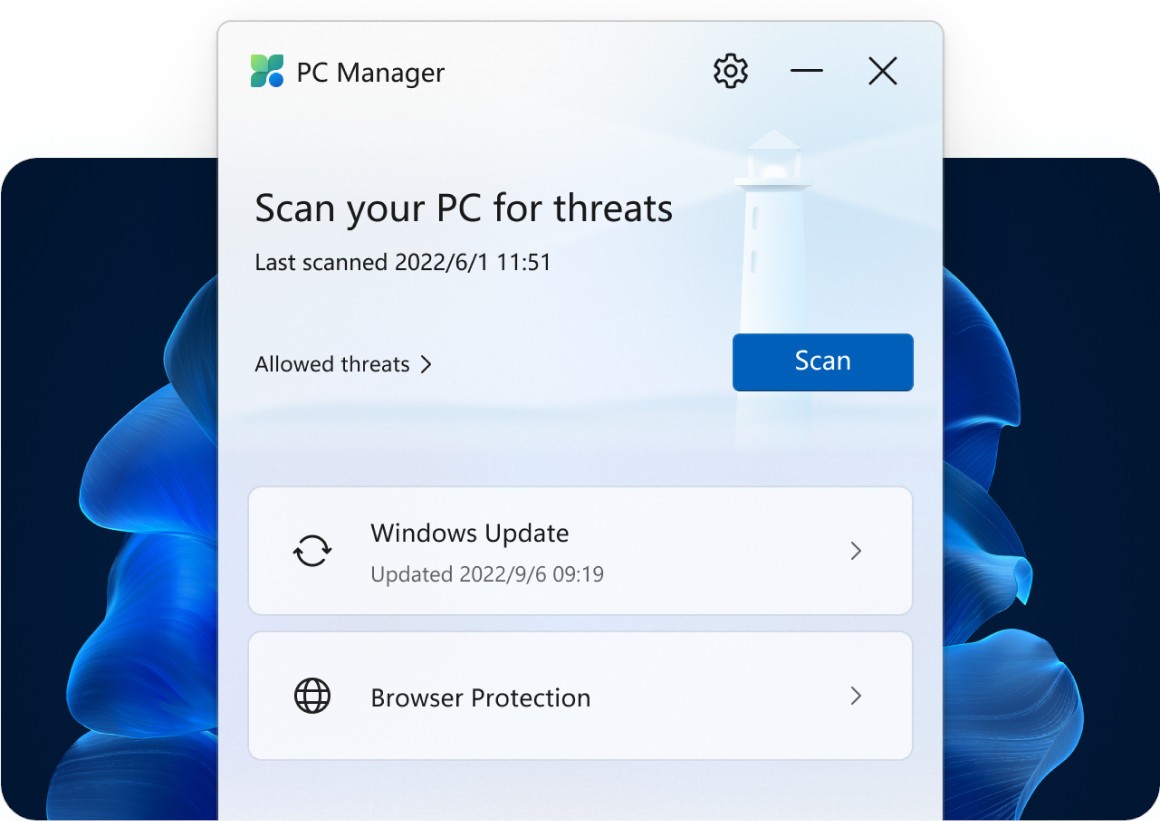
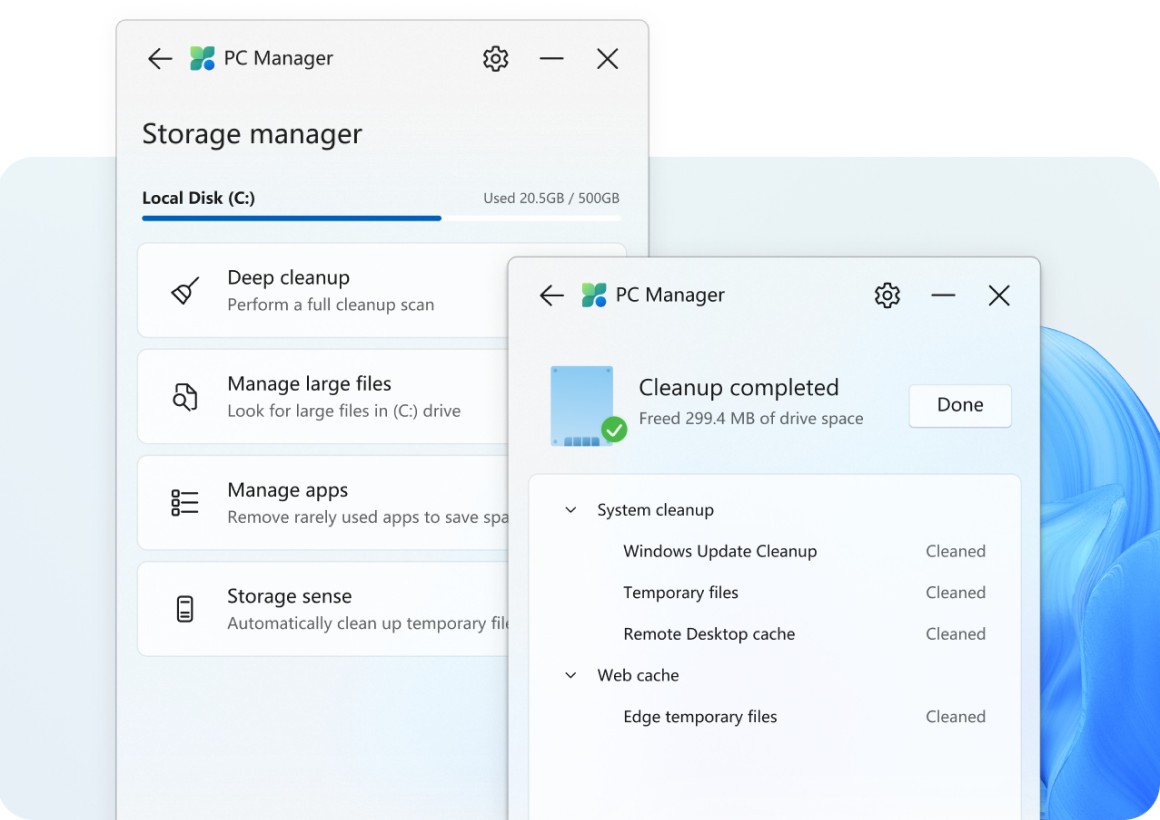
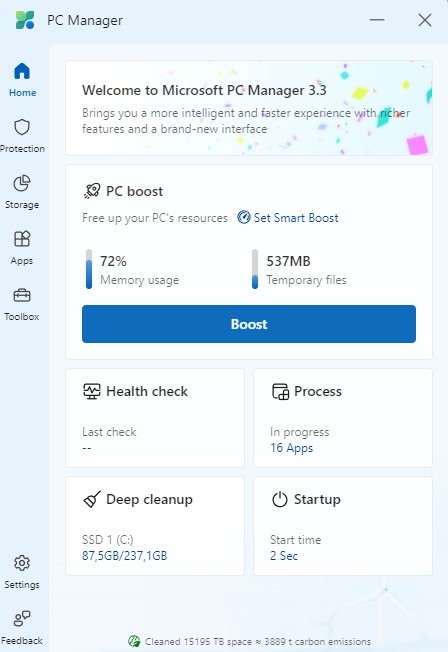
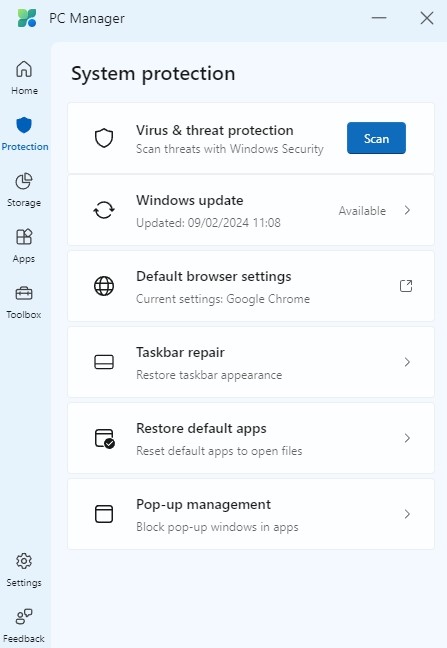
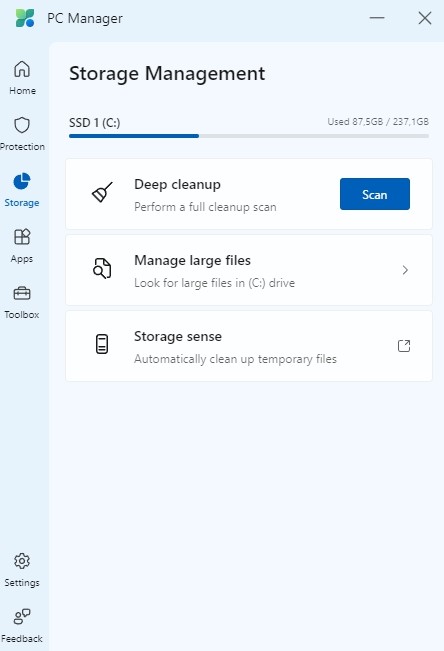
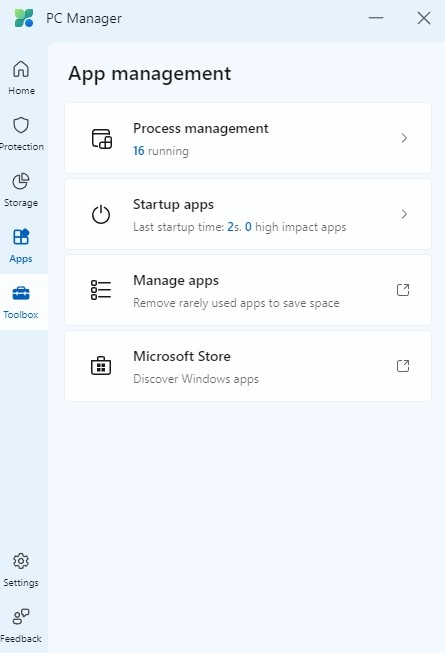
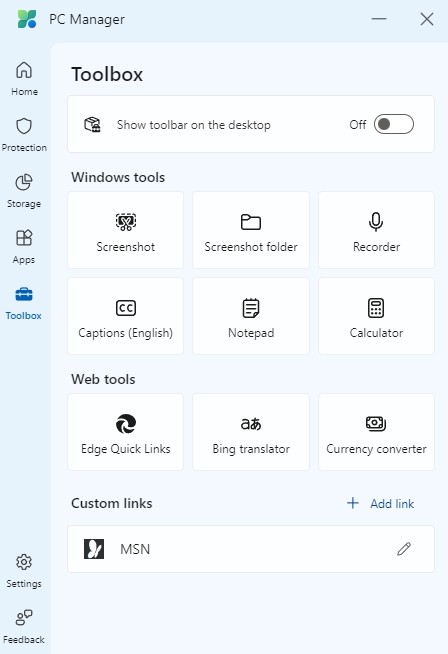
Through its design, Microsoft PC Manager enhances computer performance by eliminating unnecessary files and controlling system resources, and starting applications efficiently. The tool has a simple interface that allows any user, including those who are not technically savvy, to perform PC cleanup tasks with simple point-and-click commands.
The primary task of Microsoft PC Manager involves removing accumulated unwanted files to create space on user storage systems. The software enables users to manage memory assets by giving them access to closed running processes that could decrease system performance. It provides enhanced security by integrating Windows Defender, which allows users to scan threats while protecting their system without the need for a third-party antivirus program.
Microsoft PC Manager serves its purpose best for users with Windows devices that behave sluggishly. Active computer systems accumulate unnecessary files and processes, which consume critical system resources. Through the app, users can preserve their PC’s speed and performance while avoiding the manual tasks of locating files to delete and programs to disable. Microsoft PC Manager supports system longevity by improving computer efficiency through its light application design.
Note that Microsoft PC Manager is not available for macOS and Linux users, who should look for alternative system optimization tools designed specifically for those operating systems.
Why Should I Download Microsoft PC Manager?
Without the need for additional enhancement software, Microsoft PC Manager provides a useful way to optimize a Windows PC. In fact, computers gradually become slower because they retain temporary files along with additional startup programs, which occupy excessive system memory. The application transforms basic PC maintenance into a simple, streamlined operation that enables users to achieve better performance without complex work.
Microsoft PC Manager gains its popularity because it integrates fully with the Windows operating system. It differs from cleaning programs created by third-party developers in that it is developed by Microsoft and works seamlessly with Windows processes. Users are given access to a user-friendly dashboard from which they can scan their system and easily remove junk files to activate immediate memory clearing. Because Microsoft created Microsoft PC Manager, they can rely on it to protect vital system functions and prevent needless software installations.
The tool acts as a startup program management system, assisting users in achieving faster system boot speeds. Multiple programs create autostart entries, causing system performance to degrade. Users who rely on Microsoft PC Manager can decrease boot time by using its features to disable applications that automatically start at launch.
One of the primary features of the software is an integrated security feature. Microsoft PC Manager uses built-in security tools to detect and eliminate threats. These tools work in tandem with Windows Defender to protect the system from potential threats. Microsoft PC Manager's built-in security features eliminate the need for additional antivirus software, saving system resources and fostering a safe computing environment.
Effective disk space management tools are necessary for users who deal with large file sizes, in addition to installing and removing applications. With just one click, Microsoft PC Manager allows users to remove temporary files while preventing waste accumulation in their computer system storage. Such functionality enables users to maintain a proper organization by showing which files need removal since they are no longer in use. By indicating which files should be deleted because they are no longer in use, this feature helps users keep things organized.
Microsoft PC Manager helps users who frequently deal with system crashes, together with performance issues or lag. It enables automated system maintenance, which removes the requirement for human intervention in system cleanup tasks. It provides both occasional users and expert professionals with an optimal solution to maintain smooth PC performance using minimal maintenance efforts.
Is Microsoft PC Manager Free?
Users of Windows can benefit from system improvement at no cost because Microsoft includes Microsoft PC Manager as a native Windows solution.
All performance optimization tools, along with junk file cleanup and safety enhancement features within Microsoft PC Manager, remain accessible to users for no additional expenses. The free availability of Microsoft PC Manager extends from its Microsoft origin because the company charges no extra costs whatsoever.
What Operating Systems Are Compatible with Microsoft PC Manager?
You can only run Microsoft PC Manager on Windows operating systems. This application caters to users of Windows 10 and Windows 11 by providing full support to Microsoft's recent operating system updates. As a Microsoft-developed application, it smoothly integrates with Windows security technologies and system control solutions.
The official support for Windows 7 and Windows 8 ended because Microsoft now concentrates on newer platforms. Users who operate with older computing systems need to utilize optimization tools from other sources.
What Are the Alternatives to Microsoft PC Manager?
Some users who utilize Windows systems choose different toolsets than Microsoft PC Manager since these alternatives provide supplemental features or operate across various operating systems. Multiple widely recognized system enhancement tools exist in the market offering equivalent functions, although they differ in their individual strengths.
CCleaner is a widely used alternative to Microsoft PC Manager. CCleaner remains a leading system enhancement app that delivers deep cleaning features along with registry tune-up and privacy protection since its initial launch many years ago. It can be advantageous to users. Since its original release many years ago, CCleaner has remained a leading system optimization tool that provides privacy protection, registry tune-up, and deep cleaning capabilities. With its paid edition, you can take advantage of improved features like automated system upgrades and continuous monitoring. Windows users prefer this program because it gives them complete management over system optimization functions.
Users can pick Advanced SystemCare, which belongs to IObit Systems, as a second cleaning solution. System optimization becomes more complete with Advanced SystemCare by IObit since it retains tools for deep registry cleaning, together with real-time system monitoring and AI-enabled performance adjustment. In addition to standard cleaning features, it extends safety protection capabilities, which enable users to remove spyware and defend their personal privacy. Users who demand advanced automated PC maintenance solutions should choose Advanced SystemCare, which remains its primary target audience.
Users who need a comprehensive application with safety protection elements should select AVG TuneUp as their primary app. AVG TuneUp provides users with built-in security features because it stems from the same developers behind AVG Antivirus and includes system maintenance capabilities. In addition to junk file cleaning and laptop battery life extension services, this utility offers automatic system maintenance. Before subscribing to this paid system, users can use the tool's features during a free trial period.