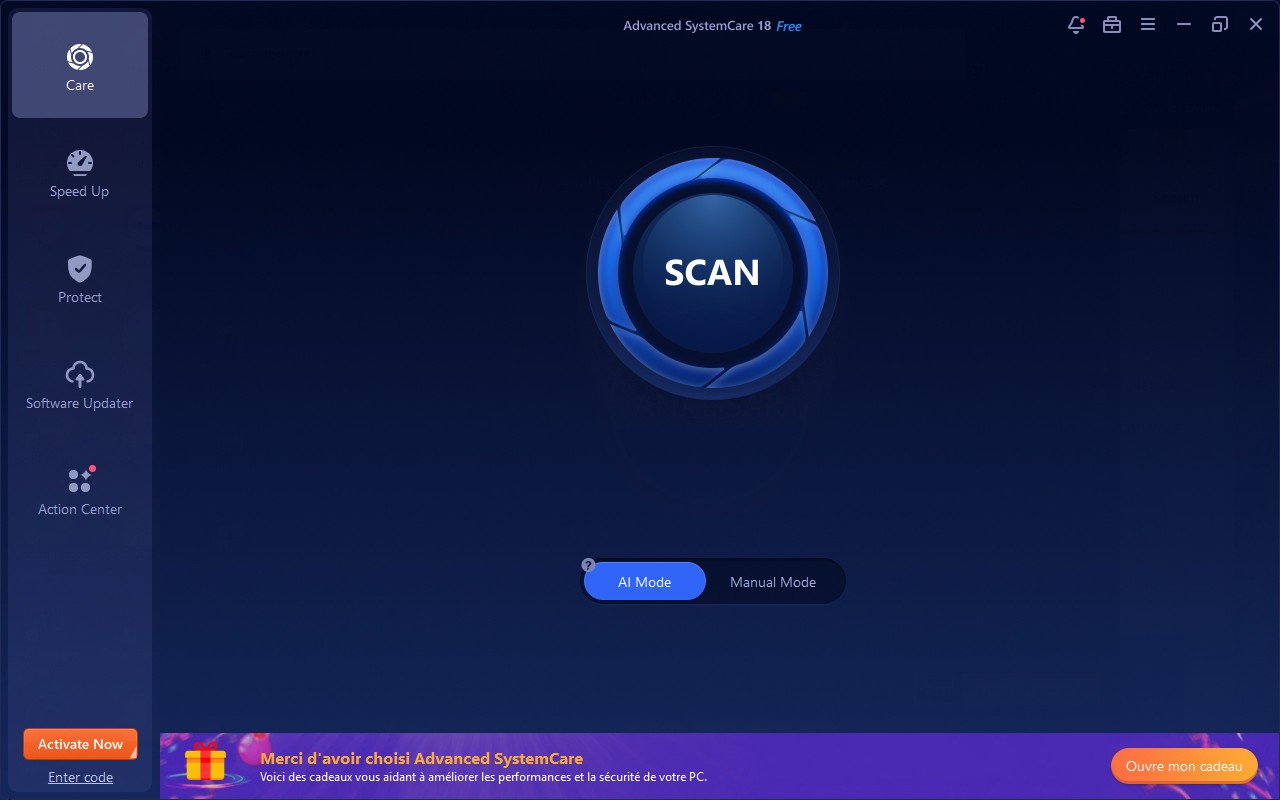
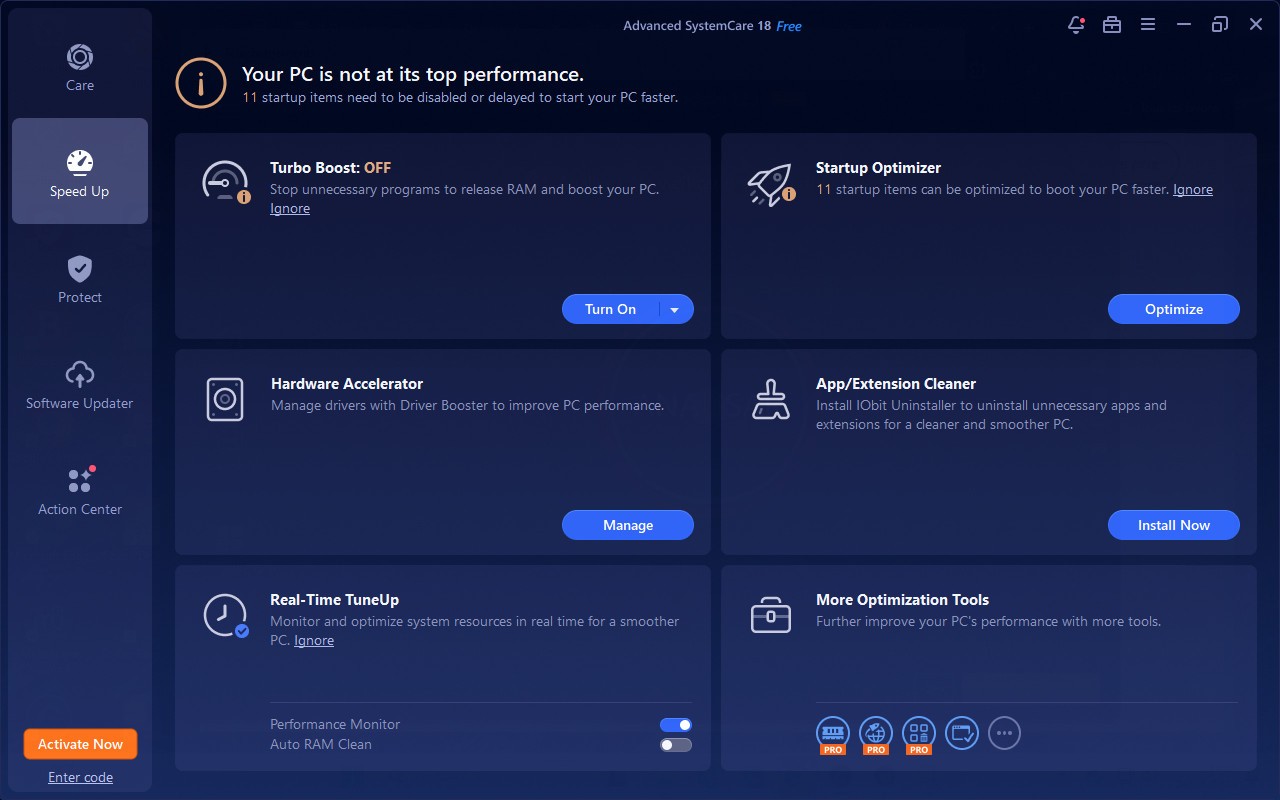
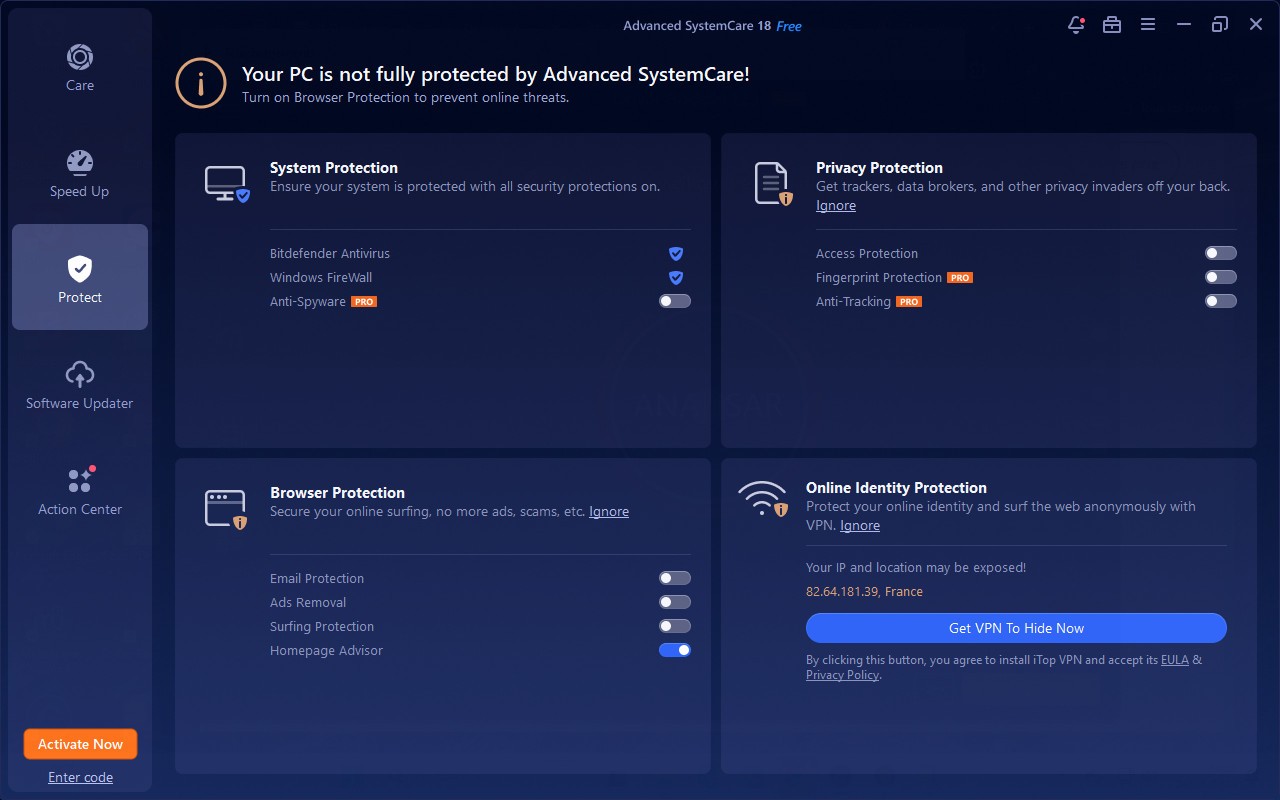
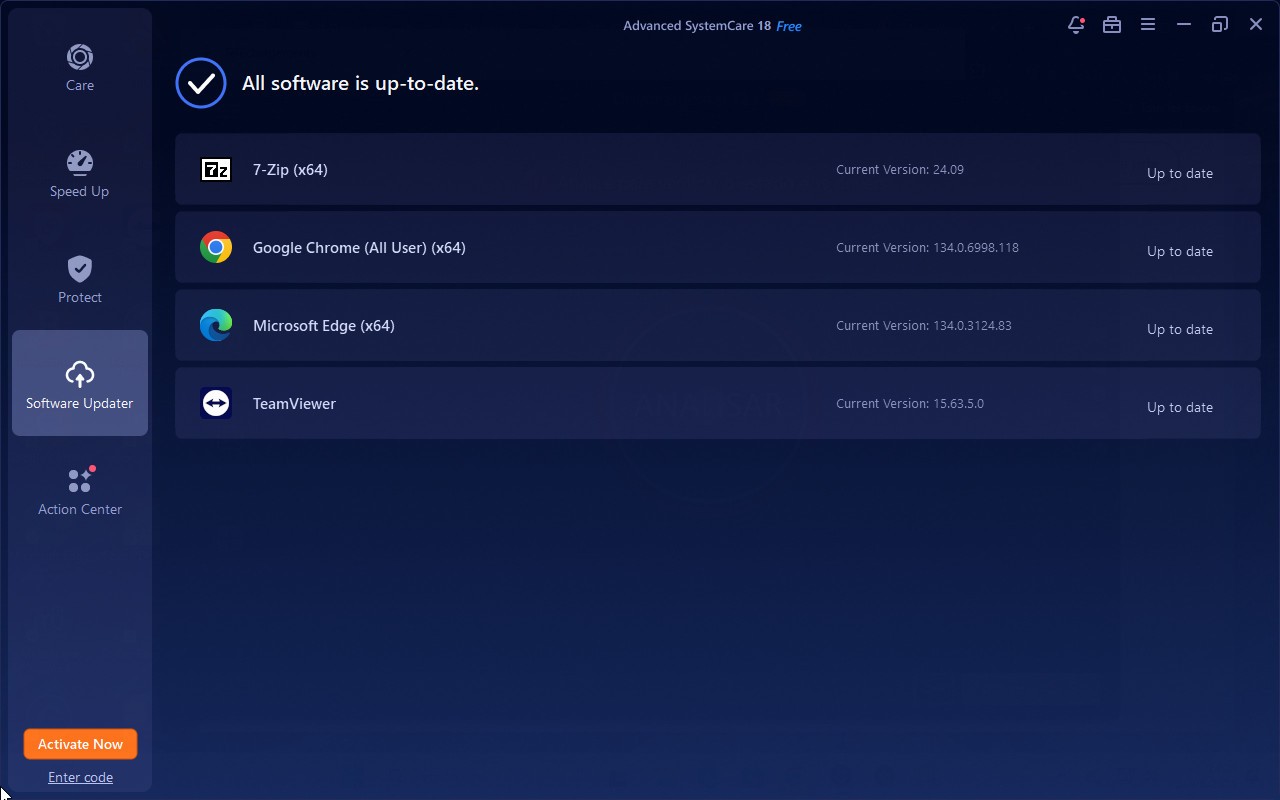
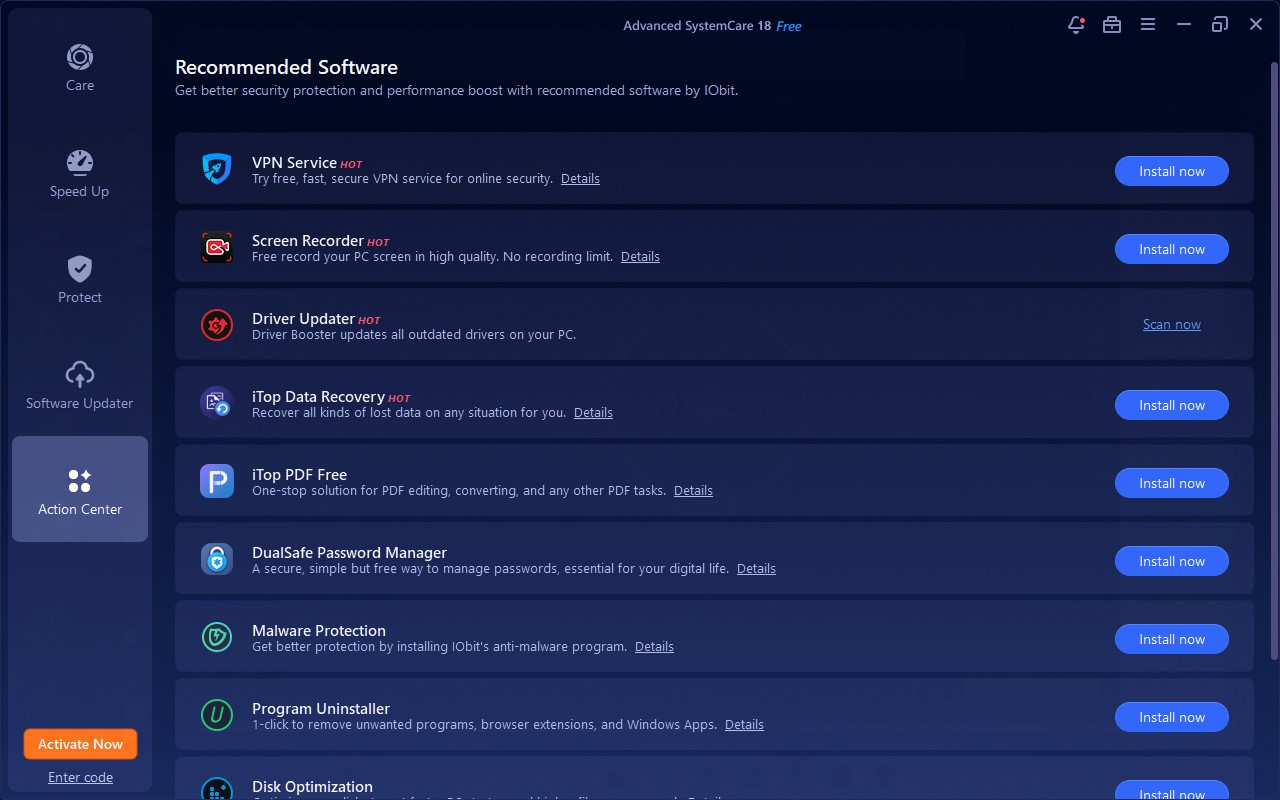
The system optimization tool Advanced SystemCare improves performance, security, and overall health on Windows machines. The software product developed by IObit provides users with a solution that removes privacy trails and junk files through its robust suite of functions for system startup optimization. Advanced SystemCare delivers complete system cleaning with its broad functionality by combining advanced features, which include real-time protection and registry cleaning, as well as basic malware defenses.
One main advantage of this program lies in its capability to execute automated maintenance operations. The scheduling capability lets users set automatic scans, which keep their system performing optimally without needing ongoing user interaction. Advanced SystemCare adopts an intuitive interface, which enables novice and skilled users to access its functionality. A performance monitor inside the software provides users real-time visibility of CPU, RAM, and disk usage to help detect system slowdowns as soon as they develop.
Computer performance degrades during normal use due to the accumulation of system junk files and storage fragmentation, as well as background applications that use system resources. Advanced SystemCare's advanced detection capabilities assist users in maintaining PC performance by resolving system issues efficiently, even if they lack advanced technical skills.
Why Should I Download Advanced SystemCare?
People who want to safeguard the optimization of their Windows computers against potential threats should use Advanced SystemCare because it provides numerous compelling benefits. The most convincing reason to use the software is its single-package suite. The single all-in-one package offered by Advanced SystemCare combines various separate tools for cleaning and boosting performance and security functionalities. Users can simplify their disk cleaning tasks through this program, which allows them to optimize startup times and system resource use without opening multiple applications.
Advanced SystemCare stands out among other programs because of its capability to monitor system activities in real time. This optimizing software provides cleaning storage functions and actively tracks both active processes and resource consumption alongside storage maintenance. Through its monitoring system, Advanced SystemCare notifies users about high CPU or RAM consumption so they can prevent their systems from performing degradatively. The software provides this valuable feature, particularly to computer users who need their system resources for gaming and video editing or maintain multiple programs simultaneously.
Advanced SystemCare delivers security as one of its main features. Although it does not function as a complete antivirus solution, the basic security functions in Advanced SystemCare help shield users from privacy threats. Users receive protection against spyware threats and malware through this software, while it stops tracking cookies from malicious activity and enables secure data deletion. Users who engage in extensive online activities and payments should welcome an additional security measure to complement their security protocols.
Windows systems naturally gather a wide range of unnecessary files, such as temporary data, system logs, and browser caches, throughout their operational period. The process of manual file deletion takes extensive time because users also run the risk of deleting important files by mistake. The system scanning capabilities of Advanced SystemCare find unneeded files, which it then deletes in a way that does not impact key system operations. The program detects unnecessary files, allowing storage space to expand while also providing improved system functionality.
One of the most frustrating system limitations for PC users is the extended boot-up time. The number of installed programs triggers auto-startup configurations, which delay the computer startup process. Through its startup manager function in Advanced SystemCare, users obtain the ability to deactivate programs that have no essential startup requirements. Users who minimize startup applications will achieve faster boot times, through which they can execute tasks more quickly.
Advanced SystemCare presents an interface that provides users with straightforward navigation features. This software tool offers one-click optimization because its developer focused on creating a system that anyone can use easily. The software works efficiently for people who prefer not to work on individual adjustments yet require their PC to function effectively.
Users who spend their time working, playing games, or watching videos on their computers require a well-maintained system to avoid system slowdown or failure. System health maintenance becomes effortless using Advanced SystemCare due to its automated system management features. Without any human intervention, users allow the software to operate performance checks and maintenance procedures automatically.
Is Advanced SystemCare Free?
IObit distributes its Advanced SystemCare software through two versions, where users can gain access to free cleaning capabilities but must purchase the Pro edition to utilize premium features.
Users can rely on the free addition to perform necessary cleaning tasks, optimize performance, and protect privacy, which is ideal for regular usage needs. Natural system optimization is more advanced in the Pro version of Advanced SystemCare, and users gain access to real-time monitoring and enhanced security features. Users can find basic value in the free version, but those looking for full functionality should choose Advanced SystemCare Pro.
What Operating Systems Are Compatible with Advanced SystemCare?
Advanced SystemCare only supports the Windows operating system. The software developed by IObit is compatible with Windows 11, Windows 10, Windows 8, and Windows 7 and supports both 32-bit and 64-bit computing systems. It is dedicated to Windows performance optimization and does not have an official version for macOS or Linux. Aside from that, Advanced SystemCare software does not support Apple computers, so users looking for solution tools should use software designed for macOS systems.
Advanced SystemCare's regular updates ensure that it remains compatible with new Windows updates as well as current hardware platforms. Users who manage their systems using the software will receive ongoing maintenance support as well as enhancements whenever the software is updated.
What Are the Alternatives to Advanced SystemCare?
Advanced SystemCare demonstrates impressive optimization capabilities, but users have alternative programs that use various methods to perform similar work. Numerous users opt for CCleaner as well as BleachBit and DaisyDisk as their system management choices.
CCleaner serves as one of the most recognized system cleaning programs on the market. This program makes it simple for users to delete unwanted system data and cache together with temporary files, which helps create more storage space. The utility comes standard with two capabilities: a startup manager along with a registry cleaner to identify and fix corrupted registry entries. CCleaner has both basic and advanced versions, but users prefer it for its simplicity and effectiveness. Privacy concerns stemming from previous data collection activities have prompted users to investigate various cleanup solutions.
Users can use BleachBit without charge as an open-source program that prioritizes data privacy while performing thorough file eliminations. The core functionality of BleachBit centers on file removal as well as safe data deletion, while Advanced SystemCare delivers multiple optimization tools to its users. Professionals prefer BleachBit as their primary system cleaning program when they want compact software that protects user privacy better than typical commercial tools. Users who operate their systems across platforms will find BleachBit beneficial since it supports cleaning operations on Windows and Linux operating systems.
The DaisyDisk software stands as a top selection for users running Mac operating systems seeking a system cleaning program. The primary focus for the software Advanced SystemCare centers on Windows systems, yet DaisyDisk operates solely on the macOS platform. The program showcases how disk space distribution looks through graphical elements that enable users to remove files they do not need. Users who want a graphical interface to monitor storage deserve to use this software because of its modern design elements. The macOS community views this paid system instrument as a valuable option because of its useful interface design.