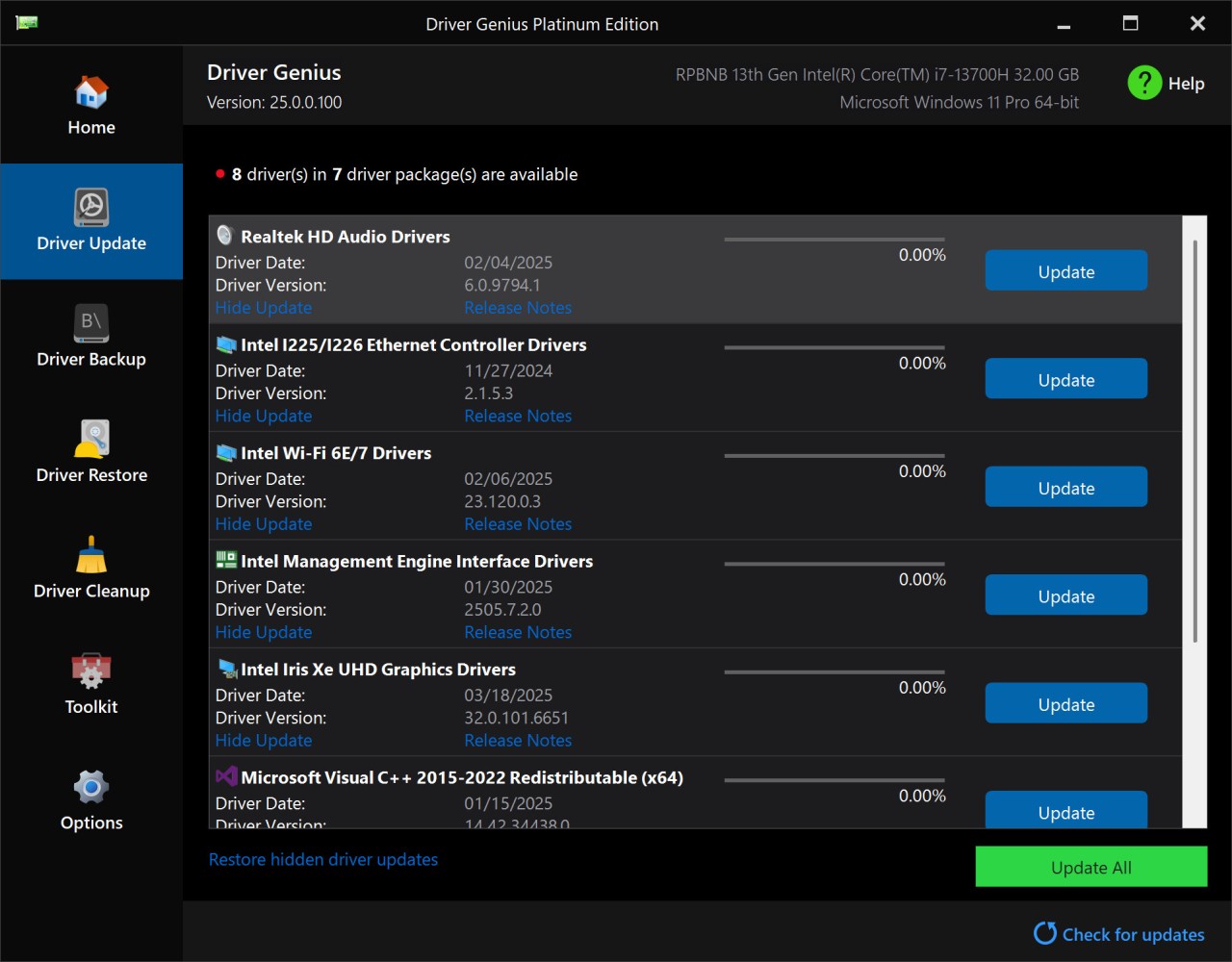
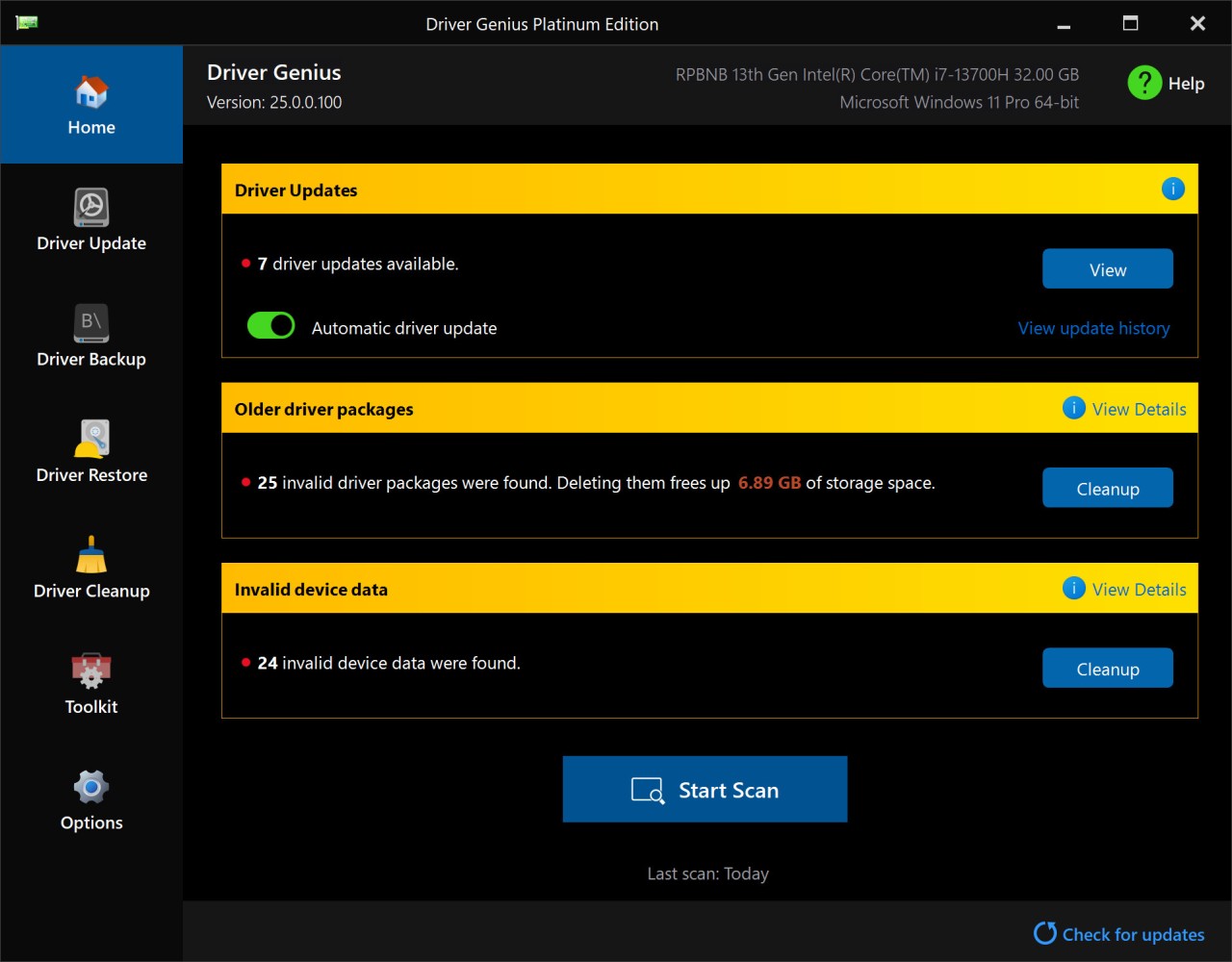
Driver Genius is a program that helps Windows owners manage and update their drivers efficiently. Drivers are necessary for the system to function properly on hardware, but updating drivers manually can be time-consuming. The program enables automatic administration through its ability to inspect a computer for outdated and missing or faulty drivers and present straightforward upgrade options. Finding the safest and most compatible updates is made possible by the application's access to original manufacturer platforms.
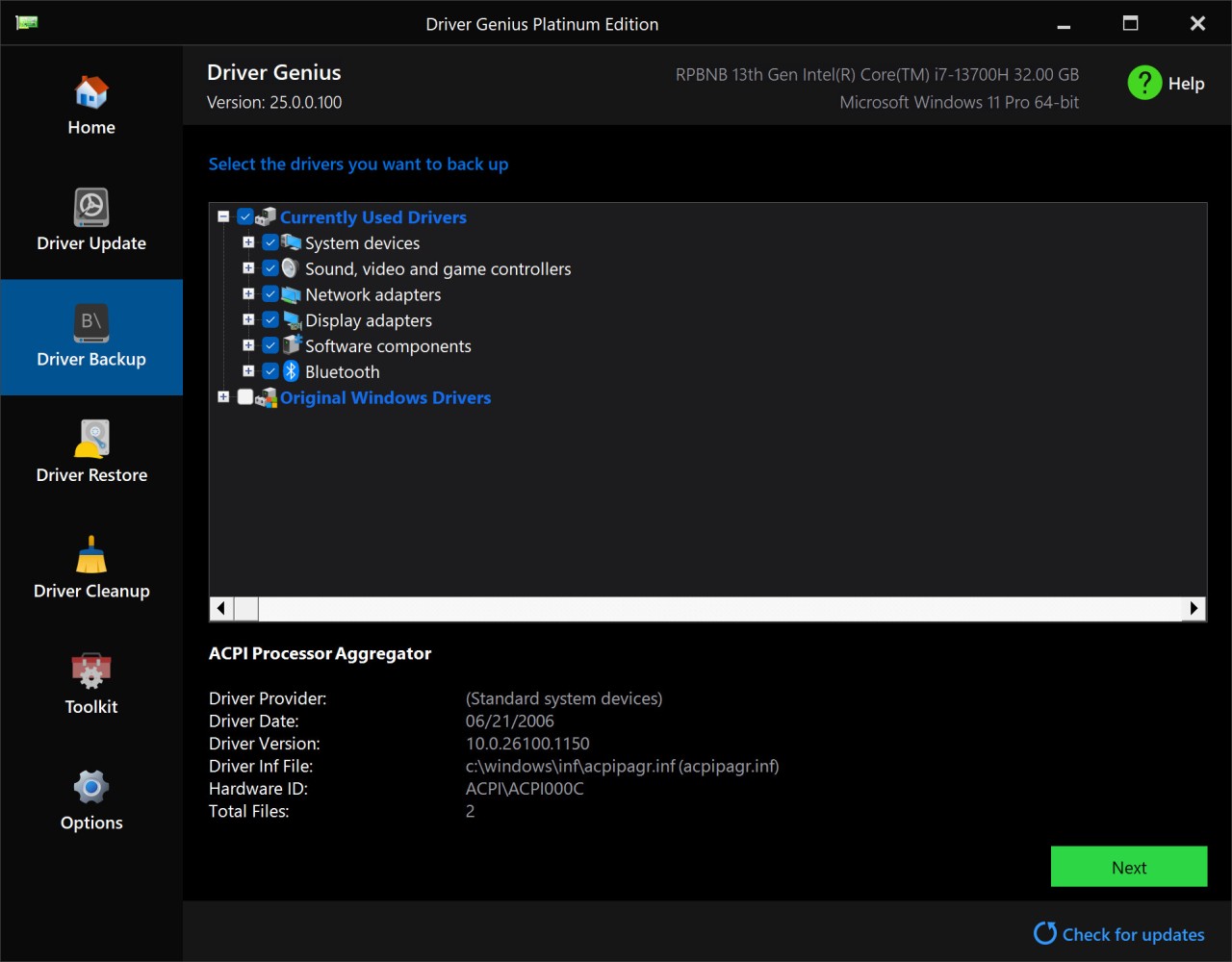
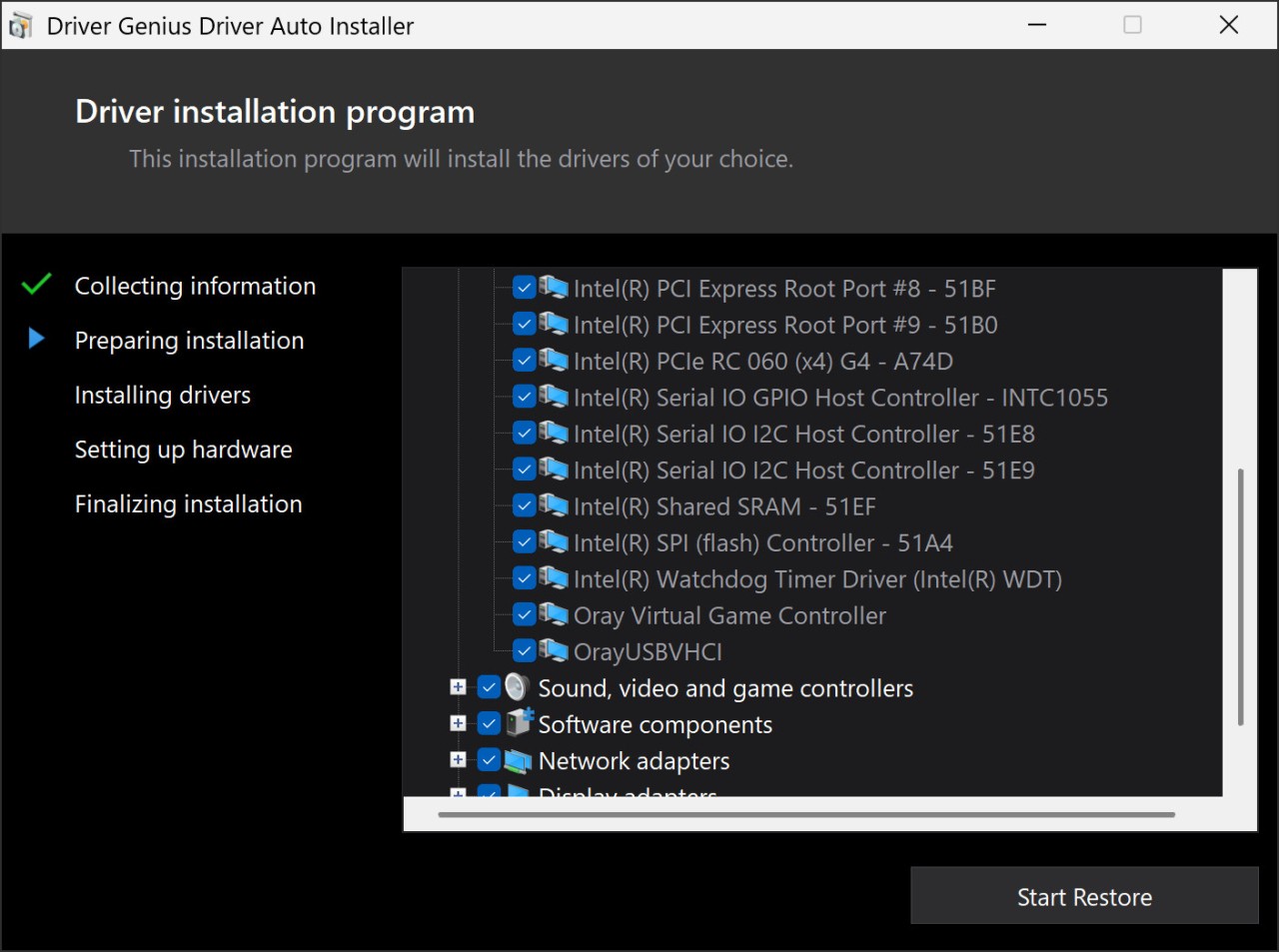
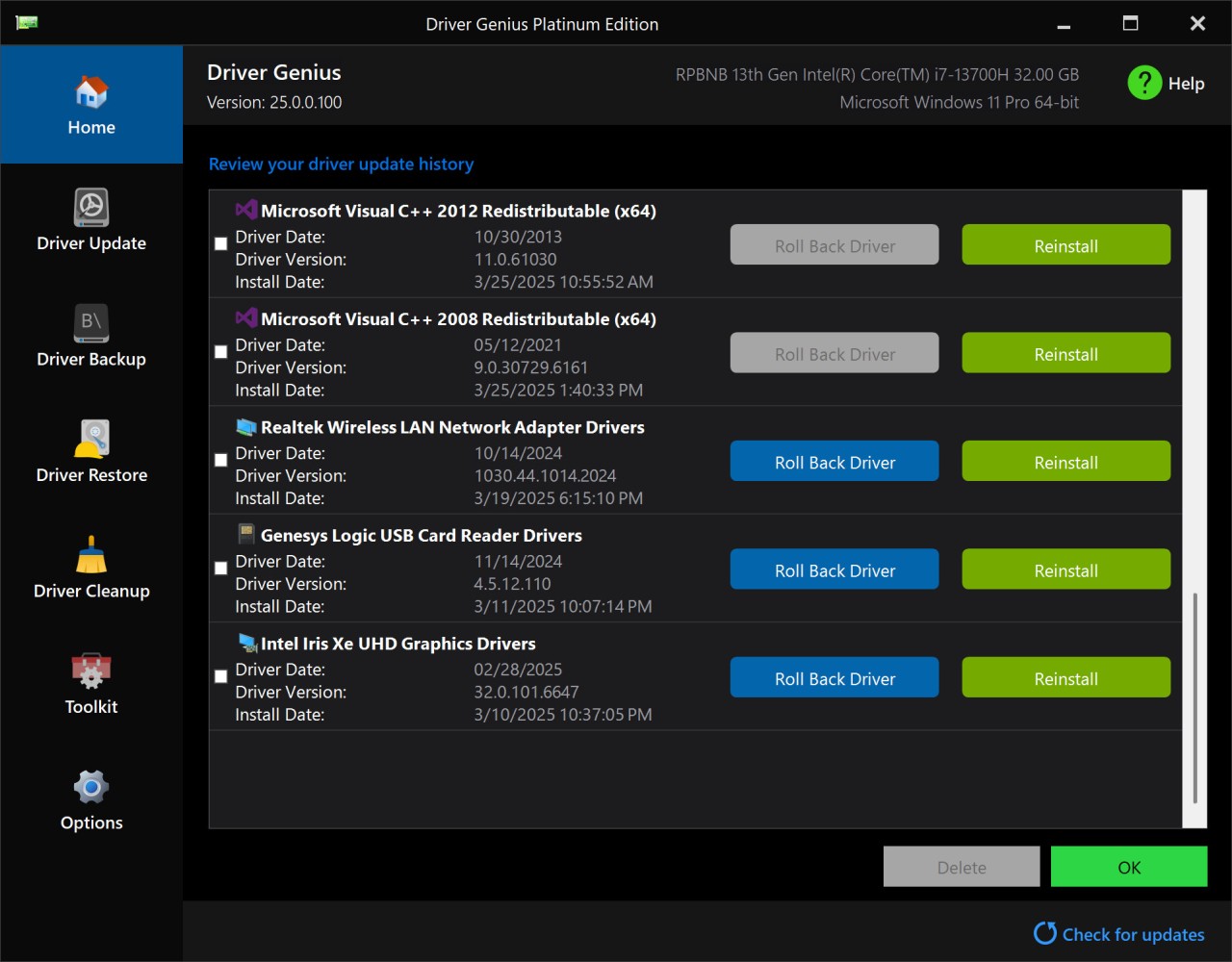
Driver Genius implements backup functions together with a driver restore capability in addition to its main updating feature. User convenience is provided through this feature, which enables them to back up their existing drivers before software improvements take place, thus safeguarding against potential compatibility problems. The utility provides a safe mechanism for removing excess drivers, which enhances performance.
The interface of the program maintains a simple layout that welcomes all user capabilities, from novice to expert operators. Through this automated solution, people no longer need to visit various manufacturer sites to search for updates because the application handles the complete updating procedure. It avoids system problems by maintaining efficiency and reinforcing system stability using its large database of stored drivers for all types of hardware components.
Why Should I Download Driver Genius?
The application offers numerous essential benefits that improve system optimization for individuals with all levels of computer literacy. The main motivation to install it lies in its automated update feature. The process of finding driver updates manually becomes challenging because those who lack knowledge of hardware specifications face difficulties with this task. The automated updating capabilities in Driver Genius let them perform scans followed by a few clicks to access the latest versions.
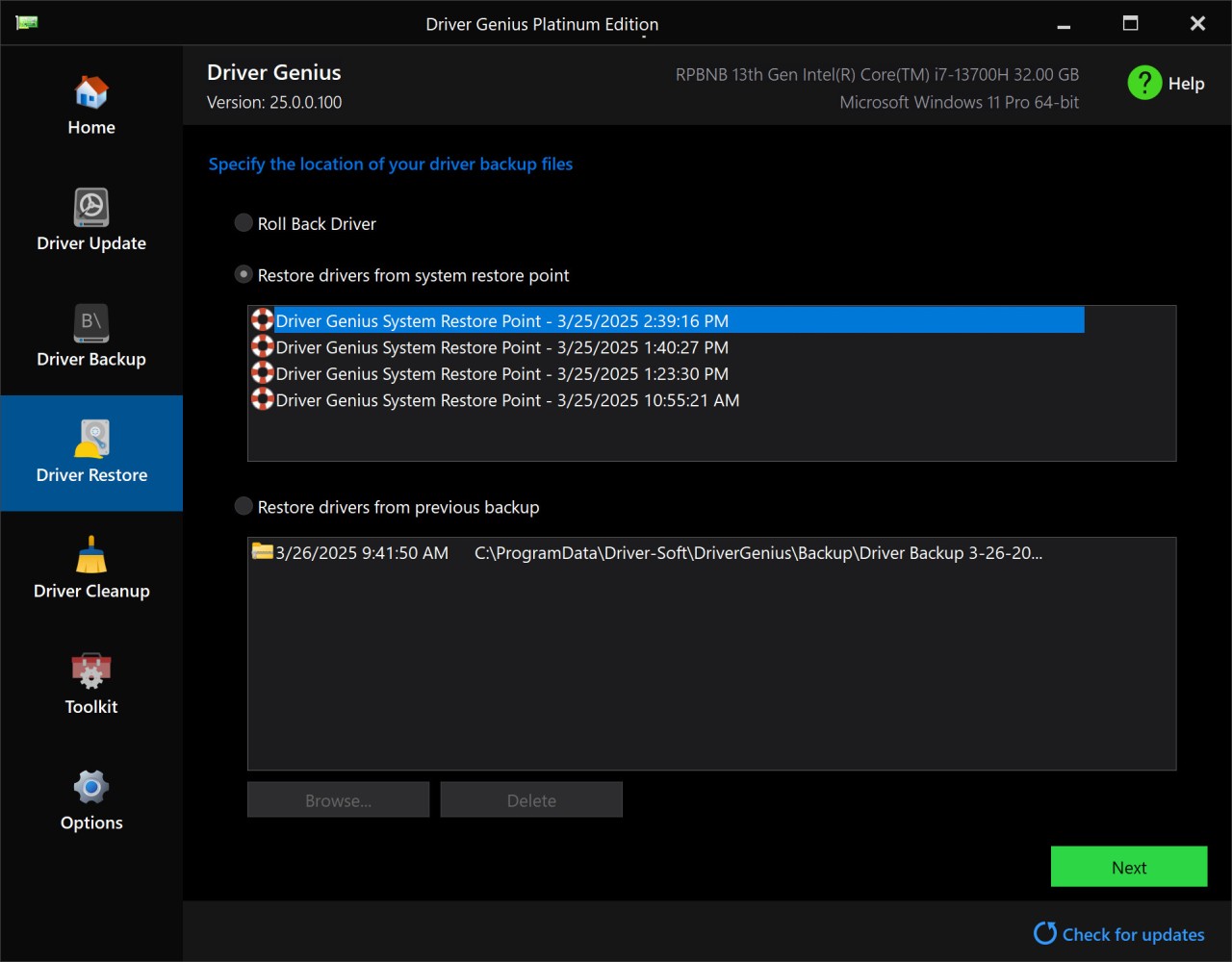
The driver backup and restore feature serves as a fundamental reason to use this program. It helps IT technicians perfectly since they need to reset previous versions of their drivers at any time. They can effortlessly recover their original drivers if a driver upgrade results in problems through Driver Genius without being forced to use complicated troubleshooting methods.
The optimization functions distinguish this application in the market. The use of outdated drivers causes hardware issues, system slowdowns, and complete crashes. The program is updated to improve stability while strengthening hardware and removing sound issues, network connectivity issues, and display errors.
The program includes a cleanup tool that eliminates both redundant drivers and unnecessary drivers to create more disk space and minimize disk clutter. Under such circumstances, outdated drivers will not impact system performance since this application clears unnecessary drivers from the system.
Driver Genius maximizes efficiency for both professionals and gamers who require high-performance hardware such as graphics cards, network adapters, and other core components. Gaming performance improves significantly, lag decreases, and the user experience improves when the drivers are updated.
Driver Genius' main strength is its ability to perform simultaneous revisions. The application allows for bulk updates in a single process, saving time when compared to manual modifications. It provides an effective solution for system maintenance for businesses looking to simplify their operating practices.
The hardware monitoring feature checks the system's stability, temperature levels, and overall hardware performance. Multiple demanding application users find this feature valuable because it lets them confirm their hardware remains optimal in its performance.
The user-friendly interface makes the software suitable for people with different experience levels, from beginner to advanced. They find it easy to navigate the system due to the clear presentation of fundamental options that assist them from scanning their drivers through updating until driver management.
Windows reinstallers with multiple computers would benefit from using Driver Genius to ensure smooth operations. To avoid manually searching for drivers, they can create driver backups using the application before reinstalling the operating system. After reinstalling Windows, the built-in feature allows you to restore essential drivers, making shifting processes easier.
The application offers top-notch updates to people who want simplicity in their maintenance process. It provides a variety of useful features that enable both casual and professional users to keep their systems operationally efficient.
Is Driver Genius Free?
Driver Genius offers separate free and premium versions. People can scan their system for outdated drivers for free; however, driver downloads and updates require Pro version access.
The paid version includes three important features: automatic updates, backups, and system optimization capabilities. People who choose the Pro edition will receive additional automation benefits beyond what the basic free edition offers.
What Operating Systems Are Compatible with Driver Genius?
Driver Genius supports a wide range of Windows operating systems, including Windows 11, 10, 8, and 7, as well as Windows Vista and XP. It runs on 32-bit and 64-bit platforms.
Driver Genius's user experience is limited to Windows systems because it does not support macOS or Linux. Owners of these platforms must look for alternative programs tailored to their specific operating system. Driver Genius is a utility that allows Windows owners to keep their hardware drivers up to date and optimized.
What Are the Alternatives to Driver Genius?
Driver Genius stands as a reliable solution, but people have other available choices that bring either equivalent capabilities or superior features. They commonly select IObit Driver Booster as well as Snappy Driver Installer (SDI) alongside Driver Easy among the available alternatives.
IObit Driver Booster is one of the most popular programs, offering high levels of automated driver maintenance. It performs updates automatically by searching for outdated components and then procuring the necessary files before installing them efficiently. The application offers an extensive driver collection and performs speedy scanning operations. The software includes additional game performance optimization and system error fix features besides its main functionalities. The free version exists, but people can get advanced backup capabilities along with quicker downloads by purchasing the professional version.
There exists an open-source and cost-free application called Snappy Driver Installer (SDI), which helps people acquire complete driver packs that can be installed without accessing the internet. The standalone feature of SDI lets them download an entire driver inventory onto external storage, which allows them to upgrade numerous machines independent of online requirements. The program proves valuable for IT professionals and technicians who maintain multiple systems because it functions without internet access. As a free solution, the program has strong offline driver installation capabilities, but the interface design is unrefined.
The user-friendly interface of Driver Easy makes driver management simpler. The application performs a scan of all outdated drivers to enable quick download through its simple interface. Between the free version and the pro version of the app, people must perform driver installs manually, yet Pro subscribers get automatic driver updates. The desktop version serves people who need a basic updater tool, which includes no permanent optimization solutions. The program analyzes hardware specifications to give them complete information about their machine specifications.