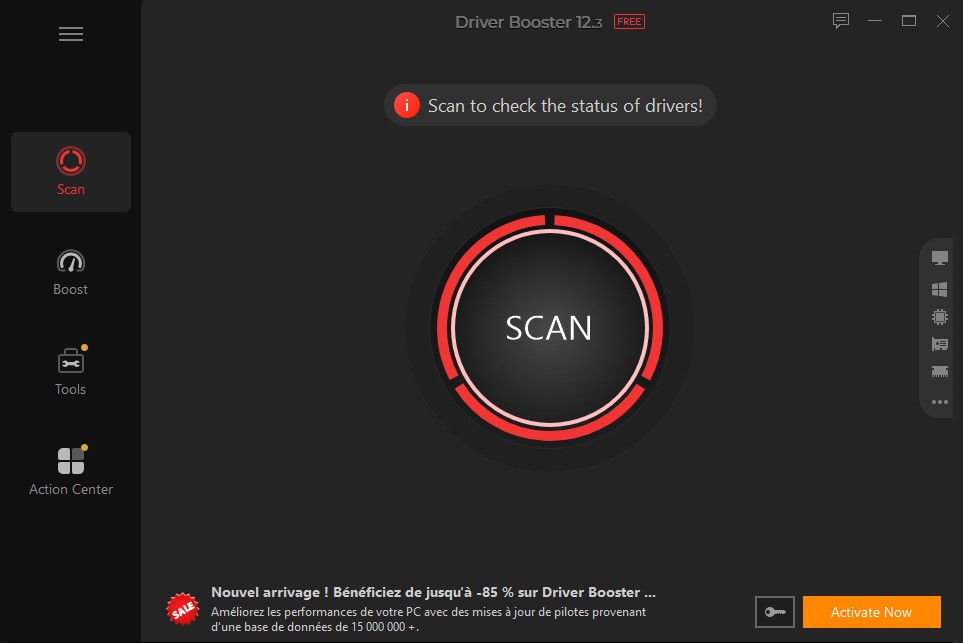
IObit Driver Booster is a powerful driver update utility designed to automatically keep system drivers always up to date. Created by IObit, it scans for outdated, lost, or defective drivers and replaces them quickly for a secure and optimized system. Drivers are programs developed for the OS to enable communication between the OS and hardware devices (including graphics cards, sound cards, network adapters, and peripherals). Outdated drivers can eventually cause instability in the system because unsupported drivers will result in poor performance or, at best, hardware malfunctions.
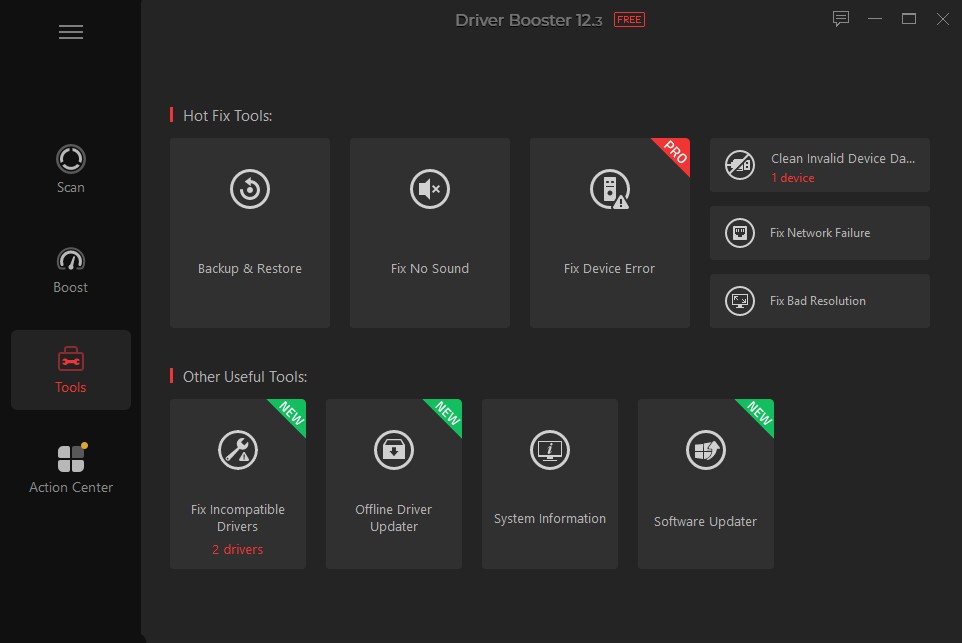
Driver Booster makes it easier to keep drivers up to date by automatically detecting drivers and performing updates. It has a huge database with more than six million Microsoft-verified drivers, and its updates come either from genuine or certified manufacturers. The software helps reduce risk by ensuring that users do not install incorrect or incompatible drivers, prioritizing stability and security. It also has a rollback feature to restore older versions if a new driver installation fails.
Driver Booster is available for Windows. Its interface is simple and customizable, making the tool easy to use with just a few clicks. The software can run in the background and update silently, so you are not disturbed while watching movies or playing games. The software is free to download, but it also offers a Pro version with advanced features for faster updates and more automation.
Why Should I Download Driver Booster?
Driver Booster is a great solution for all users who want a stable and highly reactive PC. Outdated drivers can cause malfunctions in hardware, system crashes, and general slowdowns, especially when running gaming, video editing, or 3D rendering applications. Keeping drivers up-to-date ensures enhanced compatibility with the latest operating system updates, bug fixes, and performance optimization for a smoother experience.
Driver Booster is also heavily about automation, which is one of its best reasons to use it. In fact, unlike manually updating drivers, which involves a fair level of technical knowledge combined with lots of time-consuming searching, Driver Booster scans the entire system, identifies the drivers that are out of date, and updates them in a few clicks. This removes the risk that when you download the latest or incompatible drivers from a website, it can cause your system to fail.
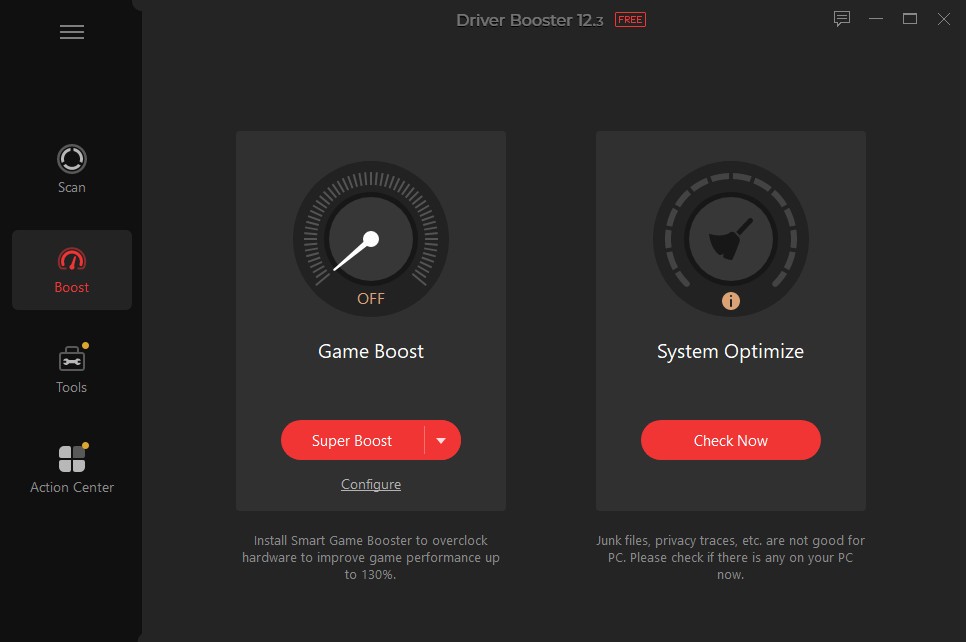
For gamers, Driver Booster downloads all graphics and audio drivers first to have a stutter-free gaming session. This helps boost performance during gaming as it lessens latency and increases FPS, along with fixing other lags or issues such as crashes caused by old drivers. Additionally, the software offers a Game Boost function that can close down redundant background processes to free up system resources for more fluid gameplay.
Driver Booster also bolsters system security beyond performance gains. Outdated drivers can open vulnerabilities that hackers can take advantage of. Keeping those drivers up-to-date regularly reduces the chances of security breaches that may impact personal information. You can also set the software to automatically back up your drivers, so you can restore older versions if a newer driver version introduces issues.
Driver Booster was specifically designed to work with older hardware as well, which is yet another important reason to download it. Many users are stuck on obsolete or failed devices without any support from the manufacturer. This means even legacy hardware continues to work with new software, bringing longevity to devices that may otherwise need costly upgrades.
Is Driver Booster Free?
Driver Booster is available in both free and paid Pro versions. Driver Booster Free is limited to scanning for basic driver updates (the most important drivers needed to keep the system stable). It is a helpful option for users who want occasional driver updates but don't want to buy a premium subscription. Driver Booster Free, however, comes with certain restrictions, including slower download speeds, access only to a limited driver database, and less advanced functionality in general.
The Pro version is the one that unleashes the full power of the software, as it offers you access to a larger driver database, faster update speeds, automatic driver backups, prioritization of gaming driver updates, and additional system optimization options. It also guarantees that all updates are from WHQL-certified sources, reducing the risk of compatibility issues. The free version is perfect for users who just want to keep their drivers up to date, but if you're looking for more features that offer better performance, helpful security, and less hassle, the Pro version is the way to go.
What Operating Systems Are Compatible with Driver Booster?
Driver Booster can support many Windows OS versions, so even older versions can run with those. The supported operating systems include Windows 11, Windows 10, Windows 8/8.1, Windows 7, Windows Vista, and Windows XP (follow our link to download it). This makes it an extremely versatile tool that can be used by all kinds of users on different system setups, whether they are using the latest release of Windows or need to maintain an older machine that requires regular driver updates.
Whether you are running a 32 or 64 configuration, you will find the software to be optimized and perform seamlessly. It is not available for macOS or Linux, but Windows users can use it for complete driver management and system optimization. Furthermore, the software is lightweight and does not consume many system resources, which makes it usable on high and low-end PCs.
What Are the Alternatives to Driver Booster?
Users can choose from multiple driver update tools, which offer specific features that suit their requirements, since Driver Booster stands out as a prominent solution among these options.
Snappy Driver Installer (SDI) stands as a prominent open-source and free tool that functions as a driver updater. The application works offline after downloading its driver database, thereby making it well-suited for systems that need offline installations. The user interface of this product falls behind Driver Booster, and the tool lacks integrated system optimization capabilities.
The driver management tool Driver Easy performs automatic driver update detection functions similarly to Driver Booster. The free version of this tool limits driver download speeds in the same way as the free version of Driver Booster. Users who require quick driver updates pick the optimized update method from Driver Booster.
DriversCloud is an online driver manager. It scans, identifies, and updates your drivers automatically. This tool is easy to use, even if you are not a computer expert. It can detect missing, outdated, or incompatible drivers and suggest updates. It supports many hardware brands. It can update drivers for graphics cards, sound cards, network adapters, and more. This makes it useful for office use, gaming, or multimedia tasks. The program also offers advanced tools such as PC component detection, system crash analysis, and hardware monitoring. These extra features help you keep your computer stable and prevent problems.