SHAREit is a very useful utility that’s available for free to anyone looking to transfer files between their devices, even without WiFi or an internet connection. You can share your documents from PCs to mobile phones or tablets and vice versa, as well as between two mobile phones, regardless of whether they are running on the same system or not.
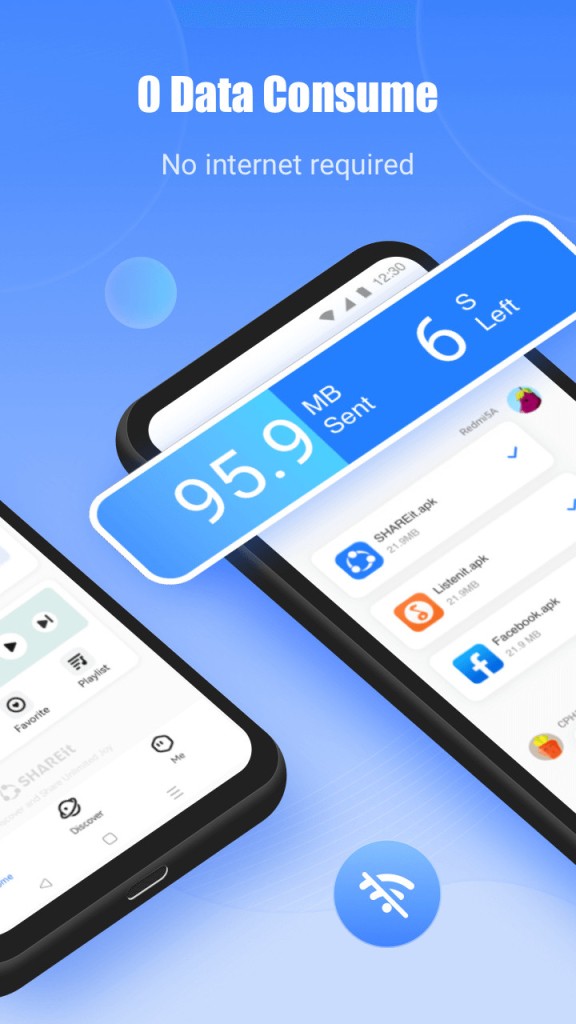
The fact that this software doesn’t need an internet connection makes it a perfect solution for wireless file exchanges, where otherwise you would have to use a cable, a USB stick, or Bluetooth. SHAREit transfers even very big files extremely quickly and has additional features that make it worth exploring for any user. Thanks to that, it has been trusted by over 2 billion users worldwide.
SHAREit sets up a temporary local Wi-Fi network between devices. Detection is automatic, whether on a computer or smartphone. Simply confirm the connection, select the files, and click Next.
With cross-platform connectivity, innovative features, and strong data privacy, SHAREit is a powerful tool worth exploring for any user. It works on computers running Windows and macOS, as well as on smartphones and tablets with Android and iOS.
Why should I download SHAREit?
If you’re looking for a fast and efficient way to share and access files between devices without the need to purchase cloud storage, SHAREit is the perfect choice for you. You can share files, photos, videos, music, apps, and more with just one tap.
It works on different types of devices, so you can move various types of files from your PC to a smartphone or tablet, or the other way around. You can also exchange files between two phones, like an Android and an iPhone. Naturally, it also works if the devices share the same operating system.
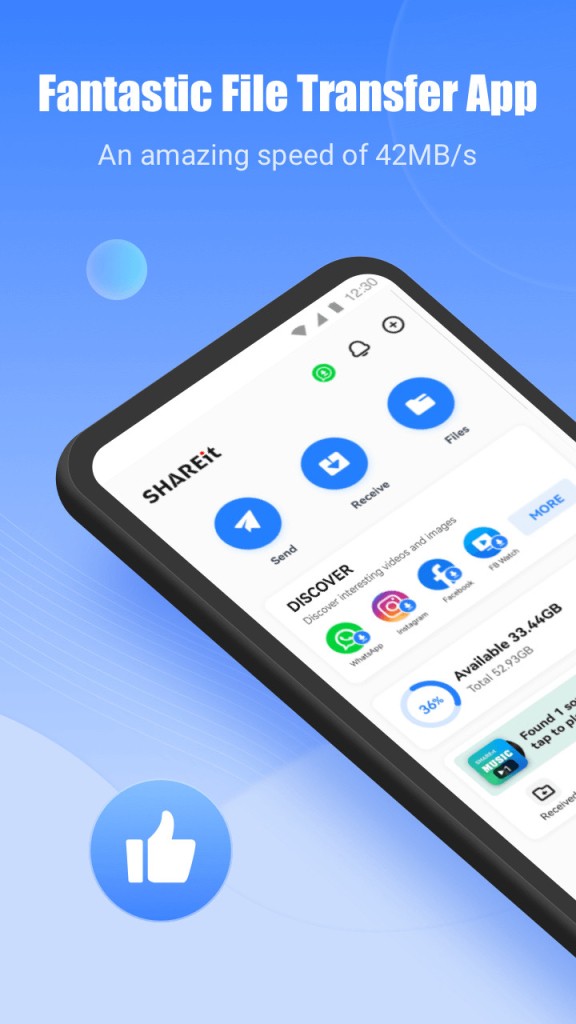
With SHAREit, whatever you’re transferring is entirely secure as the tool doesn’t use WiFi or any external internet connection. Because of that, you can be sure that no one can intercept your connection and gain unauthorized access to your documents. SHAREit simply creates a local access point (like a temporary local WiFi that doesn’t have access to the internet) on one device, and the second device needs to connect to this network. SHAREit is 200 times faster than Bluetooth, with transfer speeds reaching 42 MB/s. Large files can be sent without compression or quality loss.
In order to use this utility on your PCs, mobile phones, or tablets, you need to download SHAREit and install the app on every one of them. Then, you can quickly establish a connection between them by scanning the QR code displayed on your computer with a phone or other device. After this operation is done, all the devices are connected, and you can start exchanging files between up to five devices at the same time.
When everything is connected, you’re free to transfer all types of files, including but not limited to photos, zipped folders, applications, presentations, Word files, and other documents. You can even send GIFs, wallpapers, and entire movies instantly.
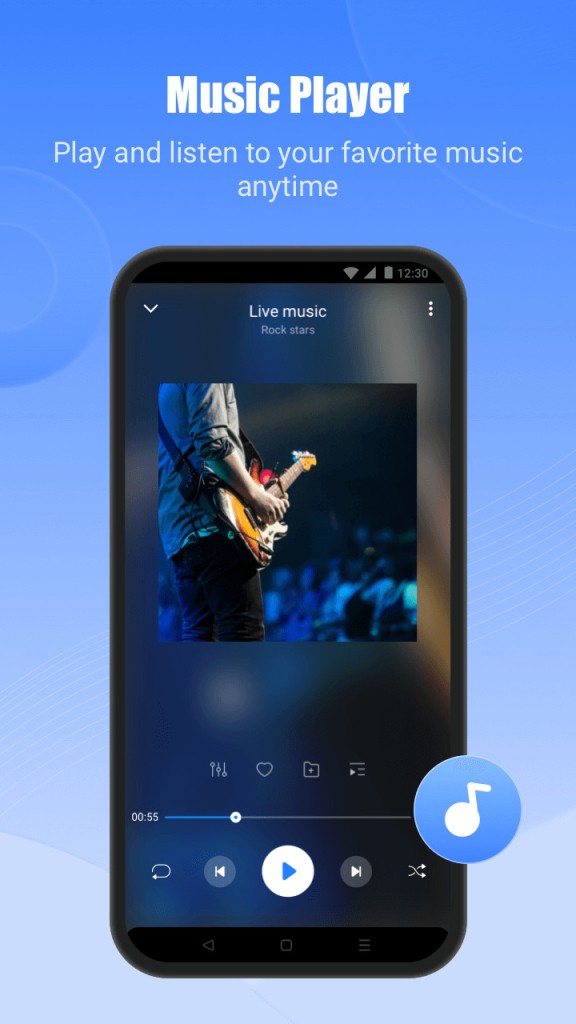
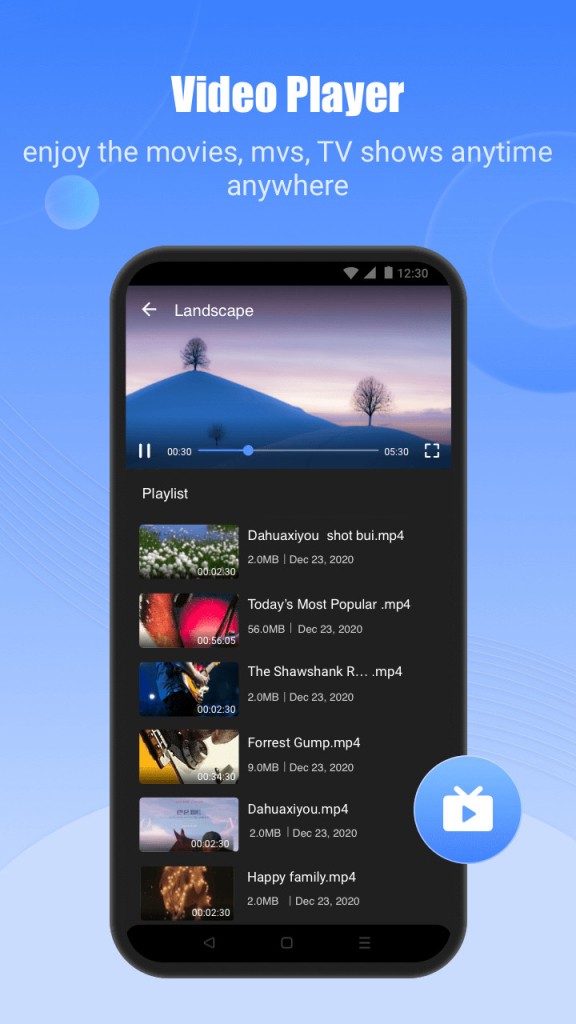
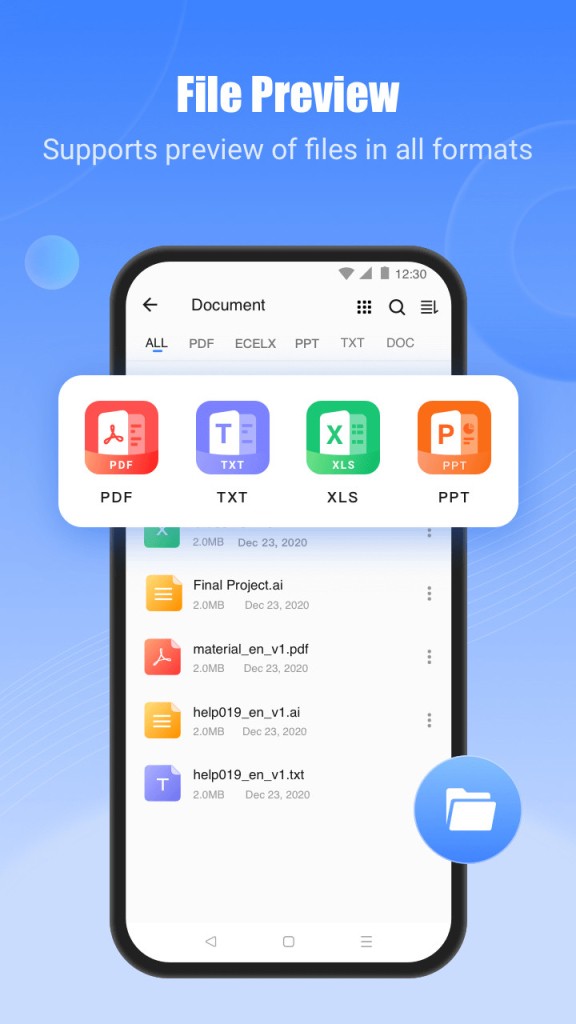
SHAREit also works as a phone cleaner and file manager. You can clean junk, remove duplicate photos, free up space, and organize your documents in a few clicks. The app has a built-in music player and video player, so you can enjoy your favorite songs and movies directly inside SHAREit. There’s also a video compression tool to reduce video sizes by up to 80% while maintaining high quality. It’s super easy to share files from computers. All you have to do is drag and drop them into the application, and they’re sent to your phone or another connected device.
However, it’s worth mentioning that SHAREit also has additional options that are equally useful. In a couple of clicks, you can save all photos from your mobile phone to your PC. You can also use your smartphone or tablet to browse your computer and its folders to find the files you need. With SHAREit, you can connect your mobile device to control a PowerPoint presentation that’s displayed on your computer. Moving between slides is quick and intuitive, as you only need to swipe your finger up or down on the screen. This mode is called PPT Control and can benefit both personal and professional users.
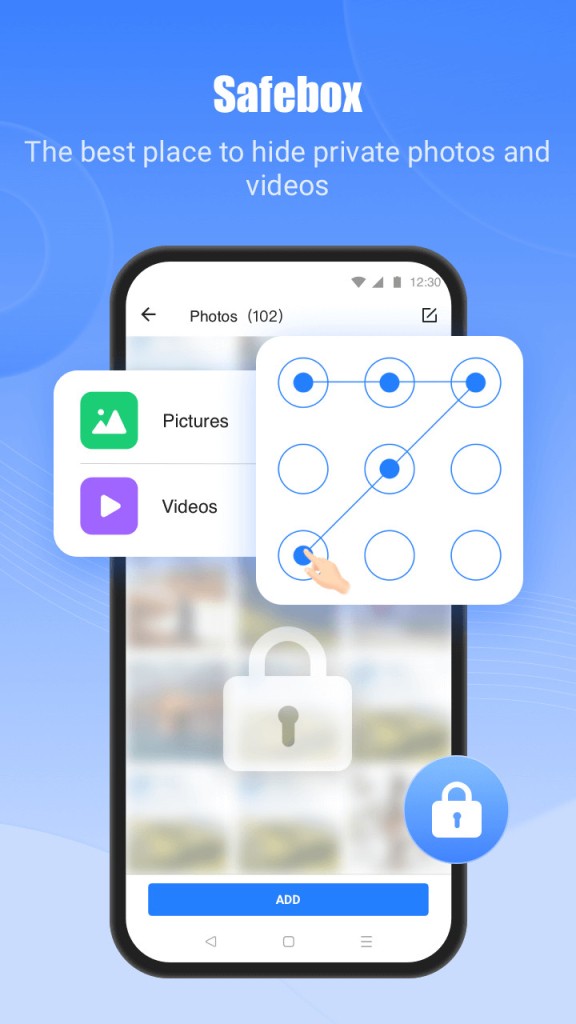
Other smart features include Phone Clone, which allows you to move all your data to a new device, Private Space, a helper in storing sensitive files safely, and even fun charging animations to customize your phone while it charges.
Is SHAREit free?
Even though this tool is super fast and supports transferring really large files, you can download SHAREit for free and use it without any additional costs. All you have to remember is that it does show ads, but only on mobile devices, not on desktops. To eliminate ads, you can subscribe to SHAREit Premium and enjoy a free 3-day trial.
What operating systems are compatible with SHAREit?
You can download SHAREit on computers running Windows 7 or higher, macOS starting from version 11.0, and smartphones and tablets running Android 4.2 or iOS version 10.1 or higher (follow our links to download the app).
Please remember that you need to install this tool on all the devices you want to share files between, so make sure they all meet these requirements first.
What are the alternatives to SHAREit?
SHAREit is a truly unique tool because it can transfer extremely large files very quickly and free of charge. However, other tools offer a similar service.
One of them is Xender. Similar to SHAREit, it allows you to exchange files between devices without the need to have access to the internet, a mobile network, or Bluetooth, as it also creates a local access point. It supports sending various files such as videos, music, documents, and other types without compressing them, so they don’t lose their quality. You can get the app for free on iOS, Android, and Windows, and it doesn’t show any ads. Xender also lets you create a complete backup of your phone if you’re moving to a new device.
Another option worth considering is Send Anywhere. It’s available on Windows and macOS desktops, as well as Linux. You can also use it through its online service or via its apps for Android and iOS mobile devices. Instead of verifying with a QR code, you can choose to input a 6-digit code within 10 minutes to start transferring files. What’s unique about Send Anywhere is that it also has an option to send your files to multiple people via a link, and they have 48 hours to download them. It has an interface that is very easy to understand, and it allows you to transfer apps, photos, documents, videos, and contacts.
Files by Google is another option. It is a free file manager made by Google for Android devices. You can easily manage files on your phone or tablet and free up memory. The app can find duplicate files or apps you don’t use and suggest deleting them to save space. You can browse all folders and quickly search for photos, videos, or documents. Files by Google also lets you share files with the people around you using Nearby Sharing. This feature uses Bluetooth, location, and Wi-Fi to transfer files.