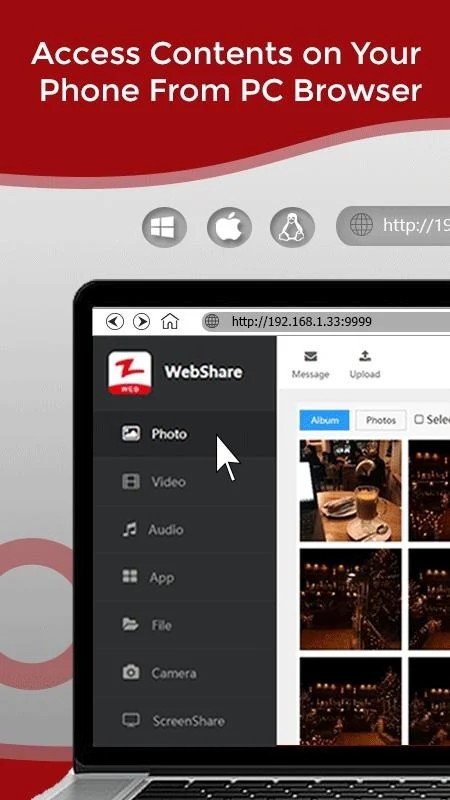
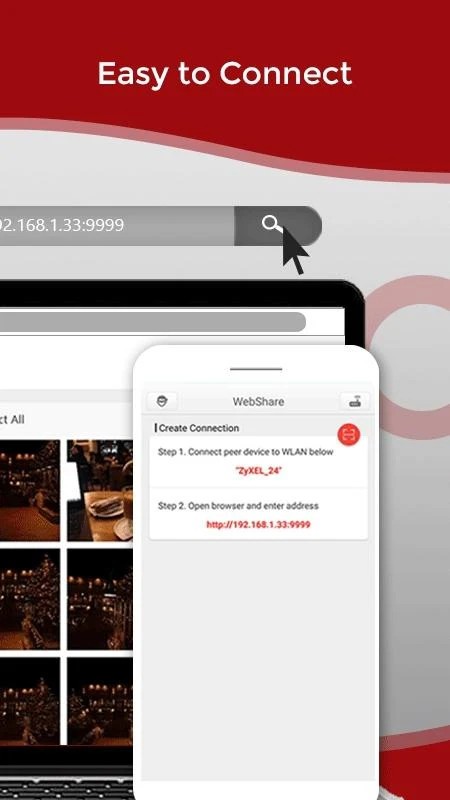
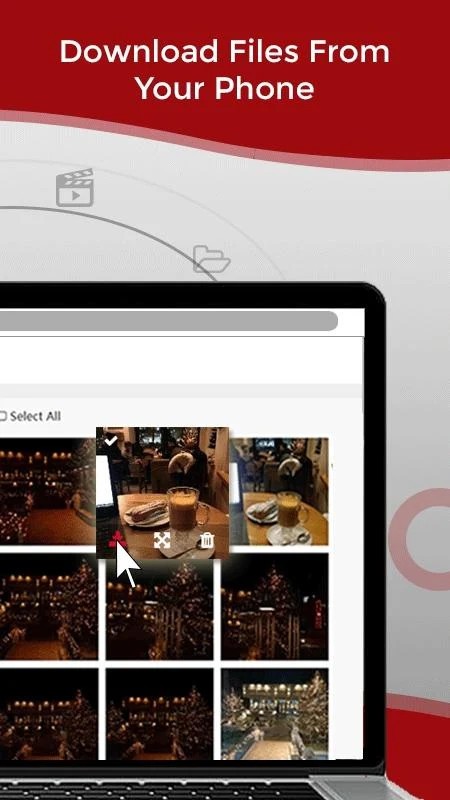
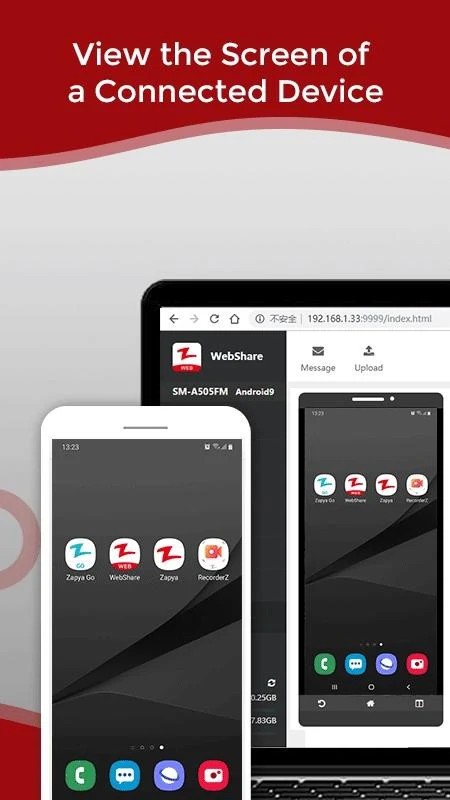
Zapya is a file-sharing app that lets you transfer files, videos, photos, and even entire applications between devices without needing an internet connection. It takes the hassle out of moving data by offering quick, uncomplicated transfers that don't require cables or fiddly setup processes. You can use Zapya to send files between smartphones, tablets, and computers regardless of what operating system they run. It works across Android, iOS, Windows, and Mac, making it one of the more flexible file-sharing tools available.
Speed is the main draw here. Zapya uses peer-to-peer Wi-Fi hotspot technology, which blows past traditional Bluetooth and USB transfer speeds by a wide margin. Waiting around for files to move between devices is no longer part of the equation. Even large files transfer quickly, which makes a real difference when you're dealing with high-quality video content or massive photo collections that would otherwise take forever to move.
Beyond basic file transfers, Zapya also works well as a phone migration tool. When you're setting up a new phone, you can move contacts, messages, photos, and other important data from your old device without much effort. This feature alone makes the app worth having on hand during phone upgrades or when configuring a new device. Zapya handles cross-platform transfers smoothly between Android and iOS, which takes the headache out of data migration and general file sharing.
Why Should I Download Zapya?
If you regularly need to move files between devices and can't always count on a solid internet connection, Zapya is a smart download. It goes beyond basic file sharing by offering fast, secure data transmission that works across different device platforms. Whether you're sharing family photos or migrating documents to a new device, Zapya handles it without unnecessary complications.
Speed is one of the biggest reasons to download the app. File transfers between devices don't lag or stall when you're using Zapya. Wi-Fi Direct technology gives it the ability to transfer files up to 200 times faster than Bluetooth, which means even full app backups and large video files move over almost instantly. That kind of speed changes the game when you need to share multiple files quickly or just don't want to waste time sitting around waiting for transfers to finish.
Cross-platform compatibility is another major advantage. You don't need matching devices to make Zapya work. It handles file transfers between iPhones, Android tablets, Windows computers, and Macs without any issues. Anyone can connect different devices and share content regardless of what platform each one runs on. For households or workplaces with a mix of device types, this kind of flexibility is genuinely useful.
Zapya also goes well beyond simple one-to-one file transfers with its group sharing feature. Multiple people can join a network at the same time and share files with each other simultaneously. This is particularly handy for team projects or sharing content among friends at a gathering. Instead of sending files one by one, everyone connects to the same hotspot and gains access to shared files. The app essentially turns into a communal exchange platform where data flows freely between connected users.
Is Zapya Free?
Zapya is completely free to download and use. All of its file-sharing features are available at no charge, and there are no hidden fees or premium tiers locked behind a paywall.
The trade-off for free access is that the app displays some ads during use, which help fund its ongoing development. If you need a powerful file-sharing tool without spending any money, Zapya delivers solid functionality at no cost whatsoever.
What Operating Systems Are Compatible with Zapya?
Zapya runs on a wide range of operating systems, giving it true cross-platform versatility. The app works on Android, iOS, and macOS without any compatibility headaches when transferring files between different smartphones, tablets, or computers. And if you'd rather not download the app at all, you can use the online web service from any OS.
Whether you're an Android user sending files to a Windows PC or an iPhone owner sharing with a Mac, Zapya bridges the gap between platforms. You don't need separate apps for different devices because Zapya adjusts to whatever environment you're already working in.
What Are the Alternatives to Zapya?
While Zapya is a strong file-sharing option, several other apps offer comparable features that might suit your needs better depending on what you're looking for. Three notable alternatives worth considering are SHAREit, Xender, and Send Anywhere.
SHAREit is one of the most popular file transfer apps available, and it also relies on Wi-Fi Direct technology for fast cross-device sharing. It became widely used thanks to its speed and range of features, all of which work without requiring an active data connection. A built-in media player lets you view shared videos and listen to music right inside the app, and it supports a wide variety of file types. On the downside, SHAREit can be unstable at times and the ads tend to be more intrusive than what you'll find in competing apps. Despite those drawbacks, it remains a reliable option for file sharing.
Xender offers a similar experience to Zapya, handling file sharing between devices without needing the internet. It features a clean, easy-to-navigate interface that keeps things simple, avoiding the kind of cluttered menus that slow you down. Xender also includes in-app file preview and media playback, so you can check your content without leaving the app. Transfer speeds are on par with Zapya, and file size limits aren't much of a concern, making Xender a dependable choice for quick sharing.
Send Anywhere takes a different approach to file sharing by using a code-based transfer system that adds a layer of security to every exchange. When you send a file, the recipient gets a unique code they need to enter before they can access it. This makes it especially useful for transferring sensitive documents or data you want to keep secure. Unlike apps that rely solely on Wi-Fi Direct, Send Anywhere also supports internet-based transfers, which means you can share files with people who aren't on the same local network. It handles multiple file formats and works well for both local and remote sharing situations, giving it an edge in versatility.