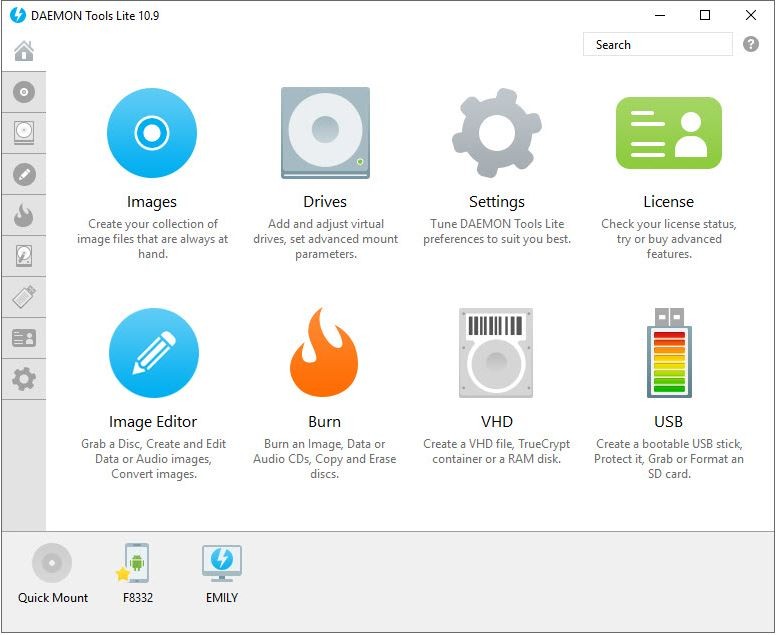
Daemon Tools Lite is a versatile application for managing virtual drives and disk images on your computer. It goes beyond simple ISO file mounting by giving you a practical, user-friendly way to work with virtual media without needing physical drives. For anyone who still deals with disc-based software, games, or media, it fills an important gap in modern computing.
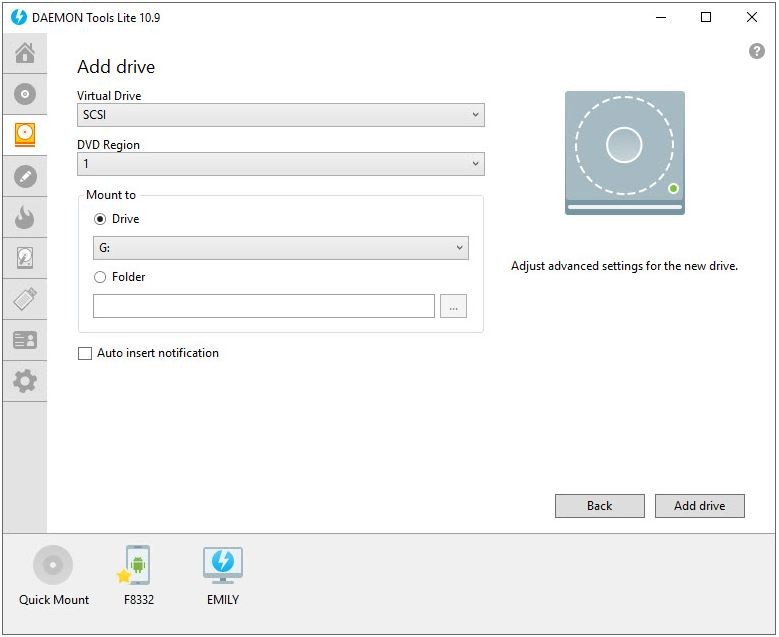
One of the things people like most about Daemon Tools Lite is that it lets you create up to four virtual drives at once, so you can run multiple disc image files simultaneously. It also lets you convert physical media into digital copies that are instantly accessible, removing the need to dig out CDs and DVDs every time you want to use something.
Format support is a major strength. Daemon Tools Lite handles all the major image formats, including ISO, MDX, MDS, and more, so you don't have to worry about compatibility issues. If you have old game or software discs that you want to use on modern hardware without dealing with physical disc problems, this is the tool for it. You can also create ISO images from physical discs, making it easy to preserve your media collection in digital form.
Beyond the basics, Daemon Tools Lite includes features for compressing image files to save disk space and adding password protection for extra security. Whether you're organizing a gaming library or managing disc-based software for work, Daemon Tools Lite covers the ground between casual use and more advanced needs.
Why Should I Download Daemon Tools Lite?
If you need a reliable way to work with disk images, mount virtual drives, protect digital media with encryption, or simply consolidate your physical discs into digital form, Daemon Tools Lite is a strong download. The convenience goes beyond day-to-day use, because it also helps you manage and safeguard your media collection for the long term. No more worrying about scratched DVDs or misplaced game discs; everything gets stored digitally and stays accessible whenever you need it.
A big part of what makes Daemon Tools Lite appealing is its format versatility. It handles ISO, MDX, MDS, APE, and plenty of other file types, so you rarely need to convert anything just to get it working. Whether you're backing up software, game files, or multimedia content, Daemon Tools Lite processes it without fuss.
The app also fits into your workflow without getting in the way. Setup is quick and doesn't require complicated configuration. Once installed, Daemon Tools Lite runs in the background and lets you manage image operations with just a few clicks. It won't slow down your system or clutter your desktop with unnecessary features. It's a compact tool that does what it needs to do and stays out of your way.
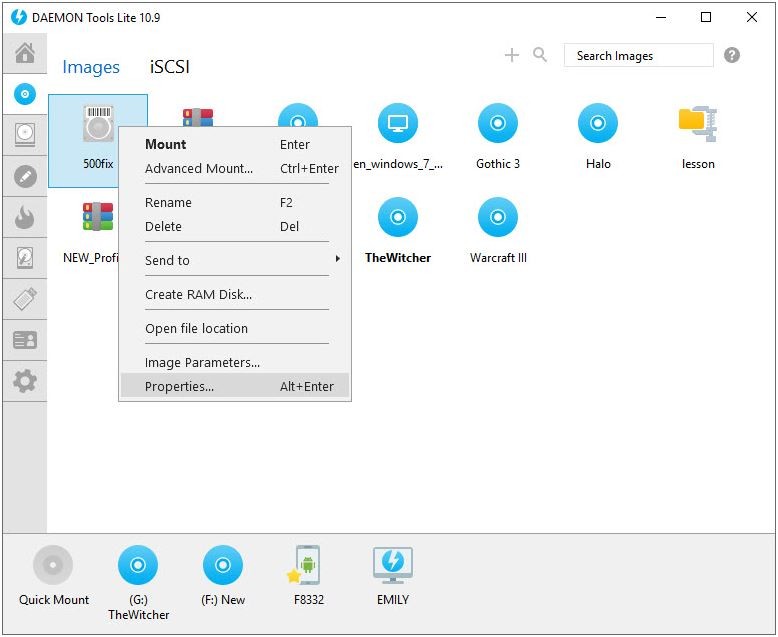
The interface is another reason Daemon Tools Lite stands out among similar downloads. Everything is laid out clearly, so you can mount images, insert files, or adjust settings without wading through confusing menus or buried options. The design guides you through each task in a logical order, which makes it accessible for beginners while still giving experienced users quick access to the functions they use most often.
Performance is solid across the board. Image loading is fast, and the application doesn't strain your system resources even when you have multiple images mounted at the same time. That matters especially when you're running demanding applications or games from mounted image files and don't want anything dragging down your machine or causing stutters during gameplay.
Is Daemon Tools Lite Free?
The free version of Daemon Tools Lite includes all the essential features you need, covering disk image creation and mounting for everyday use. Most users will find everything they need in the free version without hitting any limitations that interfere with normal tasks.
A paid version is also available, adding support for virtual hard disks, bootable USB creation, and a handful of other advanced tools. The free version remains fully functional for standard disk image tasks, and upgrading is only necessary if you need those extra capabilities.
What Operating Systems Are Compatible with Daemon Tools Lite?
Daemon Tools Lite runs on Windows, supporting versions from Windows 7 through Windows 11. It works with both 32-bit and 64-bit systems without any compatibility concerns, so your setup shouldn't be an issue regardless of how old or new your machine is.
The software runs smoothly on everything from everyday workstations to gaming PCs. It's lightweight enough that it won't put any noticeable strain on your system resources, even on older hardware configurations.
What Are the Alternatives to Daemon Tools Lite?
Daemon Tools Lite is one of the most well-known virtual drive managers available, but other tools might be a better fit depending on what you need. Three solid alternatives worth considering are UltraISO, ImgBurn, and ISO Workshop.
UltraISO offers an advanced feature set for creating, editing, converting, and mounting ISO files. What sets it apart is the ability to edit ISO files directly without extracting them first, which is handy when you need to make quick changes or add files to an existing image. It also excels at creating bootable CDs and DVDs, making it particularly useful for setting up operating system installations or recovery disks. For users who regularly work with disc images and need more than basic mounting, UltraISO is a capable and full-featured option.
ImgBurn is the go-to choice if disc creation and burning are your main priorities. Beyond mounting image files, it can write them to actual physical media, which makes it valuable for creating backups and archival copies of important discs. The interface is powerful but keeps things clear, walking you through each step so you never have to guess about configuration settings. If you want a dependable tool for producing long-term physical disc backups or archiving important data, ImgBurn handles those tasks well.
ISO Workshop is a free tool built around managing and converting disk image files. It handles ISO creation, burning, and extraction with a clean, no-frills interface that keeps things simple and focused. The application runs light on system resources and doesn't take up much space on your hard drive, making it a good fit for users who just want the basics done well without any bloat. You can download it, install it, and start managing your disk images right away without dealing with any complicated setup process.