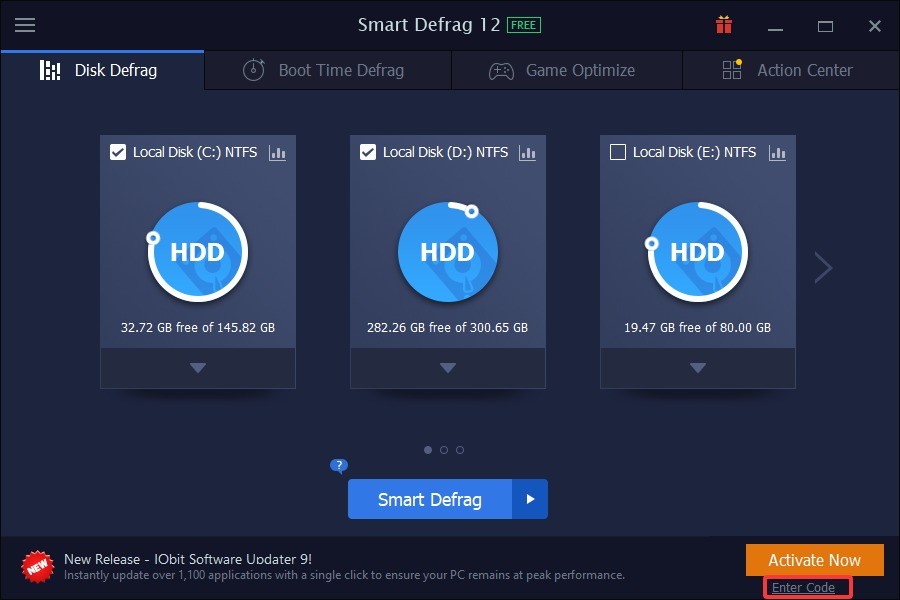
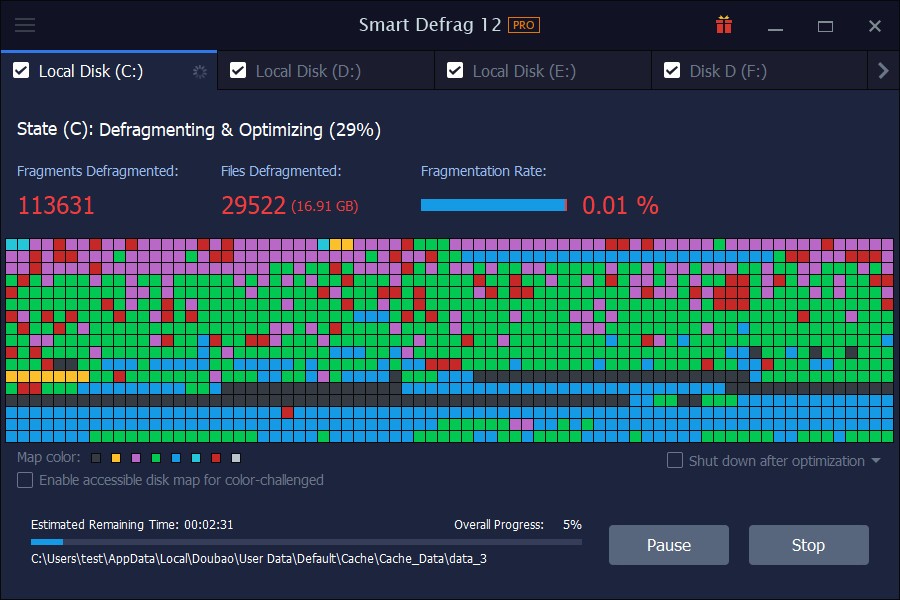
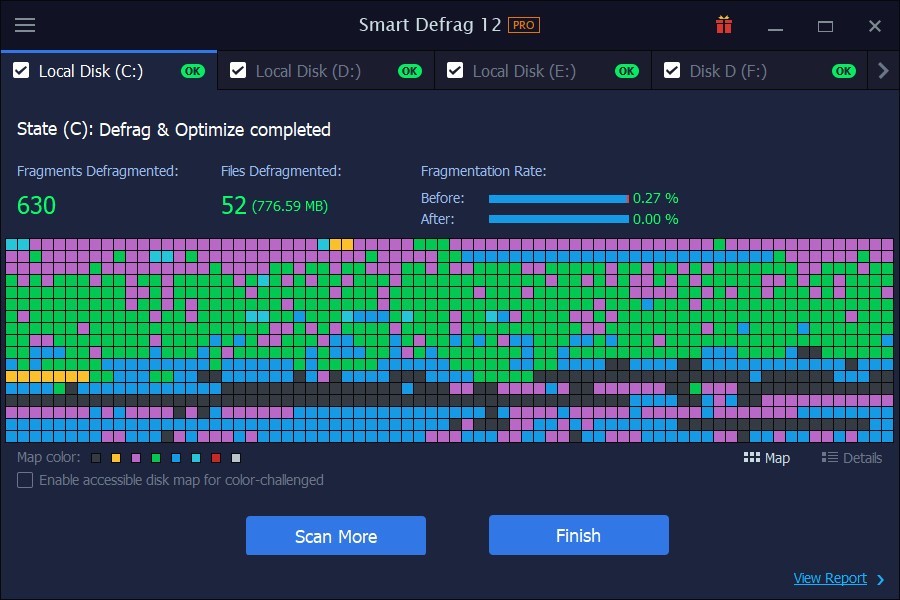
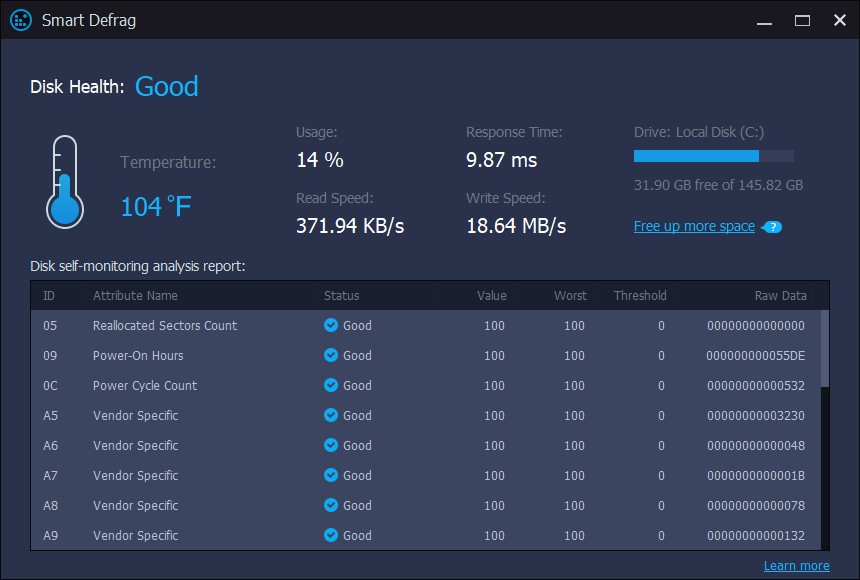
Smart Defrag is a disk defragmentation program from IObit that helps your storage drive run more efficiently. It works by consolidating fragmented data into continuous blocks, which means your system can read and write files faster without hunting across scattered sections of the drive.
It goes beyond basic defragmentation by automatically optimizing your drive to cut down boot times and improve overall system responsiveness. Whether you're running a traditional hard drive or a hybrid drive, Smart Defrag handles the optimization process with the right approach for each type.
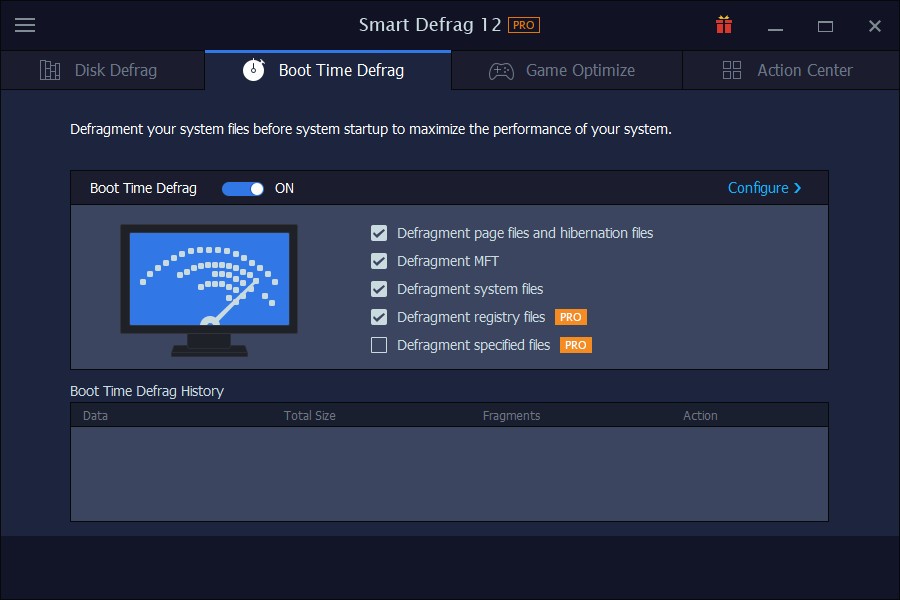
One of the better aspects of Smart Defrag is that it runs quietly in the background without interrupting whatever else you're doing. You can set it up to defragment on a schedule, whether that's daily, weekly, or at specific times, and it takes care of things without requiring any manual input. The program also includes multiple defrag modes, including Boot Time Defrag, which handles system files that Windows can't move while it's actively running.
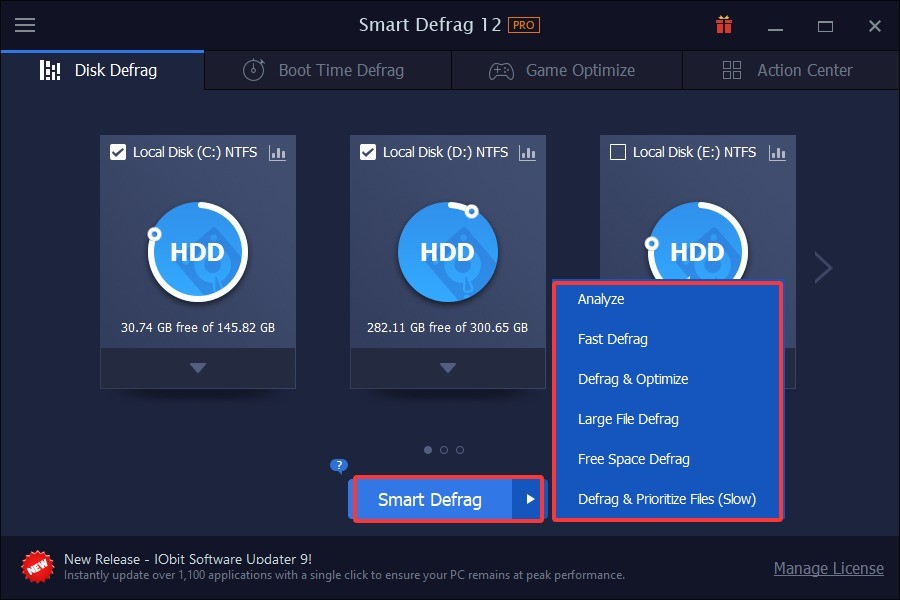
Smart Defrag offers several optimization methods beyond just basic defragmentation, all aimed at reducing file access times and keeping your drive running smoothly. It doesn't just fix fragmentation; it also helps extend the useful life of your drive by reducing unnecessary read/write cycles. If you regularly move or work with large files, fragmentation builds up fast, and this tool keeps it in check. The interface is clean and well-organized, so you won't spend time hunting for the options you need.
Why Should I Download Smart Defrag?
If your system feels sluggish and you suspect disk fragmentation is part of the problem, Smart Defrag is a practical download that addresses both the immediate slowness and the longer-term health of your PC. Fragmented files force your drive to work harder, which slows down application load times and makes the whole system feel unstable. Smart Defrag reassembles scattered data blocks into continuous storage areas, making read and write operations noticeably faster. The improvements stick around, too, because this isn't just a one-time fix.
Automatic scheduling is one of the strongest reasons to choose Smart Defrag over doing things manually. Once you set it up, the software handles defragmentation on its own without needing you to remember or intervene. You can configure it to run daily, weekly, or monthly, and it keeps resource usage low enough that you won't notice it working in the background during normal use.
Boot Time Defrag is another standout feature. It targets system files that stay locked while Windows is running and can't be moved during a normal defrag session. These are often the files responsible for slow startup times, and Smart Defrag addresses them before Windows fully loads, which can produce a real improvement in how quickly your PC is ready to use. This feature is especially helpful on systems that have slowed down gradually as fragmentation has built up over time.
There's also a longevity argument for downloading Smart Defrag. Fragmented files make your drive do more mechanical work than necessary, which wears it down faster over time. By consolidating those files, Smart Defrag reduces that strain and helps your hardware last longer. You get better day-to-day performance and a drive that doesn't burn through its lifespan as quickly.
Is Smart Defrag Free?
Yes, the free version of Smart Defrag includes all the core defragmentation and optimization tools you need for regular maintenance. You don't have to pay anything to keep your drive in good shape with the basics covered.
The Pro edition adds extras like Boot Time Defrag, Auto Defrag, and gaming-specific optimization features. Those premium tools are optional, but they're worth considering if you want fully hands-off maintenance or need to squeeze extra performance out of your system for gaming.
What Operating Systems Are Compatible with Smart Defrag?
Smart Defrag supports Windows from XP all the way through Windows 11, which covers a wide range of both modern and older machines. Whether you're running a recent gaming rig or an aging laptop, the software is designed to work without issues.
It runs efficiently across different system configurations and doesn't demand heavy resources, so you won't have to worry about the defrag tool itself becoming a drag on your system's performance.
What Are the Alternatives to Smart Defrag?
Smart Defrag is a solid choice for drive maintenance, but a few other defragmentation tools might suit your workflow better depending on what you need. Three popular alternatives are Defraggler, O&O Defrag, and Auslogics Disk Defrag.
Defraggler comes from Piriform, the same developer behind the well-known CCleaner program. It's a straightforward defragmentation tool that lets you choose between quick and full defrag modes. What makes Defraggler stand out is its ability to defragment individual files and folders rather than forcing you to process an entire disk. If only a handful of files are fragmented, you can target just those and skip the rest. It also includes a disk health assessment tool that gives you a visual overview of fragmented zones before you start any work, so you know exactly what you're dealing with.
O&O Defrag is a more powerful option aimed at users who want professional-grade drive optimization. It offers several distinct modes, including Complete, Space, and Stealth, each designed for different priorities and use cases. Background automation lets it handle everything without any manual intervention, and it quietly keeps your drives optimized without requiring you to check in on its progress. For users who want deeper control and more advanced methods than basic file reorganization, O&O Defrag delivers.
Auslogics Disk Defrag is a free alternative that focuses on speed and efficiency. It processes drives quickly and keeps its settings accessible without overcomplicating things. Beyond standard defragmentation, it can consolidate free space and rearrange system files for faster access, which adds a layer of optimization on top of the basic defrag. The interface gives you a clear, real-time view of both progress and fragmentation levels as it works, so you always know where things stand.