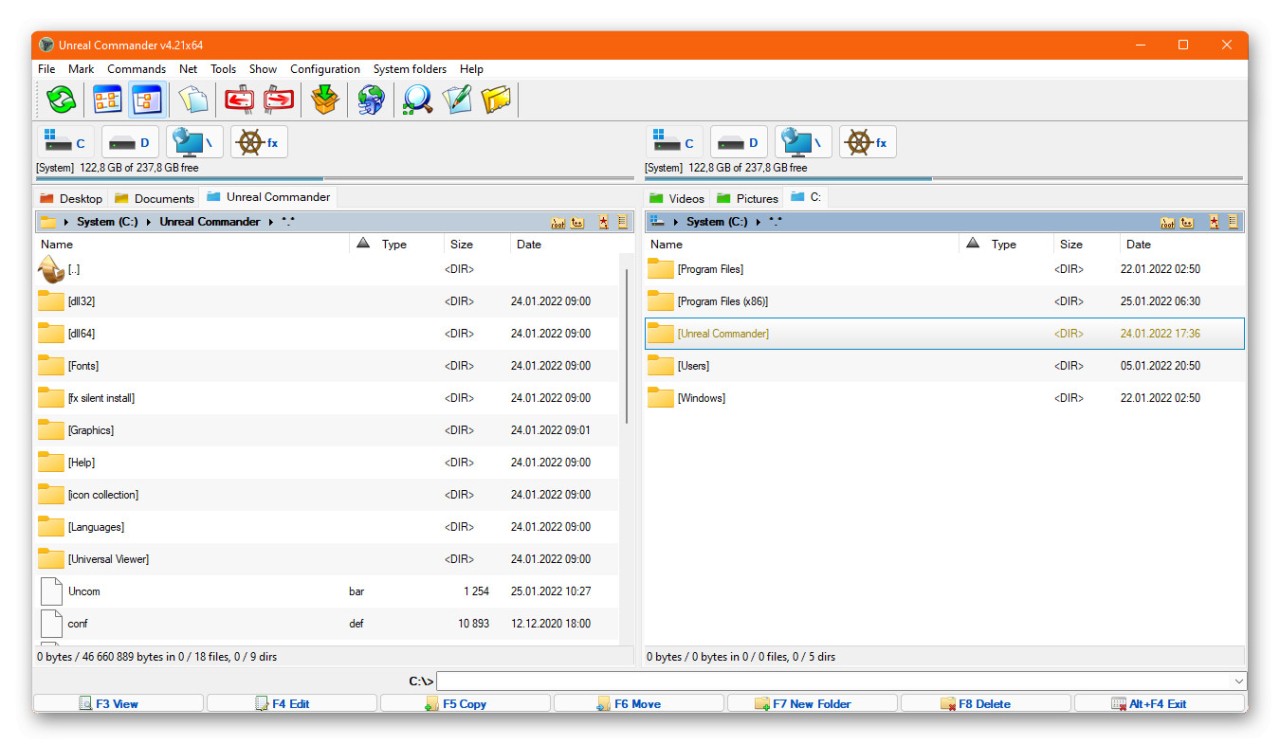
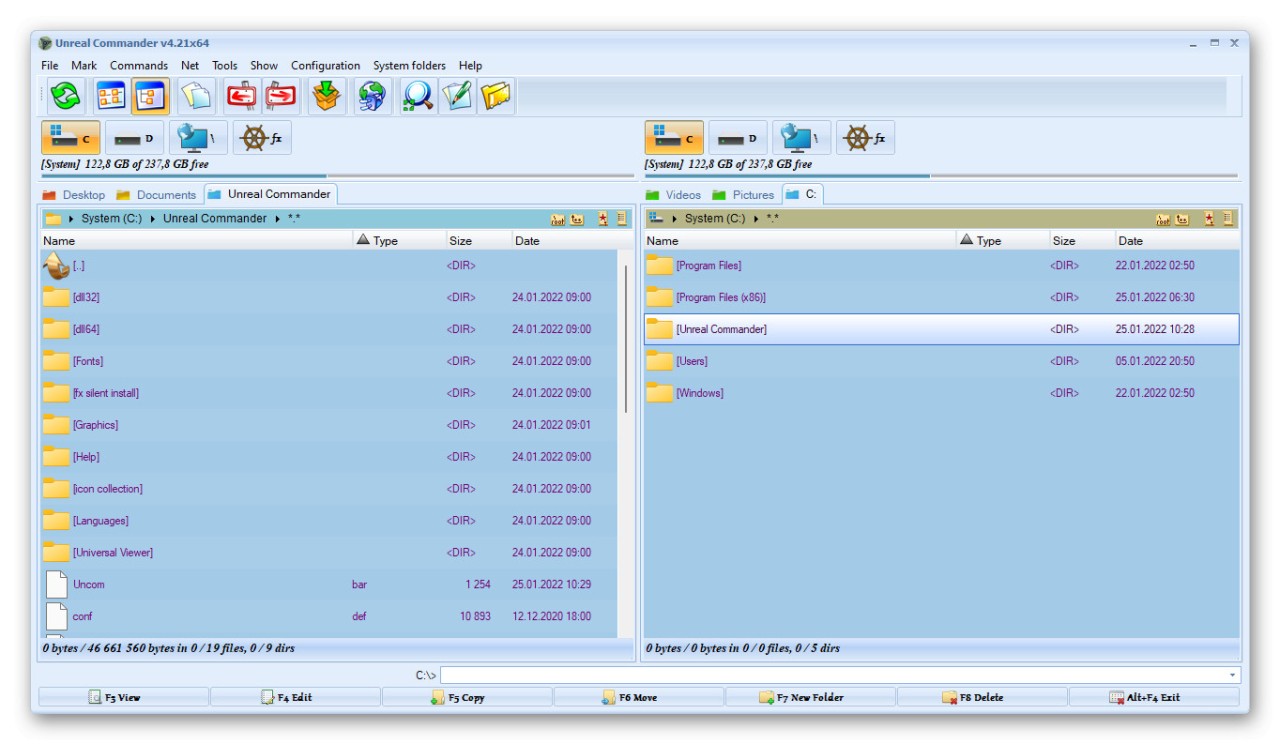
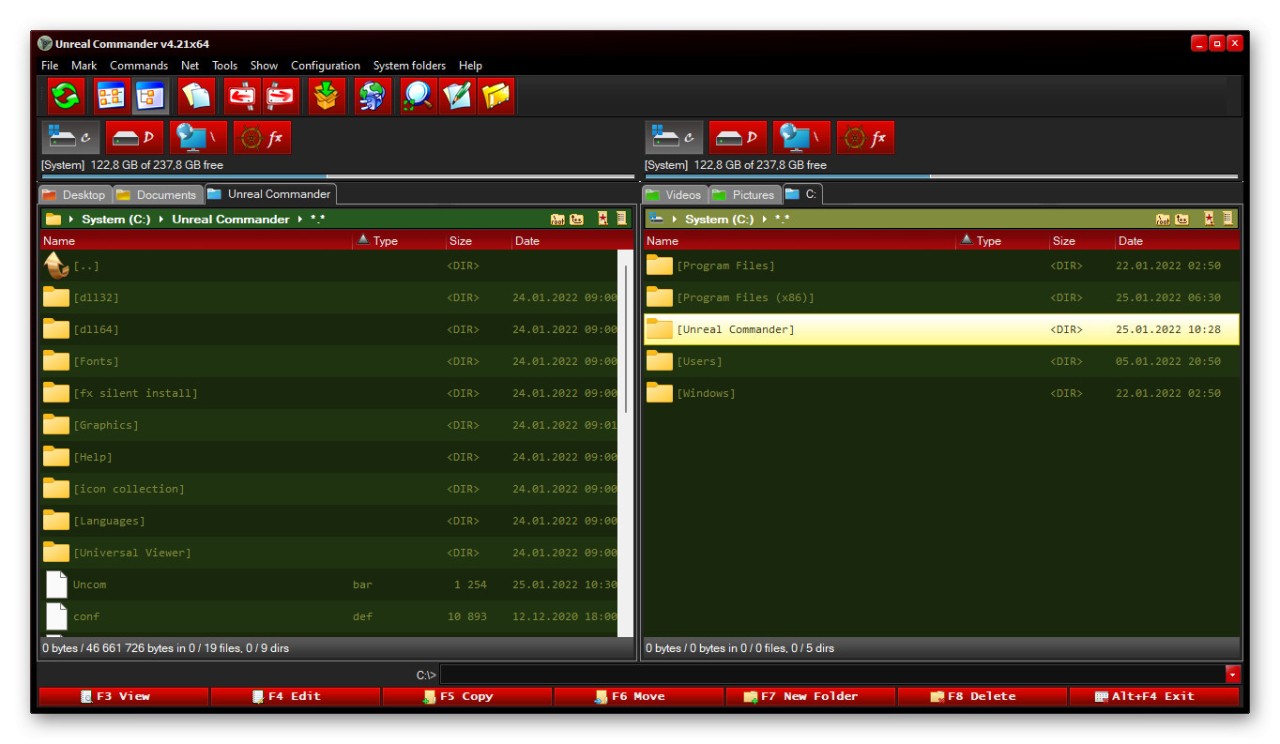
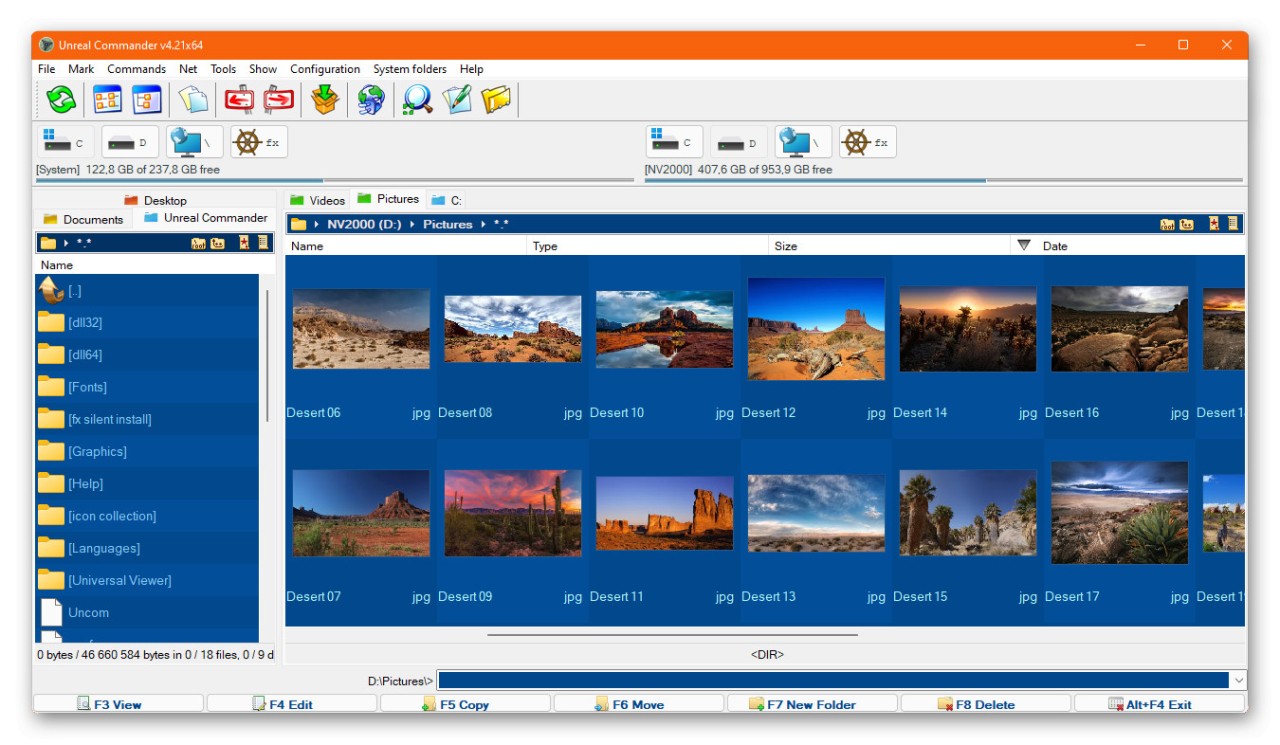
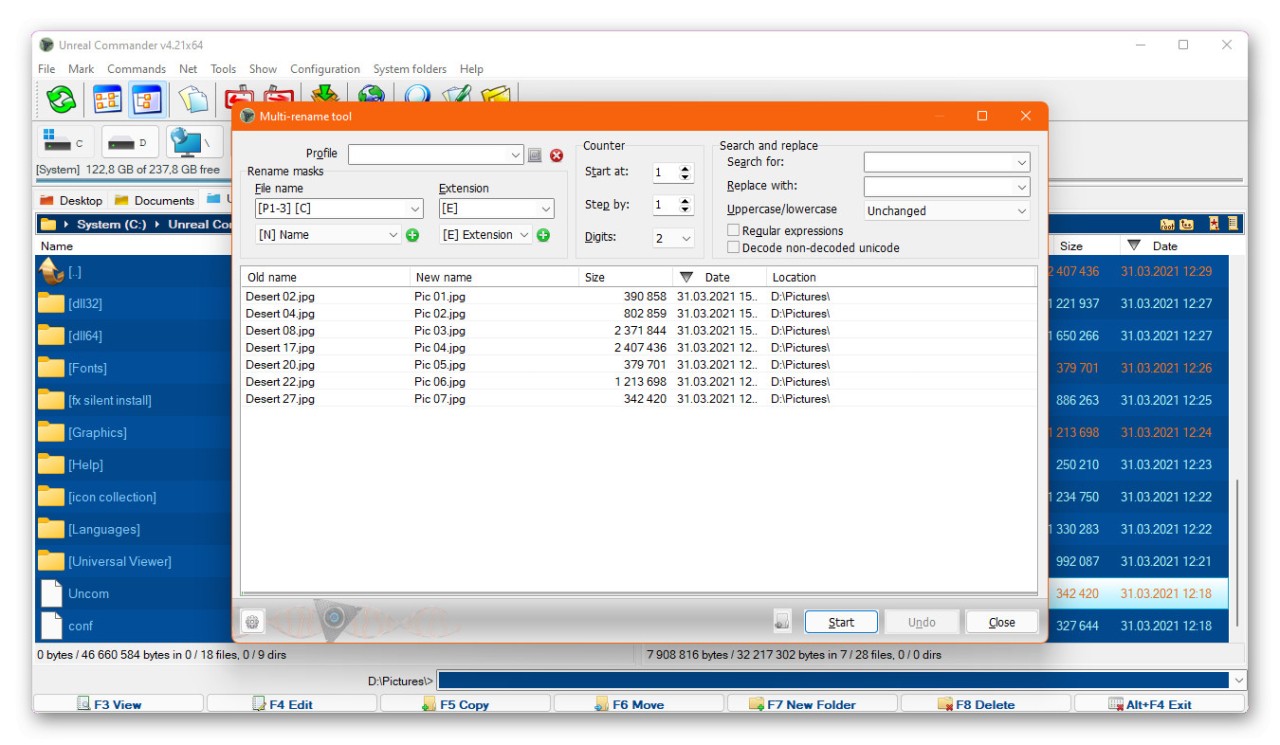
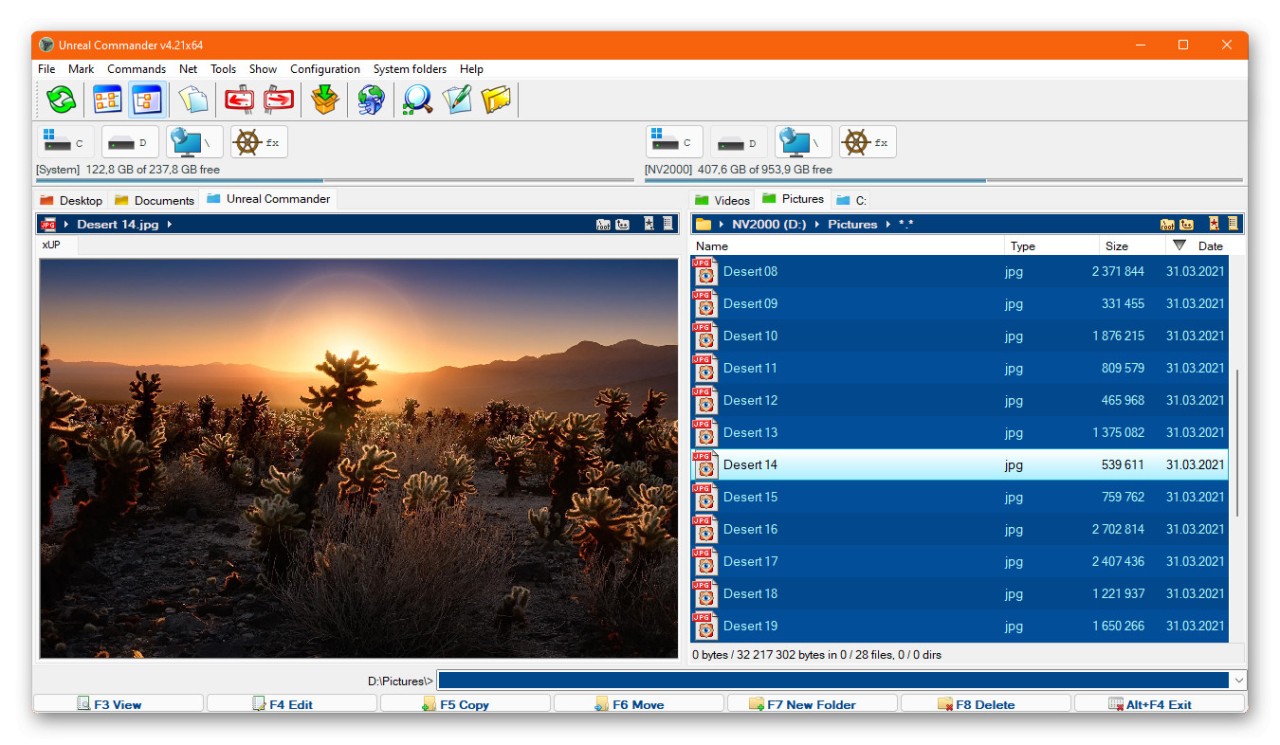
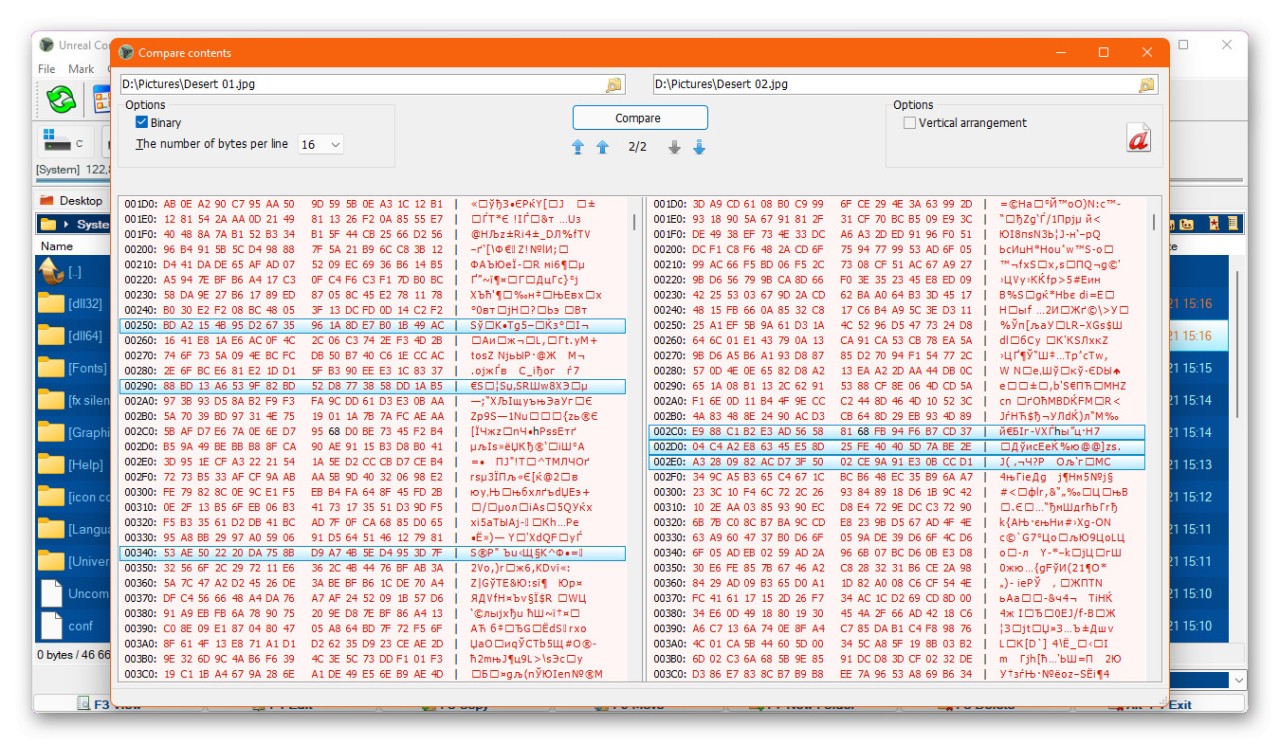
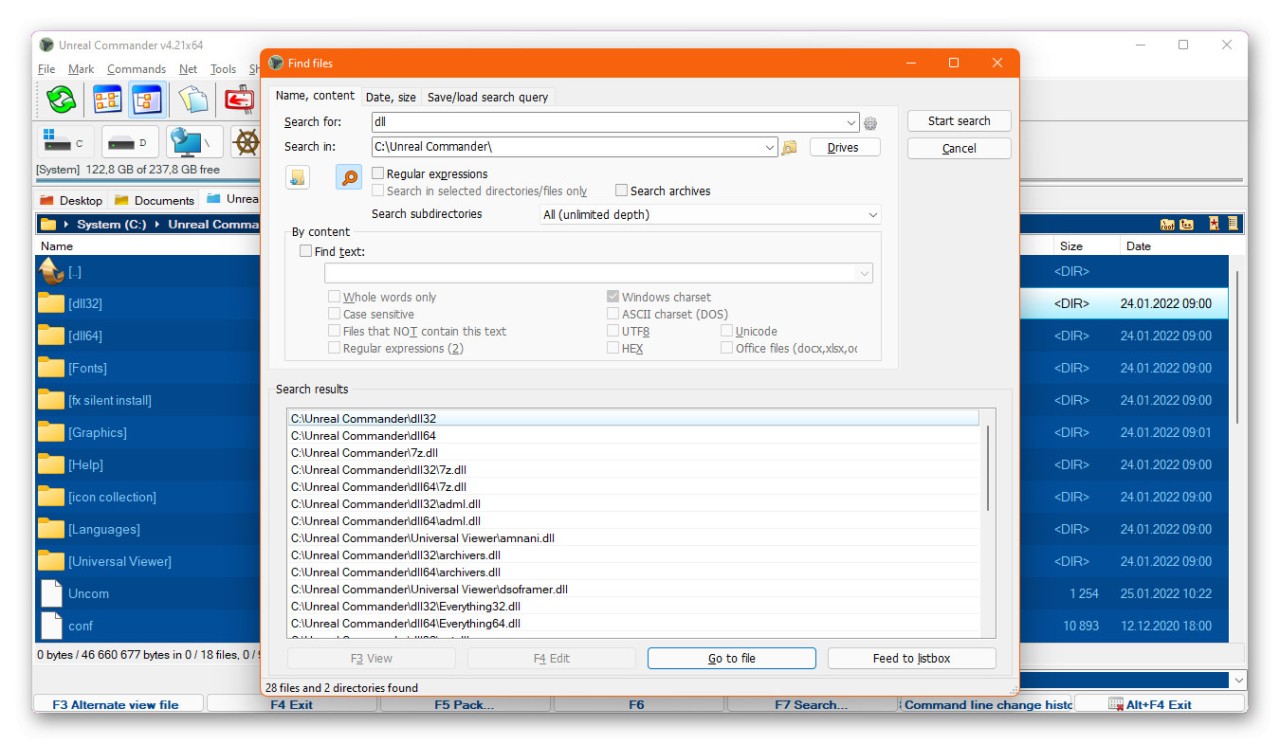
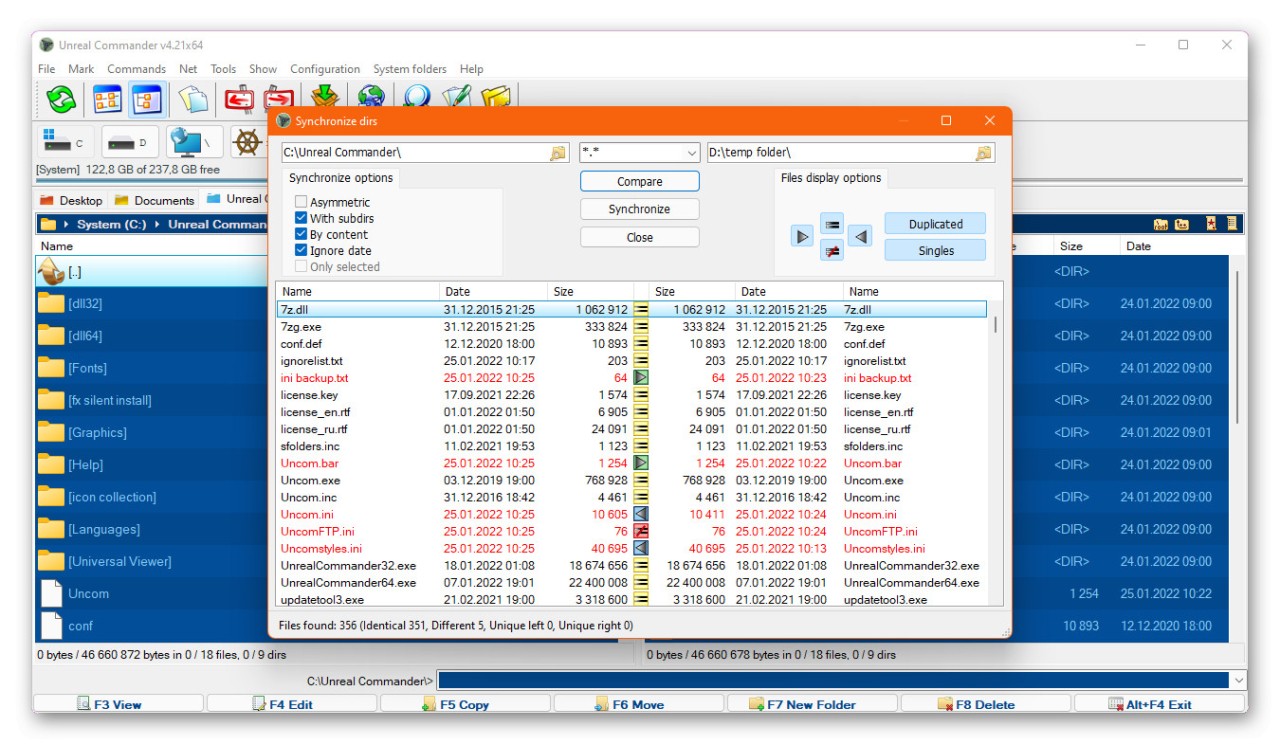
Unreal Commander is a dual-pane file manager that gives you a more capable alternative to Windows File Explorer. Instead of working with a single folder view, you get two directory panels side by side, which makes it much easier to move files between locations, compare folder contents, and stay organized. The program bundles together a range of tools for everyday file operations, from basic copying and moving to archive handling and folder synchronization.
The dual-pane layout is the core advantage. Having two directories visible at once means you can drag files from one panel to the other without constantly switching between windows or losing track of where things are. It keeps your workspace clean and your file transfers efficient, especially when you're dealing with large numbers of files or complex directory structures.
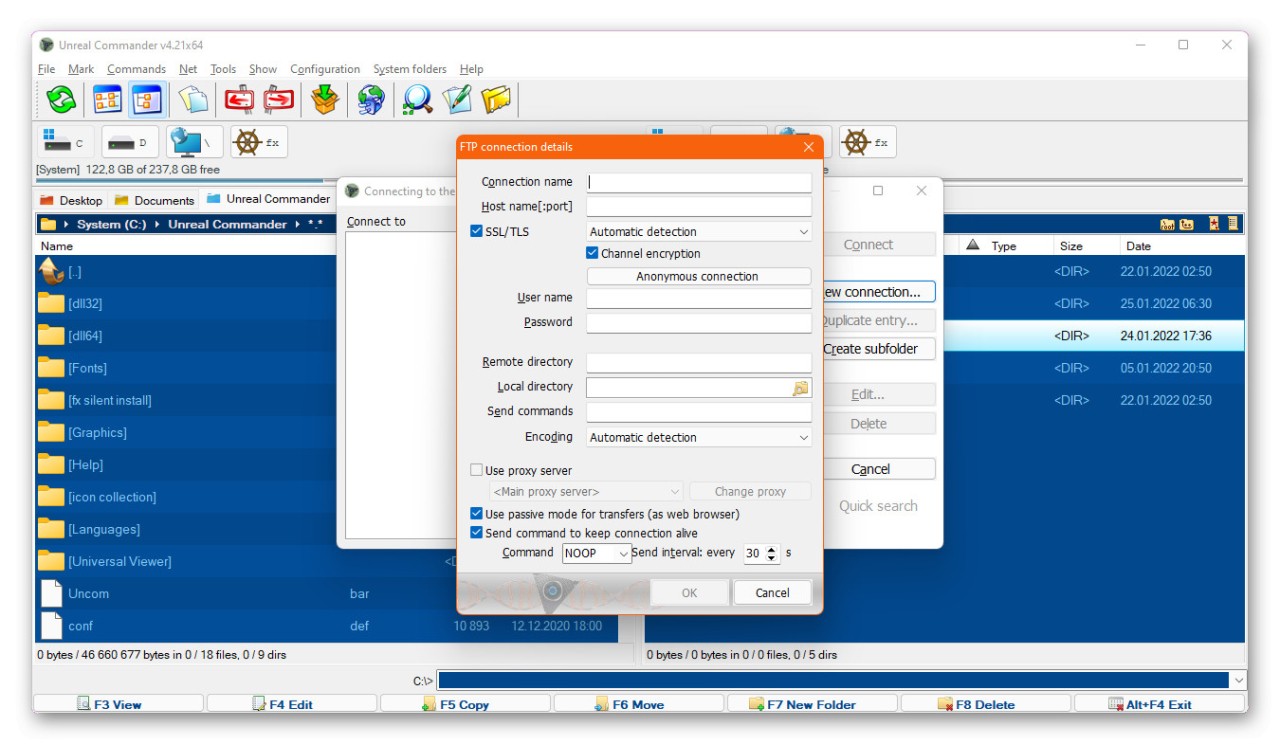
Unreal Commander also handles several archive formats natively, including ZIP, RAR, ACE, and TAR files. You can browse and extract compressed archives directly in the file manager without needing separate compression software. On top of that, built-in FTP and SFTP support lets you connect to remote servers and manage files as if they were on your local machine, which eliminates the need for a standalone FTP client.
Customization is another area where Unreal Commander holds its own. You can remap hotkeys, adjust the interface appearance, and extend functionality through plugins. A built-in file viewer lets you preview documents, images, and other file types without opening separate applications. All of this adds up to a faster, more streamlined file management experience where the tools you need are always within reach.
Why Should I Download Unreal Commander?
If Windows File Explorer feels too limited for how you work with files, Unreal Commander is worth a download. It's built around efficiency, giving you a dual-pane interface that turns basic file navigation into something much faster and more controlled. Anyone who regularly moves files between directories, organizes large collections, or manages backups will get real value from having two panels open at all times.
Time savings are one of the biggest benefits. Whether you're organizing data, running backups, or compressing files, Unreal Commander puts all those tasks within easy reach. You won't run into the usual frustrations of juggling multiple Explorer windows or losing track of active folders. Folder synchronization and automation features take things further by cutting down on repetitive manual work.
The built-in archive support is especially convenient. You can open, browse, and extract ZIP and RAR files right inside the file manager without switching to a separate archiving program. That keeps your workflow clean and uninterrupted. Instead of hunting for your compression tool every time you need to open an archive, everything happens in one place.
FTP and SFTP support make Unreal Commander a practical choice for web developers and system administrators. You can connect directly to remote servers and manage files through the same interface you use for local files. That integration saves time and effort when you need to update server content or transfer files between machines, since you avoid bouncing between different applications to get the job done.
Is Unreal Commander Free?
Unreal Commander is free to download and use with no limitations on functionality. The software does offer an optional registration, but it's more of a way to support the developers than a requirement for access.
Even without registering, you get the complete feature set with no hidden fees or restricted capabilities. Everything the program offers is available right from the start, making it a genuinely free tool for anyone who needs a more powerful file manager on their Windows machine.
What Operating Systems Are Compatible with Unreal Commander?
Unreal Commander runs on Windows, supporting versions from XP through Windows 10 and newer. It's a lightweight application that uses minimal system resources, so it performs well even on older or lower-spec hardware without slowing things down.
The file management tools work consistently across both modern and legacy Windows platforms, which means you can rely on them regardless of which version of Windows your machine is running.
What Are the Alternatives to Unreal Commander?
Unreal Commander is a capable file manager, but other options may suit different workflows better. Three well-known alternatives are Q-Dir, Total Commander, and XYplorer.
Q-Dir is a flexible alternative that takes the multi-pane concept even further than Unreal Commander does. Where Unreal Commander gives you two panels, Q-Dir can display up to four simultaneously. That's a real advantage if you regularly work across many directories at once and want a complete view of your file system without switching between tabs or windows. It's lightweight and fast, making it a good pick for users who want maximum visibility in a small, efficient package.
Total Commander is one of the most respected file managers in the category and has been a staple for decades. It packs in a deep feature set that includes FTP support, multi-rename tools, and file comparison capabilities. A plugin system lets you extend its functionality with custom components tailored to your specific needs. For users who want a powerful, highly customizable tool that handles just about every file management task imaginable, Total Commander is a strong and proven choice.
XYplorer emphasizes portability and customization in equal measure. It can run directly from a USB drive with no installation required, which makes it ideal for users who move between different machines. The interface supports tabbed browsing for managing multiple locations without opening new windows, and it includes advanced search functions along with scripting capabilities for automating tasks. XYplorer goes beyond basic file browsing by adapting to your workflow, learning your habits, and providing a flexible environment that grows more useful the longer you use it.