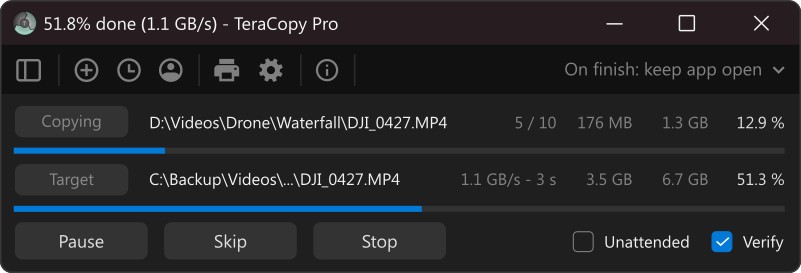
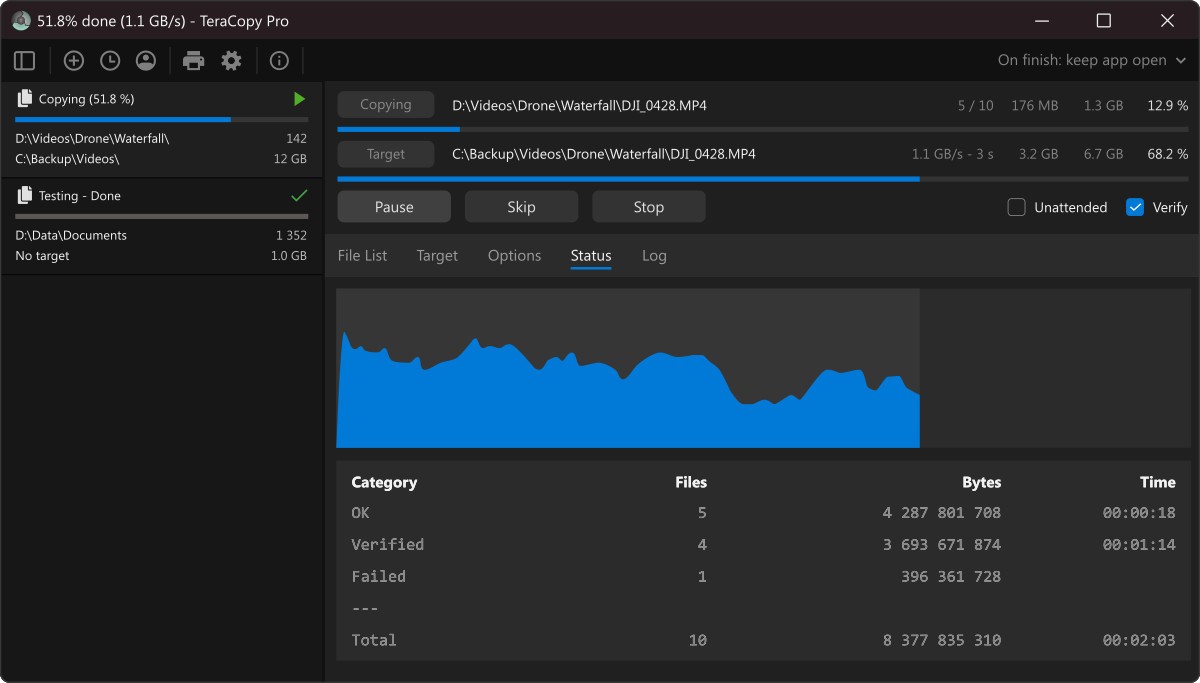
TeraCopy is a file transfer utility that helps you copy and move files at peak speed across folders on your computer. Developed by Code Sector, it's a go-to tool for anyone who regularly deals with large files or bulk data transfers. It makes the whole file management process faster and more dependable by combining better transfer speeds with built-in safeguards for your data.
One of TeraCopy's most useful features is its pause and resume capability, which is useful when you need to free up system resources or deal with an interruption. Instead of starting over after an error, you can pick up right where you left off, saving both time and frustration. TeraCopy also includes a solid error recovery system. When it hits a problem during a transfer, it tries to recover the file first and only skips it as a last resort, rather than killing the entire operation.
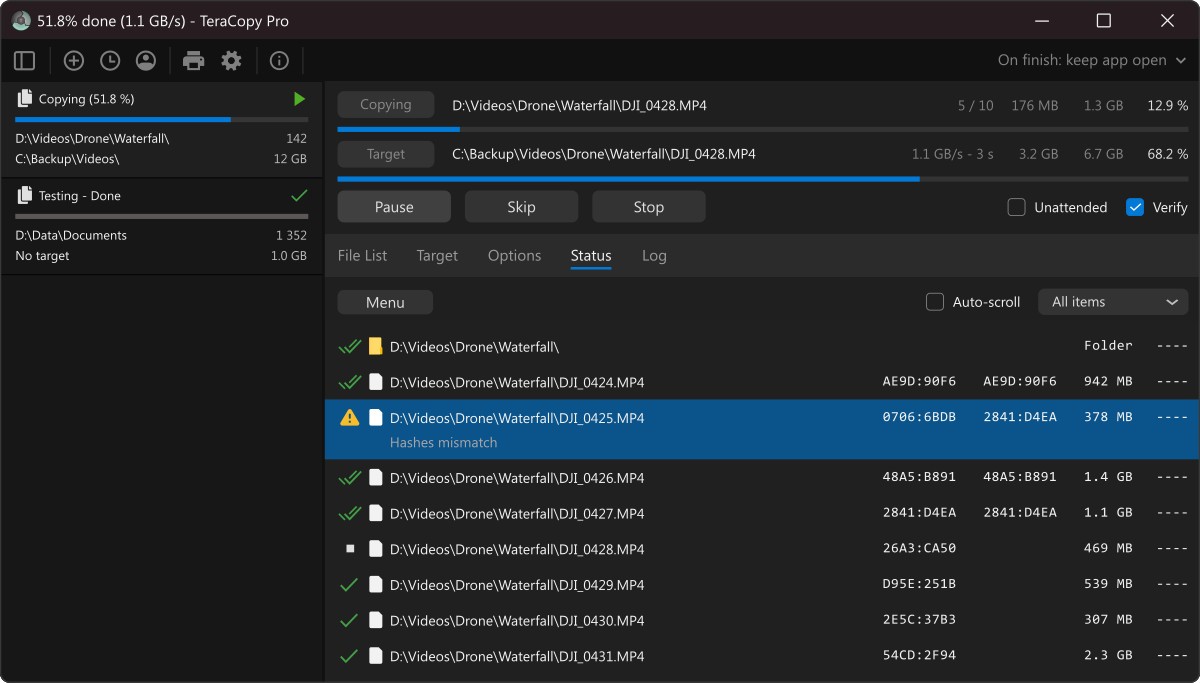
File integrity verification is another strong point. TeraCopy calculates checksums before and after each transfer, confirming that your copied files are identical to the originals. This gives you real confidence that important files made it through the transfer intact and unchanged. TeraCopy also plugs into the Windows Explorer context menu, so you can replace the default copy and move handlers with its faster, more reliable system without changing your workflow.
Why Should I Download TeraCopy?
If you regularly move files around, TeraCopy delivers real, practical value for everyday tasks. Beyond just speeding up file transfers, it makes the whole process more reliable and less error-prone. Whether you're moving a photo library to an external drive or backing up critical work documents, TeraCopy helps you avoid the transfer hiccups and corrupted files that can derail your day. You get faster transfers and the peace of mind that every file arrived correctly.
Pause and resume is one of the best reasons to download the program. Large file transfers are always a gamble because power outages, system crashes, and random errors can stop them cold. With TeraCopy, you don't have to start over from the beginning. You can pause a transfer when your system gets bogged down and resume it later, picking up at the same spot without losing any progress.
Error handling is where TeraCopy really pulls ahead. When Windows hits a transfer error, it tends to stop everything in its tracks. TeraCopy takes a different approach: it retries failed files or skips them and keeps going. Every error gets logged, so you can go back and deal with problem files on your own time instead of watching the transfer grind to a halt. It takes the babysitting out of file management entirely.
Verification is the feature that truly sets TeraCopy apart. It generates checksums both before and after each transfer to confirm that your data arrived intact. You can be certain that copied files haven't been damaged or altered during the process. This matters most when you're working with irreplaceable files like business records, personal documents, or large media libraries. Once a transfer finishes, TeraCopy confirms that every file at the destination matches its source, so you know nothing was lost or corrupted along the way.
Is TeraCopy Free?
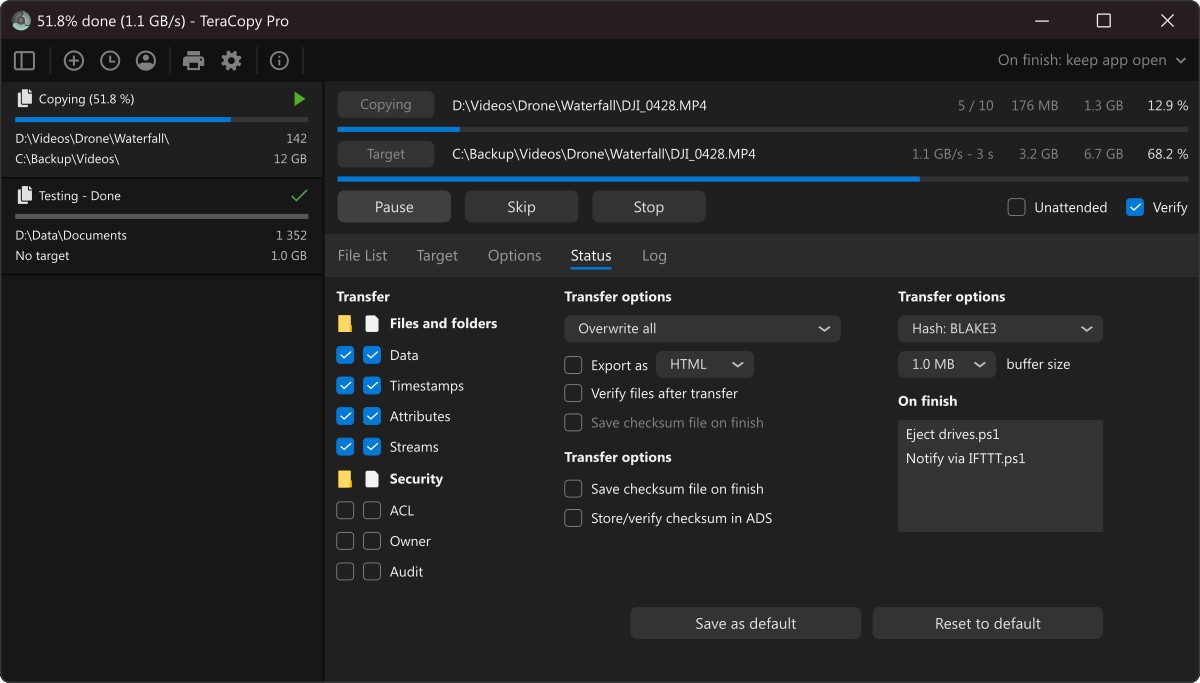
TeraCopy's free edition includes all the core features you need for fast, reliable file transfers. If you want more advanced functionality, the Pro version adds file list saving, folder aggregation, and expanded customization options.
For most users, the free version covers everything they require. The Pro version requires a one-time payment and is worth considering only if you require those extra organizational features.
What Operating Systems Are Compatible with TeraCopy?
TeraCopy runs on Windows 7 through Windows 11. It integrates directly into the Windows operating system, replacing the standard copy and move functions with its own improved transfer engine.
Since TeraCopy is a Windows-only tool with no macOS or Linux support, it's best suited for users who do most of their file management on a Windows machine.
What Are the Alternatives to TeraCopy?
TeraCopy is a strong choice for faster, more reliable file transfers, but it's not the only option out there. Several other programs offer similar features or different strengths depending on what you're looking for. Three popular alternatives worth checking out are SyncBackFree, FastCopy, and Ultracopier.
SyncBackFree is one of the most well-known alternatives, doubling as a backup and synchronization tool alongside its file copying capabilities. It offers automated backup schedules, data syncing between locations, and even cloud storage support in addition to its transfer features. Its interface can feel a bit technical at first, especially for beginners, but once you get the hang of it, it's a powerful file management tool. SyncBackFree is a good fit for anyone who wants backup and sync functionality built right into their file transfer workflow.
FastCopy has earned a reputation as one of the fastest file transfer tools available. It's built specifically for handling large files, and its ability to bypass the Windows cache during transfers boosts performance noticeably. Because it's so lightweight, FastCopy runs well even on older hardware and barely touches your system resources. The interface looks a bit dated, but that doesn't slow it down in practice. Directory and file copy operations stay snappy even under heavy system load, making it a reliable download for power users.
Ultracopier combines speed with a solid set of customization options. This file transfer manager integrates with Windows and lets you schedule transfers for convenient times. Its error handling works similarly to TeraCopy, continuing through problems rather than stopping the whole operation. You can choose to skip files with errors or let the program resolve conflicts automatically. The interface is clean and functional, and plugin support lets you extend its capabilities further if you need to.