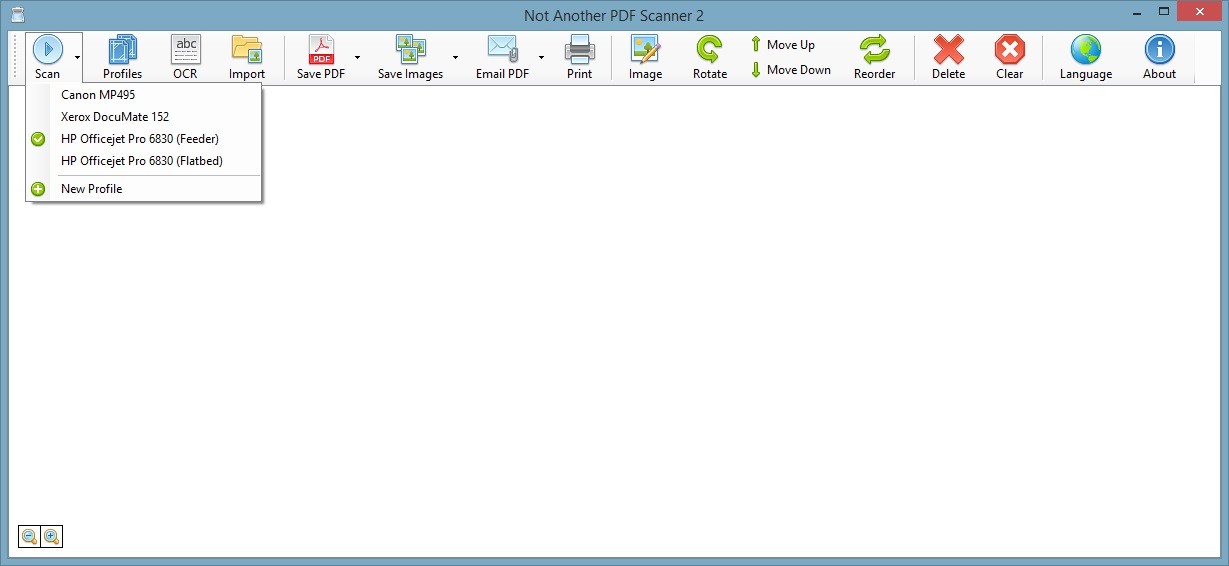
With NAPS2 (Not Another PDF Scanner 2), you can scan physical documents and save them in digital formats like PDF, JPG, TIFF, or PNG. Its straightforward interface lets you manage your scans, create scanning profiles, connect to various scanners, and quickly optimize your images and documents. NAPS2 also supports OCR, so you can extract text from scanned images or papers to create editable and searchable files.
There are options to integrate NAPS2 into professional workflows through its CLI interface. For business users, the tool can also be deployed to multiple machines simultaneously without needing to install it one by one.
It comes from an open-source project, which makes it free to download, and it runs on multiple operating systems, making it a solid choice for both home and office users.
Why should I download NAPS2?
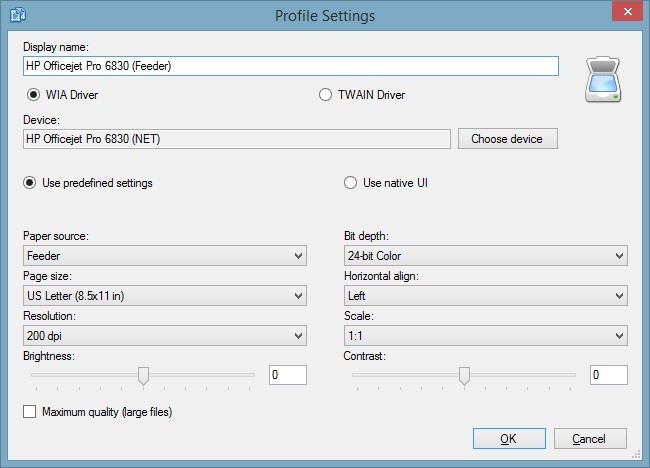
NAPS2 is a practical solution that does not require any technical knowledge to use effectively. It supports a wide range of scanning devices with preconfigured settings, so finding your machine and the right drivers is rarely an issue. After downloading and launching NAPS2, you can create a scanning profile and define the source, resolution, contrast, and color depth, then save it for later or create additional profiles for different purposes. With multiple scan preferences available, you can get high-quality digital copies of documents, photos, or receipts.
Batch scanning is also supported, so you can handle multiple pages in a single session, work with Automated Document Feeders, or use duplex scanning on devices that support it. These options let you digitize large amounts of paper quickly without having to flip pages manually.
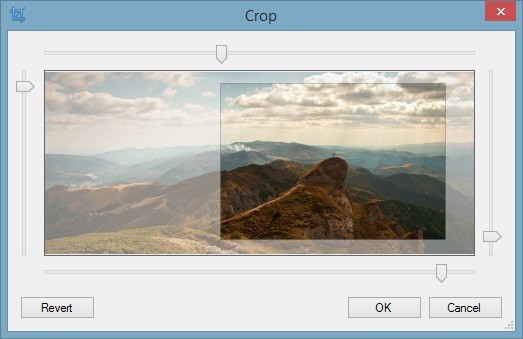
Once scanning is done, you can rotate, crop, adjust perspective, and clean up noise so that exported files look professional when shared. The OCR feature turns scanned images into editable and searchable documents, which is useful when extracting content from books, articles, contracts, or legal documents. It supports over 100 languages, which makes it useful well beyond English-language documents.
For exporting, NAPS2 supports JPG, PDF, PNG, BMP, and TIFF, and lets you merge multiple scans into one document. You can define file naming rules, set a default save location, export directly to cloud storage like Google Drive or Dropbox, and configure automatic sending by email.
Business users can take advantage of the command-line interface to automate tasks or run the software across multiple devices through GPO deployment. A dedicated .NET library also makes it possible to integrate NAPS2 into custom applications.
Is NAPS2 free?
Yes, NAPS2 is completely free. As an open-source project, it has no premium tiers or paid versions, and all features are available at no cost. Donations to support the developers are welcome but never required. If you want to modify the source code, that is also free and open.
What operating systems are compatible with NAPS2?
NAPS2 runs on a wide range of systems, including legacy ones. A portable version for Windows can be loaded onto a USB drive and used without installation.
Windows support covers versions from Windows 7 through Windows 11, with legacy support also available for Windows XP. On macOS, NAPS2 runs from version 12.0 onward. Linux users can run it on Ubuntu 18.04 and later, Debian 10 and later, Linux Mint 19 and later, and Fedora 28 and later.
The broad platform support makes it a durable solution for all types of machines, old and new.
What are the alternatives to NAPS2?
If you only need something basic for Windows, WinScan2PDF is worth considering. It requires no installation and can be run directly from a USB drive, letting you convert documents to PDF quickly and simply. It does not include advanced features or OCR, but it is a perfect fit for casual users with straightforward needs. WinScan2PDF is entirely free and supports Windows systems from XP through to Windows 11.
PaperScan is a more capable scanning tool for Windows that supports both WIA and TWAIN drivers and includes advanced options for scanning, editing, reviewing, and securing files. A free version is available alongside two paid editions called Home and Professional. The free version covers the essentials, while the paid editions unlock OCR, unlimited batch scanning, annotation tools, additional export formats, PDF encryption, and advanced color adjustments. PaperScan is available from Windows Vista through Windows 11.
If you want to scan documents with a mobile device, Adobe Scan is a good choice. It uses your smartphone or tablet camera to capture images, with smart cropping and automatic enhancements like perspective correction and noise removal built in. OCR support lets you extract text and produce editable files from your scans. Adobe Scan integrates smoothly with other Adobe products and syncs documents to Adobe Document Cloud automatically, making files accessible across all your devices. More advanced features require a subscription, but the app is free and covers the most common scanning needs well. For personal users who scan occasionally and want something always at hand, it is a practical alternative to a dedicated desktop scanner.