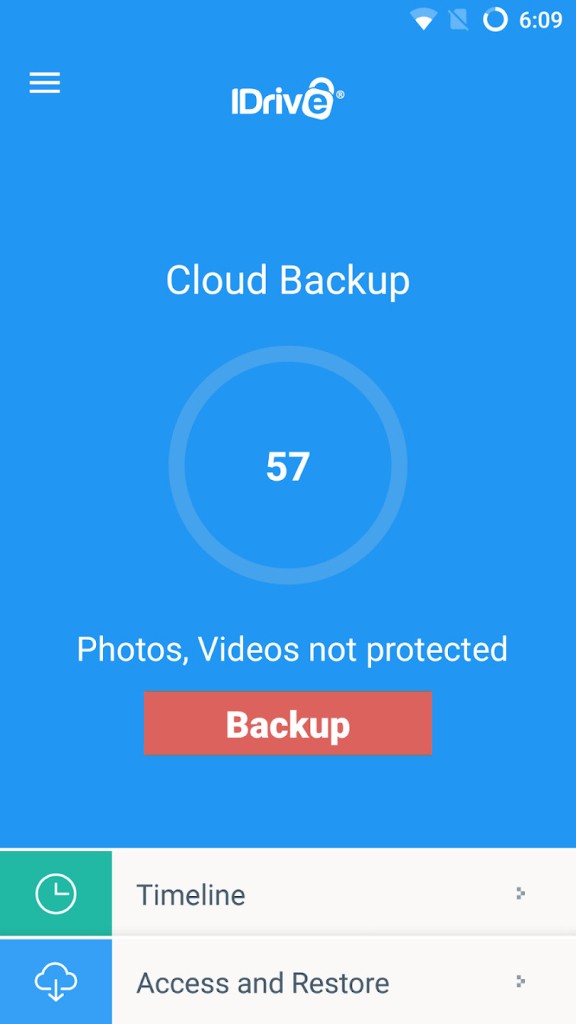
IDrive is a cloud backup service built for everyone, from individual users to business teams who need their files protected and accessible. At its core, IDrive stores your files on encrypted remote servers, giving you a safety net when things go wrong. Whether your laptop dies, a hard drive fails, or you accidentally delete something important, IDrive lets you recover everything without starting from scratch. It runs quietly in the background, keeping your data backed up while you go about your day.
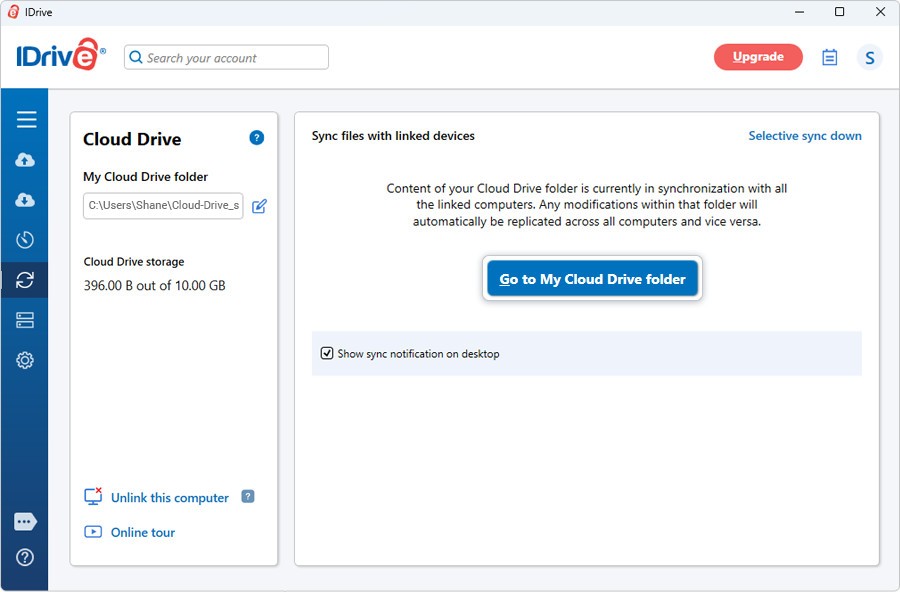
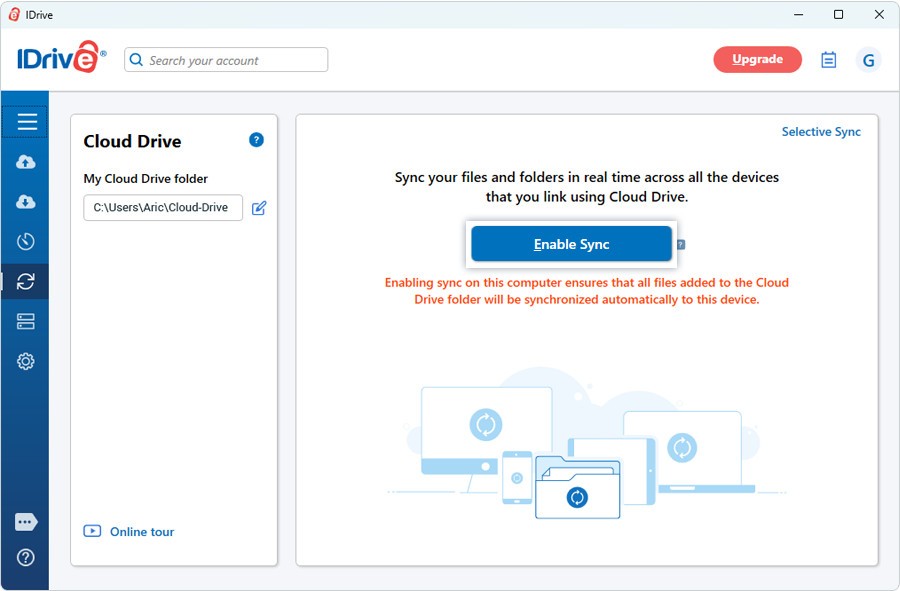
Backup is the main event, but IDrive does more than just store copies of your files. Its file synchronization features keep your data accessible across phones, tablets, and computers, so you can reach what you need from wherever you are. A single account covers multiple devices, which makes it a practical choice for families and teams spread across different locations. Beyond syncing, IDrive offers version tracking, encryption options, and full restoration tools. It's a dependable, no-frills backup system that gives you real peace of mind, especially since losing files can feel permanent when there's no backup plan in place.
Why Should I Download IDrive?
When you download IDrive, you're getting more than just cloud storage. It's a long-term backup system that works silently in the background while you focus on other things. Most people don't think about needing a backup tool until something goes wrong, whether that's a botched system update, a coffee spill on a laptop, or ransomware locking you out of your files. That's exactly when a backup proves its worth. IDrive automates the whole process so you're protected without ever having to think about it.
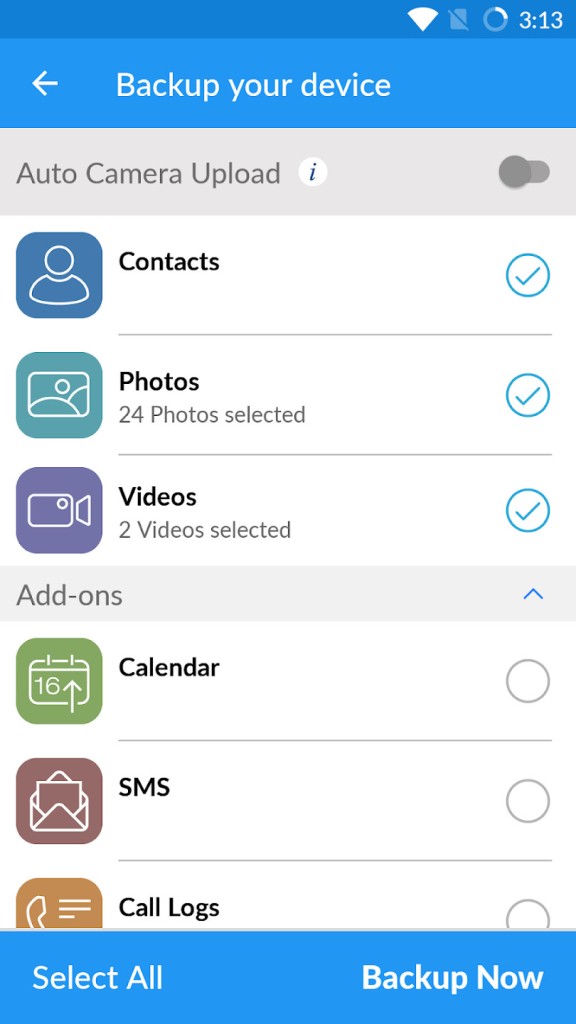
The range of what IDrive can back up goes well beyond basic documents. You can protect entire drives, databases, system files, and even external storage devices. The service also includes a feature called "Snapshots," which lets you access older versions of your files. Instead of being stuck with only the most recent save, you can browse through previous versions and restore whichever one you need. That kind of flexibility is especially useful if you overwrite something by mistake or need to roll back changes.
One IDrive account covers all your devices. You can back up your personal computer, your work laptop, and your phone under the same plan without juggling separate subscriptions or worrying about syncing issues. Everything lives within the single IDrive app, and on top of backup, you get real-time file synchronization between devices. That means any file you update on one device is available in its latest version on all your other devices, no matter where you are.
Encryption is another major selling point. IDrive encrypts your data both during transfer and while it sits in storage. You also get the option to set a private encryption key, which is something many competing services don't offer by default. If you handle sensitive material, whether you're a writer, designer, photographer, or freelancer working with client files, that extra layer of security provides real protection for your work.
Is IDrive Free?
IDrive offers a free plan that comes with roughly 10 GB of storage, which is enough to get started and explore how the service works.
If you need more storage or access to advanced features, you'll need to move to a paid plan. That said, IDrive's pricing stays competitive with other backup services in its category, and the jump from free to paid is reasonable for most users who find themselves needing more room or additional backup controls.
What Operating Systems Are Compatible with IDrive?
IDrive works across a wide range of platforms, which adds to its flexibility as a backup solution. On the desktop side, it supports both Windows and macOS with full-featured applications. Mobile users can download apps for Android and iOS to manage and access their backups on the go, and you can also reach your backed-up data through a web browser on any device without installing anything.
For more technical users, IDrive also supports backup for Linux-based servers and NAS devices. Files stay synchronized across all platforms, so you can retrieve what you need whether you're on your phone or sitting at your desktop.
What Are the Alternatives to IDrive?
The cloud backup and storage market has several well-known options worth considering alongside IDrive.
Google Drive is a popular choice thanks to its proper interface and tight integration with Gmail and Google's productivity suite. Docs, Sheets, and Slides make it a strong option for collaborative work and everyday file storage. However, Google Drive is more of an active file workspace than a true backup tool. It doesn't offer the same system restore, encryption, or deep versioning features that IDrive provides. If your priority is background protection rather than day-to-day file editing, IDrive has the edge.
OneDrive is Microsoft's cloud storage offering, and it integrates naturally with Windows and Microsoft 365. You get file versioning, cross-device syncing, and sharing capabilities, all tied neatly into the Microsoft ecosystem. It handles synchronization well, but it's not designed as a dedicated backup service in the traditional sense. IDrive can back up entire devices and drives with disaster recovery in mind, while OneDrive focuses more on keeping your productivity files accessible and in sync rather than providing full-scale backup protection.
Dropbox has been a reliable name in file sharing and synchronization since its early days. It's known for smooth collaboration, easy access, and dependable performance across devices. Dropbox does offer file versioning and recovery tools, but at its heart, it's a sync-and-share platform rather than a backup service. If you need fast file collaboration and quick switching between devices, Dropbox delivers consistently. But for creating thorough, structured backups that capture everything important on your system, IDrive is the better fit.