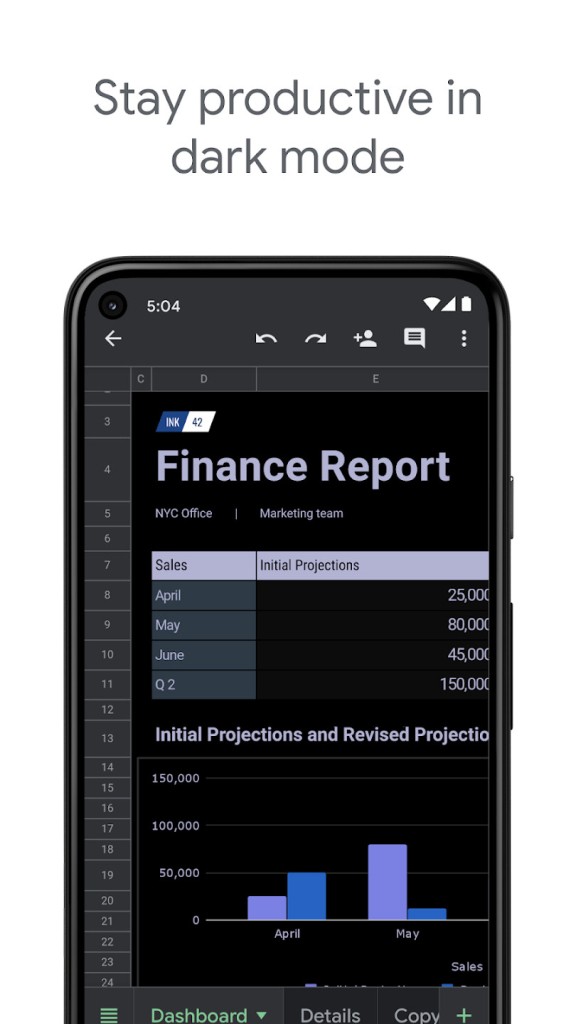
Users can leverage Google Sheets as their cloud-based spreadsheet application. It allows you to create spreadsheets, customize every cell, line, or column. Cells can contain text, numbers, times, or, like in Microsoft Excel, formulas. You can insert graphics, images, URLs, and more.
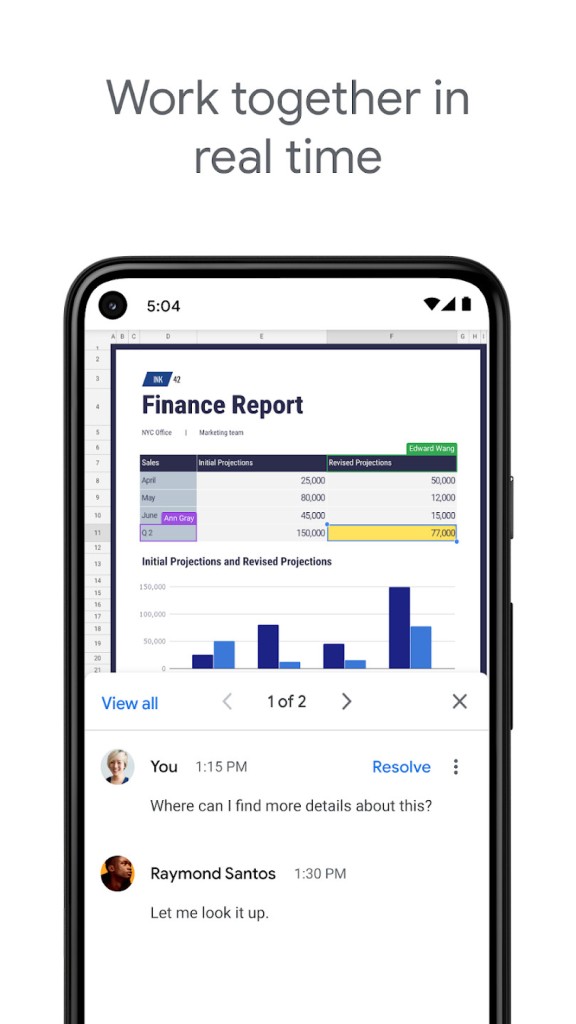
Google Sheets allows live collaboration when editing spreadsheets with other users. You can protect cells, columns, lines, or whole spreadsheets so that some information can only be modified by you. For every file, Google Sheets offers a history of modifications that allows you to see which user did what and to go back to a previous version.
The spreadsheet application operates inside Google Workspace to deliver unified access with Google Drive and Google Docs, along with Google Forms. Users can access their spreadsheets from everywhere because the service operates through web-based software, free of device-specific installation requirements.
The main selling point of Google Sheets is its capability to enable simultaneous collaboration. It lets several users edit their documents concurrently, which makes Google Sheets appropriate for organizations and educational groups requiring distributed teamwork. Changes happen instantly, and the system includes built-in comment and chat functions to facilitate communication between document users.
Google Sheets' functionality includes various functions and formulas, as well as automated tools that allow users to analyze data, generate charts, and build sophisticated financial models. The program supports add-ons from external providers, which extend its capabilities for advanced spreadsheet tasks. Every organization, from personal use to complex project management, uses Google Sheets as an effective platform for managing data and task organization.
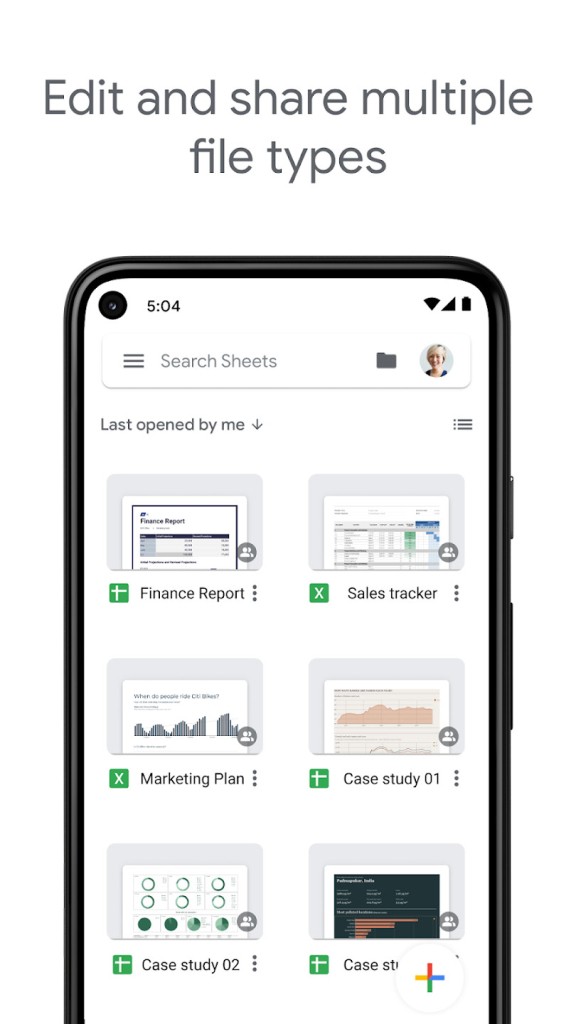
Beyond the web interface, Google Sheets is also available as a dedicated mobile app for both iOS and Android, enabling users to view, edit, and collaborate on spreadsheets while on the go. This cross-platform availability ensures that individuals and teams can manage data, track projects, and stay productive from virtually any device.
Why Should I Download Google Sheets?
Google Sheets is integrated into Google's cloud-based Google Drive system and provides users with various operational benefits for both personal and professional use cases. The primary reason people should use Google Sheets is its wide accessibility. Users benefit from Google Sheets because this program works through any browser while maintaining automatic file synchronization across their various devices. The ability to begin spreadsheet work on computers allows a seamless transition to tablet and smartphone devices for continued modification.
Google Sheets provides users with top-tier collaboration capabilities, which make it stand out for joint document work. Working together on a document in real time remains a crucial benefit for remote employees and students in their current work environment. Both Google Sheets and multiple users allow real-time editing of documents, while the system automatically saves every modification on the fly. Email file sharing becomes unnecessary when using this platform since all changes are saved automatically, eliminating the possibility of version conflicts and data loss. No need to leave the document interface because on-the-fly document feedback and discussion happen directly through the built-in commenting functions.
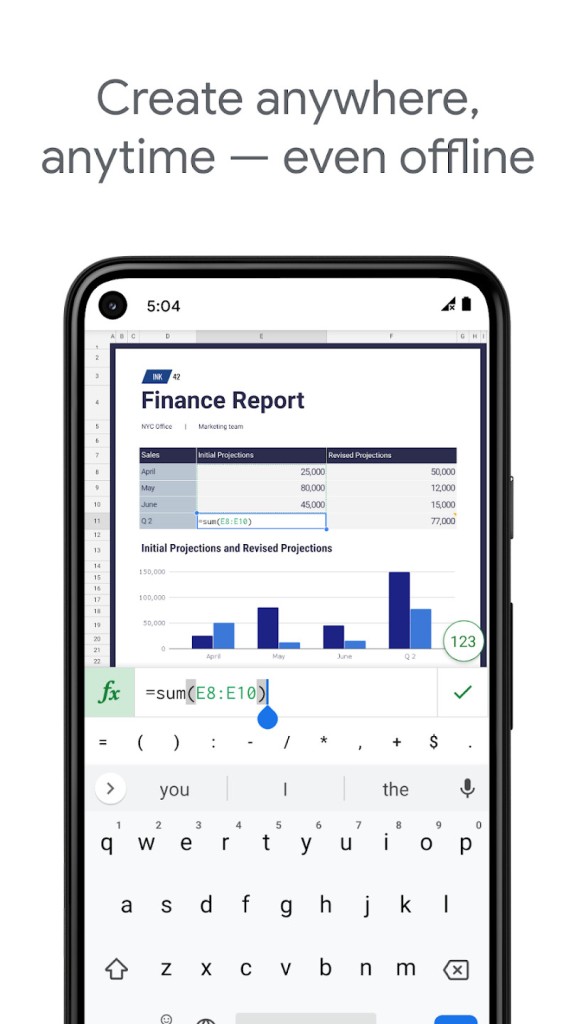
People who work with automation and data analysis through Google Sheets have access to formula systems and built-in capabilities that mirror standard spreadsheet programs. The application enables users to automate their expense tracking while also providing complete business report management tools and advanced data analysis features through its built-in pivot tables and conditional formatting, along with data validation tools. Experts who utilize Google Apps Script have access to this automation platform, which provides programming capabilities for service integration. This functionality helps businesses to optimize their operational processes and control substantial information collections.
Users can link Google Sheets to multiple third-party applications that enable data syncing from external sources, in addition to visual dashboard creation and productivity enhancement. The service operates effectively between Google Forms for survey data collection and Google Drive for file storage and other cloud-based applications. A flexible solution that accommodates student research, invoice management, and business sales analysis is available through Google Sheets.
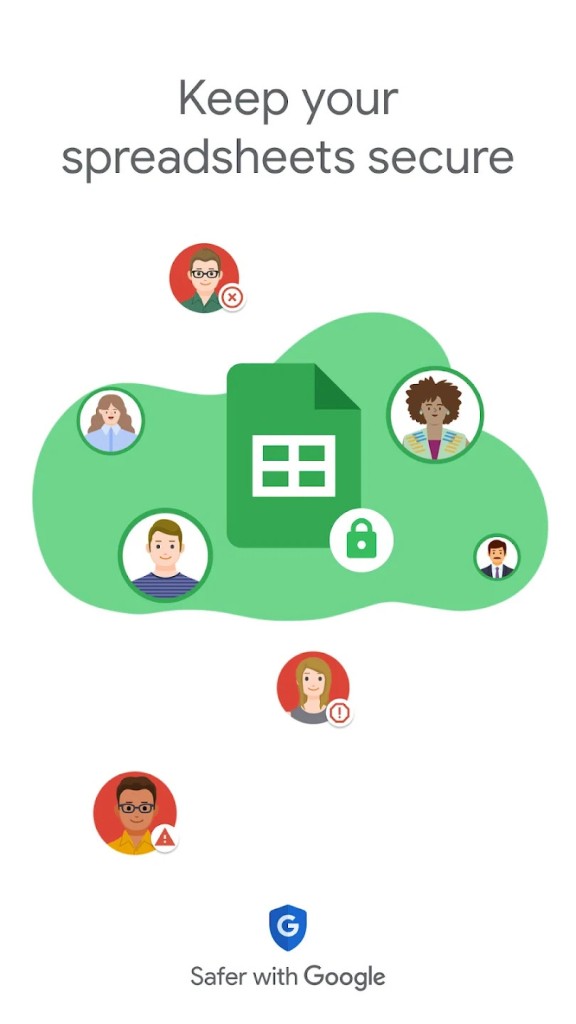
Another key benefit is security. All files within Google Sheets automatically get saved through its cloud-based nature, which enhances data protection because hardware failures become less of a concern. Google implements encryption protocols for data security and allows users to set permission settings that determine spreadsheet accessibility. Users can store their business-related sensitive data, including financial details, project plans, and business reports, because this platform provides trustworthy data management.
Among the free spreadsheet tools, Google Sheets remains a top selection for users who need advanced functionality in their software. Users benefit from free cost savings combined with full collaborative capabilities and the ability to work seamlessly from different locations.
Is Google Sheets Free?
Private users of Google Sheets do not need to pay any costs, as the service operates at no charge. All users who maintain a Google account have free access to create spreadsheets and modify them with other account members. They do not need to pay either through subscriptions or one-time purchase fees.
Businesses and teams requiring advanced security features, together with admin controls as well as expanded cloud storage options, need to subscribe to Google Workspace because it offers paid plans. The standard Google Sheets tool provides all that personal users need to successfully manage their spreadsheet needs without additional cost.
What Operating Systems Are Compatible with Google Sheets?
All significant platforms, such as Windows and macOS, alongside Linux and ChromeOS, support Google Sheets since it operates as an online application. Users can benefit from this web browser-based operation since it needs no installation and functions across any device connected to the internet.
Users who work on mobile devices can access Google Sheets through its specific applications that function on Android and iOS platforms (available on the Play Store and the App Store). Through its mobile application, they can work on their spreadsheets throughout the day using offline capability for file access when not connected to the internet. They have access to Google Sheets through all hardware types, including desktops, laptops, and smartphones, as well as tablets.
What Are the Alternatives to Google Sheets?
Google Sheets proves to be one of the most utilized online spreadsheet tools, but other applications exist with capabilities suitable for varied user requirements. The alternative solutions either specialize in offline operations or include advanced analytic tools that generate automated actions.
The strongest competitive option exists in Microsoft Excel. Excel stands as the top spreadsheet program worldwide because it provides users sophisticated data analytic tools alongside a full set of formula capabilities and powerful chart creation options. The application delivers maximum benefit to organizations that need sophisticated computing power combined with VBA scripting, as well as macros for automation needs. Users who need to perform data tasks without an internet connection should choose Excel in its desktop application form, which works without requiring a network. Excel comes as part of Microsoft 365 subscriptions or Microsoft Office licenses, but you can also use the Excel online version, which is free.
Users who need another solution should consider Zoho Sheet, from Zoho Office Suite, because it operates in the cloud and functions as a spreadsheet program that behaves similarly to Google Sheets. Users can use Zoho Sheet for live collaboration while accessing data analysis instruments and AI suggestions, which enhance data interpretation abilities. The application links smoothly with Zoho applications, thus becoming a top option for companies currently working within Zoho's product range. Users who prefer independent access to powerful cloud spreadsheets without Google service restrictions can rely on Zoho Sheet, since it operates independently of any single ecosystem.
Users interested in open-source solutions may find LibreOffice Calc to be a dependable program. The LibreOffice suite contains this application since it functions as an Excel replacement, available at no cost. LibreOffice Calc delivers advanced spreadsheet capabilities to users through its flexible design features, in addition to allowing people to work without an internet connection. The standalone application of LibreOffice Calc functions without internet requirements for its main features and offers installation support across Windows, macOS, and Linux frameworks. Using this system provides ideal conditions for users who want complete data control, as well as total software openness and privacy in a cloud storage-free environment.